Poshmark listing photo size
Your Poshmark closet is a wall of cover photos. This page explains the shape to plan for, how to frame clothes so nothing is cut, and how to make a clean 3:4 picture from a phone photo.
- 2 credits per image
- Result in 1–2 minutes
- No sign-up
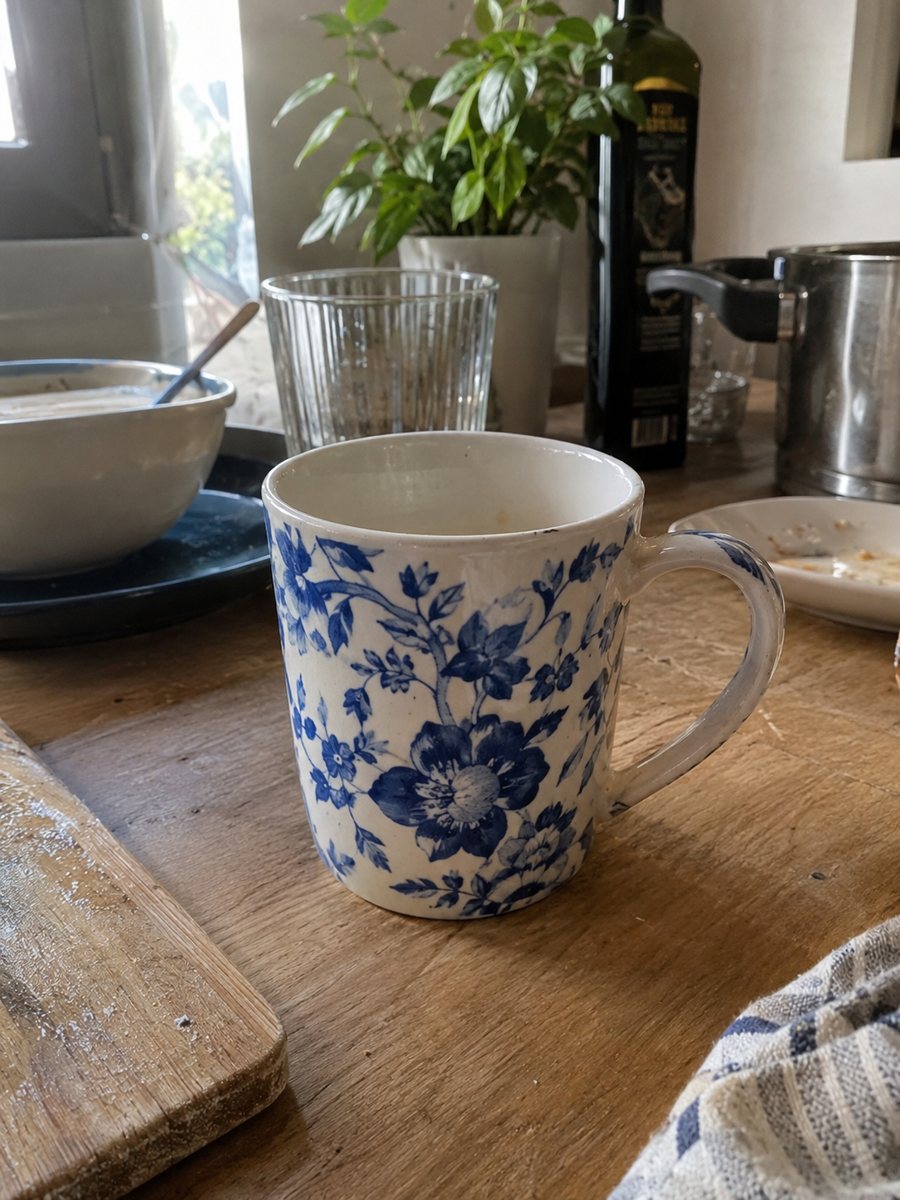
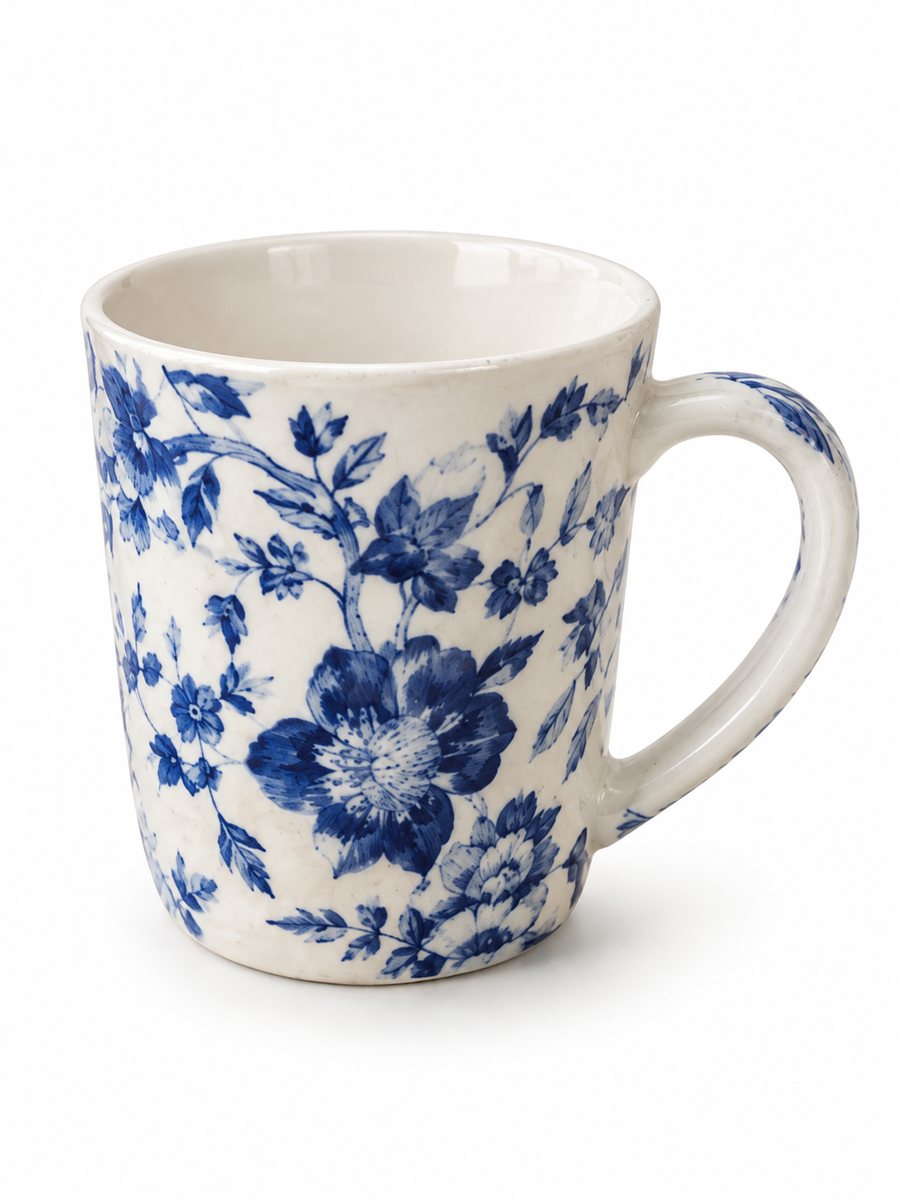 BeforeAfter
In short: Poshmark listing photo size and cover photo tips: square-friendly framing, a clean background, light. Turn a phone photo into a 3:4 image, 7 images free.
- Where: the VisuMate bot in Telegram, no app or sign-up.
- Cost: 2 credits per image, 7 images free, then packs from 49 Telegram Stars.
- Time: 1 to 2 minutes per image, rerun with a new instruction at the same price.
- Credits never expire, there is no subscription and no auto-renew. You pay once for a pack inside Telegram with Stars.
When you need this
- Your cover photo is cropped and the item looks off center.
- Photos from different days look like different shops.
- The room behind the clothes pulls the eye away.
How to do it
- 1
Open @visumate_ai_bot with the button on this page and press Start. The link opens the product photo menu.
- 2
Send the photo of the item as a file (document). In the caption write what you need, for example: "neutral background, even soft light, item centered".
- 3
In about 1–2 minutes the vertical 3:4 picture arrives. Download it and crop to the shape you want in your editor.
Try it on your own photo: 7 images are free, no sign-up.
Make it in TelegramPlan for a square-like cover
Poshmark shows the first listing photo in a grid in your closet and in search, and it is cropped to a roughly square tile. Sellers often keep the item centered and leave margin on all sides. Poshmark may change its exact guidance, so check its help pages for current sizes. A large, sharp original gives you room to crop. The bot returns a vertical 3:4 picture, so crop it in a phone editor to fit the tile and look at the preview.
Cover photo and the rest
The cover is the one buyers see first, so it should be a clear front view on a clean background. Later photos can show the back, the tag, the material and any flaw. The bot can clean the background and light for the cover while the garment stays as it is. If you want the garment on a person, there is a model option, and you can read about it on the closet model page.
A closet that looks like one shop
Buyers browse your closet before they buy, so consistent covers help. Pick one background color and one light direction, then reuse the same caption in the bot for every item, for example "light gray background, soft light". Batch your shooting in one session in the same spot. That habit does more for the look of the closet than any single edit.
Tips
- Place the item in the middle with space around it, since closet tiles crop to a square-like shape.
- Use the same background and light for every cover photo.
- Add tag, size and flaw close-ups with your phone camera.
- Smooth wrinkles before you shoot, because the bot keeps the real fabric.
- Do not add stickers or text to the cover.
Questions and answers
What size should a Poshmark photo be?
A large, sharp original works best. Check the Poshmark help pages for the current pixel guidance.
Is the cover cropped?
Yes, closet tiles crop the first picture. Keep the item centered with a margin.
What shape does the bot return?
A vertical 3:4 image. Crop it in an editor if you need a square.
Can I show clothes on a model?
Yes, the model option places the garment on a generated person. The garment stays as it is.
Can I try it without paying?
New users get 15 credits. At 2 credits per image, that is 7 images.
What the bot does not do
- Does not output a transparent PNG. The result is a finished 3:4 image with a background.
- Does not write listing copy, set prices or upload anything to your seller account.
- Does not guarantee exact marketplace pixel sizes: crop or resize the 3:4 image in any editor.
- Text on infographics is drawn by AI and can have letter errors in long phrases. Keep badges short and proofread.
More in "Product photos"
- Poshmark closet photosPoshmark closet photos: send a flat lay of an item and get it worn by a studio model. Cut, color and print...
- Depop and Vinted clothing photosDepop and Vinted clothing photos: turn a flat lay of a secondhand piece into a worn studio picture. Show...
- Marketplace photo requirementsMarketplace photo requirements for Amazon, Etsy and eBay in plain terms: background, size and text. Check...
- Facebook Marketplace photos with a clean backgroundFacebook Marketplace listing photos with a clean white background: send a phone picture of your item and...