Skincare product photoshoot at home
A skincare brand lives on clean pictures. Send a phone picture of your jar, tube or dropper and the bot gives you a soft gradient backdrop, gentle highlights and a realistic shadow.
- 2 credits per image
- Result in 1–2 minutes
- No sign-up
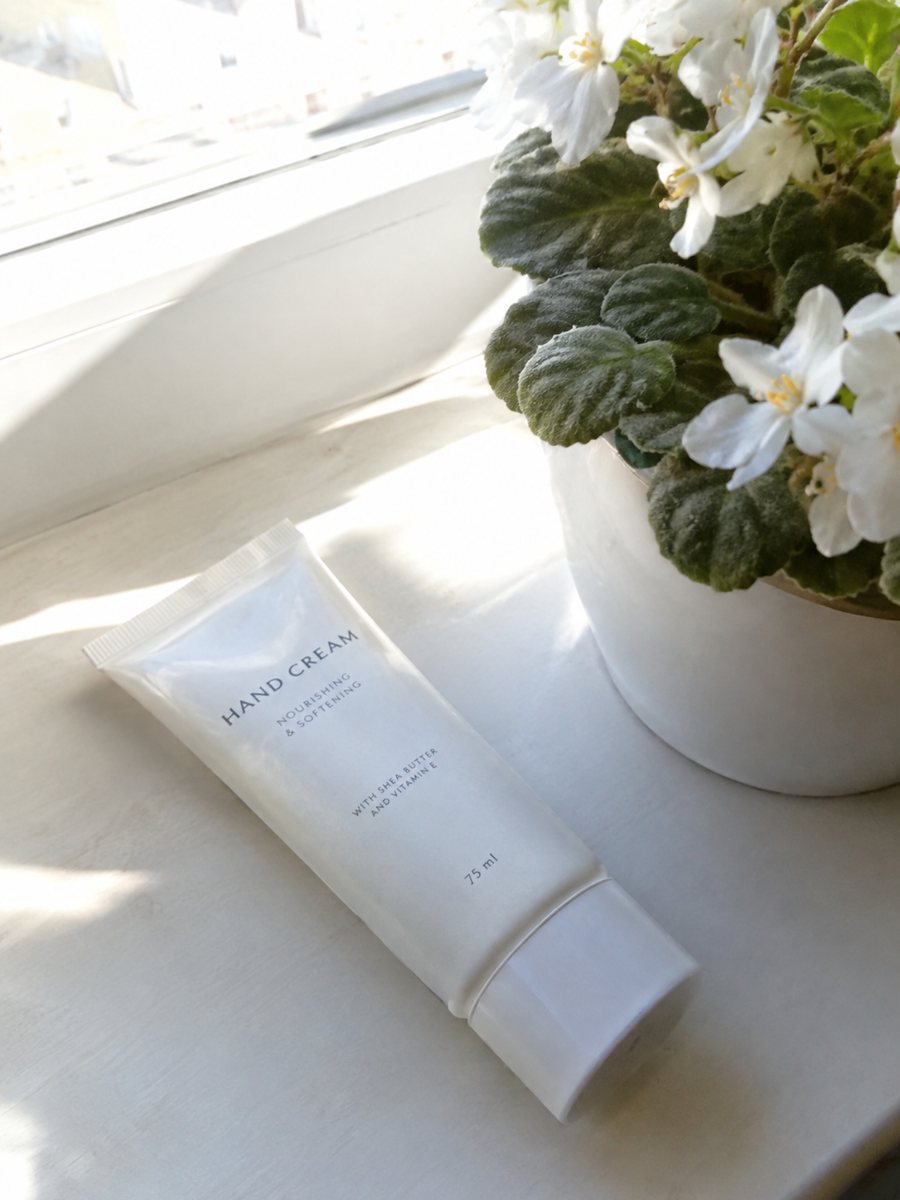
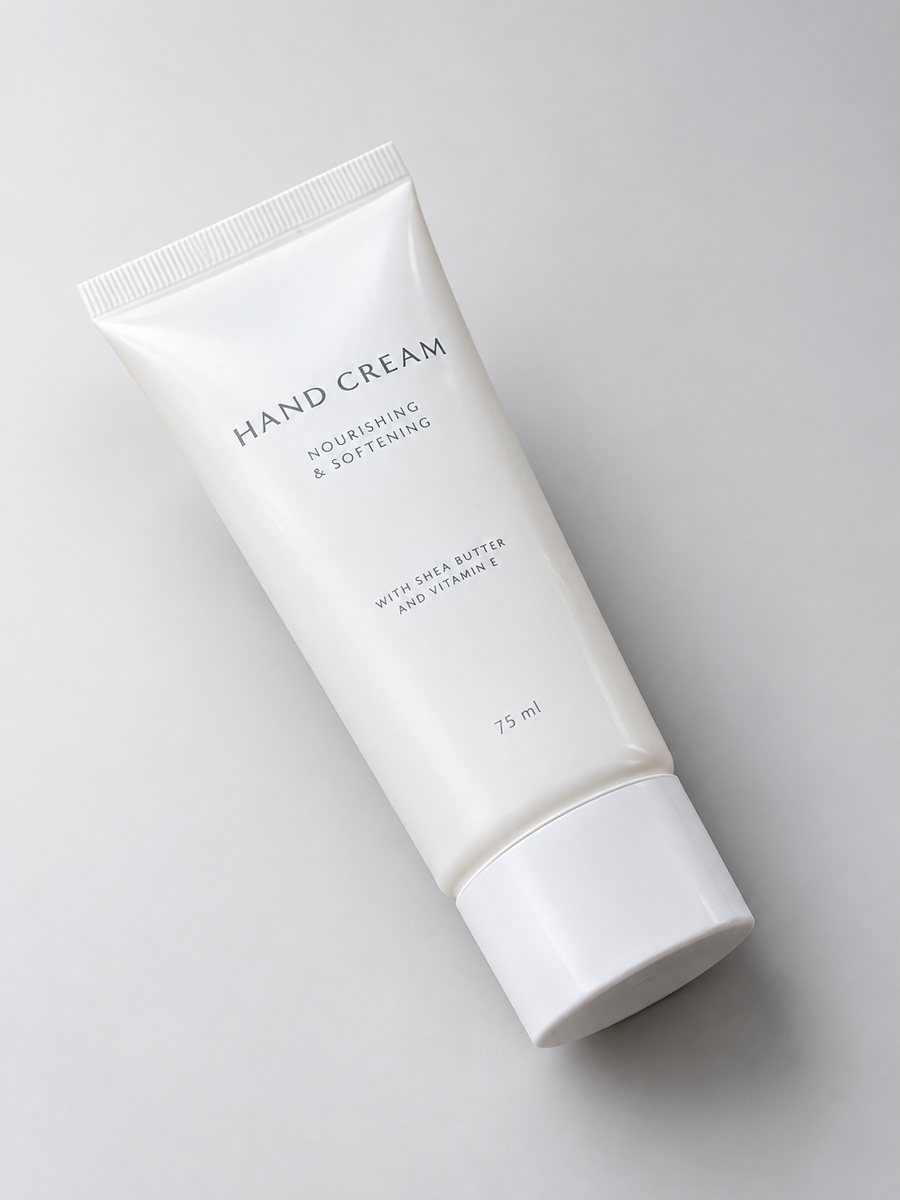 BeforeAfter
In short: Skincare product photoshoot at home: send a phone picture of a jar or tube and get a soft gradient backdrop, highlights and shadow in 3:4. 7 images free.
- Where: the VisuMate bot in Telegram, no app or sign-up.
- Cost: 2 credits per image, 7 images free, then packs from 49 Telegram Stars.
- Time: 1 to 2 minutes per image, rerun with a new instruction at the same price.
When you need this
- Your homemade shoot looks like a bathroom shelf.
- The cream jar looks grainy and flat.
- You have five new products and a launch next week.
How to do it
- 1
Open @visumate_ai_bot with the button on this page and press Start. The link opens the studio shot mode.
- 2
Send the photo of the skincare jar as a file (document). In the caption describe the look: "soft blush pink gradient background, gentle highlights, soft shadow".
- 3
In 1–2 minutes the vertical 3:4 image arrives in the chat. Check highlights and the shadow under the skincare jar, then download it or run again.
Try it on your own photo: 7 images are free, no sign-up.
Make it in TelegramA line that looks like a brand
Consistency is what makes small skincare brands look established: same backdrop, same angle, same light. Send every product with the same caption and shoot all items in one session. The AI produces small variations each time, so check the full set side by side before uploading. Each run takes 1 to 2 minutes, so several products can be queued one after another.
Texture shots
Buyers like seeing the texture of a cream or gel. The bot makes product shots, not close-ups of a smear. For texture, take a plain macro photo and use it as an extra image. Text on infographics in skincare must not make unsupported medical claims, so write short, factual lines. Compare color and shape with your original before you publish, because AI can shift small details.
Tips
- Pick a soft pastel to match your brand and name it in the caption.
- Shoot the front label straight and level.
- Use the same backdrop for the whole line.
- Keep health claims out of picture text.
Questions and answers
Can it show a swatch or texture?
Texture close-ups are best taken as real photos. The studio mode focuses on the packaging.
Does it work for droppers and tubes?
Yes. Send a sharp front photo and check small parts after the run.
How long does one image take?
Usually 1–2 minutes. The result arrives in the chat, and you can download it or run the photo again.
What if the result is not right?
It is AI, so sometimes a rerun is needed. A second run costs the same 2 credits, and a clearer caption usually helps.
More in "Product photos"
- Cosmetics product photographyCosmetics product photography from a phone picture: lipsticks, palettes and brushes with a gradient...
- Furniture product photosFurniture product photos with a studio look: a chair, table or shelf on a light gradient backdrop with a...
- Perfume bottle studio photoPerfume bottle studio photo from a phone picture: gradient backdrop, glass highlights and a clean shadow...
- Baby product infographic imagesBaby product infographic images: a close-up of a bottle, blanket or carrier with 3 or 4 fact badges from...