Kitchenware product photos on a white background
Steel pans and glass bowls reflect the whole kitchen. Send the phone photo and get the item on pure white with a soft shadow, with the real shape and color kept.
- 2 credits per image
- Result in 1–2 minutes
- No sign-up
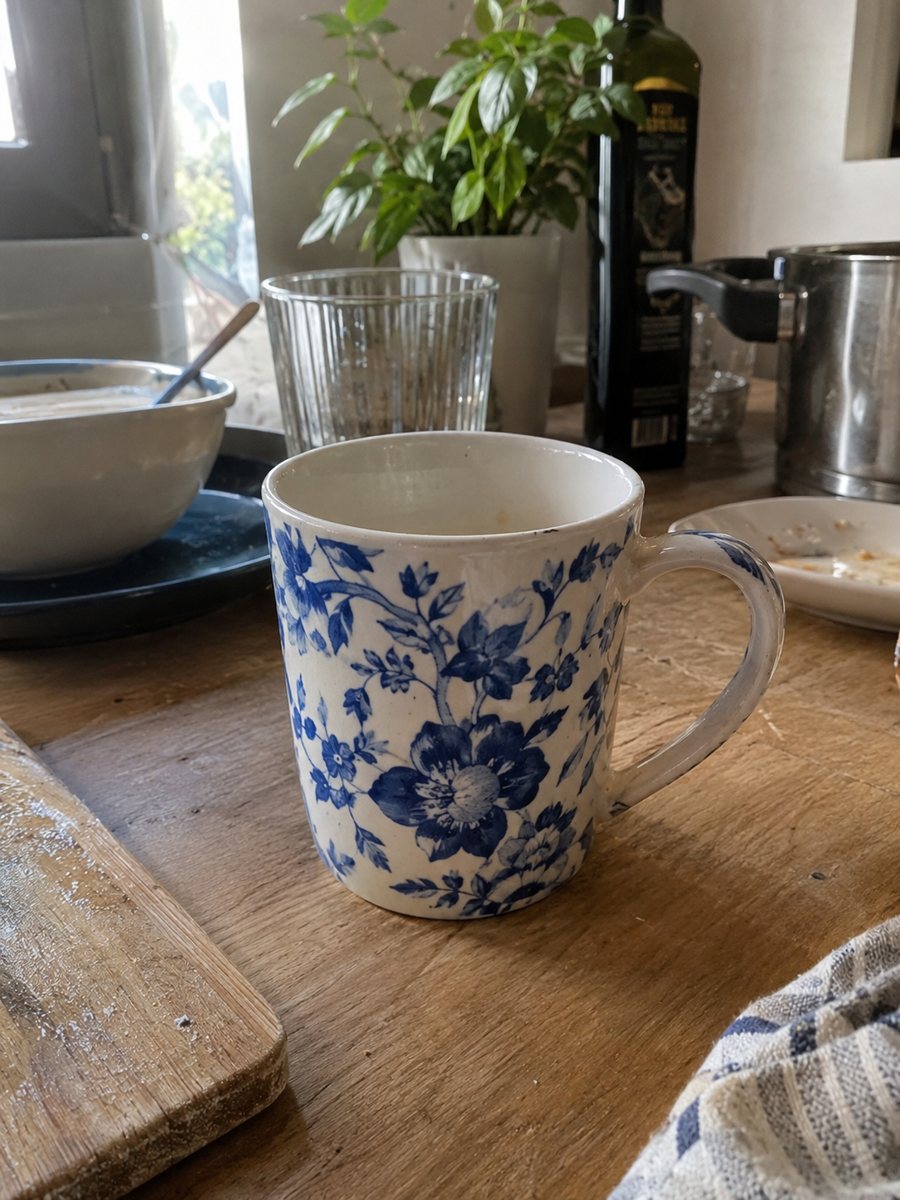
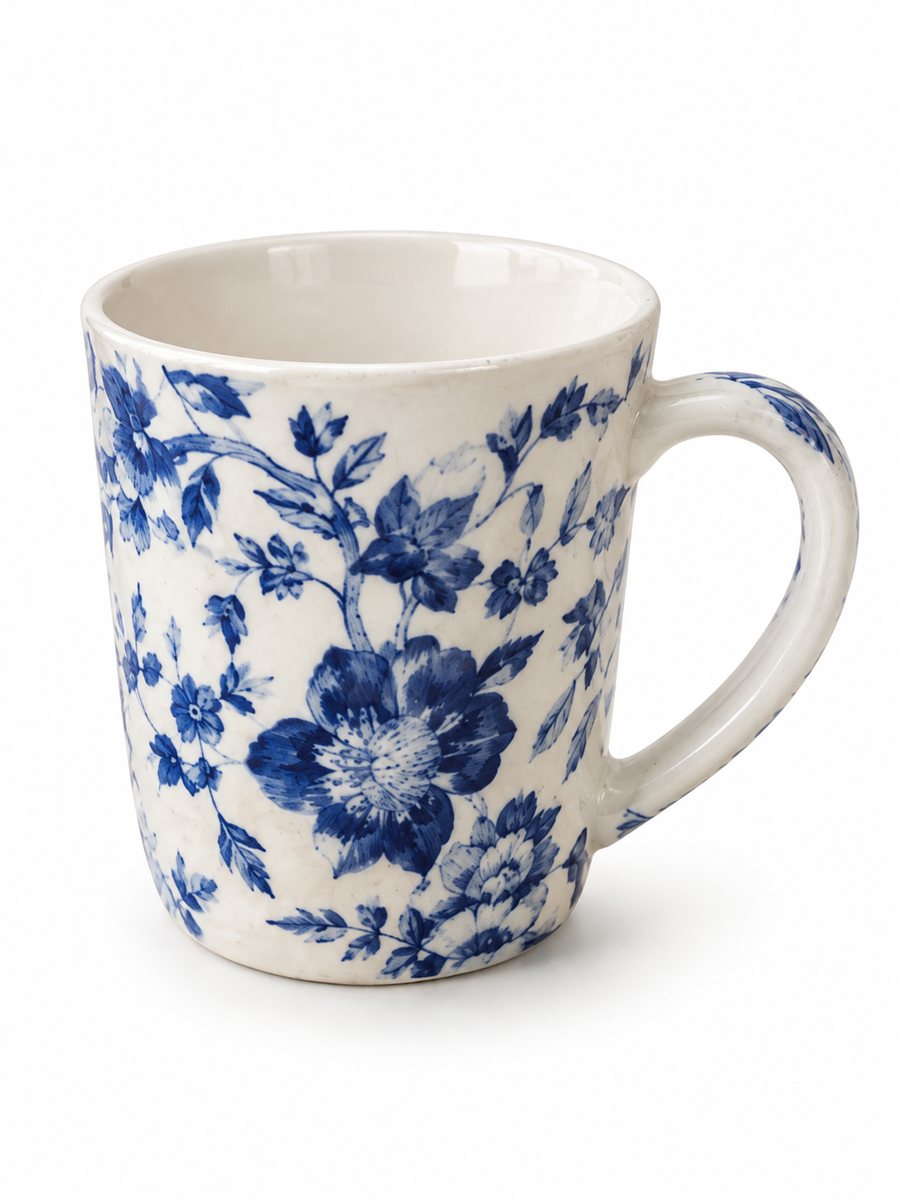 BeforeAfter
In short: Kitchenware product photos on white: pans, knives, bowls and gadgets from a phone picture to a clean 3:4 image with a soft shadow. 7 images free.
- Where: the VisuMate bot in Telegram, no app or sign-up.
- Cost: 2 credits per image, 7 images free, then packs from 49 Telegram Stars.
- Time: 1 to 2 minutes per image, rerun with a new instruction at the same price.
When you need this
- A steel pan shows you and your phone in the surface.
- A set of five pieces never fits one frame cleanly.
- Matte black cookware disappears on a dark counter.
How to do it
- 1
Open @visumate_ai_bot with the button on this page and press Start. The link opens the product-on-white mode.
- 2
Send the photo of the cookware as a file (document) so Telegram does not compress it. In the caption write: "pure white background, soft shadow, keep the metal finish".
- 3
In 1–2 minutes the vertical 3:4 image arrives in the chat. Zoom in on the edges and the shadow of the cookware, then download it or run again.
Try it on your own photo: 7 images are free, no sign-up.
Make it in TelegramSets, lids and handles
A set looks best when pieces overlap a little and the largest item stands behind. Send them in one album of up to 5 photos, or make separate pictures and a group picture. Check that the number of pieces in the result matches the set, since AI can add or drop an item. Check the pixel size of the downloaded file against the rule for your marketplace and category.
Reflective metal and glass
Steel and glass show what is around them. Turn off kitchen lights, close the room and use one window as the light. Photograph at an angle where no bright object is in front of the pan. If the reflections still bother you, name the problem in the caption and run again. Zoom in on the edges after the run, because that is where a cutout shows its weak spots.
Tips
- Shoot on a light counter or a sheet of paper to give the item an edge.
- For a set, send up to 5 photos as an album and the bot merges them into one image.
- Wipe water spots and fingerprints first.
- Check handles, lids and rivets at full size.
Questions and answers
Can it merge a set into one picture?
Yes. Send up to 5 photos as an album and the bot merges them into one image. Count the pieces afterward.
Does it show true size?
No scale is added. Put dimensions in your listing text.
What if the result is not right?
It is AI, so sometimes a rerun is needed. A second run costs the same 2 credits, and a clearer caption usually helps.
Does the bot write the listing text?
No. It makes the image only. It does not write listing copy, calculate prices or upload to your seller account.
More in "Product photos"
- Electronics product photos on a white backgroundElectronics product photos on white: headphones, chargers, speakers and gadgets from a phone picture to a...
- Toy product photos on a white backgroundToy product photos on a white background: send a phone picture of a plush, a block set or a figure and get...
- Handbag photo on a white backgroundHandbag photo on a white background: send a phone picture of a bag and get a clean listing image with a...
- Furniture room scene photosFurniture room scene photos: send a picture of a chair, table or shelf and describe the room. The bot...