Handbag photo on a white background
A bag lying on a bed rarely holds its shape. Send the phone photo and the bot puts the bag on pure white with a soft shadow, keeping hardware, stitching and the color of the leather.
- 2 credits per image
- Result in 1–2 minutes
- No sign-up
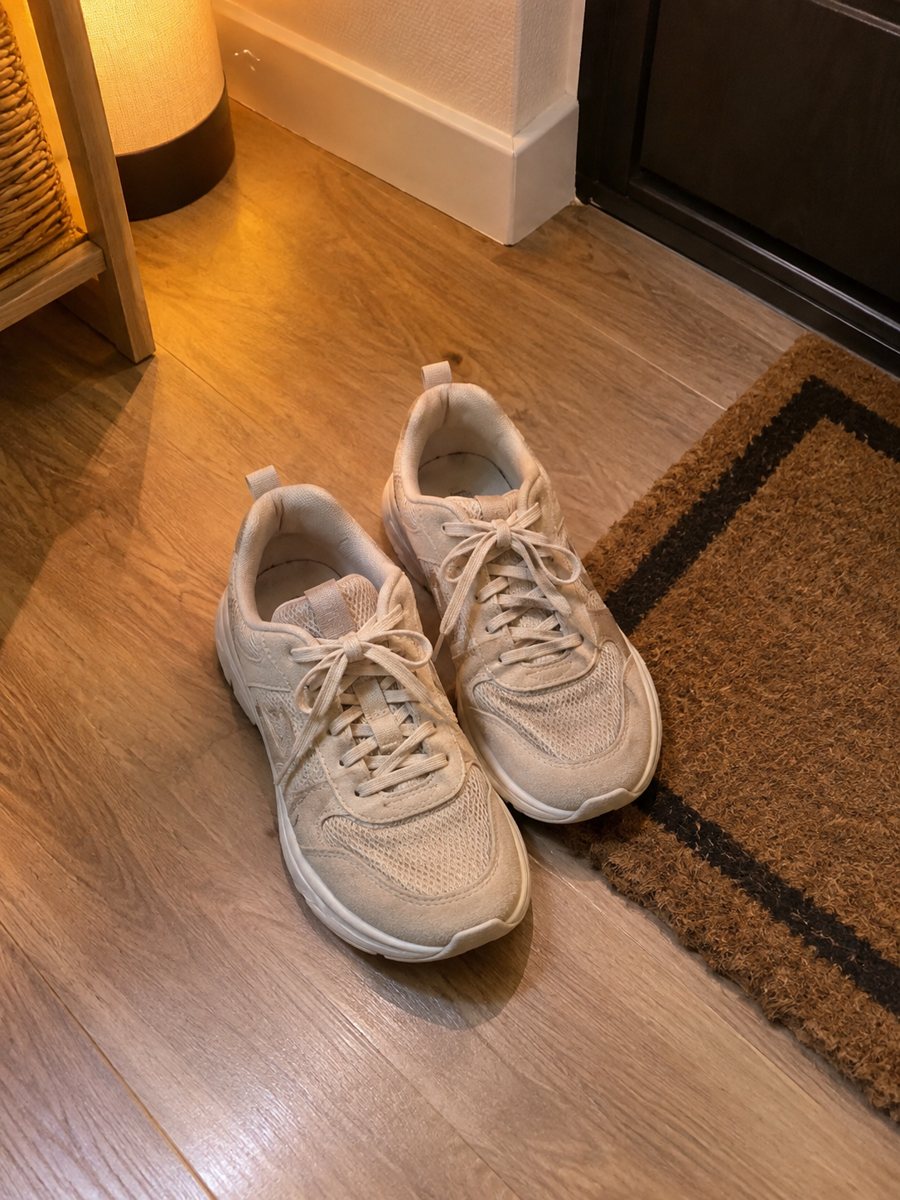
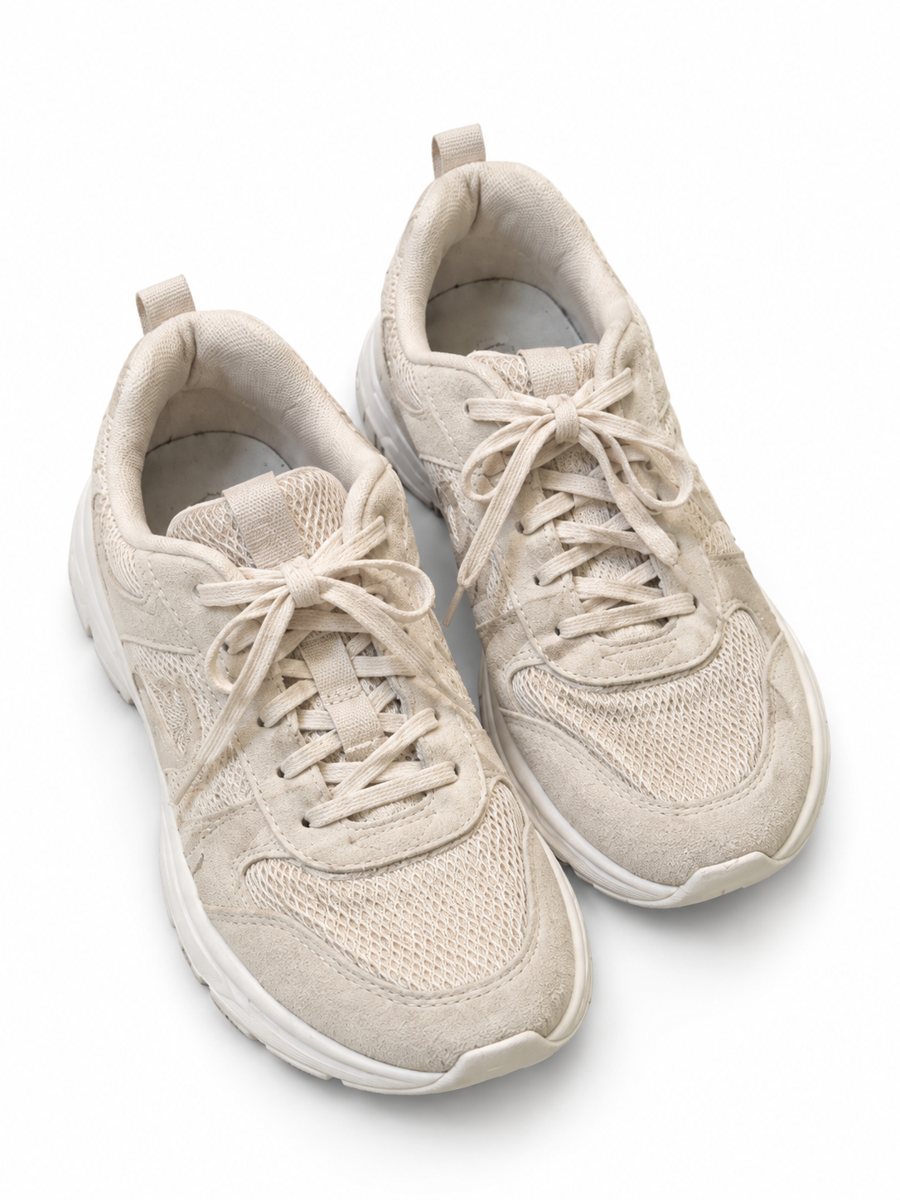 BeforeAfter
In short: Handbag photo on a white background: send a phone picture of a bag and get a clean listing image with a soft shadow and the shape kept. 7 images free.
- Where: the VisuMate bot in Telegram, no app or sign-up.
- Cost: 2 credits per image, 7 images free, then packs from 49 Telegram Stars.
- Time: 1 to 2 minutes per image, rerun with a new instruction at the same price.
When you need this
- The bag slumps on the surface and looks smaller than it is.
- Gold hardware shows reflections of the room.
- A buyer asks for a clearer picture of the bag's color.
How to do it
- 1
Open @visumate_ai_bot with the button on this page and press Start. The link opens the product-on-white mode.
- 2
Send the photo of the handbag as a file (document) so Telegram does not compress it. In the caption write: "pure white background, keep the leather color and hardware".
- 3
In 1–2 minutes the vertical 3:4 image arrives in the chat. Zoom in on the edges and the shadow of the handbag, then download it or run again.
Try it on your own photo: 7 images are free, no sign-up.
Make it in TelegramShape before background
A shapeless bag looks cheap, even on a perfect white background. Fill it with paper, stand it upright against a wall and straighten the straps. The AI works from what it sees, so a bag that holds its shape in your photo holds it in the result. Then the background becomes the easy part. Compare the result with your original on color, shape and any printed text before you publish.
Resale specifics
If you sell second-hand, use the white image for the cover and honest phone photos for corners, zippers, lining and any scratches. Hardware color and logo placement matter to buyers who compare with the brand, so check them in the result. Do not use the bot to change a bag into a different model. A real close-up of the material or the label is still worth adding as a later picture.
Tips
- Stuff the bag with tissue or a towel so it holds its shape.
- Photograph the front, the back, the inside and the base.
- Straighten the straps and chain before shooting.
- Name the leather color in the caption and compare it afterward.
Questions and answers
Will brand details stay correct?
The bot tries to keep the object, but check logos, zipper pulls and stitching. Add detail photos from the original.
Can I put the bag on a model?
Yes, the accessory-on-model mode shows it on a person. See the handbag on model page.
Should I send the photo as a file?
Yes, send it as a document so Telegram does not compress it. A regular photo also works, but a file keeps more detail.
Do I need to register anywhere?
No sign-up. Open Telegram, press Start and send a photo. It works on a phone and on a desktop.
More in "Product photos"
- Kitchenware product photos on a white backgroundKitchenware product photos on white: pans, knives, bowls and gadgets from a phone picture to a clean 3:4...
- Electronics product photos on a white backgroundElectronics product photos on white: headphones, chargers, speakers and gadgets from a phone picture to a...
- Shoe photos on a white backgroundShoe photos on a white background for listings: send a phone picture of sneakers, boots or heels and get a...
- Pet product lifestyle photosPet product lifestyle photos: place a toy, bowl or bed in a living room or garden scene written in the...