AI product photography for sellers
AI product photography takes your real photo and rebuilds the background, light and shadow around the item. This page explains what to expect from the studio mode and what to check before you publish.
- 2 credits per image
- Result in 1–2 minutes
- No sign-up
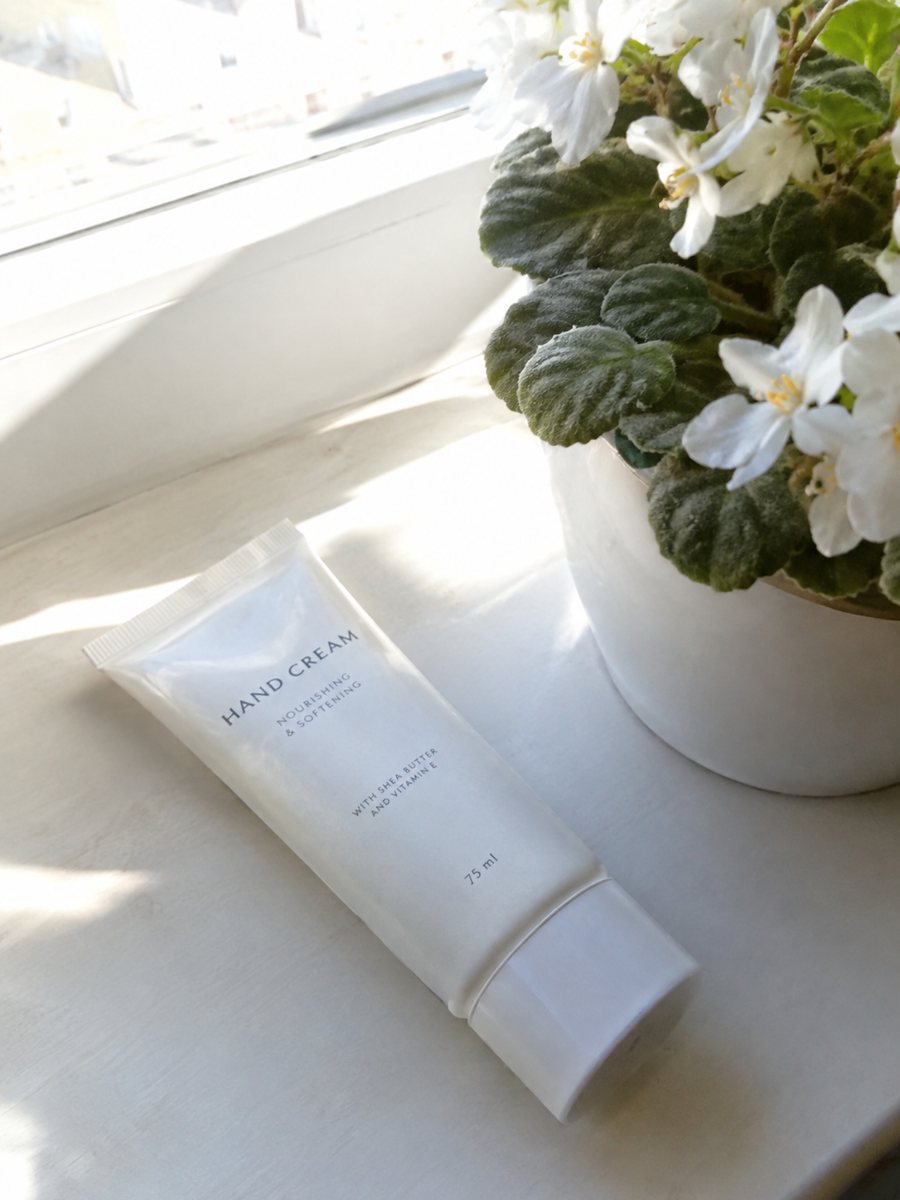
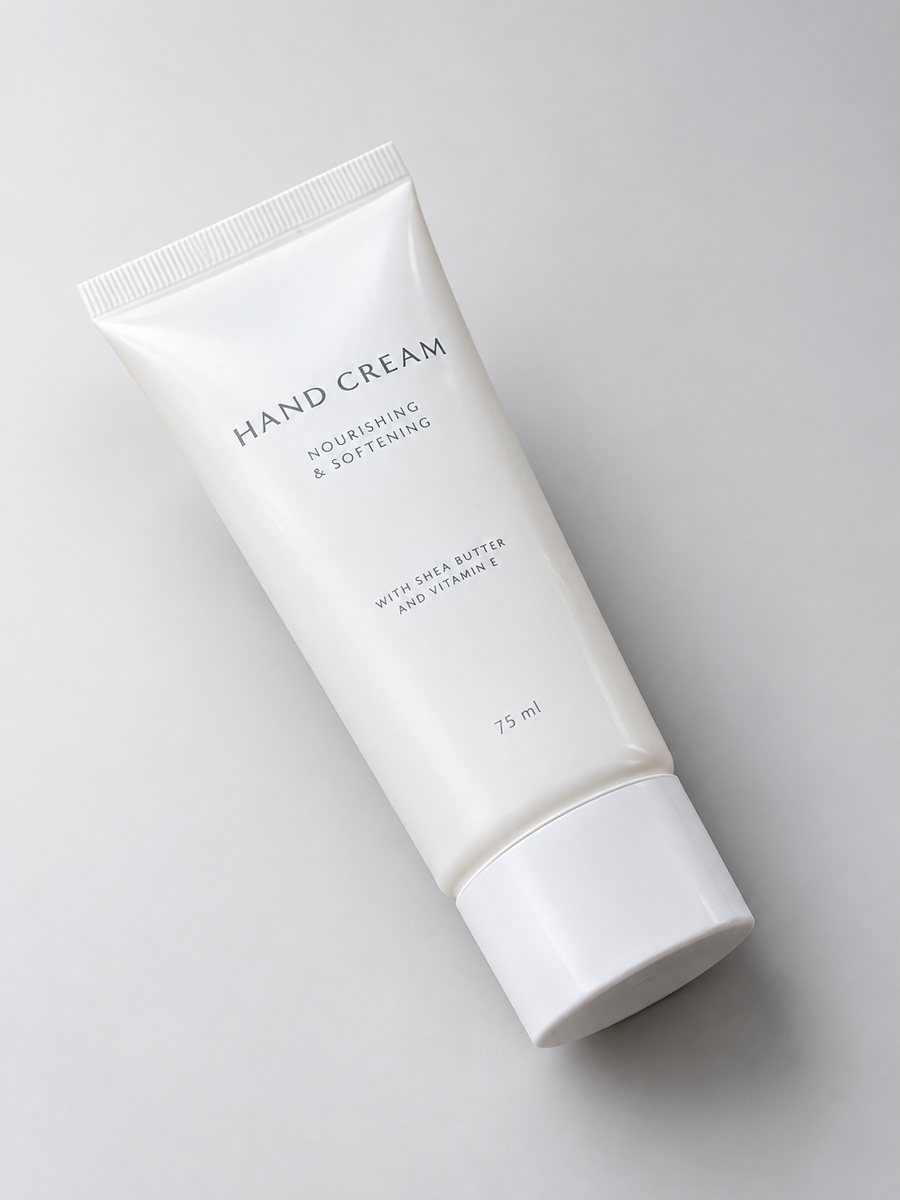 BeforeAfter
In short: AI product photography explained for sellers: what the studio mode builds from a phone picture, where it fails and how to check results. 7 images free.
- Where: the VisuMate bot in Telegram, no app or sign-up.
- Cost: 2 credits per image, 7 images free, then packs from 49 Telegram Stars.
- Time: 1 to 2 minutes per image, rerun with a new instruction at the same price.
When you need this
- You are curious about AI pictures but afraid they will misrepresent your product.
- Your last AI tool changed the product shape.
- You need a method that keeps the item itself intact.
How to do it
- 1
Open @visumate_ai_bot with the button on this page and press Start. The link opens the studio shot mode.
- 2
Send the photo of the product as a file (document). In the caption describe the look: "studio shot, soft gray gradient background, realistic shadow".
- 3
In 1–2 minutes the vertical 3:4 image arrives in the chat. Check highlights and the shadow under the product, then download it or run again.
Try it on your own photo: 7 images are free, no sign-up.
Make it in TelegramWhat happens inside a run
You send a real photo. The AI keeps the object and changes what you ask: the backdrop, the light, the shadow, the depth of field. A run takes about 1–2 minutes. The object is intended to stay the same, but because it is AI, details can drift, which is why the final check is yours. Keep the same studio style across a collection so the shop looks planned.
Where it fails
Small printed text, thin straps, glass edges, repeating patterns and logos are the typical weak points. Long text on infographics can get letter errors. Reruns are normal and cost 2 credits each. If a detail keeps failing, show it in a plain close-up next to the AI image. Check the highlights and the shadow under the product, since a soft shadow makes it feel grounded.
Tips
- Start with one product you know well, so you can judge the result.
- Compare logos, buttons, stitching and text with the real item.
- Keep the original photos in a folder for reference.
- Use short, concrete captions: color, light, mood.
Questions and answers
Does AI change my product?
It is meant to keep the object and change the surroundings, but details can drift. Always compare with the real item.
Is AI product photography allowed on marketplaces?
Rules differ by marketplace and category. The picture must still show the real item. Check the rules in your seller account.
How do I pay after the free images?
Inside Telegram with Stars, by card, Apple Pay or Google Pay. Packs start from 199 Stars and credits never expire.
How many images can I try for free?
New users get 15 free credits on first launch. One image costs 2 credits, so 7 images are free.
More in "Product photos"
- Shopify hero product imageShopify hero product image from a phone photo: a gradient backdrop, highlights and a clean shadow in a...
- Handmade soap product photosHandmade soap product photos with a studio look: send a phone picture of bars or a wrapped soap and get a...
- Product photography without a photographerProduct photography without a photographer: shoot with your phone near a window and let the bot build the...
- Kitchenware infographic imagesKitchenware infographic images: a close-up of your pan or tool with 3 or 4 badges from your caption, like...