Cosmetics product photography
Makeup lives on color accuracy. Send a phone picture of a lipstick, a palette or a set of brushes and the bot builds a studio look around it without changing the shades.
- 2 credits per image
- Result in 1–2 minutes
- No sign-up
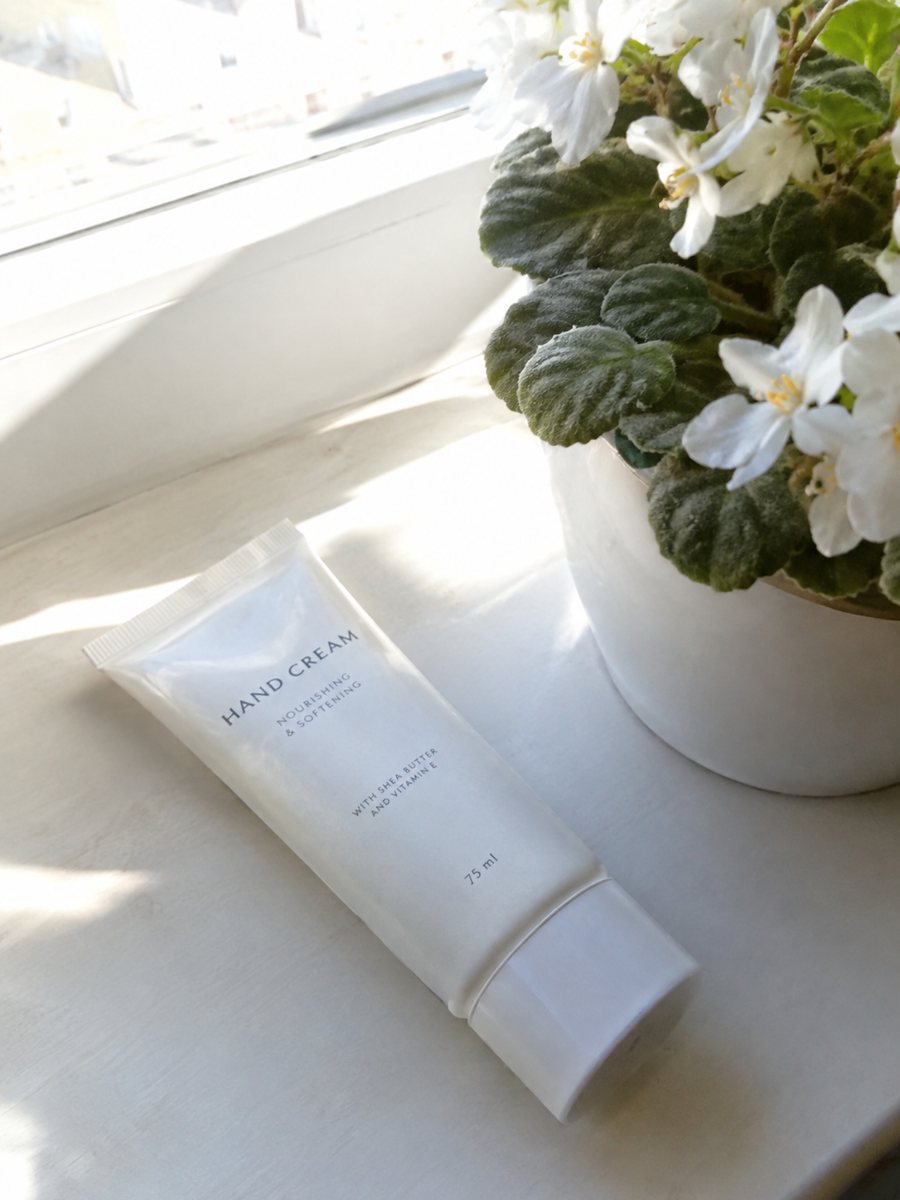
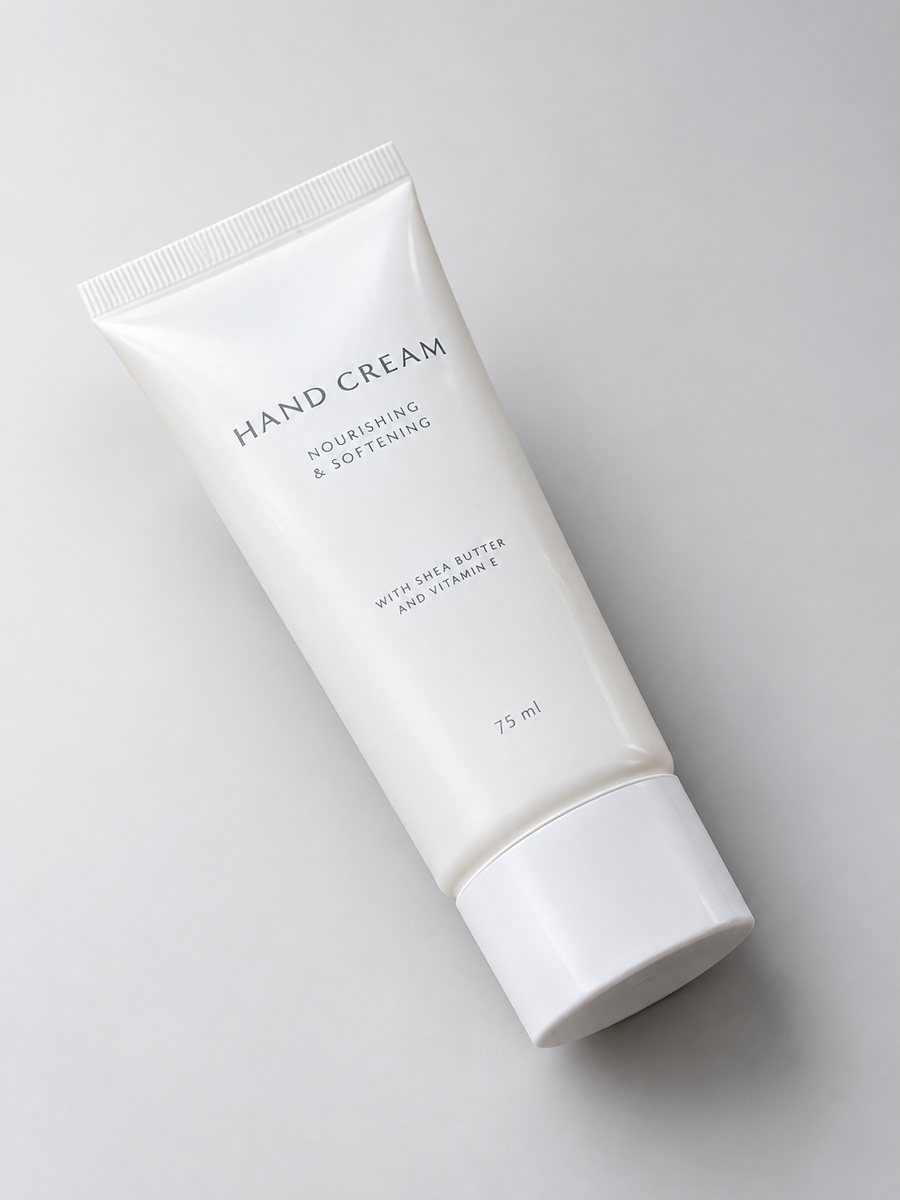 BeforeAfter
In short: Cosmetics product photography from a phone picture: lipsticks, palettes and brushes with a gradient backdrop, highlights and a shadow. 7 images free.
- Where: the VisuMate bot in Telegram, no app or sign-up.
- Cost: 2 credits per image, 7 images free, then packs from 49 Telegram Stars.
- Time: 1 to 2 minutes per image, rerun with a new instruction at the same price.
When you need this
- Shades look different under every lamp.
- A palette lid shows a window reflection.
- Brush bristles disappear in a flat cut-out.
How to do it
- 1
Open @visumate_ai_bot with the button on this page and press Start. The link opens the studio shot mode.
- 2
Send the photo of the makeup product as a file (document). In the caption describe the look: "light gray gradient background, keep original shades, soft highlights".
- 3
In 1–2 minutes the vertical 3:4 image arrives in the chat. Check highlights and the shadow under the makeup product, then download it or run again.
Try it on your own photo: 7 images are free, no sign-up.
Make it in TelegramColor first
In cosmetics a shifted shade is a return. Shoot near a window at midday, avoid colored walls near the product and keep the phone settings neutral. In the caption write keep original colors. After the run, hold the real product next to the screen and compare each shade. If one looks off, rerun the photo. Check the highlights and the shadow under the product, since a soft shadow makes it feel grounded.
Open and closed views
Buyers want to see the bullet of a lipstick, the pans of a palette and the bristles of a brush. Use both a closed and an open shot. The AI follows the arrangement in your photo, so the open view must be sharp and tidy. Do not use it to alter the product, only the surroundings. Keep the same studio style across a collection so the shop looks planned.
Tips
- Shoot in daylight and write keep original colors in the caption.
- Open the palette and photograph the pans from above.
- Lay brushes in a fan or an upright cup.
- Compare each shade on screen with the real product.
Questions and answers
Will the shades match the real product?
The bot aims to keep original colors, but screens differ. Compare the result with the product.
Can I show the lipstick swatch on skin?
Swatches are best photographed for real. The studio mode builds the product shot.
Is the bot menu in English?
The bot replies in English, and the link from this page opens the right mode.
How do I pay after the free images?
Inside Telegram with Stars, by card, Apple Pay or Google Pay. Packs start from 199 Stars and credits never expire.
More in "Product photos"
- Furniture product photosFurniture product photos with a studio look: a chair, table or shelf on a light gradient backdrop with a...
- Baby product photographyBaby product photography: bottles, toys and accessories on a soft pastel backdrop with highlights and a...
- Skincare product photoshoot at homeSkincare product photoshoot at home: send a phone picture of a jar or tube and get a soft gradient...
- Shopify product page infographicShopify product page infographic: a close-up with 3 or 4 benefit badges for your gallery or product...