Phone case product photos on a white background
A case photographed on a desk is hard to read. Send the phone photo and the bot gives you the case on pure white with a soft shadow, with the print and the camera cutout in place.
- 2 credits per image
- Result in 1–2 minutes
- No sign-up
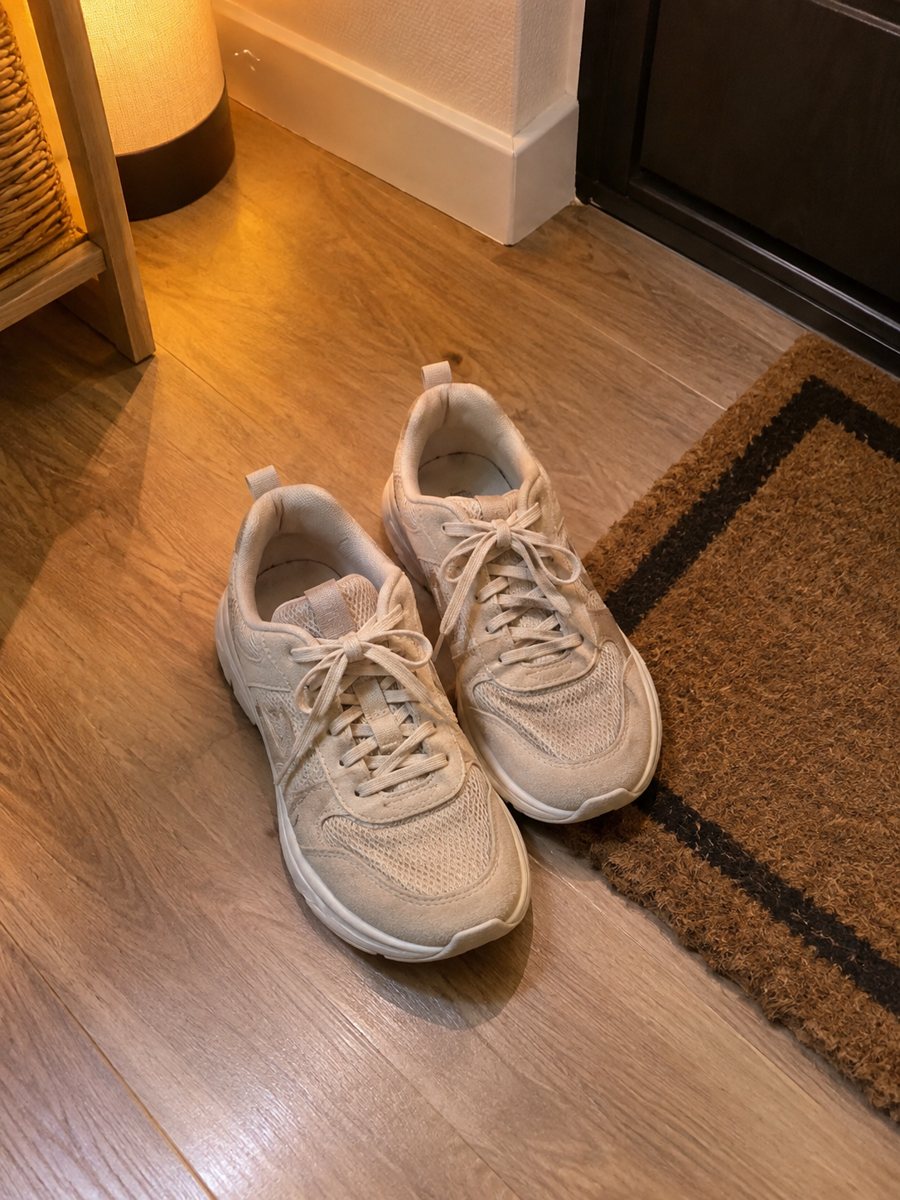
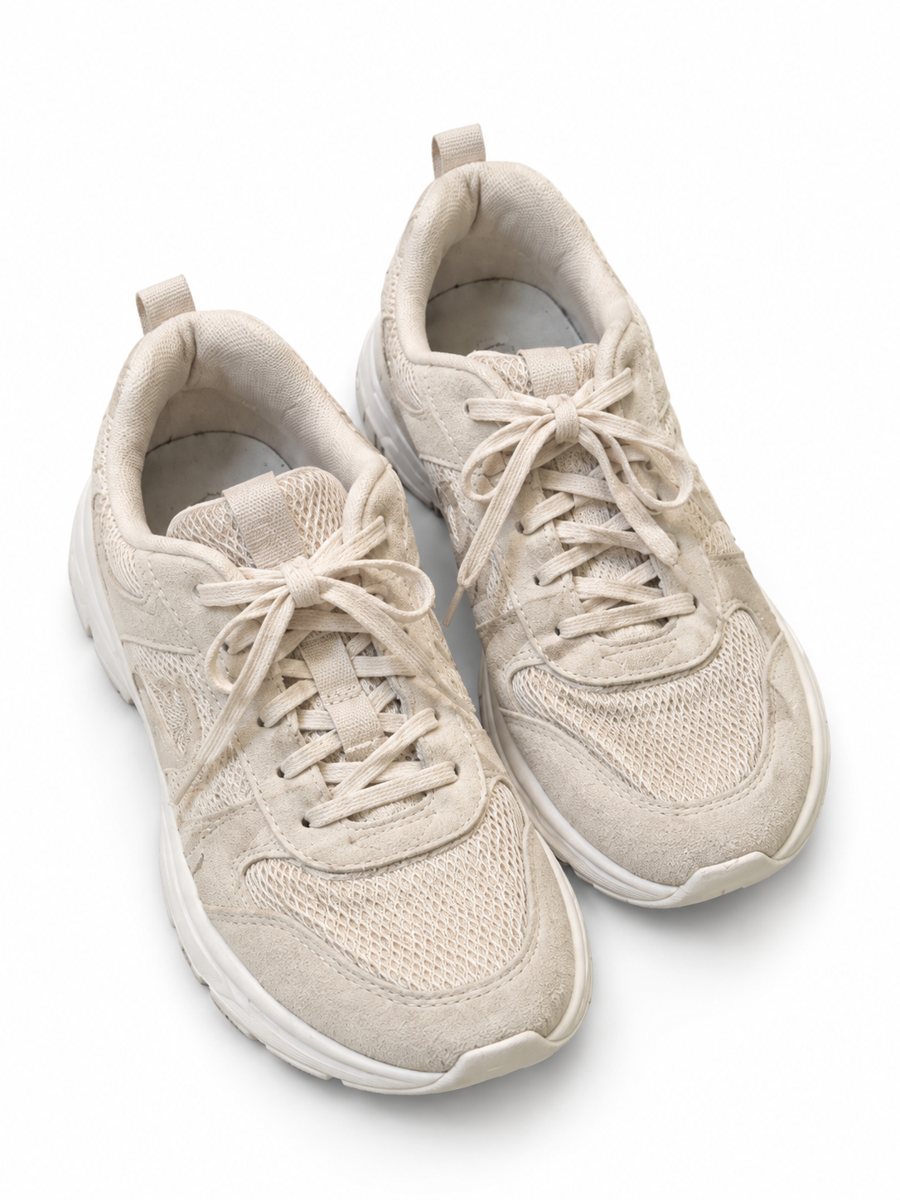 BeforeAfter
In short: Phone case product photos on a white background: send a picture of a case and get a clean 3:4 image with a soft shadow and the design kept. 7 images free.
- Where: the VisuMate bot in Telegram, no app or sign-up.
- Cost: 2 credits per image, 7 images free, then packs from 49 Telegram Stars.
- Time: 1 to 2 minutes per image, rerun with a new instruction at the same price.
When you need this
- The case sits at an angle and the cutout looks wrong.
- Glossy cases reflect the ceiling light.
- You sell cases for several phone models and need matching pictures.
How to do it
- 1
Open @visumate_ai_bot with the button on this page and press Start. The link opens the product-on-white mode.
- 2
Send the photo of the phone case as a file (document) so Telegram does not compress it. In the caption write: "pure white background, keep the print and the camera cutout".
- 3
In 1–2 minutes the vertical 3:4 image arrives in the chat. Zoom in on the edges and the shadow of the phone case, then download it or run again.
Try it on your own photo: 7 images are free, no sign-up.
Make it in TelegramFlat, upright and on a phone
The standard views are flat from above, the side with the buttons and the case on the device. Start with flat, because the print is fully visible. The AI cleans up the background and the shadow, but the cutout shape and port positions come from your photo, so shoot them clearly. Zoom in on the edges after the run, because that is where a cutout shows its weak spots.
Many designs, same look
Case sellers often run dozens of designs. Use one caption template for the whole batch and keep the angle the same. Review each result for print drift: patterns and text can shift. The mode adds no text, so model names and compatibility belong in your listing, written and checked by you. Check the pixel size of the downloaded file against the rule for your marketplace and category.
Tips
- Lay the case flat and shoot from above, or stand it upright for a side view.
- Include the camera cutout in the frame.
- Add a photo of the case on a phone as a second image, if you have the phone.
- Name the model in your listing text, not in the image.
Questions and answers
Can it add the phone model on the image?
Use the infographic mode for text on badges. Keep it short and proofread, since long AI text can have letter errors.
Will the camera cutout stay the same?
The bot keeps the object, but check the cutout and ports at full size and rerun if they changed.
How long does one image take?
Usually 1–2 minutes. The result arrives in the chat, and you can download it or run the photo again.
What if the result is not right?
It is AI, so sometimes a rerun is needed. A second run costs the same 2 credits, and a clearer caption usually helps.
More in "Product photos"
- Watch photos on a white backgroundWatch photos on a white background: send a phone picture of a wristwatch and get a clean 3:4 image with a...
- Sunglasses product photos on a white backgroundSunglasses product photos on white: send a phone picture and get a clean 3:4 image with a soft shadow, the...
- Mug photos on a white backgroundMug photos on a white background: send a phone picture of a ceramic mug and get a clean 3:4 image with a...
- Phone case lifestyle photosPhone case lifestyle photos: place your case on a cafe table, a desk or a beach towel with a scene written...