Restore an old photo from a phone picture
A phone camera is enough for a first restoration. Good light and a flat print matter more than the device.
- 2 credits per image
- Result in 1–2 minutes
- No sign-up
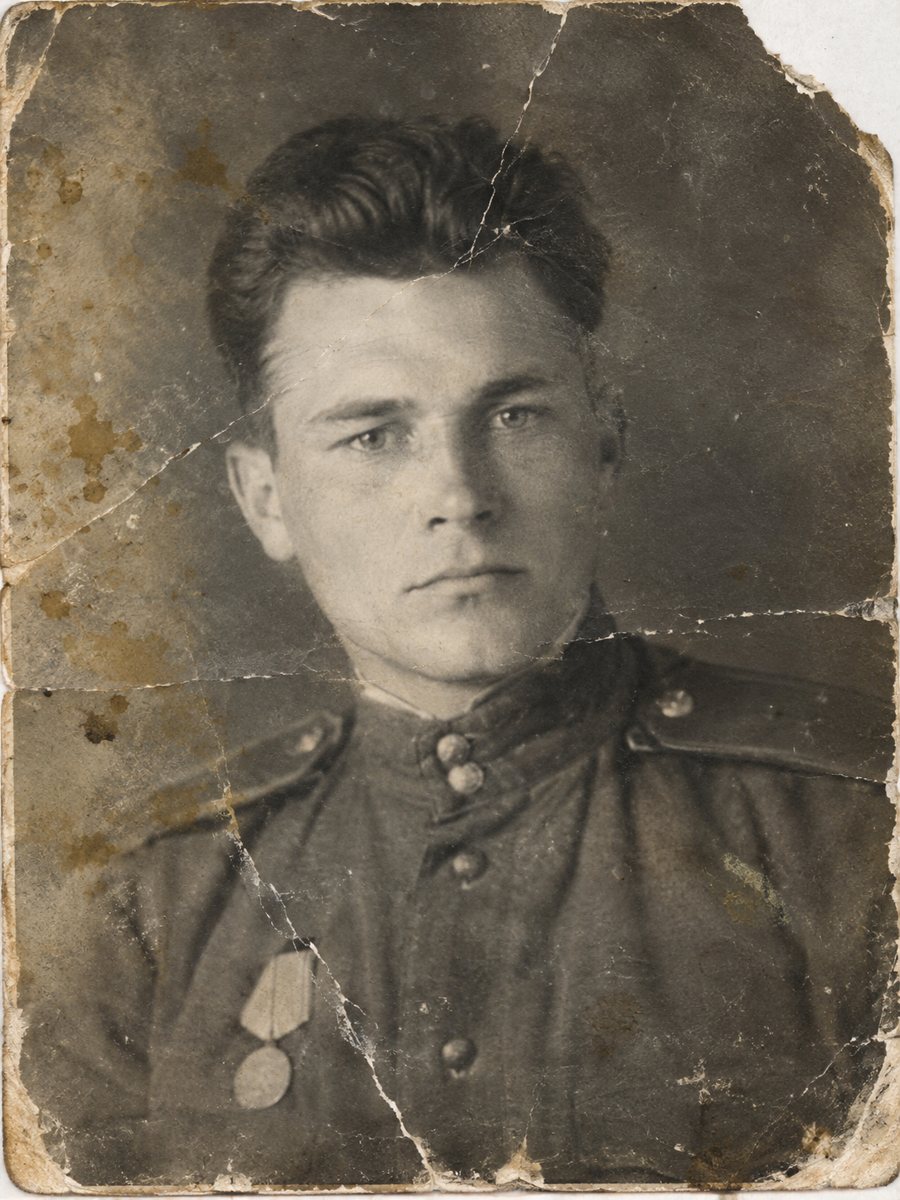
 BeforeAfter
In short: No scanner at hand? Photograph the print flat in daylight, send the file as a document and let the bot repair it. Tips on glare and angles.
- Where: the VisuMate bot in Telegram, no app or sign-up.
- Cost: 2 credits per image, 7 images free, then packs from 49 Telegram Stars.
- Time: 1 to 2 minutes per image, rerun with a new instruction at the same price.
When you need this
- There is no scanner at home.
- The print is in an album you cannot take out.
- Your photos have glare and shadows.
How to do it
- 1
Tap the button on this page. Telegram opens the bot, press Start and the right mode is already selected.
- 2
Send the photo as a file (document) so Telegram does not compress it. In the caption write: restore this photographed print, repair damage, keep faces unchanged.
- 3
Wait 1-2 minutes for the image, then save it or try again with a different caption.
Try it on your own photo: 7 images are free, no sign-up.
Make it in TelegramSet up the shot
Lay the print on a clean flat surface near a window. Stand above it so the phone is parallel to the surface and keep your shadow away. Tap on the picture to focus. Take a few shots and pick the sharpest one. Handle the original print by the edges and store it in an acid-free sleeve away from sunlight and damp.
Avoid glare
Glossy prints reflect lamps and windows. Tilt the print a little or move to a spot where you do not see a reflection in the picture. Turn off the flash. If the print is in a glass frame, take it out if you can do so safely. Take your time with the result and look at it at full size on a computer, because small details are easy to miss on a phone screen.
Tips
- Photograph near a window and avoid direct sun.
- Hold the phone parallel to the print.
- Turn off the flash.
- Crop the extra table after shooting.
Questions and answers
Is a phone ok?
Yes, in good light.
Should I crop?
Yes, remove extra surroundings.
What about glare?
Move or tilt to avoid it.
Does the file go as a document?
Yes.
More in "Photo restoration"
- Old photo restoration without a studioCompare a Telegram bot with a manual studio: speed, price, control and limits. Try 7 images free and...
- Restore old photos and share them with familyA restored photo is easy to share. Collect scans, fix the best ones, label them and send results in a...
- Scan and restore old photosGood scans make good restorations. Learn the right dpi, how to avoid glare and why to send files as...
- Repair a photo with tape marksYellowed tape strips, glue stains and shiny residue on old prints can be removed from a scan so the...