Colorize an old photo as a Christmas gift
A colorized family picture makes a personal gift. Pick a photo the person will recognize, colorize it and print it for a frame or a calendar.
- 2 credits per image
- Result in 1–2 minutes
- No sign-up
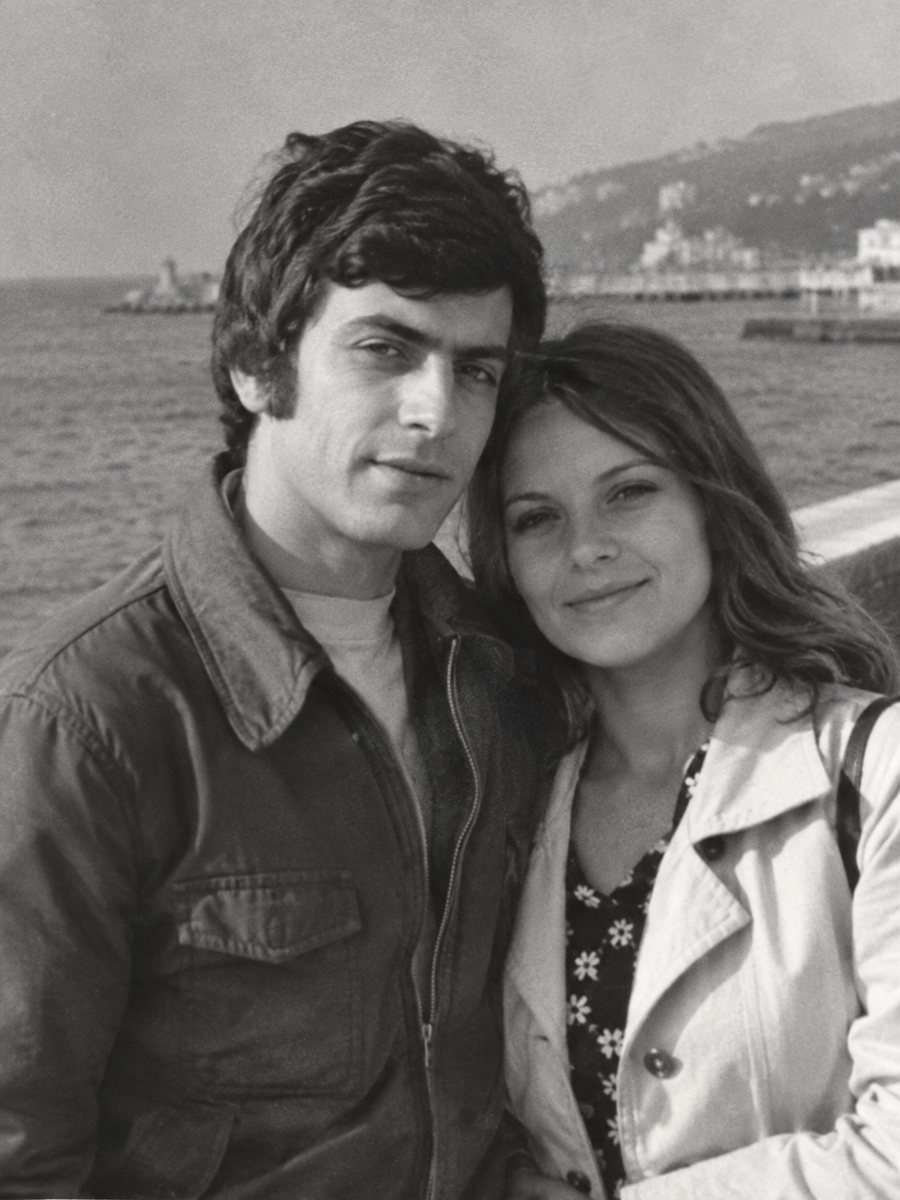
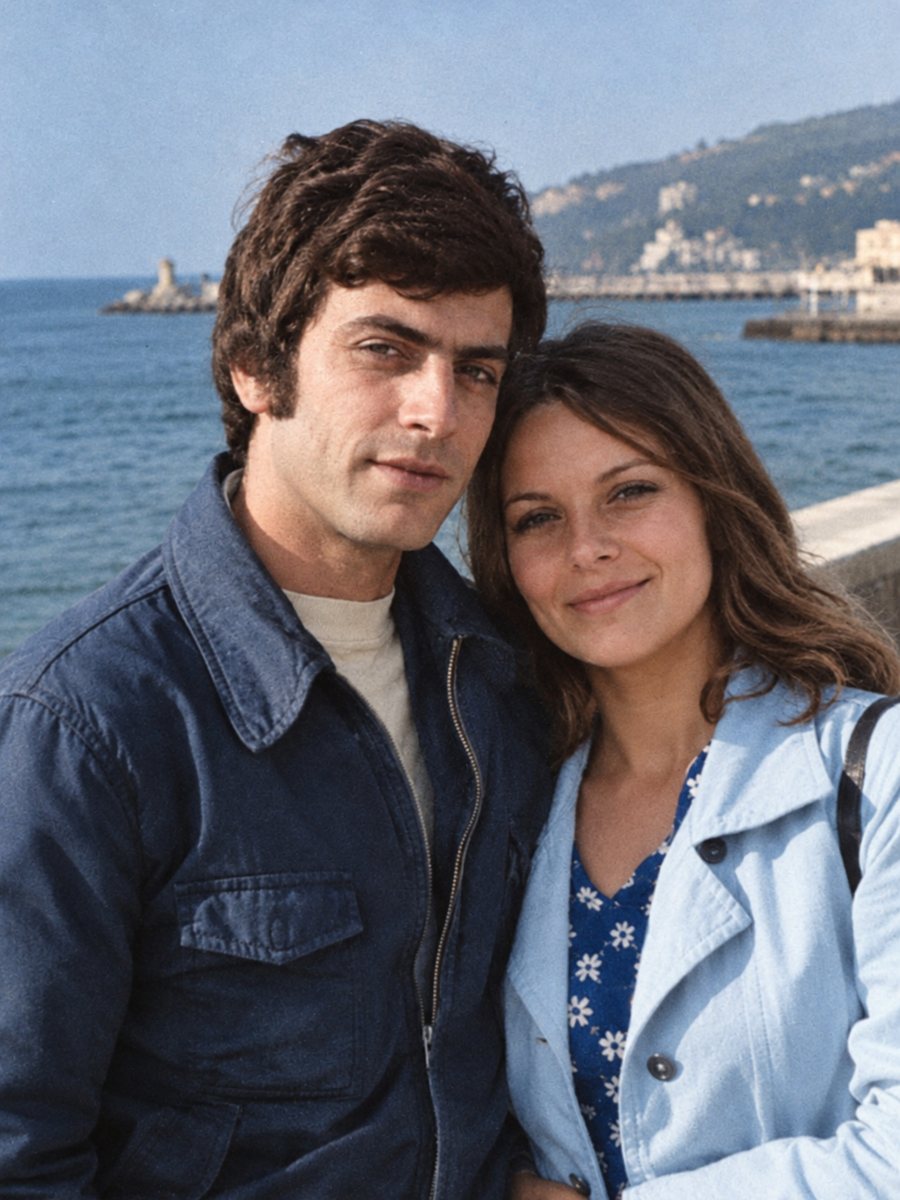 BeforeAfter
In short: Give a family photo in color as a holiday present. Plan the scan, check the result with a relative and leave time for printing and framing.
- Where: the VisuMate bot in Telegram, no app or sign-up.
- Cost: 2 credits per image, 7 images free, then packs from 49 Telegram Stars.
- Time: 1 to 2 minutes per image, rerun with a new instruction at the same price.
When you need this
- You want a gift that is personal but not expensive.
- The relative has an old photo of their parents and has never seen it in color.
- You need the file ready before the print shop closes for the holidays.
How to do it
- 1
Tap the button on this page. Telegram opens the bot, press Start and the right mode is already selected.
- 2
Send the black-and-white photo as a file (document) so Telegram does not compress it. In the caption write: family portrait for a gift, natural colors, keep faces unchanged.
- 3
In 1-2 minutes the colorized picture arrives in the chat. Download it, and if a color is off, run again with a hint in the caption.
Try it on your own photo: 7 images are free, no sign-up.
Make it in TelegramChoosing the right picture
A gift picture should be clear and a face the person loves. Look for a sharp portrait rather than a group where faces are tiny. If you have only a small print, run the sharpen mode first and then colorize. Handle the original print by the edges and store it in an acid-free sleeve away from sunlight and damp. If the first result is close but not right, change the caption a little and send the picture again.
From file to frame
After the bot sends the image, download it and check it at full size. Ask the print shop about the file size they need. A standard frame size works with most pictures, and a mat can hide uneven edges. If the original had a border, you can crop it or keep it, depending on the frame. A better scan helps more than any setting, so rescan the print at 600 dpi or higher if you still have it.
Tips
- Start early. Printing and shipping take longer in December.
- Ask a sibling for the colors of clothes before you run the photo.
- Print both the original and the color version as a pair.
- Add a short note on the back with the year and names.
Questions and answers
Can the bot print the picture?
No. Use a print service.
How long before the holiday should I start?
At least two weeks for printing and shipping.
Can I surprise the person?
Yes, ask other relatives for the original.
Can I add text on the picture?
Add it in a layout app after downloading.
More in "Photo restoration"
- Colorize a photo for Mother's DayA colorized portrait of a mother or grandmother can be a quiet Mother's Day gift. Choose a clear photo and...
- Colorize a tintype photographTintypes are dark and reflective, which makes scanning tricky. Photograph the plate at an angle without...
- Colorize an ancestor photo for your family treeAdd natural color to ancestor portraits for a family tree or a printed book. Keep the black-and-white scan...
- Restore a photo booth stripOld photo booth strips are small, creased and often faded. Scan the strip flat, clean the frames and then...