Colorize a tintype photograph
Tintypes are small images on metal. Photograph or scan the plate, avoid glare and send the image to the bot. It colorizes faces and clothing in muted tones.
- 2 credits per image
- Result in 1–2 minutes
- No sign-up
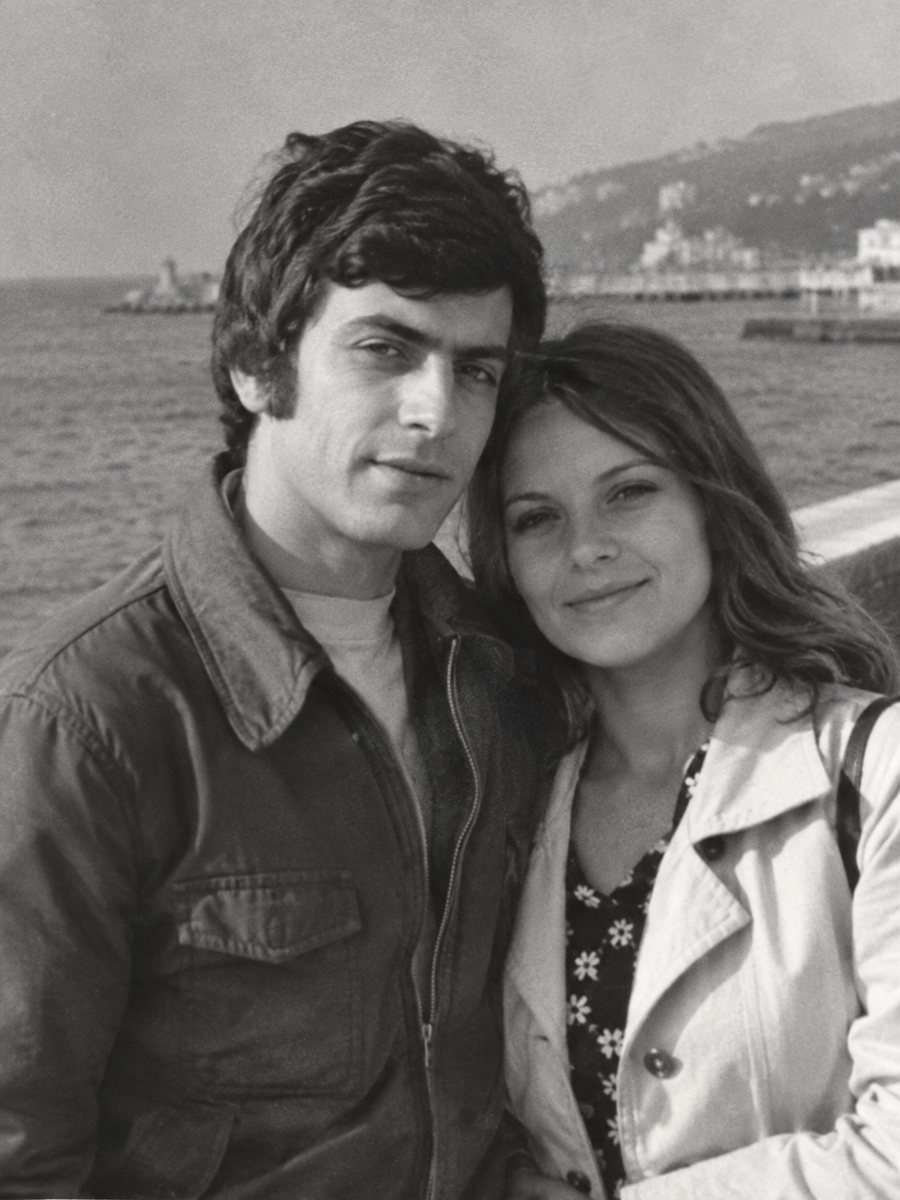
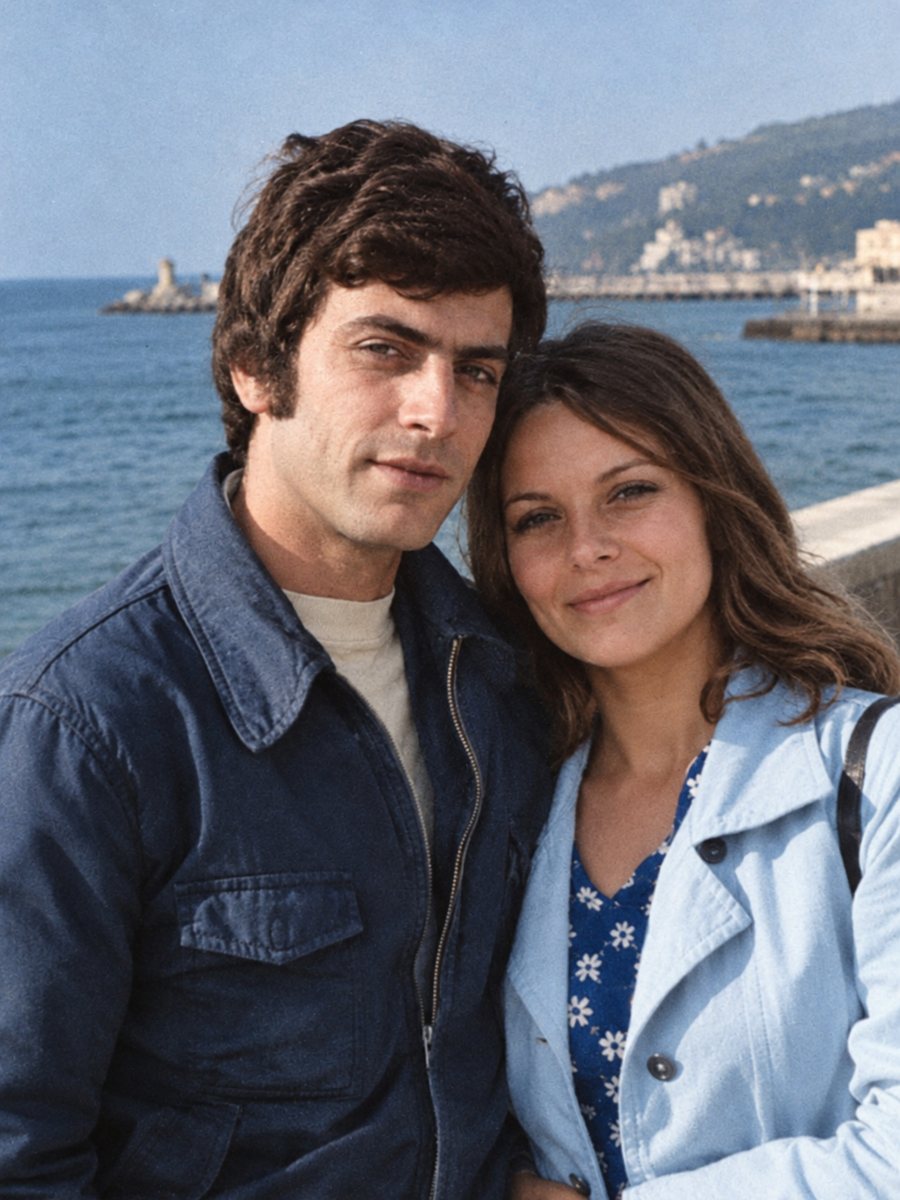 BeforeAfter
In short: Tintypes are dark and reflective, which makes scanning tricky. Photograph the plate at an angle without glare, then colorize the clean image.
- Where: the VisuMate bot in Telegram, no app or sign-up.
- Cost: 2 credits per image, 7 images free, then packs from 49 Telegram Stars.
- Time: 1 to 2 minutes per image, rerun with a new instruction at the same price.
When you need this
- A tintype is so dark that faces are barely visible.
- The metal reflects light and your scan shows only a window.
- The edges are rusty and the image is scratched.
How to do it
- 1
Use the button on this page to open the bot in Telegram, then press Start. Your 15 free credits appear on first launch.
- 2
Send the black-and-white photo as a file (document) so Telegram does not compress it. In the caption write: tintype portrait, muted period colors, dark clothes, keep the face unchanged.
- 3
In 1-2 minutes the colorized picture arrives in the chat. Download it, and if a color is off, run again with a hint in the caption.
Try it on your own photo: 7 images are free, no sign-up.
Make it in TelegramThe reflection problem
The surface of a tintype acts like a dark mirror. A normal scan makes the image almost invisible. Take a phone picture in soft daylight, tilt the plate until the image appears, and avoid bright objects in the reflection. A few shots from different angles help you choose the clearest one. Treat the result as a careful interpretation of the original and share it together with the untouched scan.
What the AI adds
Tintype pictures have low contrast and a characteristic grayish-brown tone. The bot reads the shapes and adds muted colors. Clothing is usually dark. Skin tones are natural. Treat the result as an interpretation, and keep the original photo of the plate. The first launch gives 15 free credits, which is enough for 7 images, so you can test the result on your own picture before buying anything.
Tips
- Photograph near a window with the plate tilted to remove your own reflection.
- Use a black cloth behind you to reduce reflections.
- Use the combined mode if the plate is scratched.
- Never polish or clean the plate, just photograph it.
Questions and answers
Can the bot read very dark plates?
It does what it can, results vary.
Will the plate edges stay?
Crop them if you do not want them.
Is it safe to photograph the plate?
Yes, photographing does not touch it.
What is the difference from a daguerreotype?
See the daguerreotype page.
More in "Photo restoration"
- Turn a black-and-white photo into colorSend a black-and-white photo and get a colorized version in natural tones, with film grain kept. About 1-2...
- Colorize an old wedding photoAdd natural color to a black-and-white wedding photograph. Hint the dress, suit and bouquet colors in the...
- Colorize a photo for Mother's DayA colorized portrait of a mother or grandmother can be a quiet Mother's Day gift. Choose a clear photo and...
- Sharpen a blurry childhood photoChildhood snapshots are often blurry because kids move. Send the scan and get a clearer version, then...