Pinterest idea board images
Describe the theme and the mood, and the bot draws vertical images for boards: home, weddings, recipes, planning. Fill a board with a consistent look in a short session.
- 2 credits per image
- Result in 1–2 minutes
- No sign-up
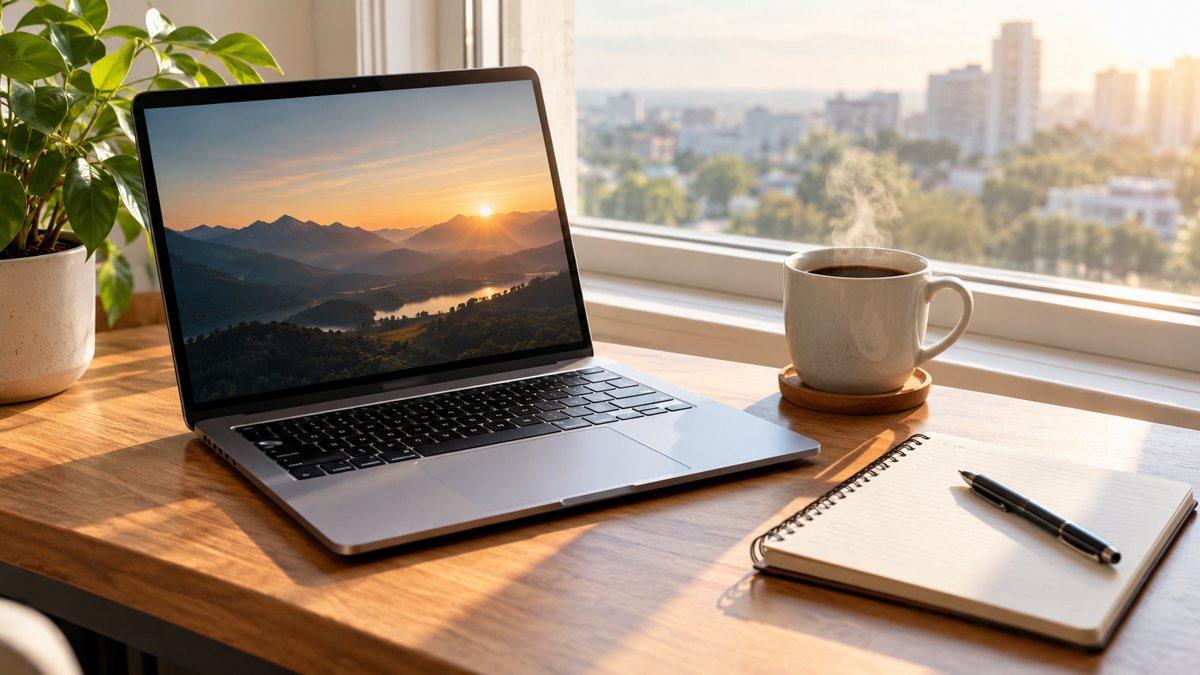 Made by the bot
In short: Make Pinterest idea board images from a text prompt in Telegram. Vertical scenes for inspiration boards, 2 credits each, 15 free credits for new users.
- Where: the VisuMate bot in Telegram, no app or sign-up.
- Cost: 2 credits per image, 7 images free, then packs from 49 Telegram Stars.
- Time: 1 to 2 minutes per image, rerun with a new instruction at the same price.
When you need this
- Your boards have a mix of random pictures.
- You want original images, not reposts.
- Each board needs a cover.
How to do it
- 1
Open the bot through the button on this page and press Start. The prompt scenario opens by itself.
- 2
Describe it: a Pinterest board image for cozy reading nooks, an armchair by a window with a blanket and a stack of books, vertical, warm tones.
- 3
The image comes back in 1–2 minutes (2 credits). Look at hands, text and small objects first, then save it or rerun with a changed prompt.
Try it on your own photo: 7 images are free, no sign-up.
Make it in TelegramOne theme, one look
Pinterest users browse for ideas. A board with a clear theme and a consistent palette stands out. Generate several images for the same theme and vary the angle: close-up, wide, flat lay. Use the same style sentence for all. Create a cover image for the board with a calm area for a title. Create several images with the same palette for one board, which makes the whole board look curated and worth following.
Search and clarity
Pinterest works as a search engine, so write clear titles and descriptions with the words people use. The image catches the eye, and the text helps people find it. Do not claim the images are photos of real places or products when they are generated. Link to your site, and make sure the destination matches what the pin suggests. Check the pin preview on mobile, where most Pinterest users browse, and confirm the main subject sits in the middle.
Tips
- Ask for vertical framing, about 2:3.
- Keep one theme per board.
- Use a consistent palette.
- Add keywords in the pin title and description.
Questions and answers
What ratio does Pinterest like?
Vertical, around 2:3.
Can I add text?
Short titles may work. Check them.
Is it a photo?
It is generated.
Cost?
2 credits.
More in "Banners and stories"
- AI image generator in TelegramMake images from a text description inside Telegram. No app, no design skills, 2 credits per image, 15...
- Podcast cover art makerMake podcast cover art from a text prompt in Telegram. Square artwork with a short title, 2 credits per...
- Prompt writing for business imagesLearn a simple formula for writing prompts for business images: subject, place, light, colors, space for...
- Email newsletter header image generatorGenerate an email newsletter header from a description in Telegram. Wide 16:9 image for your issue or...
- Black Friday sale bannerCreate a Black Friday sale banner from a short brief in Telegram. Wide 16:9 image with your offer text, 3...