Law firm blog image ideas
Describe a calm, professional scene, and the bot draws a neutral image for your blog or newsletter. The picture sets a tone. It does not promise outcomes or give advice.
- 2 credits per image
- Result in 1–2 minutes
- No sign-up
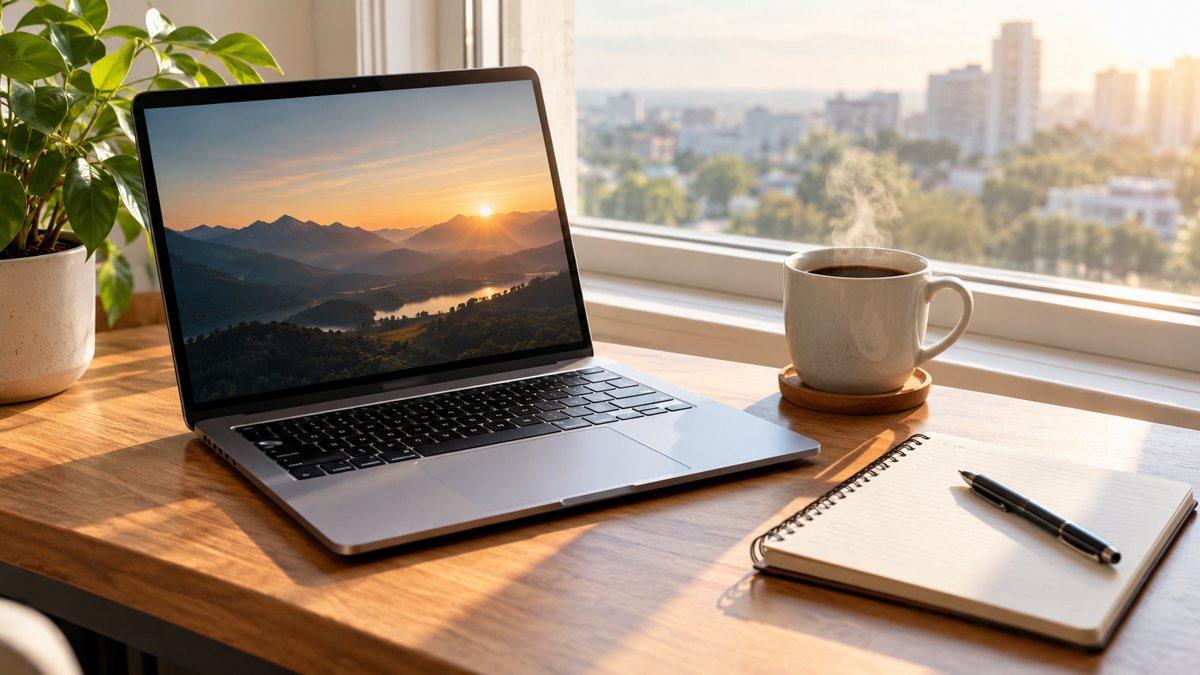 Made by the bot
In short: Make neutral blog images for a law firm from a text prompt in Telegram. Calm office scenes with no legal claims, 2 credits each, 15 free credits.
- Where: the VisuMate bot in Telegram, no app or sign-up.
- Cost: 2 credits per image, 7 images free, then packs from 49 Telegram Stars.
- Time: 1 to 2 minutes per image, rerun with a new instruction at the same price.
When you need this
- Stock gavels and scales look tired.
- Your blog needs a cover for each article.
- Legal ad rules limit what you can imply.
How to do it
- 1
Open the bot through the button on this page and press Start. The prompt scenario opens by itself.
- 2
Describe it: a calm law office image, a wooden desk with a closed folder, a lamp and a window with soft evening light, no people, no text.
- 3
Wait 1–2 minutes for the result. Check the details, then download the file or run again with a tweak.
Try it on your own photo: 7 images are free, no sign-up.
Make it in TelegramNeutral by design
Legal marketing is regulated. An image should not suggest outcomes, such as a smiling client with a check, or imply a relationship with a court. A closed folder, a lamp, a bookshelf or a window set a calm, serious mood. Skip scales and gavels, which many firms already overuse. Keep any text out of the image. Choose the same calm look for each article, so your blog feels consistent and professional from one post to the next.
Compliance and review
Rules for attorney advertising differ by region and by bar association. Have your partner or compliance contact review images and captions. Do not use generated people as testimonials or staff. For team pages, use real photos with consent. State in the article that content is general information, not legal advice, if your rules call for it. Keep a record of which images were reviewed and approved, which saves time at the next audit of your site.
Tips
- Use objects and rooms, not courtroom drama.
- Do not show results, wins or guarantees.
- Skip generated people who might pass as clients.
- Check your bar's advertising rules.
Questions and answers
Can it add legal text?
Avoid it. Keep text in the article.
Is it okay to show a courtroom?
Avoid drama and symbols that imply results.
Who checks compliance?
You and your bar rules.
Cost?
2 credits.
More in "Banners and stories"
- Pharmacy seasonal display imageMake seasonal images for a pharmacy from a text prompt in Telegram. Neutral displays and store moods, no...
- Therapist office welcome imageMake calm welcome images for a therapy practice from a text prompt in Telegram. Neutral rooms, no claims,...
- YouTube thumbnail backgroundMake a YouTube thumbnail background from a text prompt in Telegram. Bold scenes with room for your face...
- Background images for presentationsMake background images for presentations from a text prompt in Telegram. Calm, wide images with room for...
- Website hero banner with AIGenerate a website hero banner from a text brief in Telegram. 16:9 image with room for your headline, 3...