Black Friday website banner without a designer
A shop owner can make the homepage banner in an afternoon. You describe the offer once, get a 16:9 image from the bot, check the text, then make matching versions for stories and posts. This page is the workflow.
- 2 credits per image
- Result in 1–2 minutes
- No sign-up
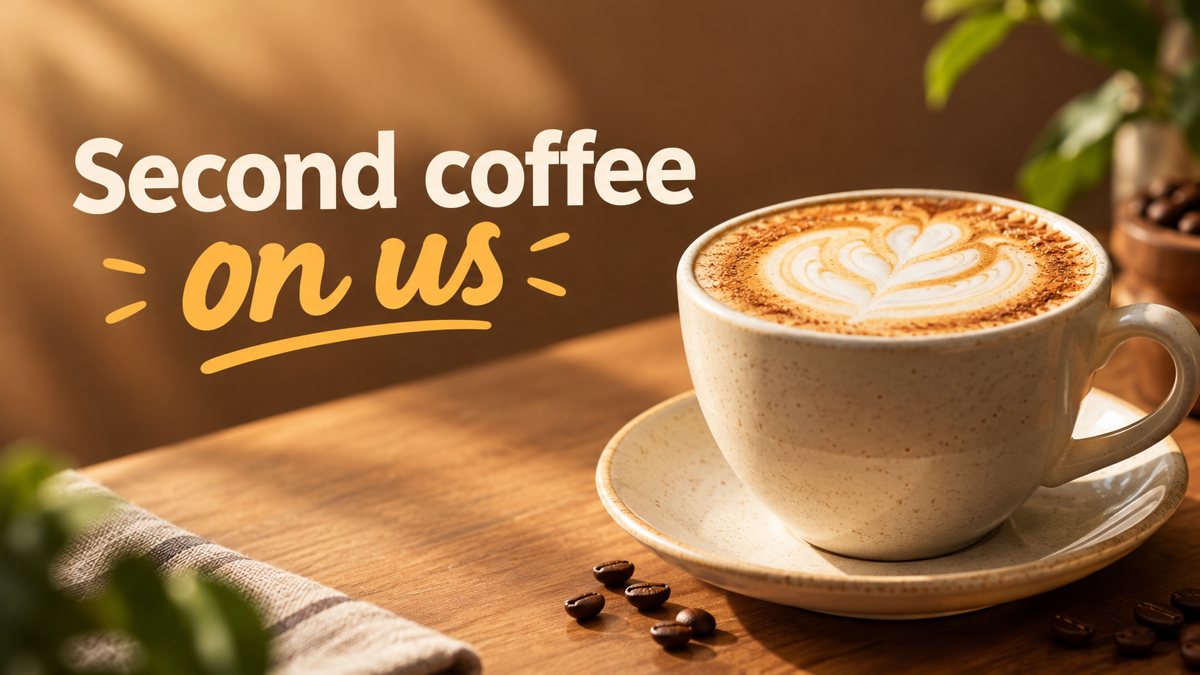 Made by the bot
In short: Make a Black Friday website banner yourself: a 16:9 hero image from a text prompt in Telegram, plus story and post versions. 3 credits per banner, 15 free.
- Where: the VisuMate bot in Telegram, no app or sign-up.
- Cost: 2 credits per image, 7 images free, then packs from 49 Telegram Stars.
- Time: 1 to 2 minutes per image, rerun with a new instruction at the same price.
When you need this
- The homepage still shows the summer banner and the sale starts in days.
- You have a short offer and do not know how to fit it on an image.
- You need the same look in a hero banner, a story and a post.
How to do it
- 1
Write down the offer in one line: what is discounted, by how much, until when. Open the bot with the link on this page and pick the banner mode.
- 2
Describe the banner: one product, the background color, the mood, and a headline of two to five words.
- 3
In 1–2 minutes the 16:9 banner arrives. Proofread, download, then make the story and post versions with the same colors.
Try it on your own photo: 7 images are free, no sign-up.
Make it in TelegramText that fits
A banner is read in a second. Three to five words is enough: 'Black Friday: 20% Off' or 'Early Access Starts Today'. Put the longer terms next to the banner as normal website text, which is also better for search and for readers using screen readers. If your offer has conditions, keep them out of the image entirely.
Proofreading AI text
The bot draws English text, and AI sometimes swaps a letter or bends a digit. Read the banner letter by letter, then read the numbers separately. Compare the percentage with your real offer. If anything is wrong, run again with the same description. The second run costs the same 3 credits. If the text keeps failing, ask for a clean banner with empty space and type the words in an editor.
Versions for hero, stories and post
Start with the 16:9 banner for the homepage. Then reuse the same description with a different format. A story is 9:16 and costs 2 credits. A square post is 1:1 and costs 2 credits. Keep the colors and the product the same, and shorten the headline for the smaller formats. A consistent look across the site, stories and posts makes the sale feel like one campaign.
Tips
- Put only the headline on the image. Dates, terms and the button belong on your site.
- Ask for empty space on one side so your site headline or button fits.
- Read the digits twice. If a 3 looks like an 8, run again.
- Test the banner on your phone before you publish.
- Keep the file of the best run so you can reuse the style next year.
Questions and answers
What size is the banner?
16:9. Crop or resize to your theme's hero size in any editor.
How many banners are free?
5. A banner costs 3 credits, and new users get 15 free credits.
Can the bot upload the banner to my shop?
No. You download the image and upload it in your store or site builder.
Can it write the sale copy?
No. You write the offer, the bot draws the image.
Do I need to sign up?
No. Open Telegram and press Start.
More in "Banners and stories"
- Black Friday sale bannerCreate a Black Friday sale banner from a short brief in Telegram. Wide 16:9 image with your offer text, 3...
- Black Friday banner ideas for small shops12 Black Friday banner ideas for small shops with ready prompts for a 16:9 AI banner. 3 credits per...
- Website hero banner with AIGenerate a website hero banner from a text brief in Telegram. 16:9 image with room for your headline, 3...
- Shopify hero banner generatorMake a Shopify home page hero banner from a text brief in Telegram. 16:9 image with your headline, 3...
- Flash sale storyMake a flash sale story from a text brief in Telegram. Vertical 9:16 with bold short text, 2 credits each,...