A Zoom profile picture for the days your camera is off
When the camera is off, a gray circle with initials speaks for you. Send a photo, describe a plain wall, and the bot makes a clean portrait with even light that looks good in a meeting tile.
- 2 credits per image
- Result in 1–2 minutes
- No sign-up
In short: Make a professional Zoom profile picture with a neutral backdrop and a friendly smile that shows when your camera is off in meetings. 7 images free in Telegram.
- Where: the VisuMate bot in Telegram, no app or sign-up.
- Cost: 2 credits per image, 7 images free, then packs from 129 Telegram Stars.
- Time: 1 to 2 minutes per image, rerun with a new instruction at the same price.
- Credits never expire, there is no subscription and no auto-renew. You pay once for a pack inside Telegram with Stars.
When you need this
- Your team calls start with a wall of initials.
- A client webinar lists you as a host with no photo.
- Your old picture is from a conference years ago.
How to do it
- 1
Press the button to open @visumate_ai_bot in Telegram. No sign-up, and new users get 15 free credits, which is 7 images.
- 2
Send a front-facing photo as a file. In the caption write: 'smart casual sweater in deep blue, plain warm gray wall, face centered and lit evenly, relaxed friendly smile with eye contact, soft window light'.
- 3
In 1-2 minutes the portrait arrives for 2 credits. View it in a small square tile and check that your face fills about half the frame.
Try it on your own photo: 7 images are free, no sign-up.
Make it in TelegramTile-ready
Meeting tiles are small, so the best picture has a large face and low clutter. A plain wall, even light and a real smile do the job. Dark clothes on a dark wall vanish, so contrast helps. If it looks flat, rerun with 'slight head tilt, brighter eyes, warm light from the side'. Your actual hair and glasses prevent surprises when the camera comes on.
Hosts and attendees
Add the picture to your video tool, your calendar invite and your email signature. Workplaces may have profile photo rules, so check them first. Hosts of public webinars benefit from a matching speaker picture on the registration page. Keep a copy named clearly so you can upload it fast before a call. A second version in a jacket suits formal events.
Tips
- Use a plain wall.
- Fill half the frame with your face.
- Pick a calm sweater color.
- Order a square crop.
Questions and answers
Will it replace my live camera?
No. It is a still image for when the camera is off.
Is it good for Google Meet too?
Yes. Any tool that takes an image works.
What does it cost?
2 credits per image. New users get 15 free credits, so 7 images cost nothing. After that packs start at 129 Telegram Stars, about $2.6 and credits do not expire.
Does the bot work in English?
Yes. It picks up your Telegram language on first launch. You can switch it any time with /lang.
What the bot does not do
- Works from one photo. Likeness depends on the photo you send, and some styles change features more than others.
- Does not make video or animation.
- Does not output a transparent PNG.
- Does not retouch passport or ID photos.
More in "Photo styles"
- A Teams profile picture colleagues recognize at a glanceCreate a tidy work profile picture for Microsoft Teams and Outlook with a soft office backdrop and a...
- A work chat picture your team will recognizeMake a friendly Slack or Teams profile picture from a selfie, clean enough to read at tiny size in work...
 Upgrade your profile photo without changing youImprove a social media profile picture: fix exposure and white balance, blur a messy background to a warm...
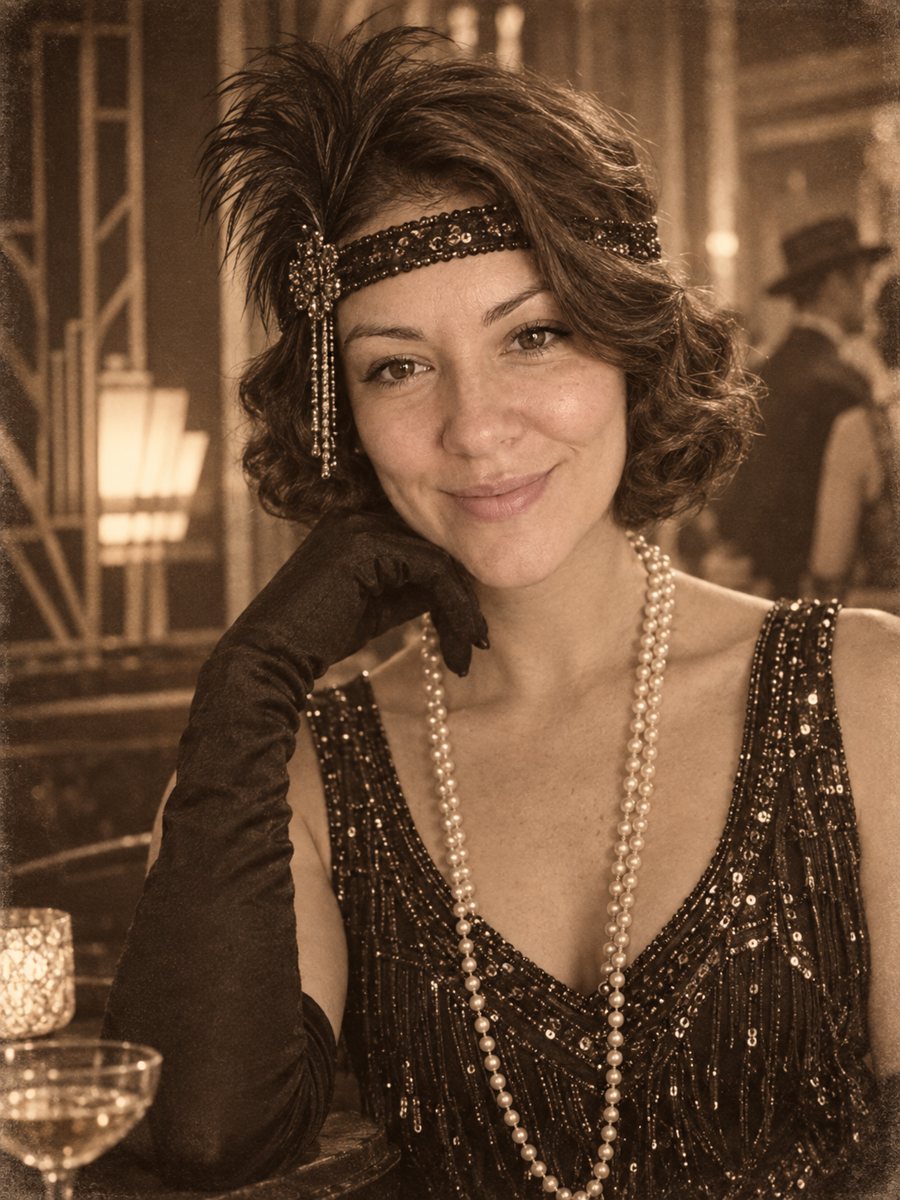 Put yourself in a 1920s photoPlace yourself in the 1920s with period clothes, an art deco interior and a sepia photo look. Copy the...
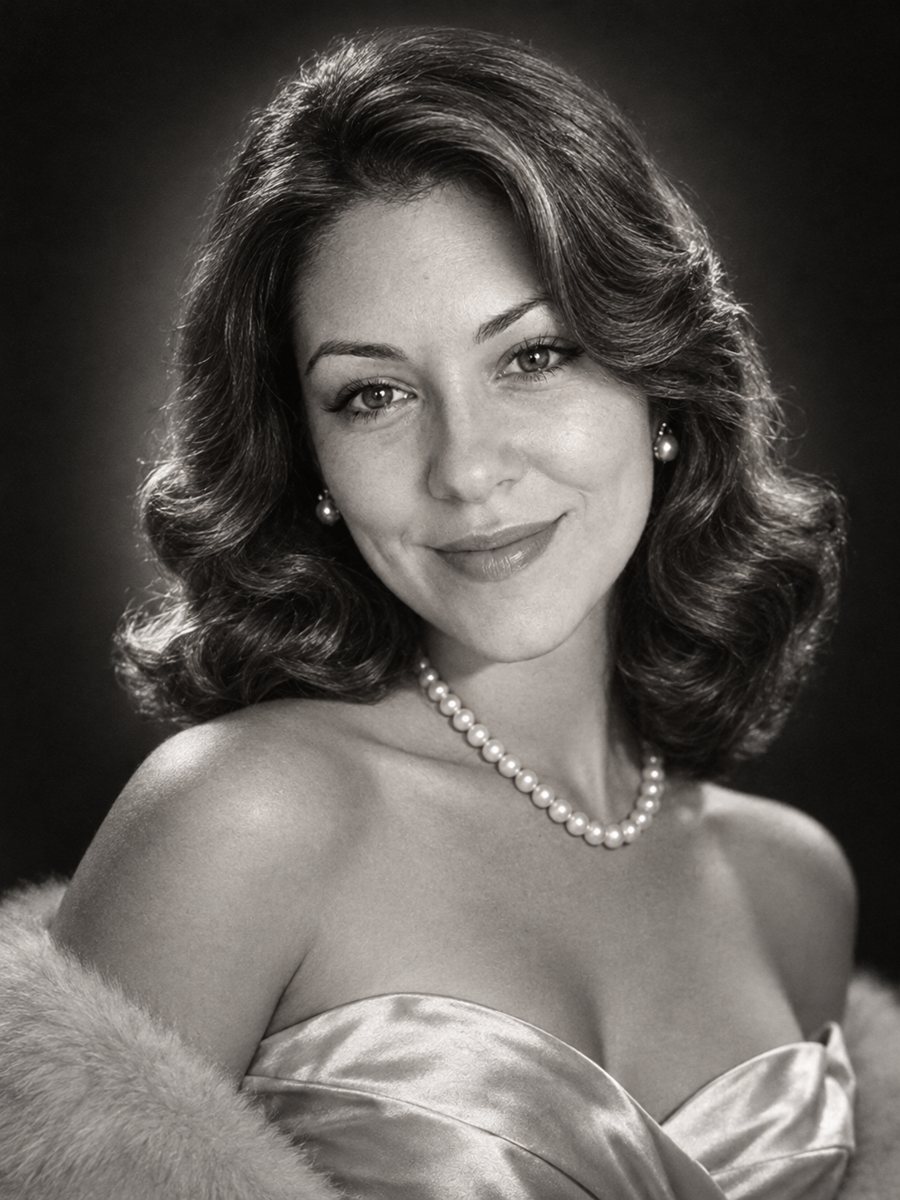 Get a 1950s Hollywood studio glamour portrait of yourselfGet a classic black and white studio portrait with butterfly lighting, styled waves and pearls. Copy the...
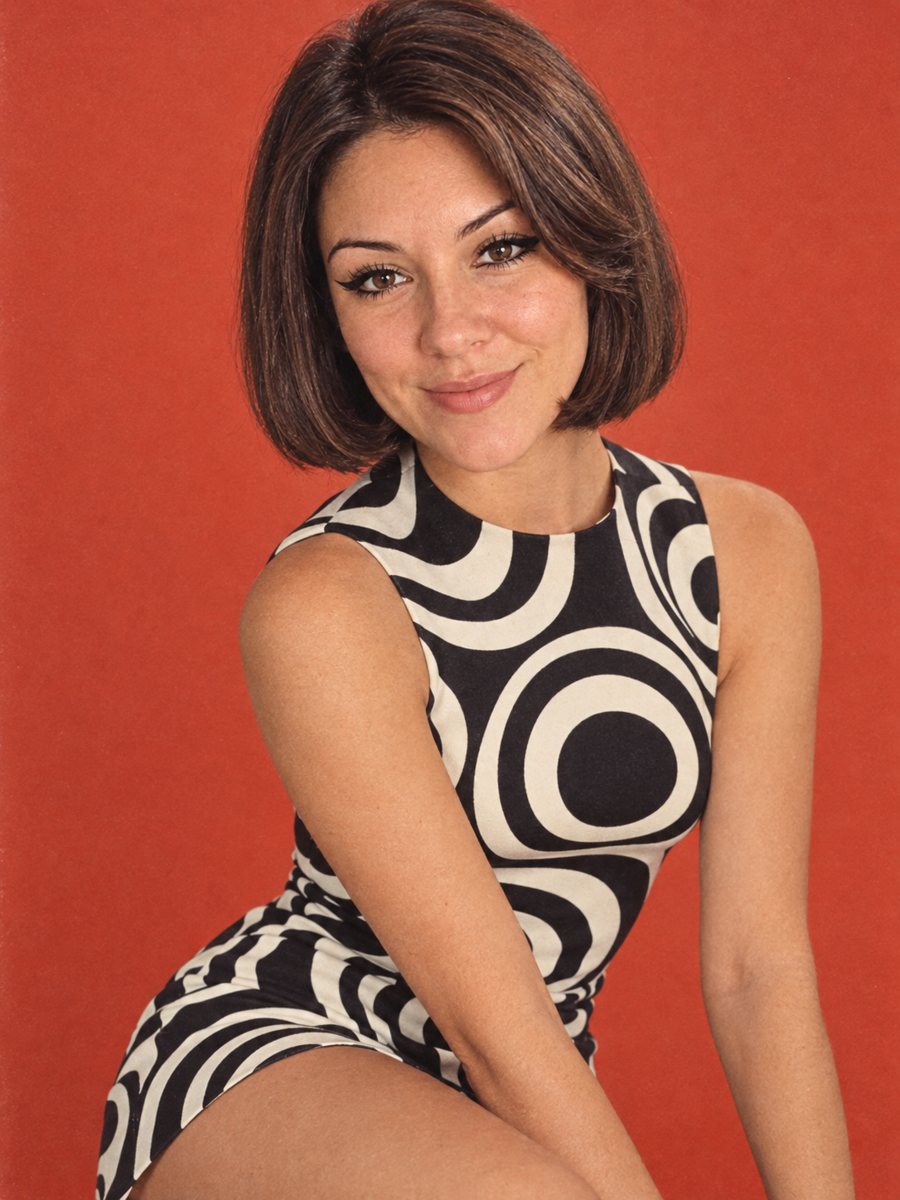 Turn your photo into a 1960s mod fashion portraitRestyle your photo as a 1960s mod fashion portrait with bold eyeliner, a geometric bob, op art and...