Turn your photo into a 1960s mod fashion portrait
You get a London style 1960s fashion shot: dramatic eyeliner, a sharp geometric bob, a mini dress in black and white op art, a flat colored backdrop and slightly faded Kodachrome tones. Press the button, send a photo and wait about two minutes.
- 2 credits per image
- Result in 1–2 minutes
- No sign-up
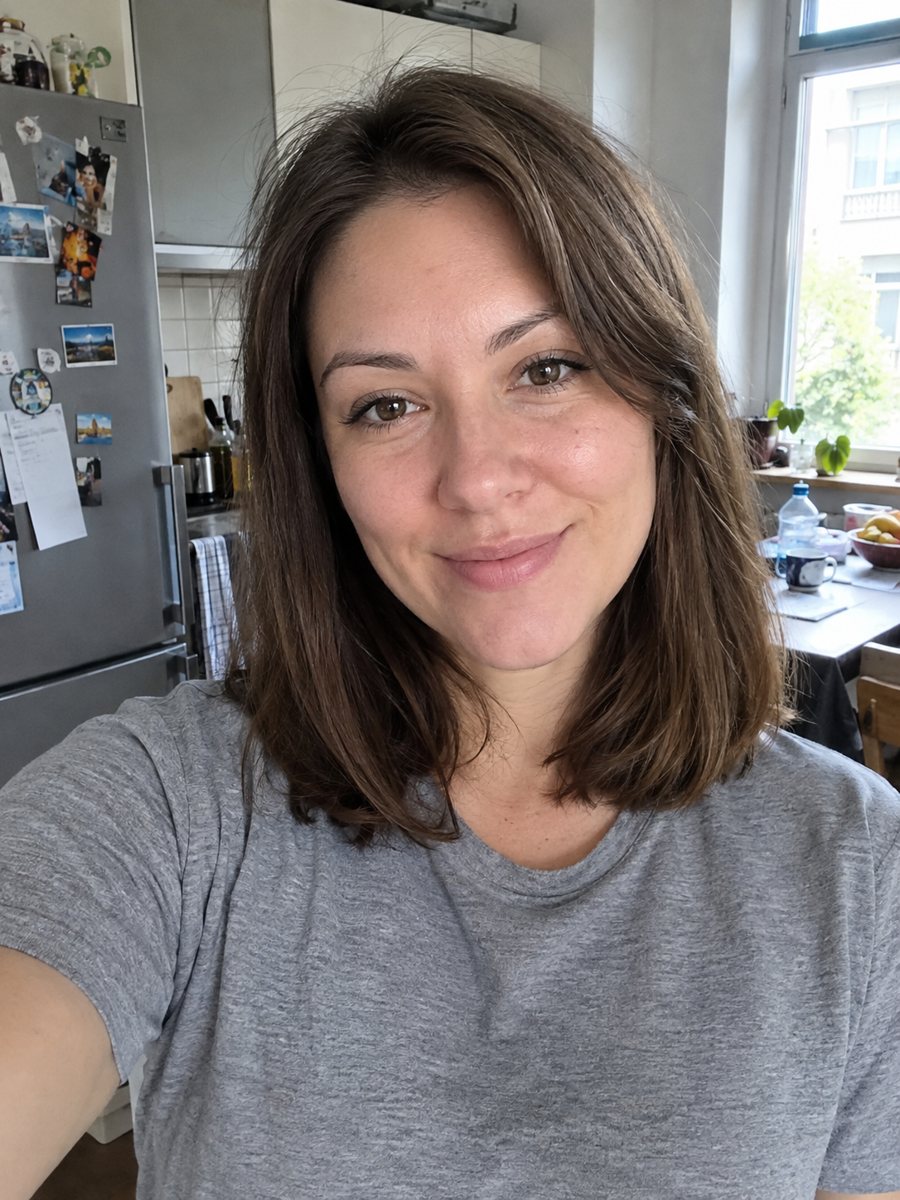
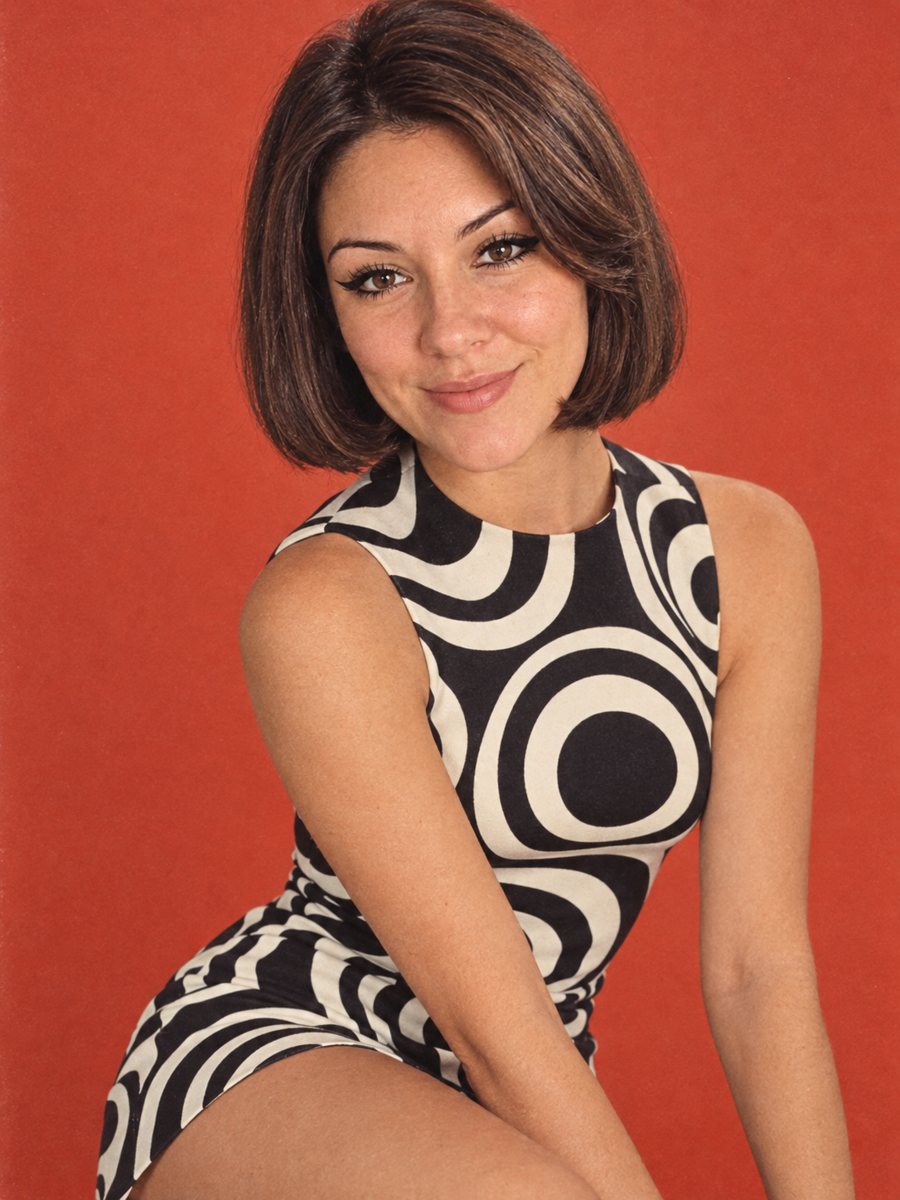 BeforeAfter
In short: Restyle your photo as a 1960s mod fashion portrait with bold eyeliner, a geometric bob, op art and Kodachrome color. 7 images free in the Telegram bot.
- Where: the VisuMate bot in Telegram, no app or sign-up.
- Cost: 2 credits per image, 7 images free, then packs from 49 Telegram Stars.
- Time: 1 to 2 minutes per image, rerun with a new instruction at the same price.
When you need this
- You are planning a 60s party and want a themed picture.
- A retro fashion or music page needs a portrait with an authentic mood.
- You like the idea of seeing yourself with a different haircut before changing it.
How to do it
- 1
Press the button on this page. Telegram opens the bot with the 1960s mod portrait style already selected, tap Start if it asks.
- 2
Attach a single photo as a document. Add wishes in plain English if you like, such as: orange backdrop, keep my long hair.
- 3
The picture arrives in 1 to 2 minutes for 2 credits. Check the backdrop color and the face, and run again if it looks off.
Try it on your own photo: 7 images are free, no sign-up.
Make it in TelegramThe prompt behind this style
Restyle this photo as a 1960s mod fashion portrait. Keep the face recognizable. Bold eyeliner, a geometric bob haircut, a mini dress with black and white op art pattern, a flat colored studio backdrop, slightly faded Kodachrome colors. Vertical 3:4, no text.
What mod fashion looks like
Mod style of the 1960s mixed clean geometry with youthful energy: short bobs, thick eyeliner, graphic prints and bright flat backdrops. Photographers shot on color slide film, which gives slightly warm, faded tones. The prompt copies this: a geometric bob, a mini dress with op art, a plain colored backdrop and Kodachrome colors. The result looks like a page from an old fashion magazine.
Getting what you want
Haircut and clothes are changed by default. If you want to keep your own hairstyle, mention it in the caption. The same goes for the dress: you can ask for a coat or a turtleneck. Eyeliner may be heavy, so write softer makeup if needed. A well lit face with clear eyes helps the AI make the linework crisp. Use the caption to steer the backdrop color, and rerun for 2 credits if the first try misses.
Honest expectations
The AI rebuilds hair and clothing, so the picture shows a version of you in a new look. Facial structure should stay, though lips and eyebrows may change with the makeup. Patterns can wobble at the edges. It is a stylized image and not a vintage photograph. A rerun costs 2 credits and often gives a closer face. When the image arrives, look at the backdrop color first, since that is where drift shows up most.
Tips
- A photo with a direct look at the camera suits the editorial style.
- The prompt describes a bob. If you want to keep your own hair, say so in the caption.
- Pick the studio backdrop color: mustard, orange, sky blue or red.
- Black clothing in the source helps the op art pattern read cleanly.
- Skip heavy filters on the source photo, since the retro color is added later.
Questions and answers
Can men use this?
Yes. Ask for a mod suit, a Beatle style haircut or a polo and a jacket in the caption.
Will my hair change?
By default yes, to a geometric bob. Write keep my hair in the caption to avoid it.
What does Kodachrome mean?
It is a classic color film with rich reds and a warm tint. The AI imitates its tones.
Can I choose another dress pattern?
Yes. Ask for checks, polka dots or stripes.
Is it a real vintage photo?
No. It is an AI generated image.
More in "Photo styles"
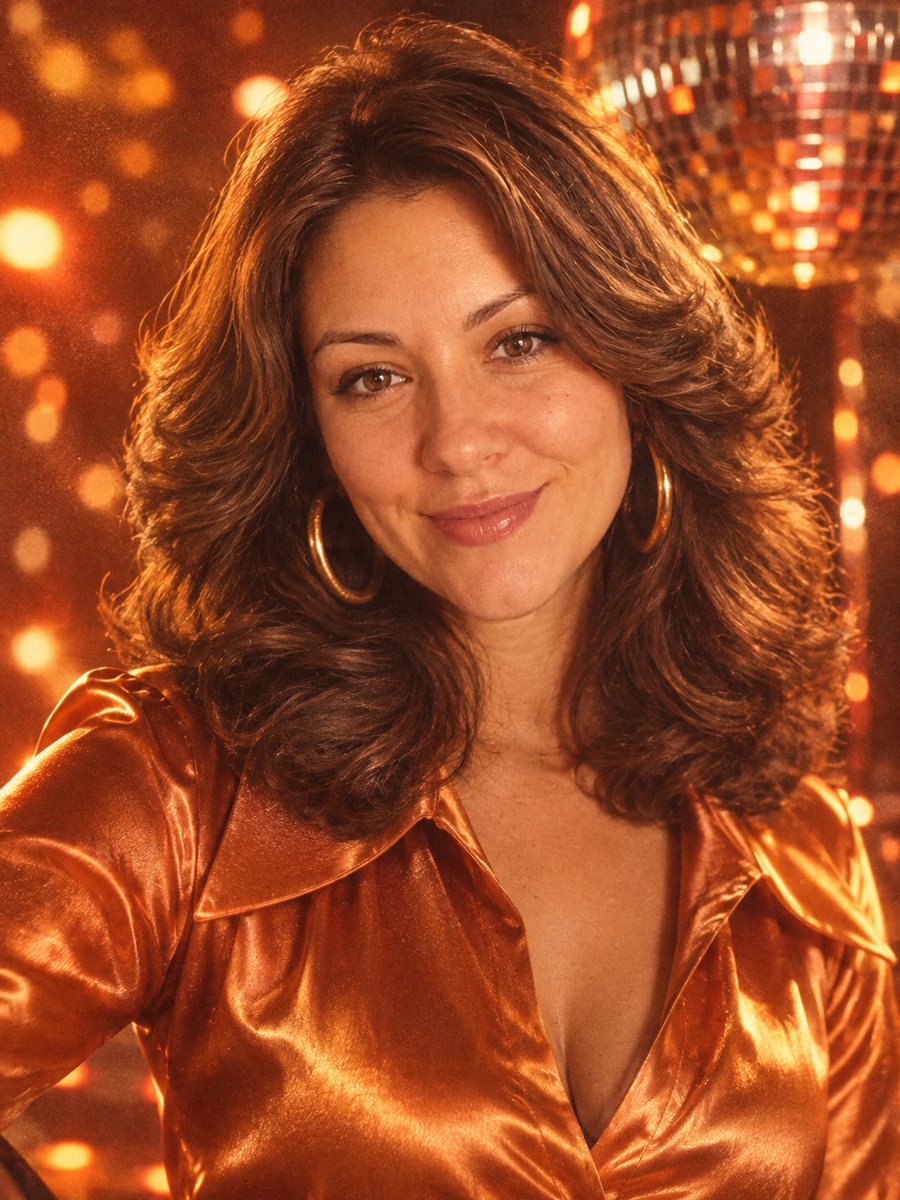 Step into the 1970s with a disco portrait of yourselfRestyle your photo as a 1970s disco portrait with big hair, a satin collar and glittering ball bokeh. Copy...
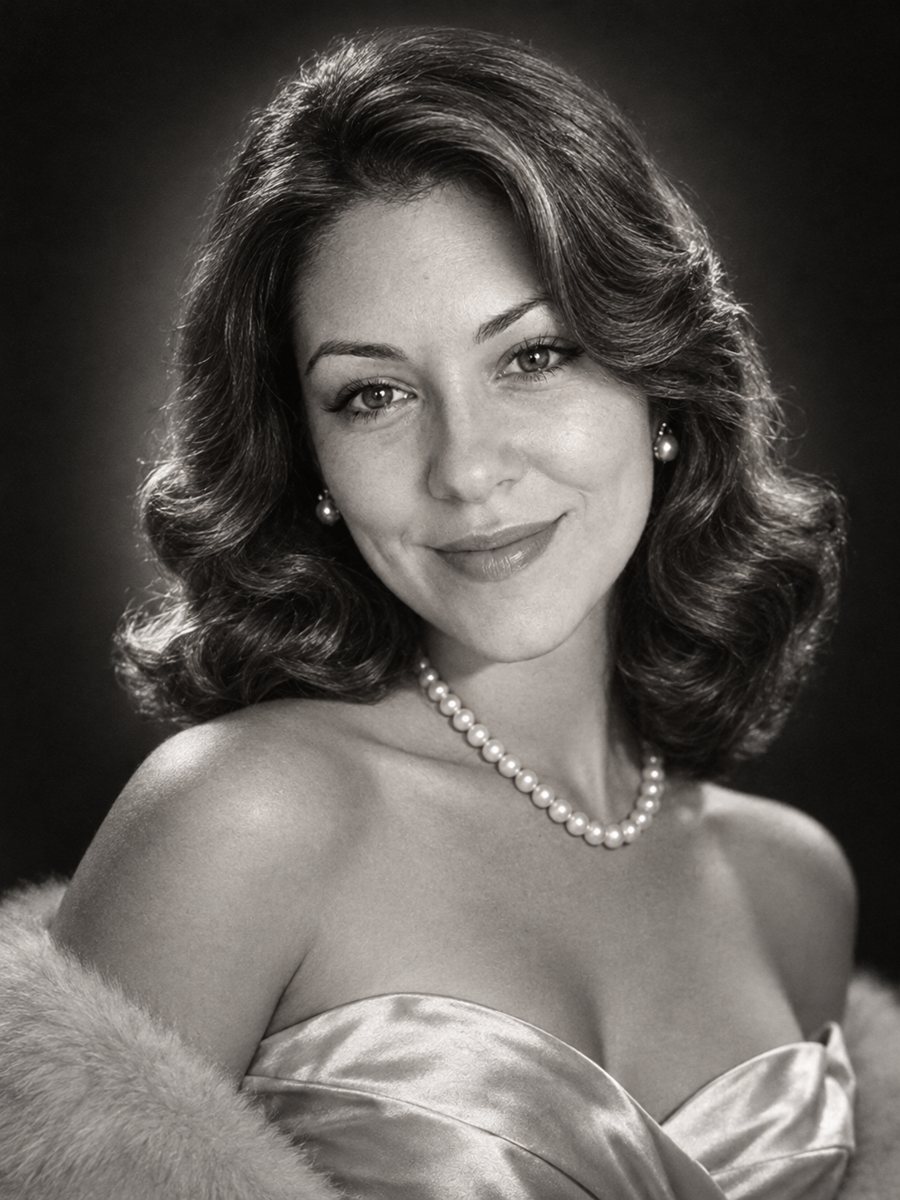 Get a 1950s Hollywood studio glamour portrait of yourselfGet a classic black and white studio portrait with butterfly lighting, styled waves and pearls. Copy the...
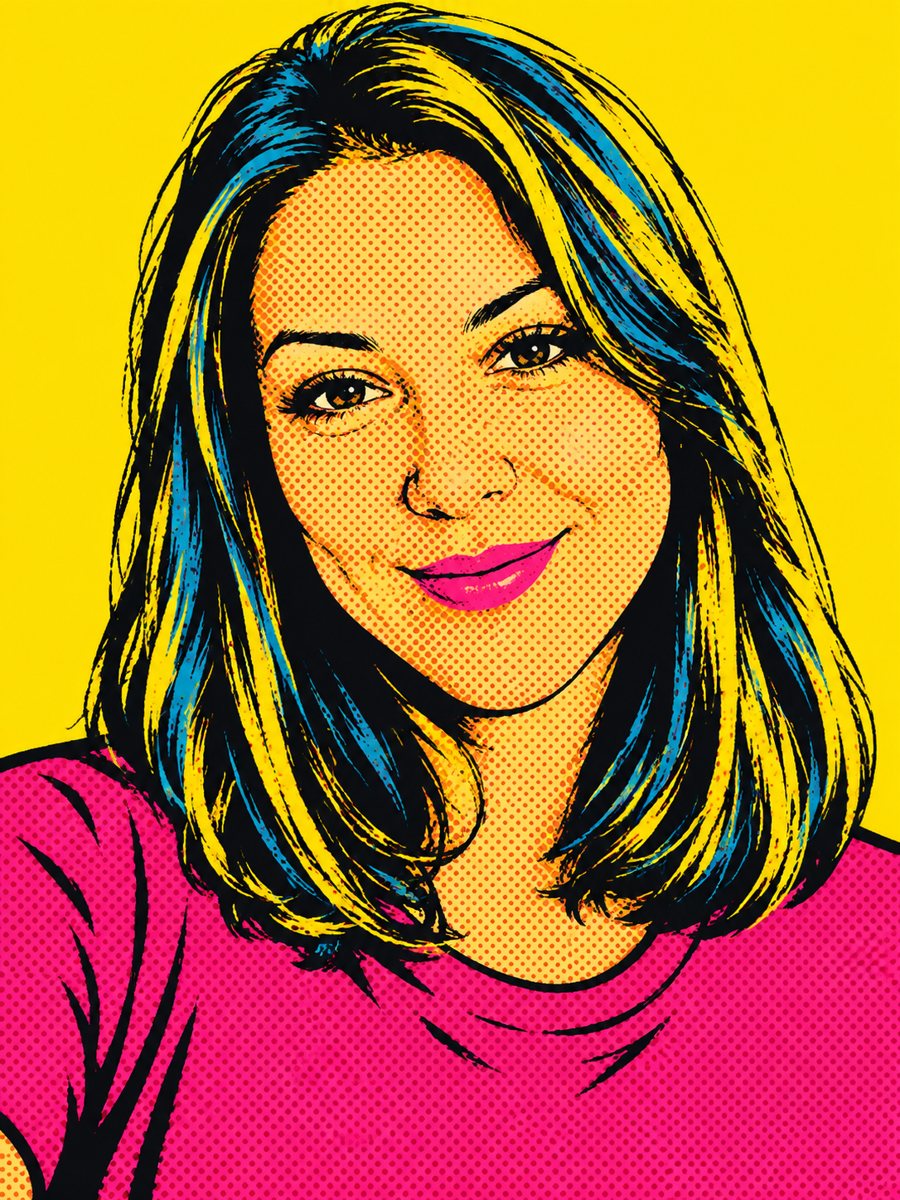 Create a pop art portrait from your photoMake a 1960s silkscreen pop art portrait from your photo with bold flat colors and halftone dots. Ready...
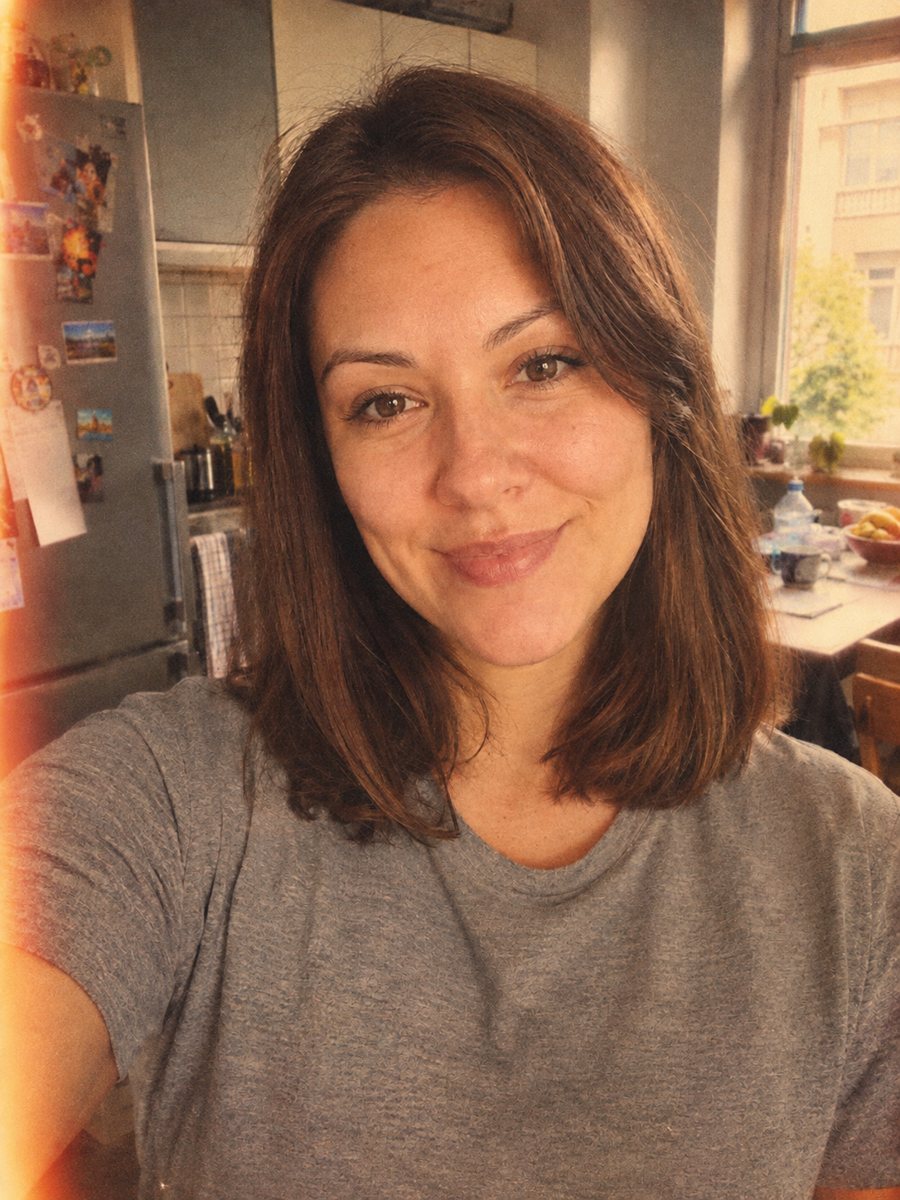 Give your photo a vintage 1970s film lookGive your photo a 1970s color film look with grain, faded tones and a light leak. Ready prompt, 2 credits...
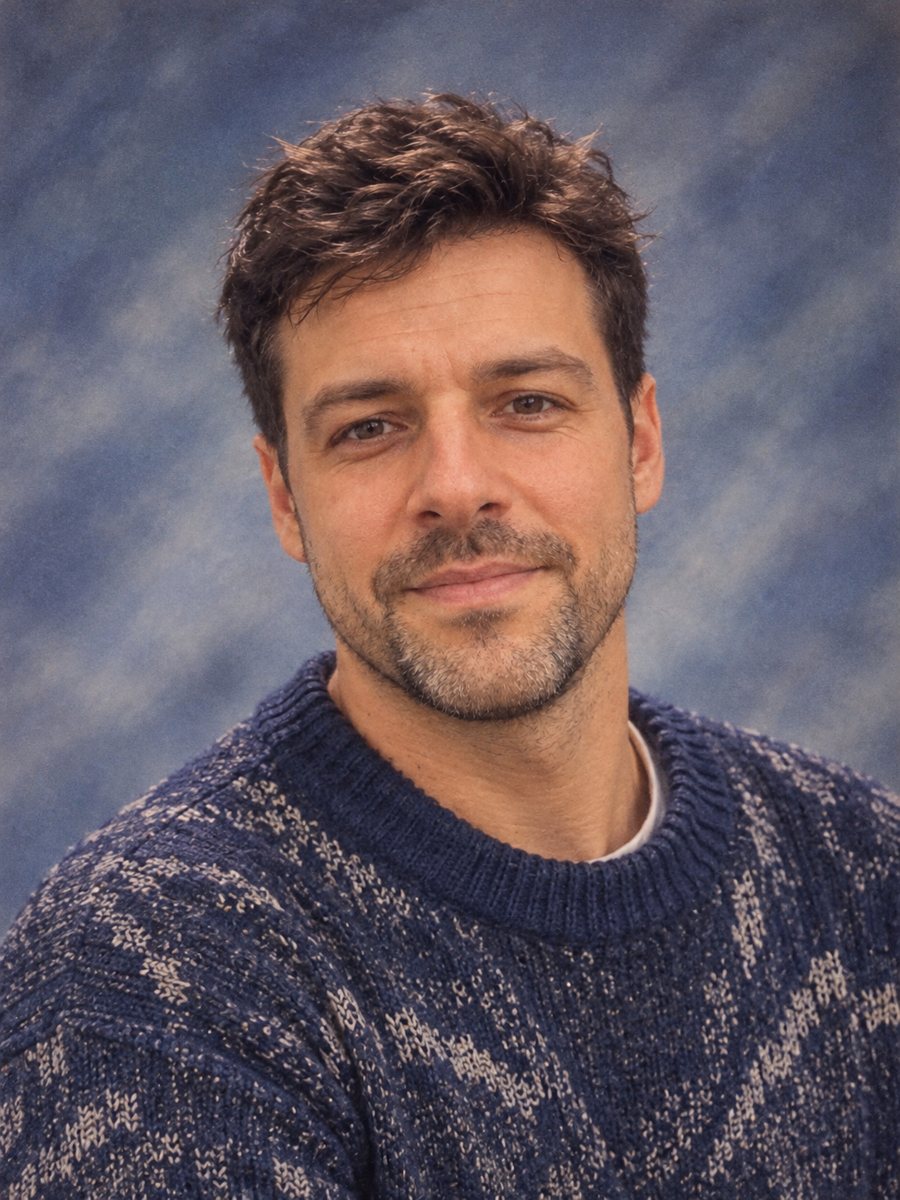 Make a 90s yearbook photo from your selfieMake a 1990s American high school yearbook portrait with a laser backdrop and flash light. Ready prompt, 2...