Turn yourself into a Halloween movie zombie
The bot gives you pale greenish skin, dark sunken eyes and torn clothes on a foggy night street, in a cinematic style that is spooky but not gory. Open it with the button and send a photo.
- 2 credits per image
- Result in 1–2 minutes
- No sign-up
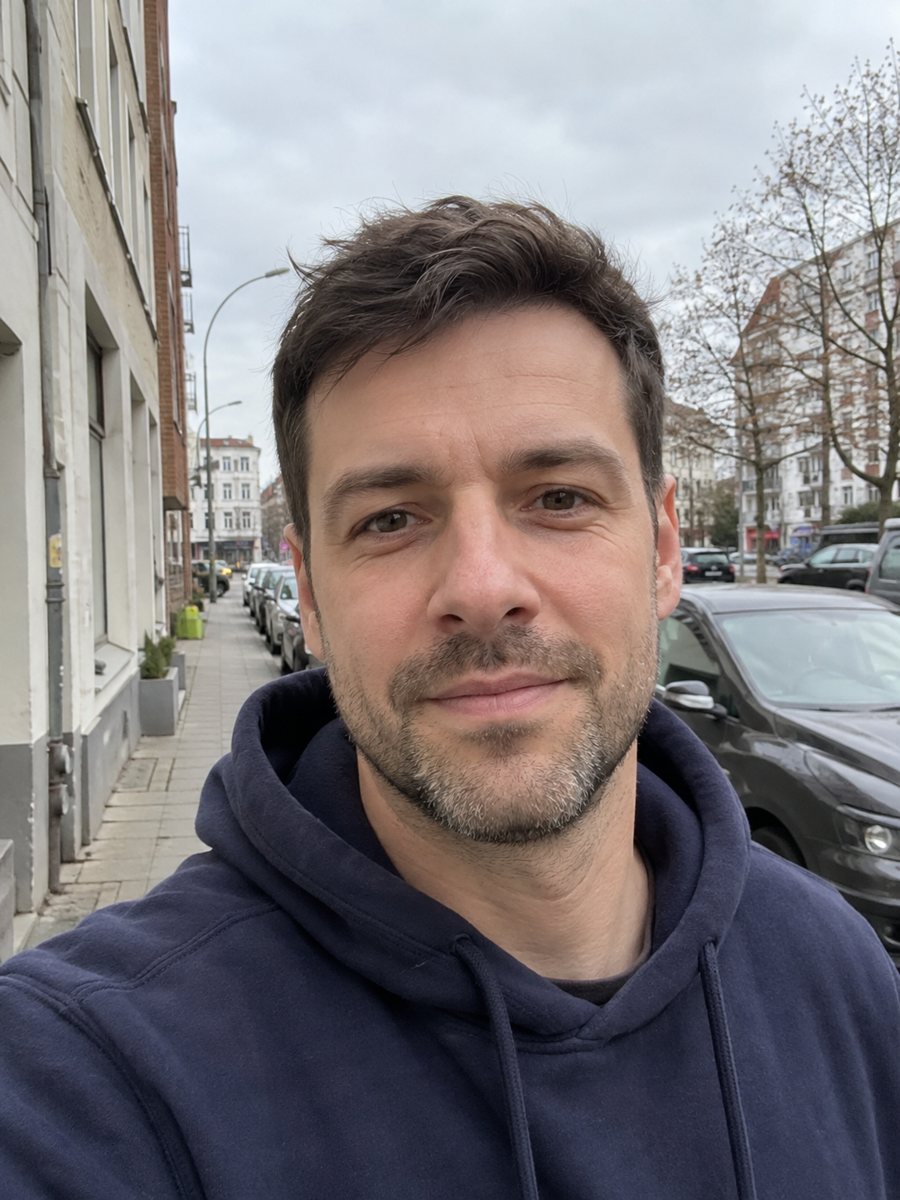
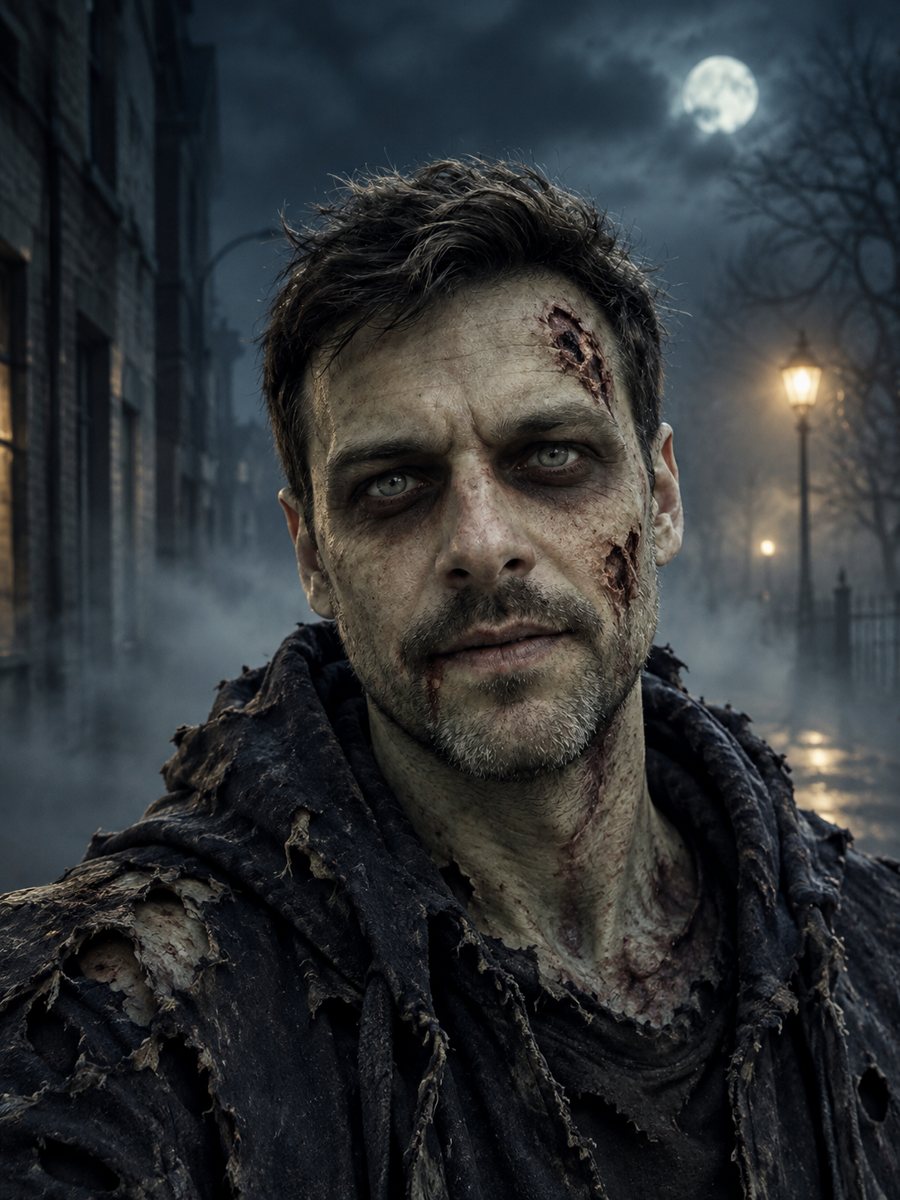 BeforeAfter
In short: See yourself as a Halloween movie zombie with pale skin and a foggy street. Spooky but not gory. Copy the ready prompt or open the bot, 7 images free.
- Where: the VisuMate bot in Telegram, no app or sign-up.
- Cost: 2 credits per image, 7 images free, then packs from 49 Telegram Stars.
- Time: 1 to 2 minutes per image, rerun with a new instruction at the same price.
When you need this
- You need a Halloween profile picture before the party.
- A group chat wants a spooky joke image for each member.
- You want a horror look for a post without graphic content.
How to do it
- 1
Press the button. The bot opens with the zombie style selected.
- 2
Send a clear photo, ideally as a file. In the caption you can add: black hoodie, red eyes, no beard.
- 3
In 1-2 minutes you get the zombie portrait for 2 credits. Check the face and rerun for another look.
Try it on your own photo: 7 images are free, no sign-up.
Make it in TelegramThe prompt behind this style
Turn the person in this photo into a Halloween movie zombie. Keep the face shape and hairstyle recognizable. Pale greenish skin, dark sunken eyes, torn clothes, foggy night street background, cinematic lighting, spooky but not gory. Vertical 3:4, no text.
The look
The result copies the mood of a Halloween movie: pale greenish skin, deep sunken eyes, torn clothing, a foggy night street and cinematic light. It is spooky without blood or open wounds, so it suits social media, party invitations and profile pictures for the season. The face shape and hairstyle stay recognizable, which is what makes the joke work when friends see it.
Using and adjusting
Check that the face still reads as you and rerun if it drifted. You can steer details in the caption, such as a costume piece or the street setting. The image is vertical 3:4 and has no text, so add a party date or a title in a design app if you need one. It is a playful effect for entertainment. If you share a picture of other people, ask them first. Each run costs 2 credits, and the bot does not print.
Tips
- A clear front-facing photo keeps your face shape recognizable.
- Hair is kept, so choose a photo with the hairstyle you want.
- Ask for a tone in the caption, such as funnier or darker.
- The style avoids gore, so it fits social posts and group chats.
- Make a set for friends and post them together.
Questions and answers
Is the zombie picture gory?
No. The prompt asks for spooky but not gory, which suits Halloween posts.
Can I change the setting?
Yes. Describe a different location in the caption.
Does it work for groups?
One person gives the best likeness.
Can kids use it?
Be careful with photos of minors and share only with the permission of a parent.
What does it cost?
2 credits per image. New users get 15 free credits.
Does the bot work in English?
Yes. It picks up your Telegram language on first launch and replies in English. You can switch the language any time with /lang.
More in "Photo styles"
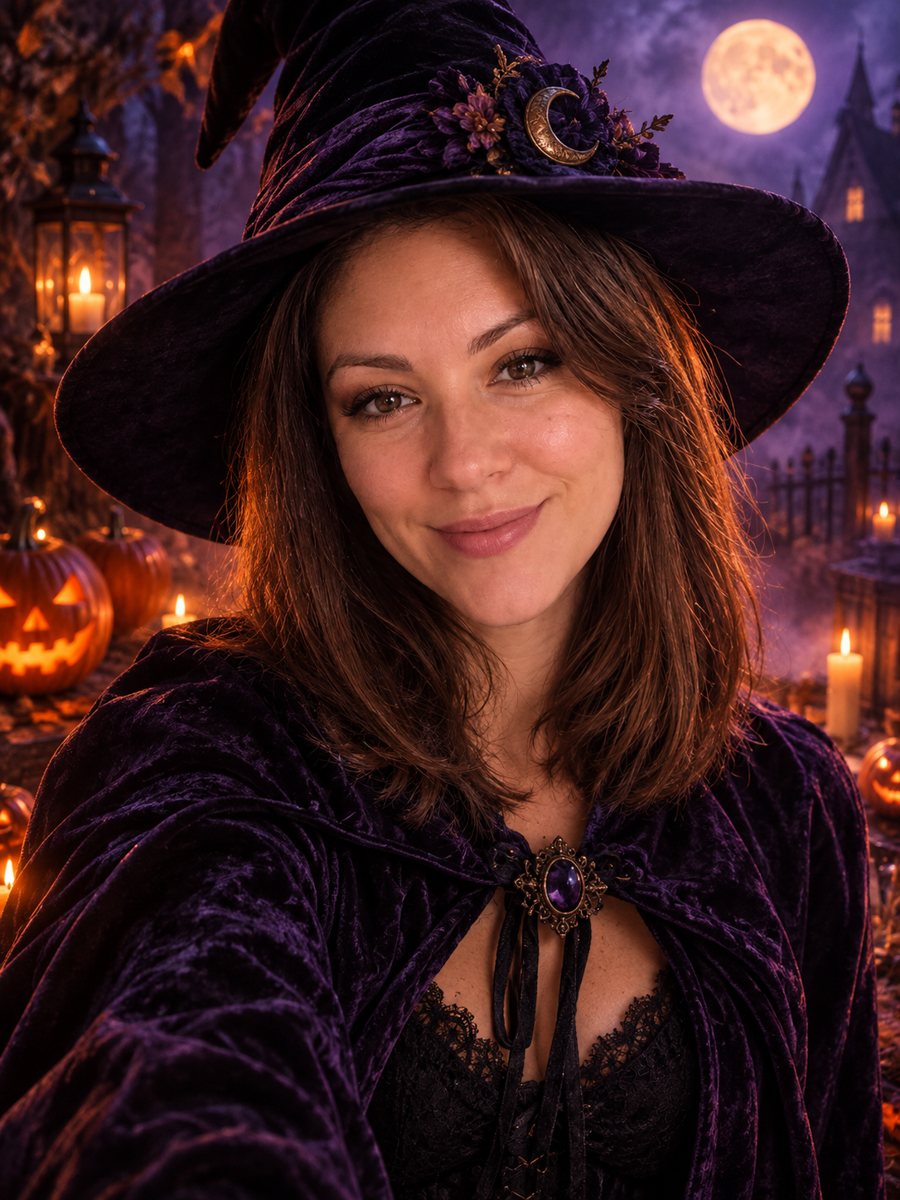 Make a stylish Halloween portrait from your photoTurn a photo into a stylish Halloween portrait with a witch hat, candles and pumpkins. Not scary, not...
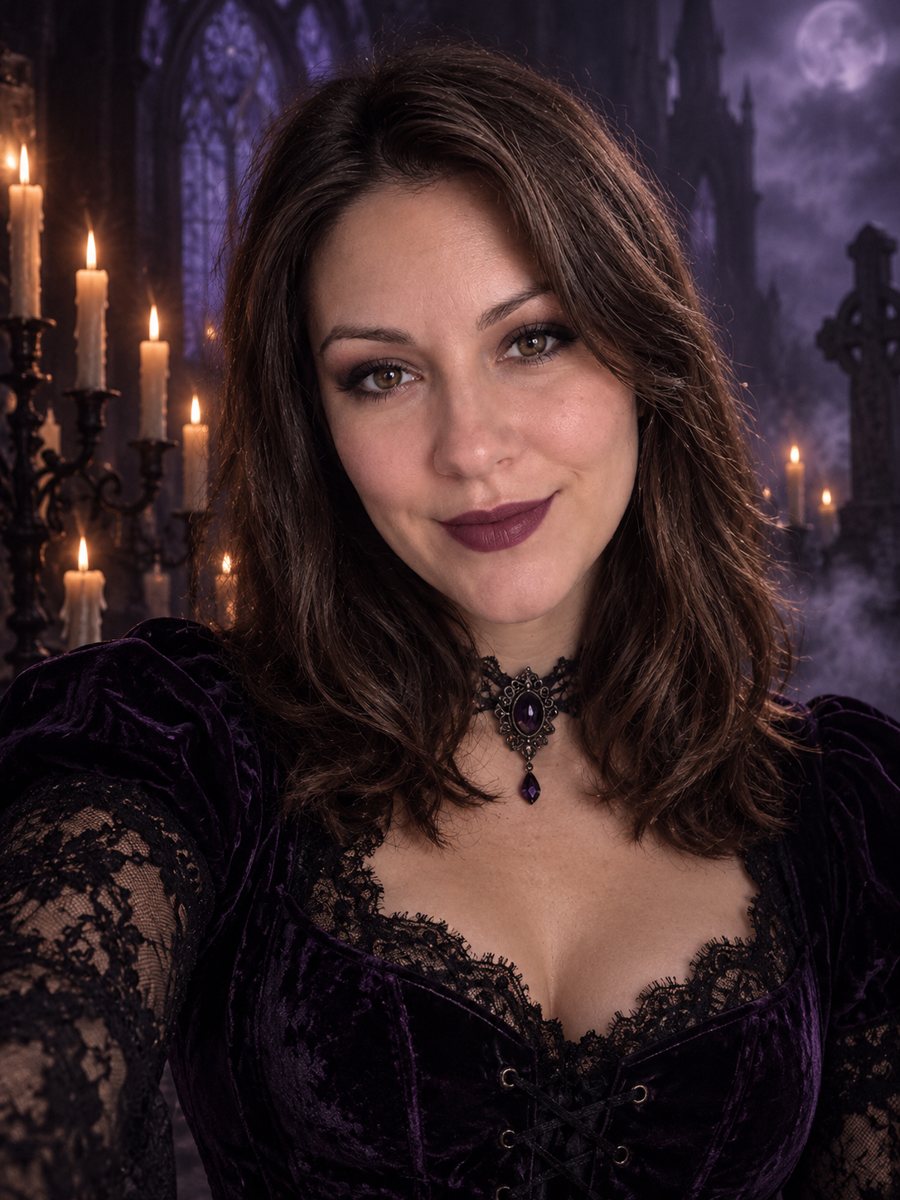 Turn your photo into a dark gothic portraitRestyle your photo as a gothic portrait with black lace, velvet, candlelight and a foggy graveyard. Copy...
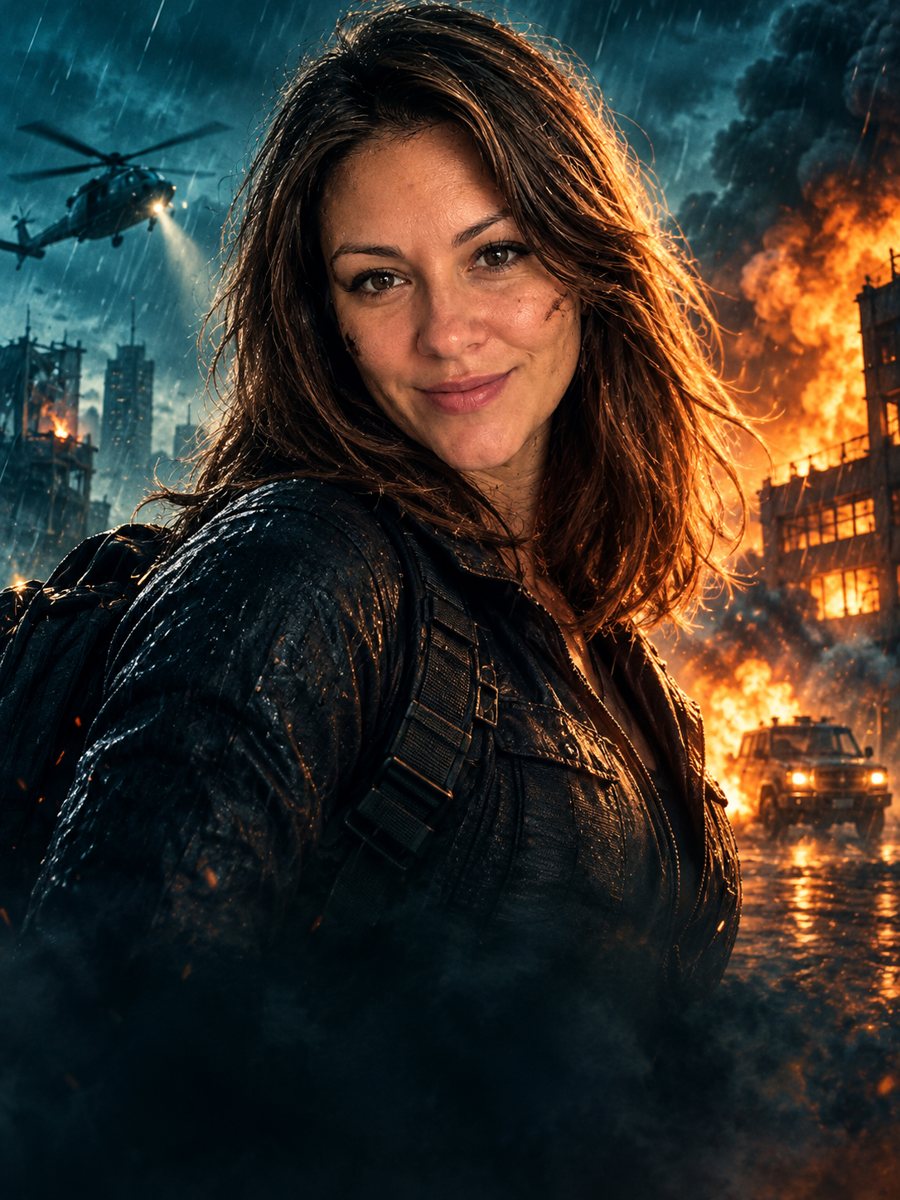 Turn your photo into an action movie posterTurn a photo into a cinematic action movie poster with teal and orange grading, rain and explosions. Copy...
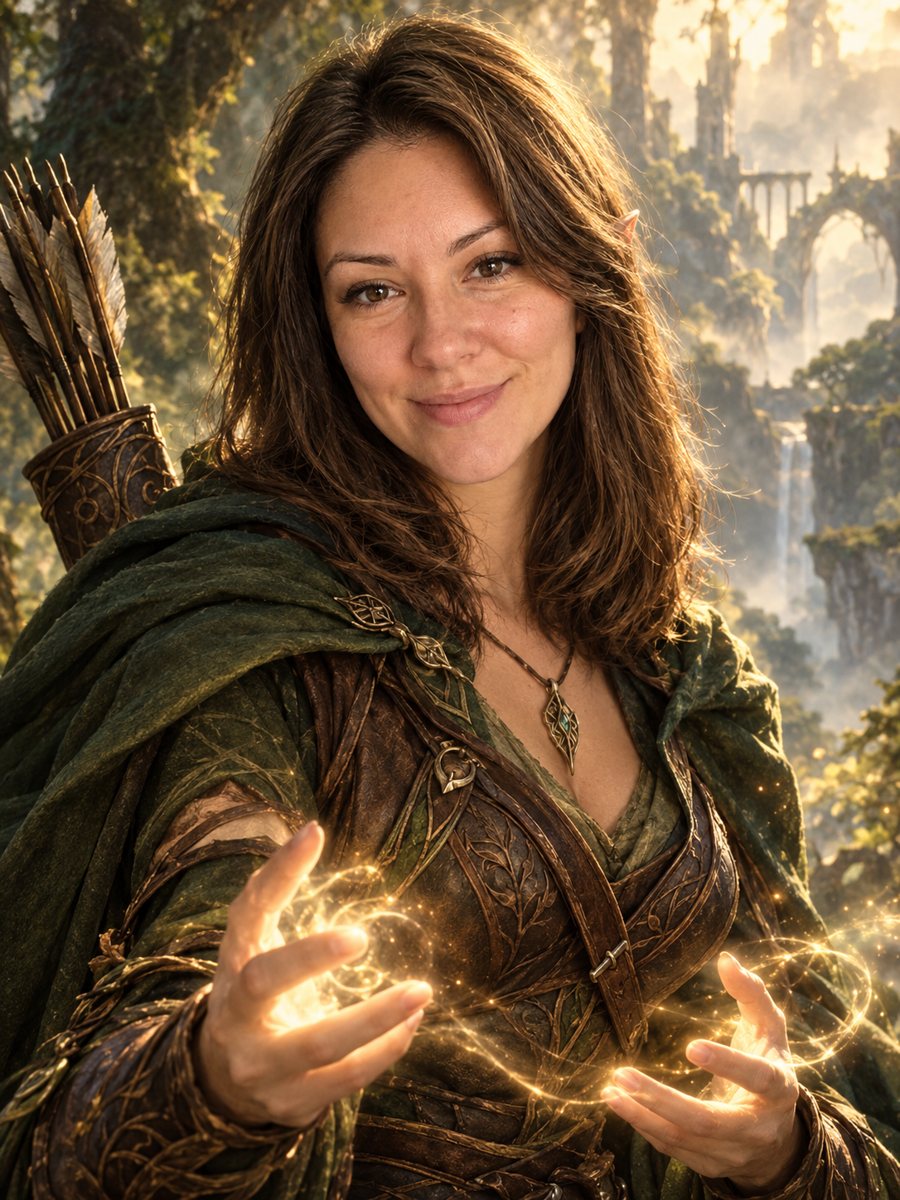 Turn your photo into a fantasy character portraitTurn your photo into an elven or ranger style fantasy novel cover portrait. Ready prompt, 2 credits per...