Turn your photo into an action movie poster
The bot places you in an action movie poster with dramatic moody light, teal and orange color grading, rain and explosions behind and a heroic pose. There is empty space at the bottom for your own title. Open it with the button and send a photo.
- 2 credits per image
- Result in 1–2 minutes
- No sign-up
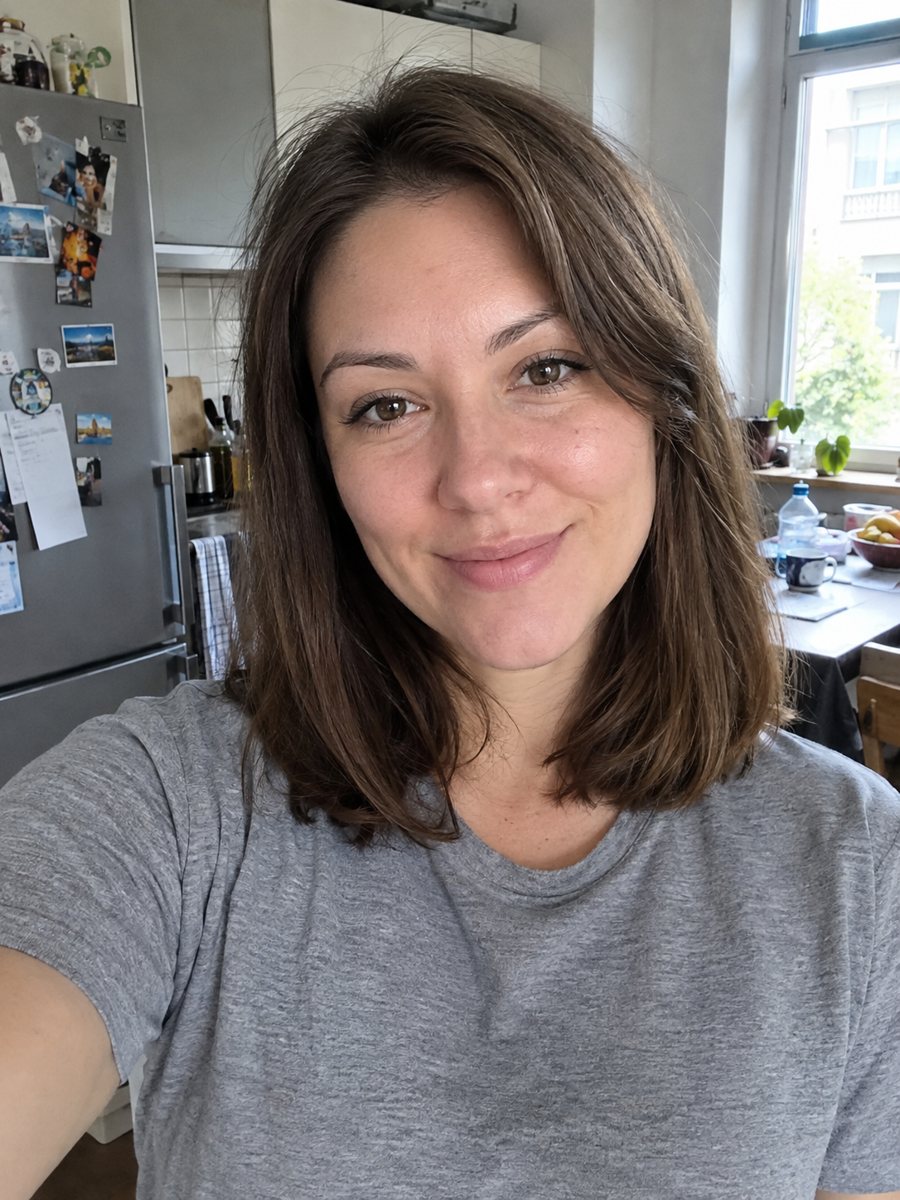
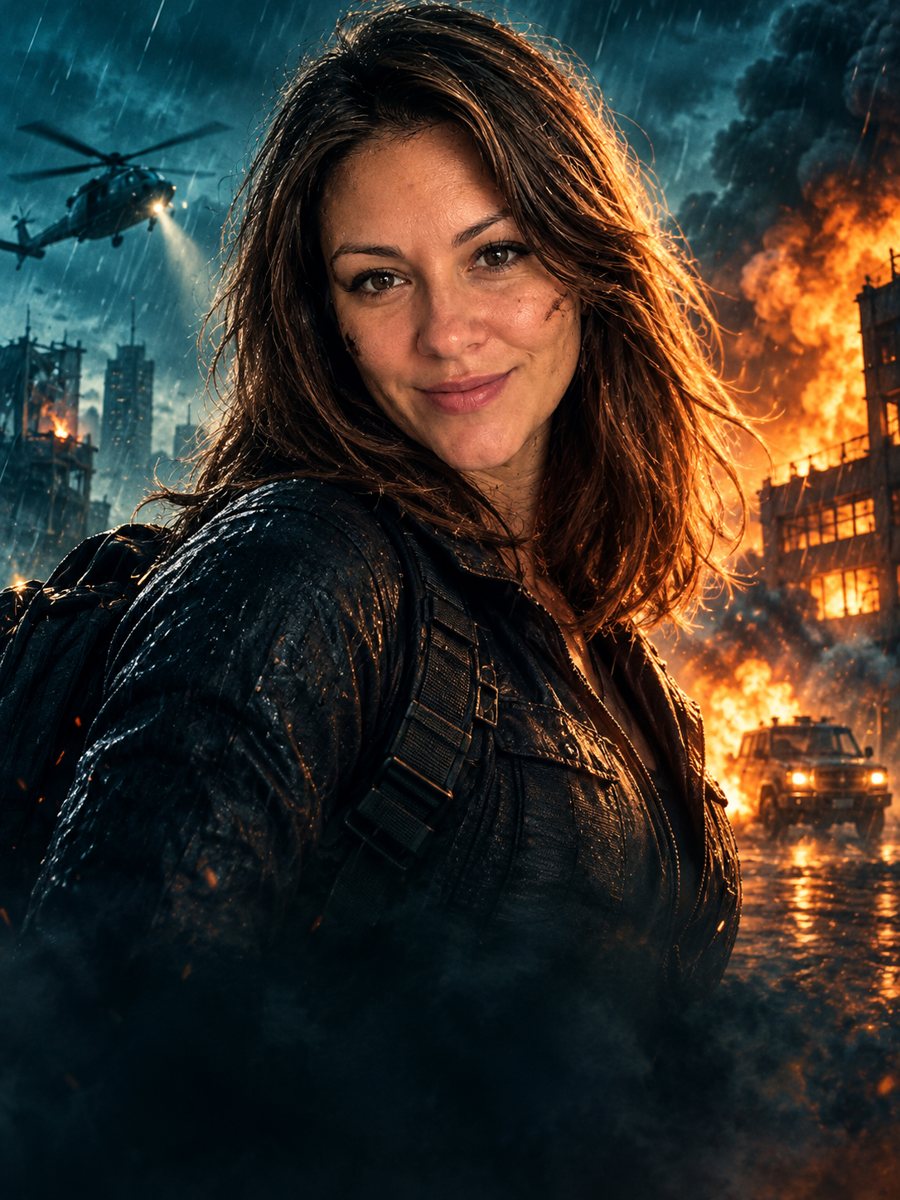 BeforeAfter
In short: Turn a photo into a cinematic action movie poster with teal and orange grading, rain and explosions. Copy the ready prompt or open the Telegram bot.
- Where: the VisuMate bot in Telegram, no app or sign-up.
- Cost: 2 credits per image, 7 images free, then packs from 49 Telegram Stars.
- Time: 1 to 2 minutes per image, rerun with a new instruction at the same price.
When you need this
- You want a fun gift for a movie fan.
- A birthday invitation needs a blockbuster look.
- A streamer or a team needs a promotional poster style.
How to do it
- 1
Press the button. The bot opens with the movie poster style selected.
- 2
Send a clear photo, ideally as a file. In the caption you can add: night city, no explosions, red jacket.
- 3
Wait 1-2 minutes. Check the face and rerun for 2 credits if you want another composition.
Try it on your own photo: 7 images are free, no sign-up.
Make it in TelegramThe prompt behind this style
Turn this photo into a cinematic action movie poster. Keep the face recognizable. Dramatic low key lighting, teal and orange color grading, explosions and rain in the background, heroic pose, film poster composition with empty space at the bottom. Vertical 3:4, no text or credits.
The cinematic look
The poster is built like a modern action film: dark moody lighting, a teal and orange color scheme, rain and fire in the background, and a hero pose in the center. The composition leaves empty space at the bottom, where titles and credits usually sit. The image has no text, which keeps spelling errors out and lets you design the typography yourself in any app you like.
Using the poster
Add a title, a tagline and a fake cast list in a design app, or a short date for an event. Likeness matters, so check the face closely and rerun if needed. A sharp, well lit photo gives a more natural result. The image is vertical 3:4. The poster suits a party invitation, a gift for a friend, a gaming channel banner or a social media post. The bot does not print posters and does not include real studio logos.
Tips
- A strong, serious expression suits the style.
- Waist-up photos give more room for the pose.
- Ask for a different setting in the caption, such as a desert or a rainy street.
- The picture has no text, so add the title and credits in a design app.
- Use the empty bottom area for a title block.
Questions and answers
Can I add a movie title?
The image has no text. Add the title in a design app.
Can I pick another genre?
The style is action. Other genre looks can be asked for in the caption, but results vary.
Will the face stay recognizable?
The prompt asks for it. Check and rerun if needed.
Can I put friends on the poster?
One person gives the best result.
What does it cost?
2 credits per image. New users get 15 free credits.
Does the bot work in English?
Yes. It picks up your Telegram language on first launch and replies in English. You can switch the language any time with /lang.
More in "Photo styles"
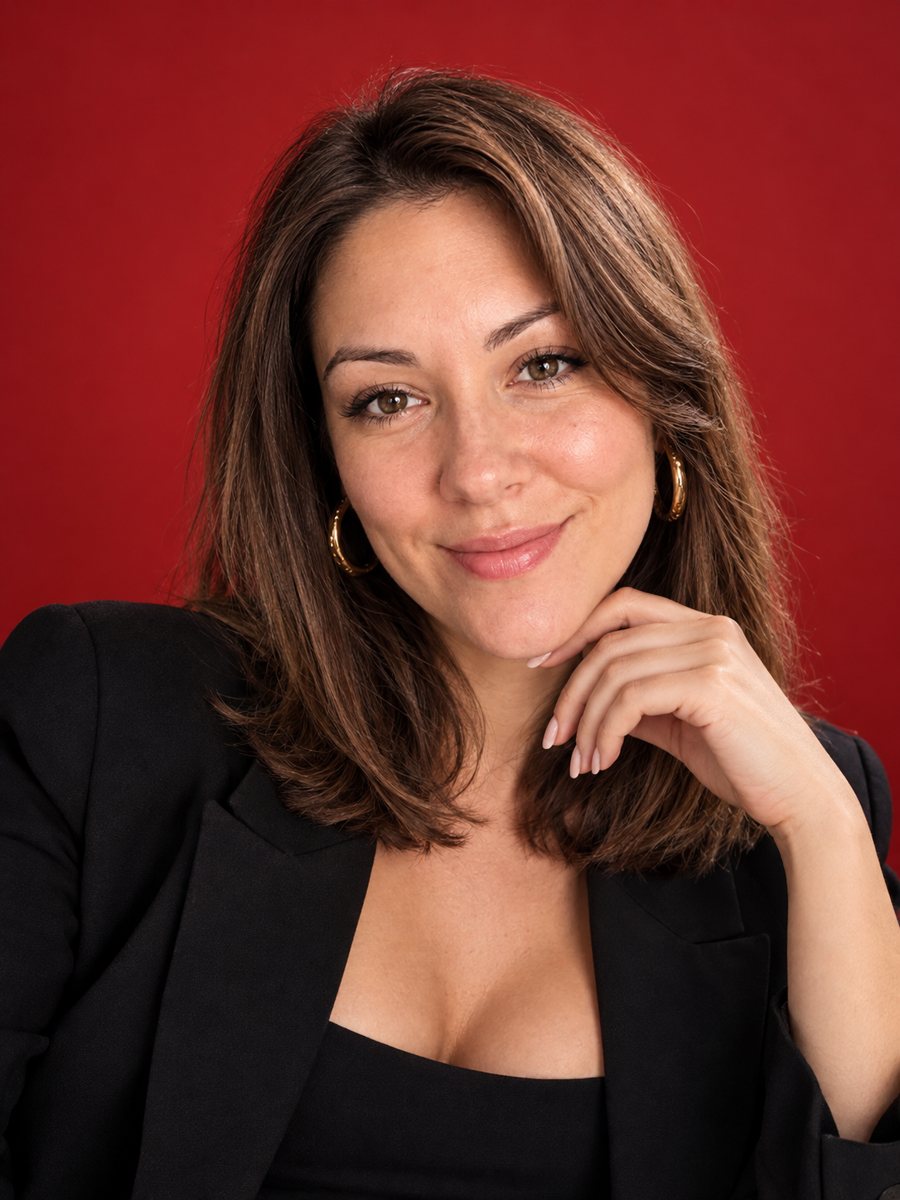 Put yourself on a glossy fashion magazine coverTurn a photo into a glossy fashion magazine cover portrait with space for a title. Copy the ready prompt...
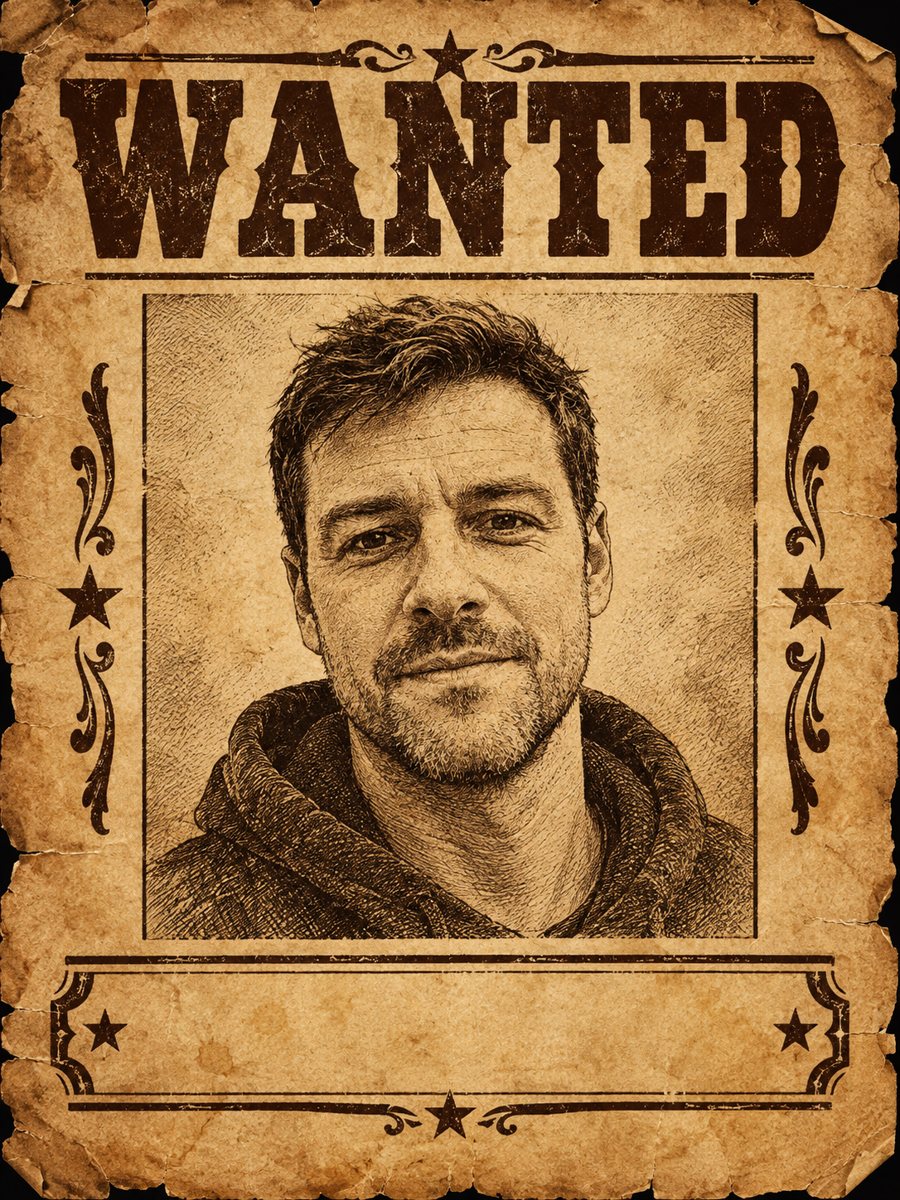 Make a Wild West wanted poster from a photoMake an old Wild West wanted poster from a photo, with aged paper and a blank reward line. A joke image...
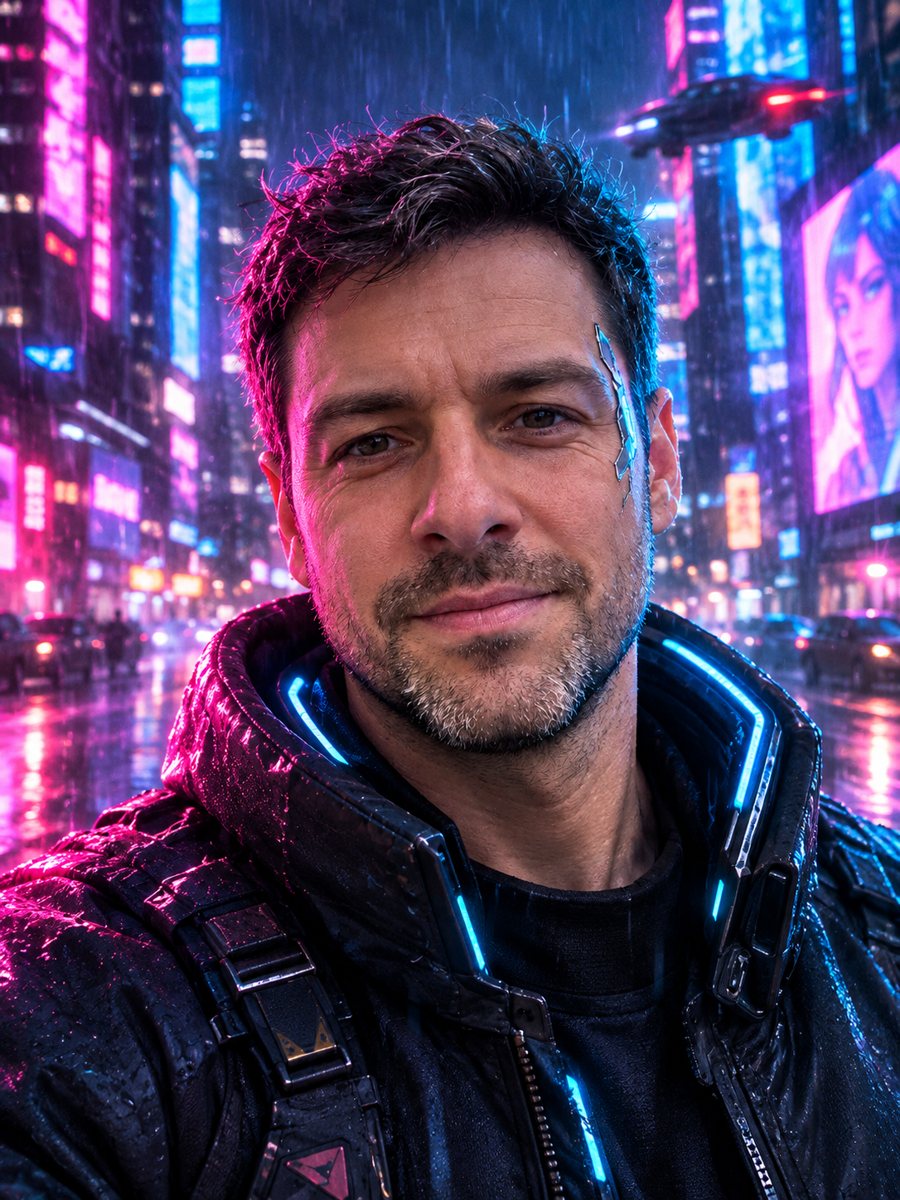 Turn your photo into a cyberpunk portraitTurn a photo into a neon-lit cyberpunk character in a rainy night city. Ready prompt, 2 credits per image,...
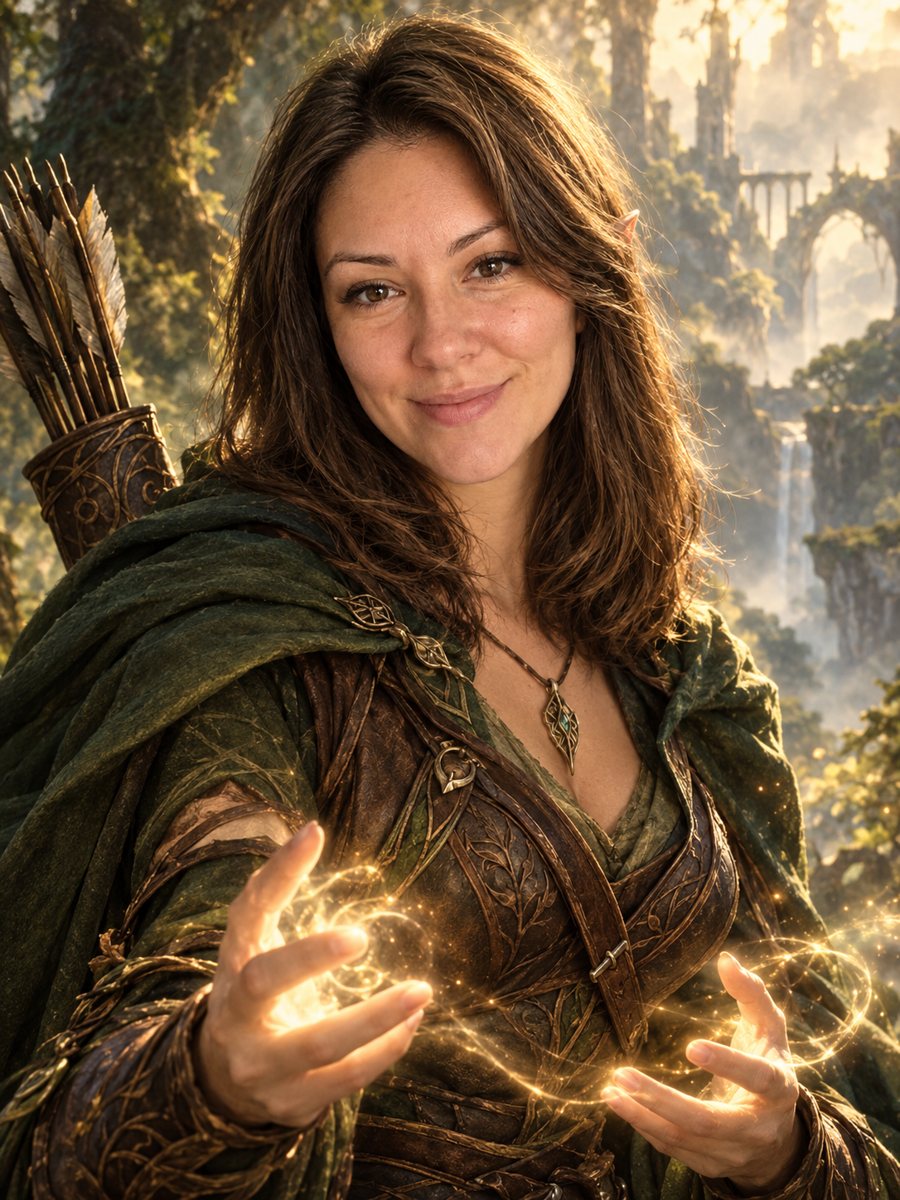 Turn your photo into a fantasy character portraitTurn your photo into an elven or ranger style fantasy novel cover portrait. Ready prompt, 2 credits per...