Turn your photo into a dark gothic portrait
Your photo is restyled in a gothic mood: black lace and velvet clothing, pale dramatic makeup, a candlelit cathedral or foggy graveyard behind you, a deep purple and black palette and moody painterly light. The face remains recognizable.
- 2 credits per image
- Result in 1–2 minutes
- No sign-up
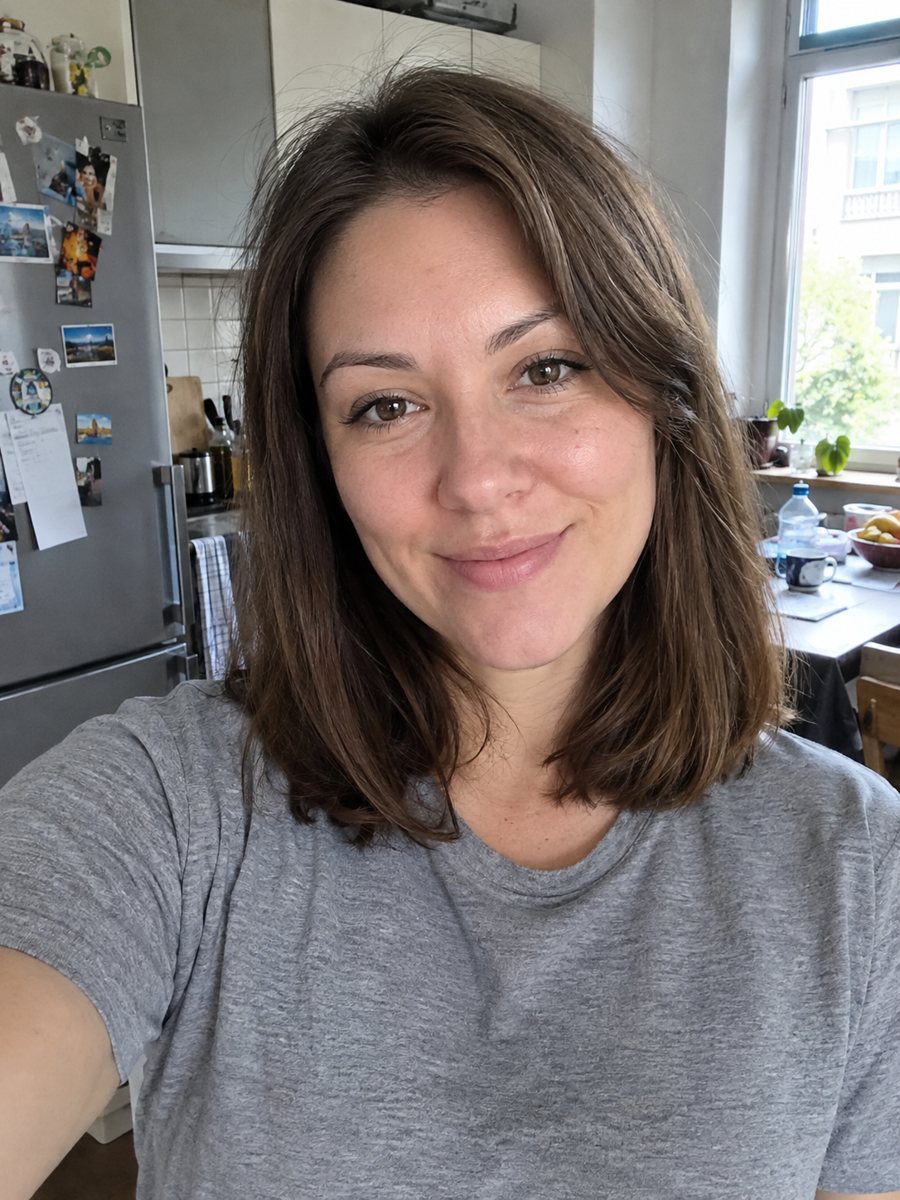
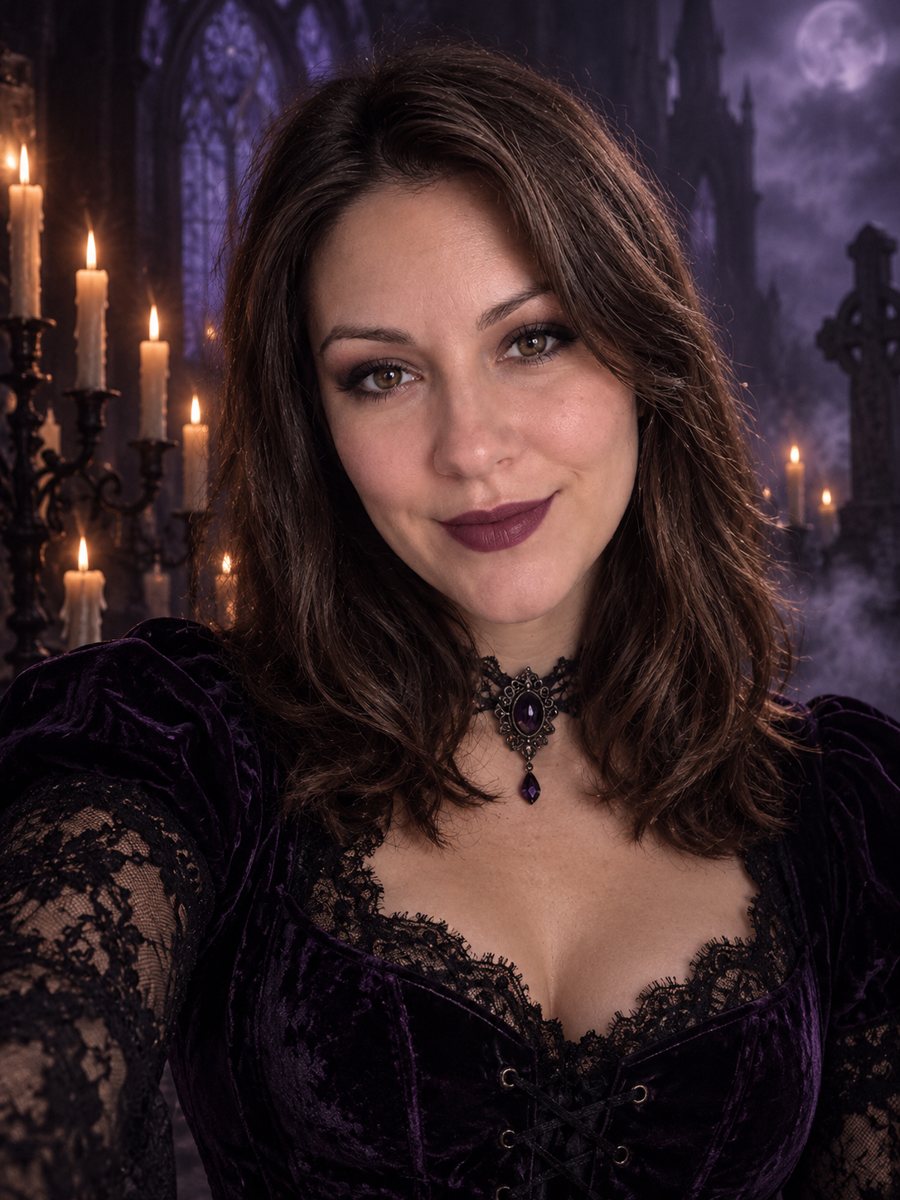 BeforeAfter
In short: Restyle your photo as a gothic portrait with black lace, velvet, candlelight and a foggy graveyard. Copy the dark prompt or open the Telegram bot, 7 free.
- Where: the VisuMate bot in Telegram, no app or sign-up.
- Cost: 2 credits per image, 7 images free, then packs from 49 Telegram Stars.
- Time: 1 to 2 minutes per image, rerun with a new instruction at the same price.
When you need this
- You want a dark, atmospheric profile picture for a book, band or horror project.
- You are preparing a gothic themed event or costume party.
- Dark filters make the photo dim, but they do not change clothes or setting.
How to do it
- 1
Press the button on this page. The bot opens with the gothic style selected, tap Start if asked.
- 2
Send one photo as a file. Add a caption like: long black coat, raven on the shoulder, candles.
- 3
After 1-2 minutes the image arrives for 2 credits. Check that the face is lit enough to read, then rerun if it sank into the dark.
Try it on your own photo: 7 images are free, no sign-up.
Make it in TelegramThe prompt behind this style
Restyle this photo as a dark gothic portrait. Keep the face recognizable. Black lace and velvet clothing, pale dramatic makeup, candlelit cathedral or foggy graveyard background, deep purple and black palette, moody painterly light. Vertical 3:4, no text, nothing gory.
A dark palette on purpose
The prompt builds the mood from a limited palette: deep purple and black with pale skin standing out. Light comes from candles or a dim sky and falls softly, like in a painting. The clothing is black lace and velvet, and makeup is pale and dramatic. The setting is either an old cathedral with candles or a graveyard in fog. The prompt states nothing gory, so the result stays atmospheric. It lands closer to romantic gothic art than to horror.
Tuning the mood
Gothic images easily become too dark to read. If your face disappears, add a caption asking for a soft candle glow on the face. If the makeup feels heavy, ask for subtle makeup. For a more playful result, the Halloween portrait style offers lighter spooky themes. Users often like to generate two or three versions and pick the one with the best lighting. The portrait is vertical 3:4 and has no text, which makes it a good base for book covers or social posts.
Tips
- Choose between cathedral and graveyard in the caption. The prompt allows both.
- A pale, evenly lit photo gives the makeup effect room to show.
- Ask for specific accessories: choker, veil, cross pendant or lace gloves.
- The prompt says nothing gory, so the mood stays dark and moody without violence.
- Keep the original hair color unless you ask for a change in the caption.
Questions and answers
Is the result violent or scary?
No. The prompt asks for nothing gory, only a dark and moody atmosphere.
Can I choose a color other than purple?
Mention another color in the caption, such as deep red, and the AI will try to follow it.
Will it change my clothes?
Yes, to black lace and velvet. Ask in the caption for specific garments.
Does it work for men?
Yes. Describe the clothing you want, such as a long coat and a high collar.
What does it cost?
2 credits per image, and new users get 15 free credits.
Does the bot work in English?
Yes. It picks up your Telegram language on first launch and replies in English. You can switch the language any time with /lang.
More in "Photo styles"
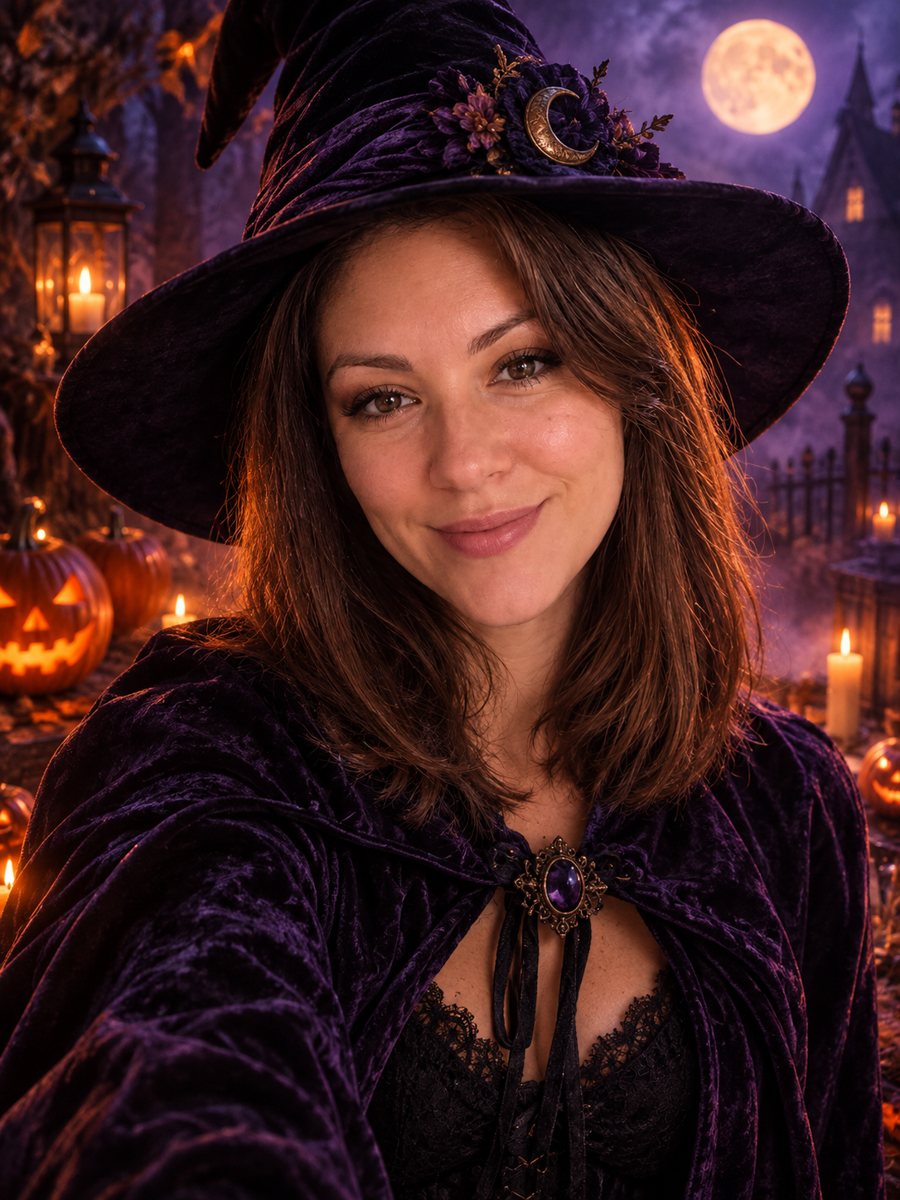 Make a stylish Halloween portrait from your photoTurn a photo into a stylish Halloween portrait with a witch hat, candles and pumpkins. Not scary, not...
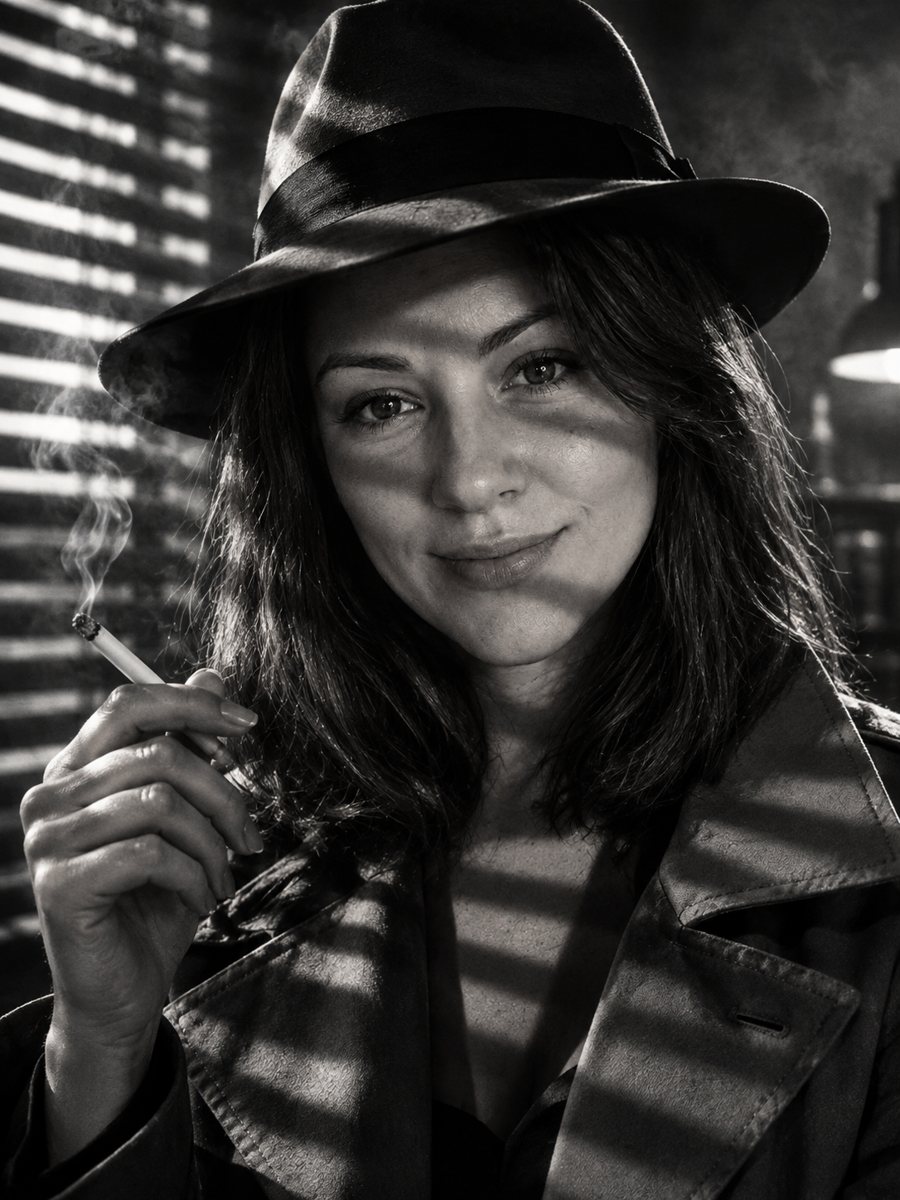 Star in your own 1940s film noir stillMake a 1940s film noir still of yourself with venetian blind shadows, smoke haze and a fedora. Copy the...
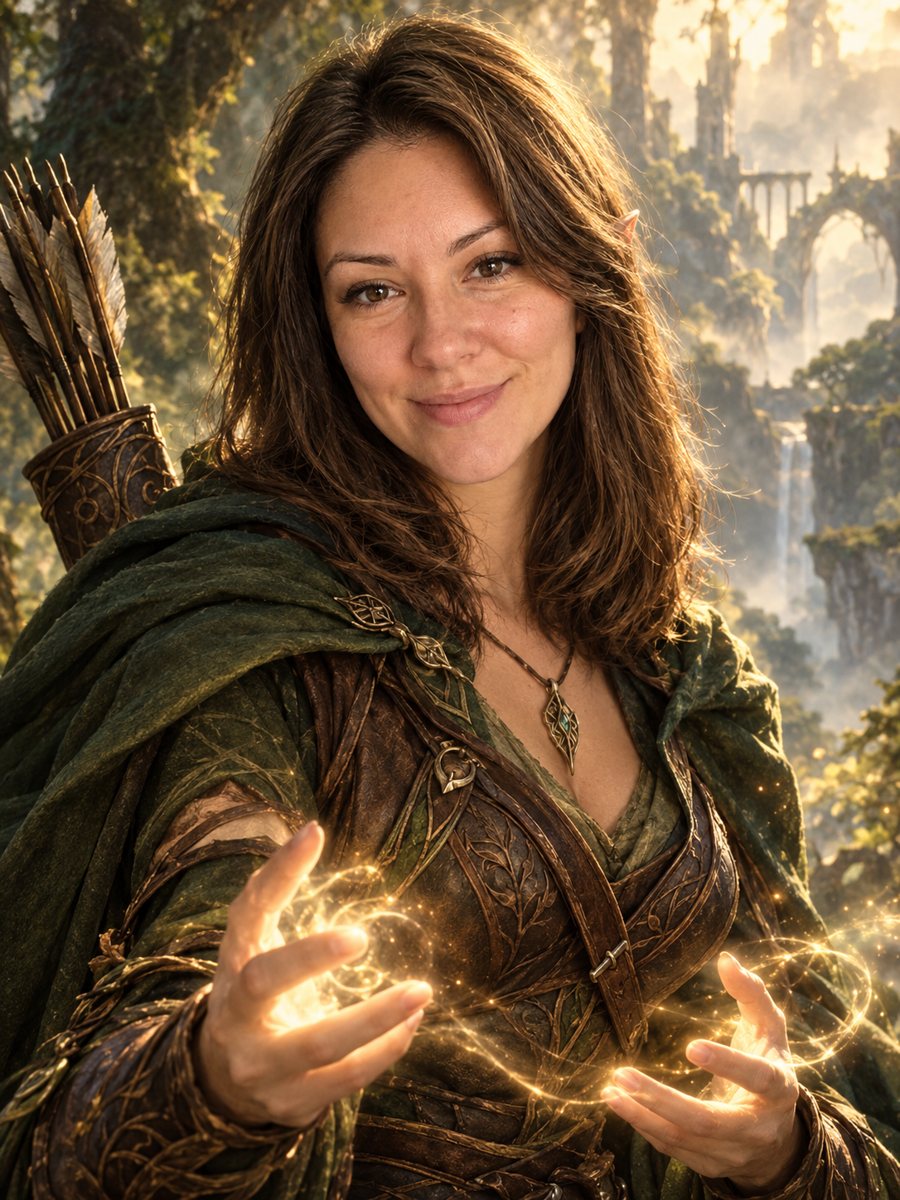 Turn your photo into a fantasy character portraitTurn your photo into an elven or ranger style fantasy novel cover portrait. Ready prompt, 2 credits per...
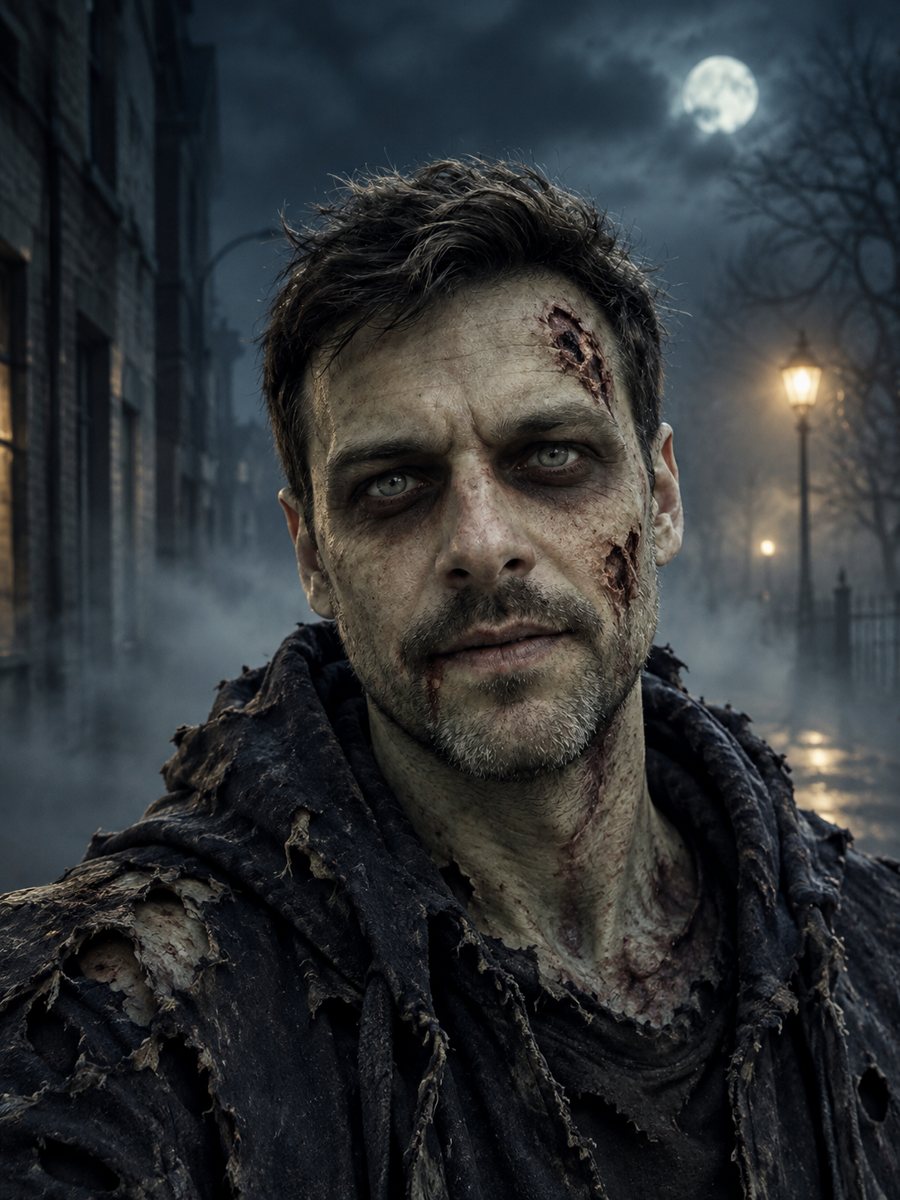 Turn yourself into a Halloween movie zombieSee yourself as a Halloween movie zombie with pale skin and a foggy street. Spooky but not gory. Copy the...