Turn your photo into a wood carving
You get a hand carved wooden relief: warm oak with visible grain, chisel marks, soft side lighting that shows depth and a plain dark background. Your features are carved into the surface. Press the button and send one photo.
- 2 credits per image
- Result in 1–2 minutes
- No sign-up
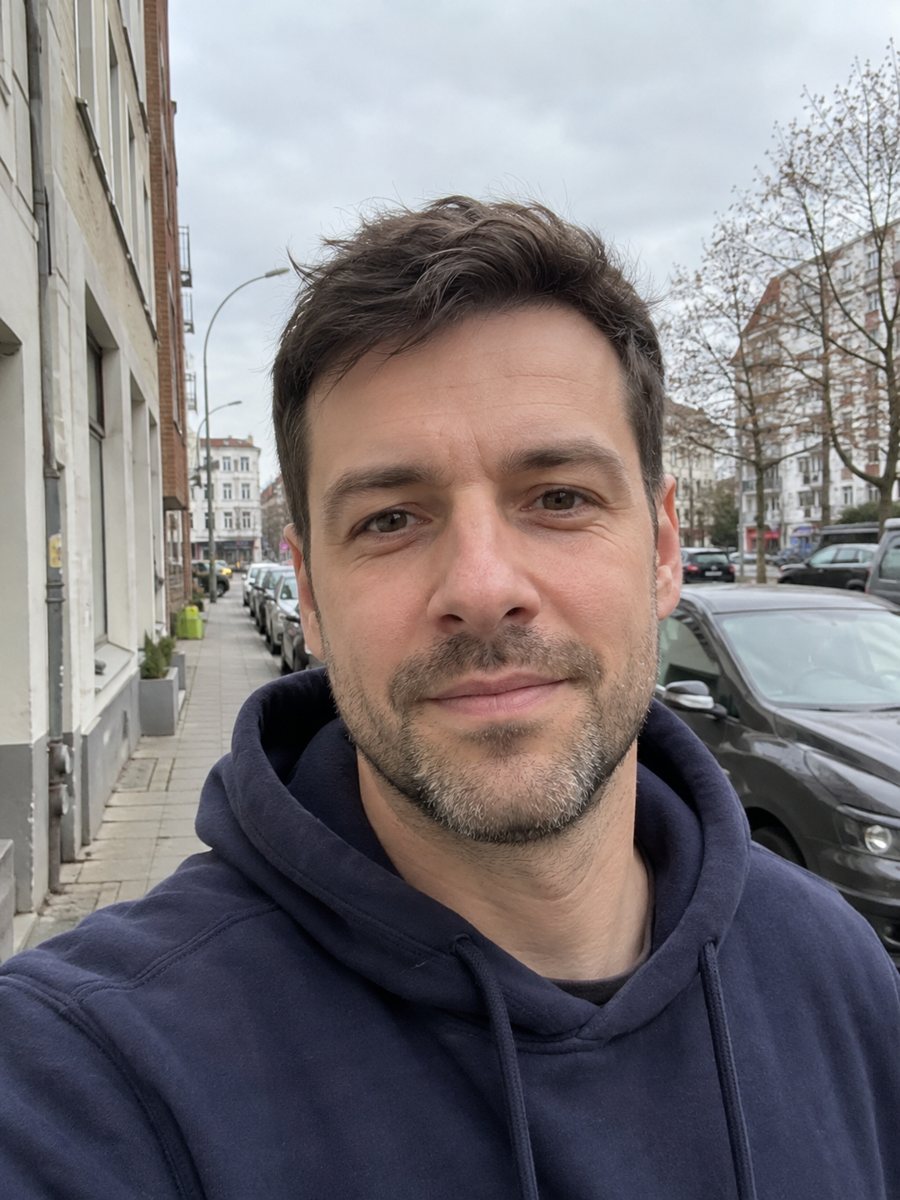
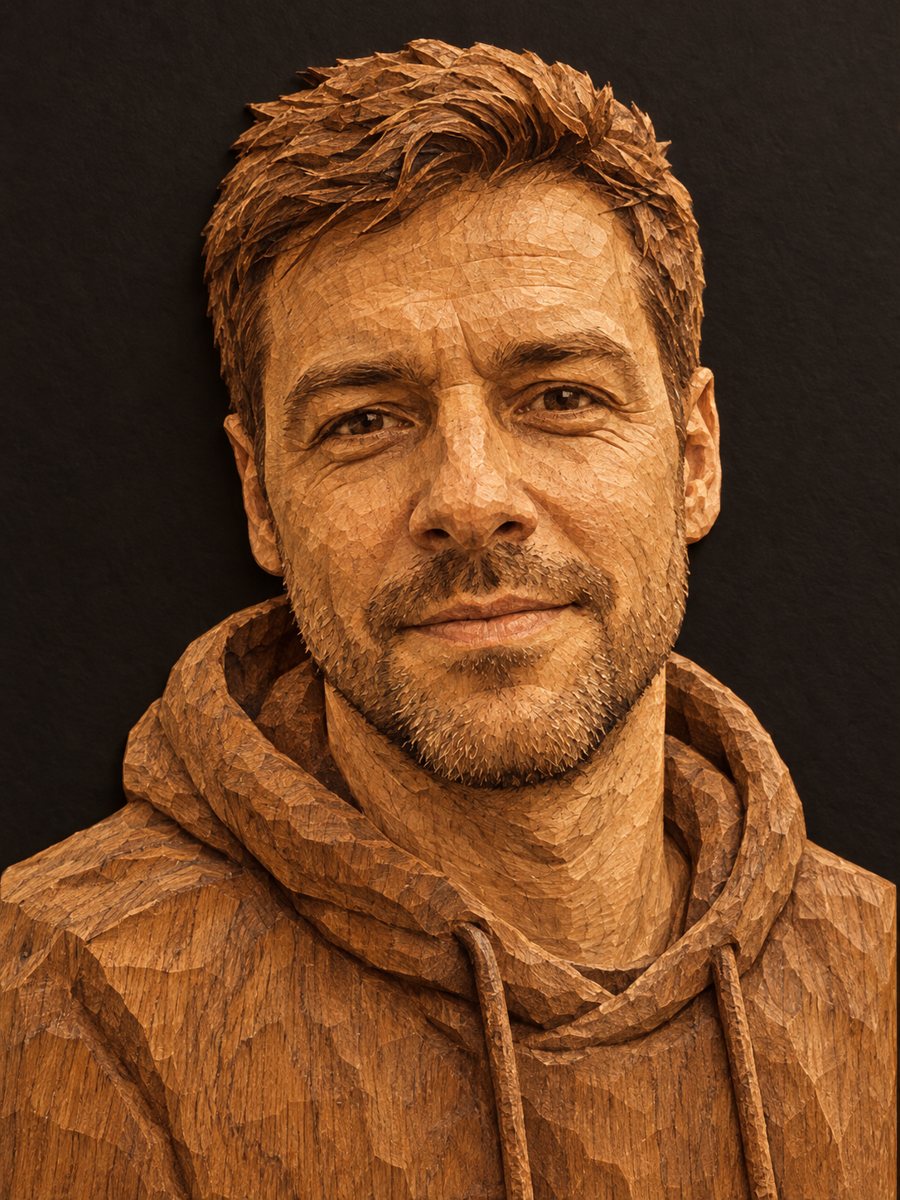 BeforeAfter
In short: Turn a photo into a hand carved oak relief with grain and chisel marks under warm side light. Copy the free prompt or use the Telegram bot, 7 images free.
- Where: the VisuMate bot in Telegram, no app or sign-up.
- Cost: 2 credits per image, 7 images free, then packs from 49 Telegram Stars.
- Time: 1 to 2 minutes per image, rerun with a new instruction at the same price.
When you need this
- You want a rustic gift picture that looks carved from wood.
- A craft, furniture or woodshop page needs a decorative portrait.
- You wonder how your face would read as a relief carving.
How to do it
- 1
Tap the button above. The bot opens in Telegram with the wood carving portrait style chosen for you, press Start if needed.
- 2
Send your photo as a file. A short caption works, for example: dark walnut, deep carving.
- 3
In 1 to 2 minutes you get the image and 2 credits are used. Check the grain and the chisel marks, and rerun if something drifted.
Try it on your own photo: 7 images are free, no sign-up.
Make it in TelegramThe prompt behind this style
Turn this photo into a hand carved wooden relief. Keep the face recognizable. Warm oak wood with visible grain, chisel marks, soft side lighting that shows depth, a plain dark background. Vertical 3:4, no text.
What the relief looks like
A wood relief is carved into a flat board so the figure rises from the surface. The prompt asks for warm oak, visible grain, chisel marks and side lighting that throws small shadows. Your face is turned into raised and cut shapes. Likeness is in the carved features: nose, brow, lips and jaw. Skin and hair color disappear, since the whole portrait is wood. People use it for rustic gifts and craft pages.
Getting a better carving
Strong features read well in wood, so choose a photo with a clear face and good side light. Soft light with little shadow can make the relief look flat. Ask for deeper carving or stronger side light. Glasses and jewelry rarely look natural in wood, so remove them. Tell the AI the type of wood if you prefer a darker or lighter tone.
Honest expectations
The image imitates carving. A real carver would make different choices about detail. Hair and beard become textured masses and fine details such as freckles disappear. You may look older or rougher. The picture is not a plan for real carving. A rerun costs 2 credits and may give a better likeness. When the image arrives, look at the grain and the chisel marks first, since that is where drift shows up most.
Tips
- Side light in the source photo helps the AI create depth.
- Skin and hair color disappear into the wood tone, so do not expect natural color.
- Name the wood type: oak, walnut or pine.
- Simple hair and plain clothes carve more cleanly than complex textures.
- Ask for deeper carving if the relief looks too flat.
Questions and answers
Will my skin color show?
No. The whole portrait is wood, so skin and hair color disappear.
Can I choose the wood?
Yes. Name oak, walnut or pine in the caption.
Is it a plan for a woodworker?
No. It is a flat image, not a carving pattern.
Can I get a full figure?
The prompt gives a head and shoulders relief.
Can I use it for a gift print?
Yes. Print on matte paper to keep the texture natural.
Is the bot in English?
The bot replies in English, and the link from this page opens the right mode.
More in "Photo styles"
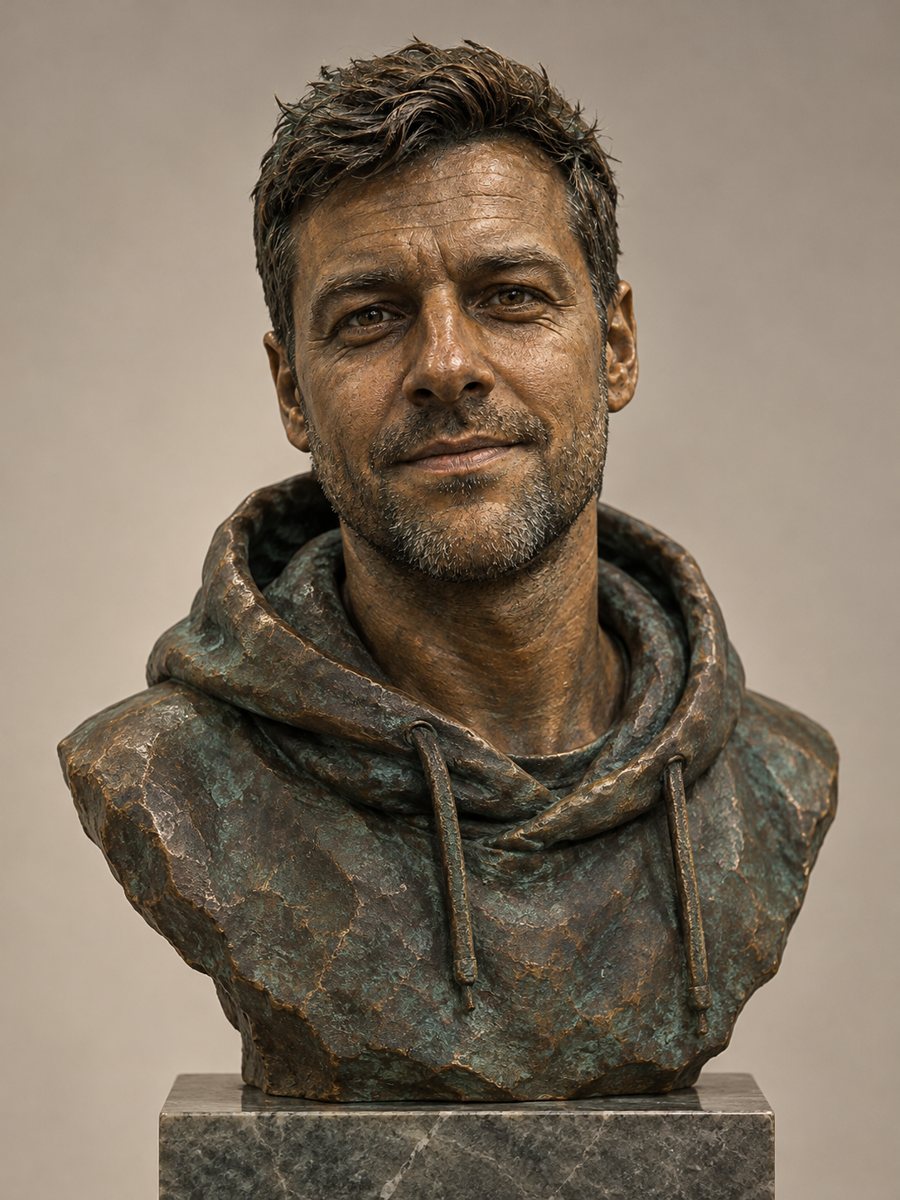 Turn your photo into a bronze bustTurn a photo into a patinated bronze bust on a stone pedestal under gallery light. Copy the free prompt or...
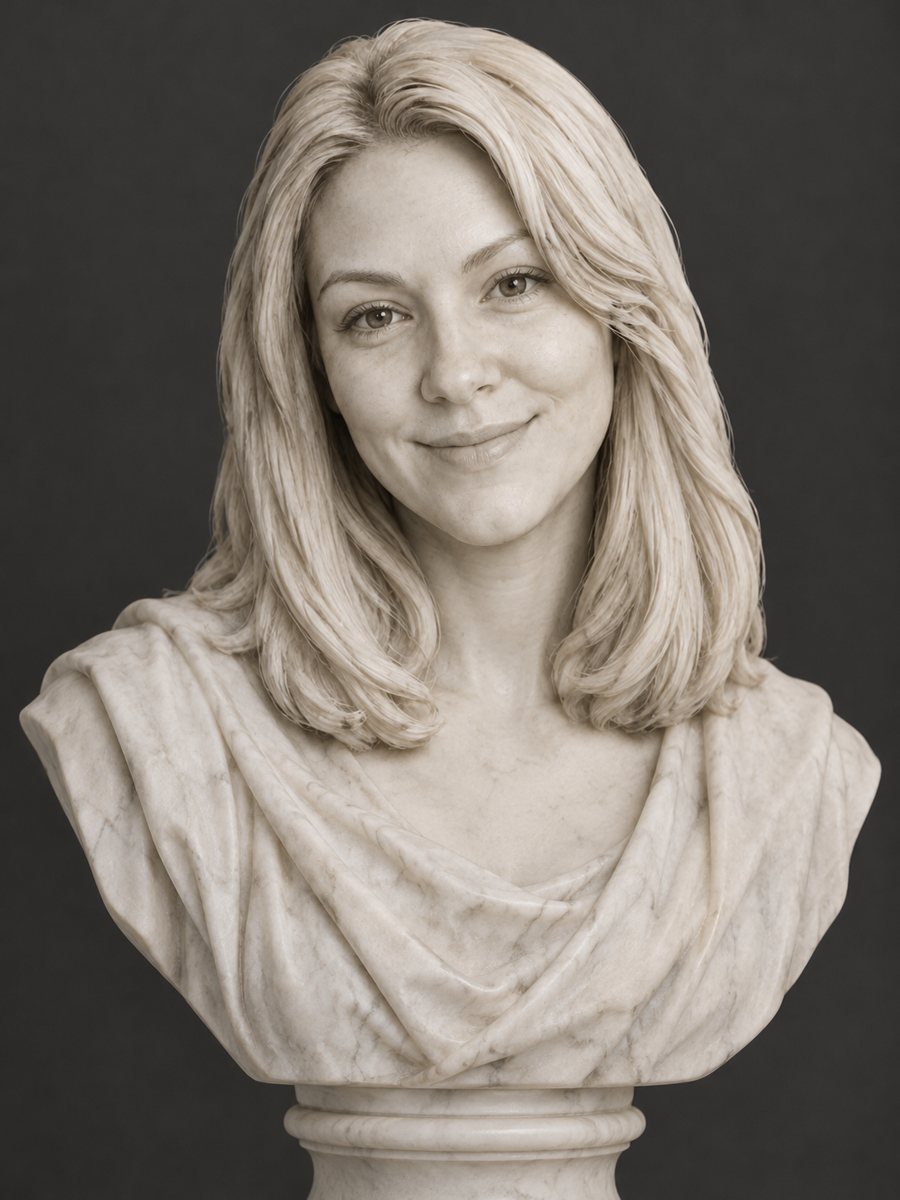 Turn your photo into a marble statueTurn a photo into a classical white marble statue with polished stone and museum light. Copy the free...
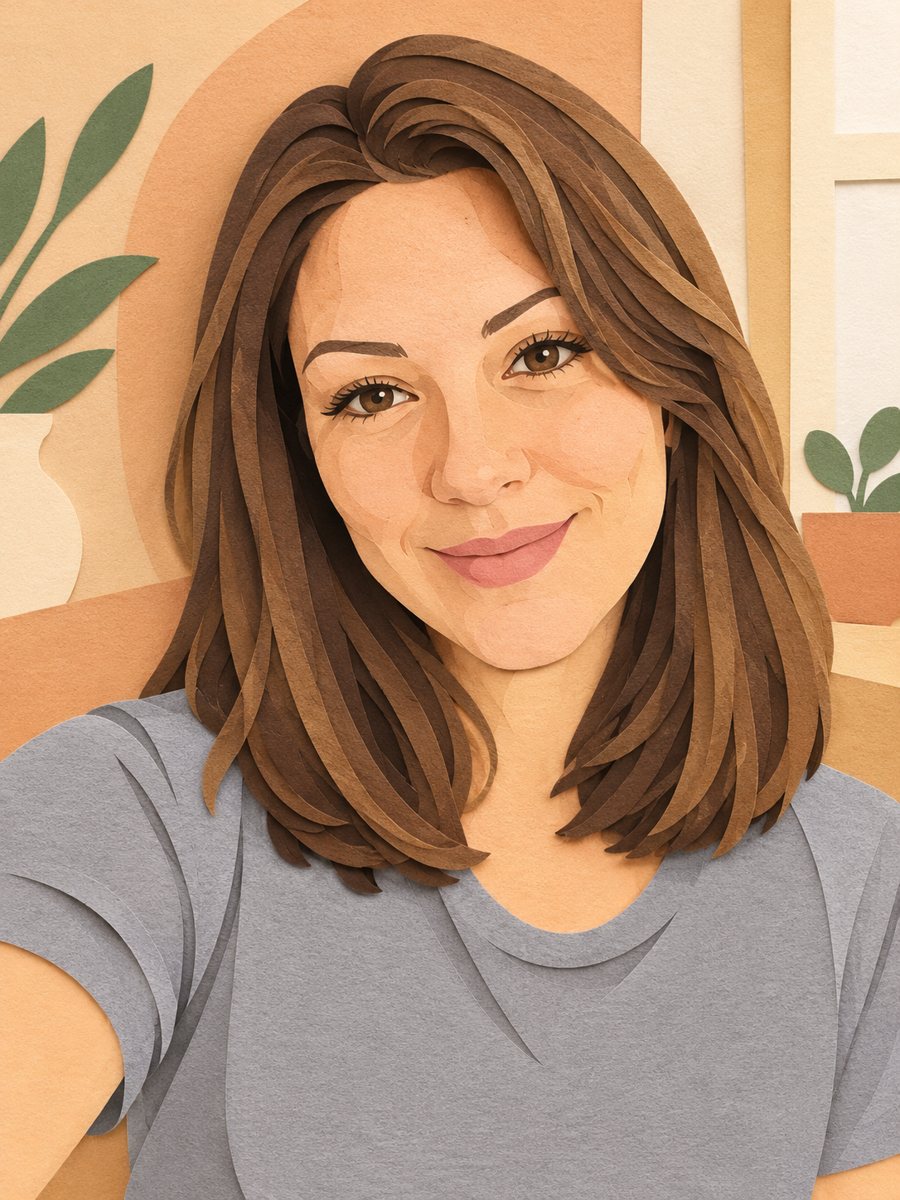 Turn your photo into a paper cut art portraitTurn a photo into layered paper cut art with soft shadows and a warm pastel palette. Copy the ready prompt...
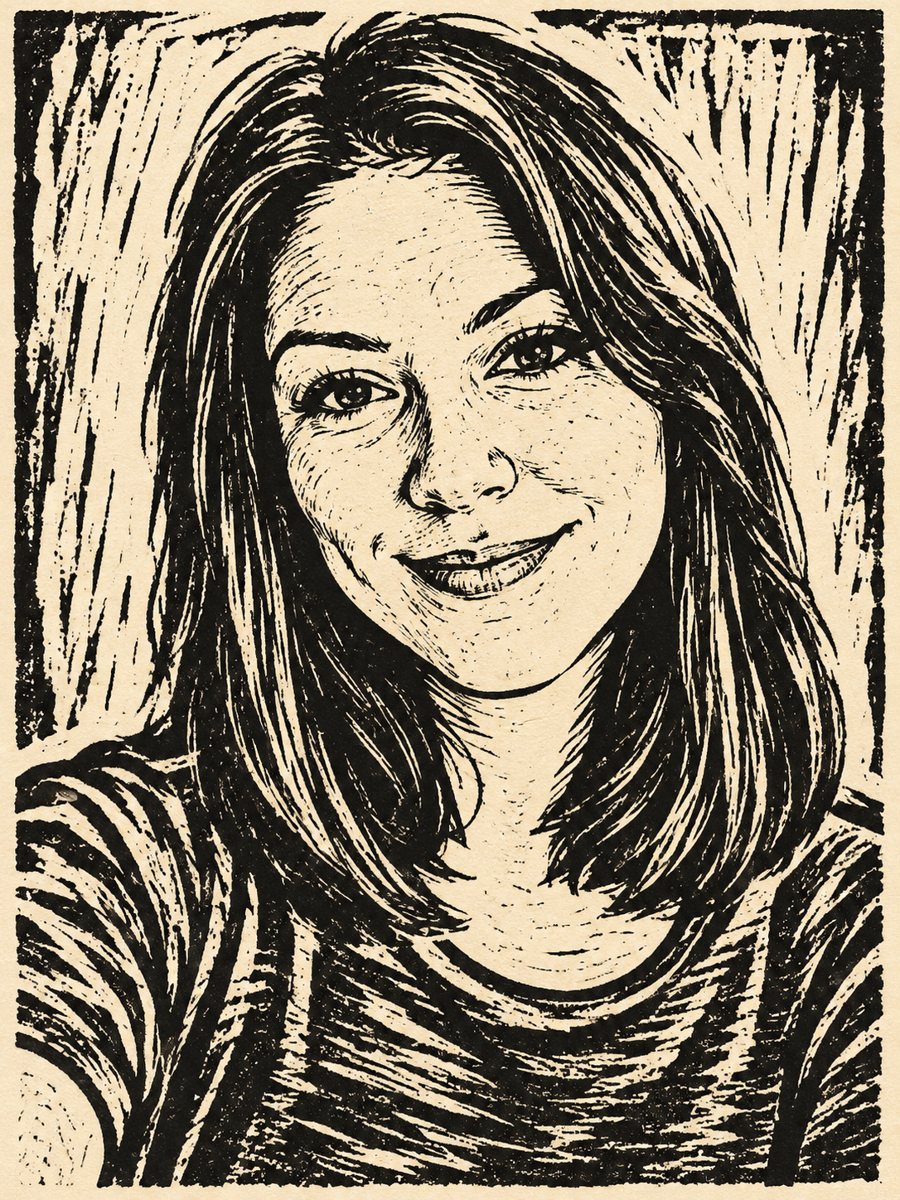 Turn your photo into a linocut printTurn a photo into a hand carved linocut print with bold black shapes on cream paper. Copy the free prompt...
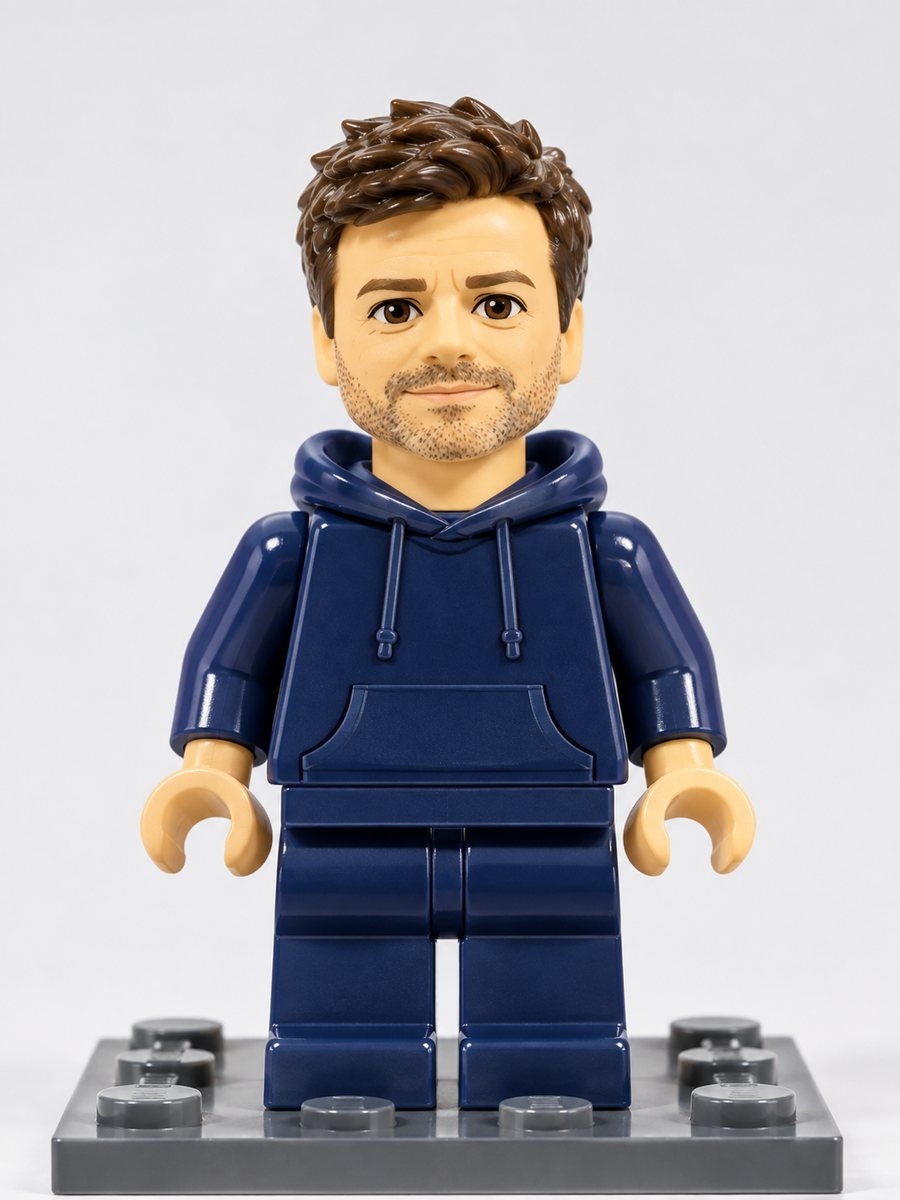 Turn yourself into a plastic brick minifigureTurn a photo into a plastic brick-style minifigure with your hair and outfit colors on a baseplate. Copy...