Turn your photo into a marble statue
Your photo becomes a classical white marble statue with smooth polished stone, subtle veins, soft museum lighting and a plain dark gray background. Your facial features are carved into the stone. Press the button and send one photo.
- 2 credits per image
- Result in 1–2 minutes
- No sign-up

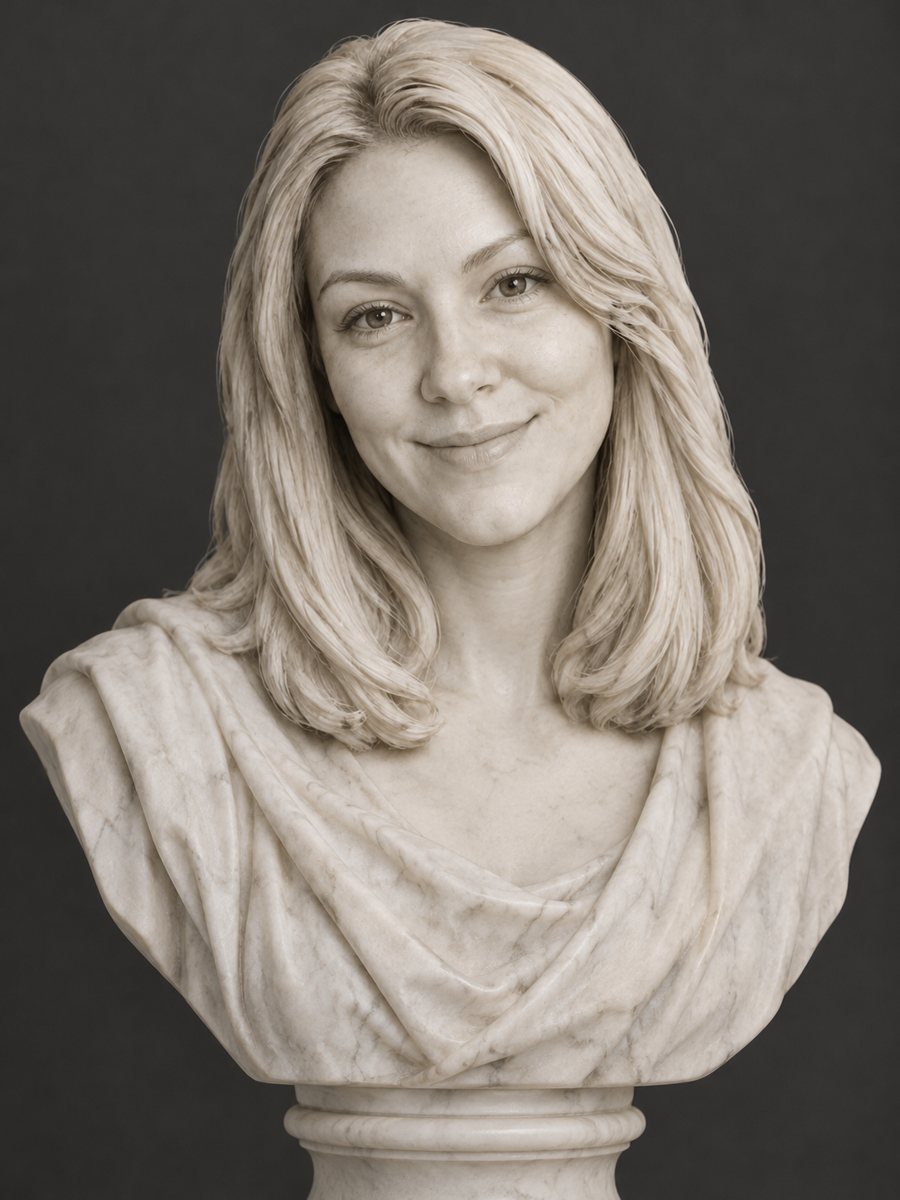 BeforeAfter
In short: Turn a photo into a classical white marble statue with polished stone and museum light. Copy the free prompt or use the Telegram bot, 7 images free.
- Where: the VisuMate bot in Telegram, no app or sign-up.
- Cost: 2 credits per image, 7 images free, then packs from 49 Telegram Stars.
- Time: 1 to 2 minutes per image, rerun with a new instruction at the same price.
When you need this
- You want a classical looking portrait for a profile or a mood board.
- A gift for a friend who loves ancient art needs a funny or elegant picture.
- You are curious how your face reads as pure shape without color.
How to do it
- 1
Tap the button above. The bot opens in Telegram with the marble statue portrait style chosen for you, press Start if needed.
- 2
Send your photo as a file. A short caption works, for example: head and shoulders bust, laurel wreath.
- 3
In 1 to 2 minutes you get the image and 2 credits are used. Check the carved features, and rerun if something drifted.
Try it on your own photo: 7 images are free, no sign-up.
Make it in TelegramThe prompt behind this style
Turn this photo into a classical white marble statue. Keep the facial features recognizable in the carved stone. Smooth polished marble, subtle veins, soft museum lighting, a plain dark gray background. Vertical 3:4, no text.
What happens to your photo
Marble has no color, so the picture keeps only the shape of your face. Eyes become blank or softly carved, hair turns into stone curls and the surface gets polished highlights. Subtle veins make the stone look real. The background is a plain dark gray in soft museum light. Likeness is in the carved features: nose, brow, lips and jawline. Skin tone and hair color disappear.
How to improve the result
Strong, clear features translate best, so use a photo with good light and a neutral expression. Glasses are rarely carved, so remove them for the photo. If the statue looks too smooth, ask for visible chisel marks. If it feels too ancient, ask for a modern bust. People use the style for avatars, posters, book covers and playful gifts. Use the caption to steer the carved features, and rerun for 2 credits if the first try misses.
Honest expectations
Marble statues simplify faces, so small details like freckles, makeup or stubble vanish. The AI may make you look older, more heroic or more generic. A rerun costs 2 credits and can give a closer likeness. The result is an image of a statue and not a 3D file for carving or printing. When the image arrives, look at the carved features first, since that is where drift shows up most.
Tips
- A frontal face with clear light gives the best carved features.
- Skin and hair color disappear in marble, so expect white stone no matter the original.
- Ask for a bust or a full head in the caption.
- Add a wreath or a draped cloth if you want a more ancient feel.
- Pick a photo with the hair pulled back, since loose strands become heavy stone curls.
Questions and answers
Will my hair color show?
No. Marble is white, so hair and skin color disappear.
Can I get a cracked, ancient statue?
Ask for weathered stone and small cracks in the caption.
Is the statue full body?
The prompt gives a bust. You can ask for a different framing.
Can I 3D print it?
No. The result is a flat image.
Does it work for pets?
Pet statues are not part of this page. Try a pet portrait style.
Does the bot work in English?
Yes. It picks up your Telegram language on first launch and replies in English. You can switch the language any time with /lang.
More in "Photo styles"
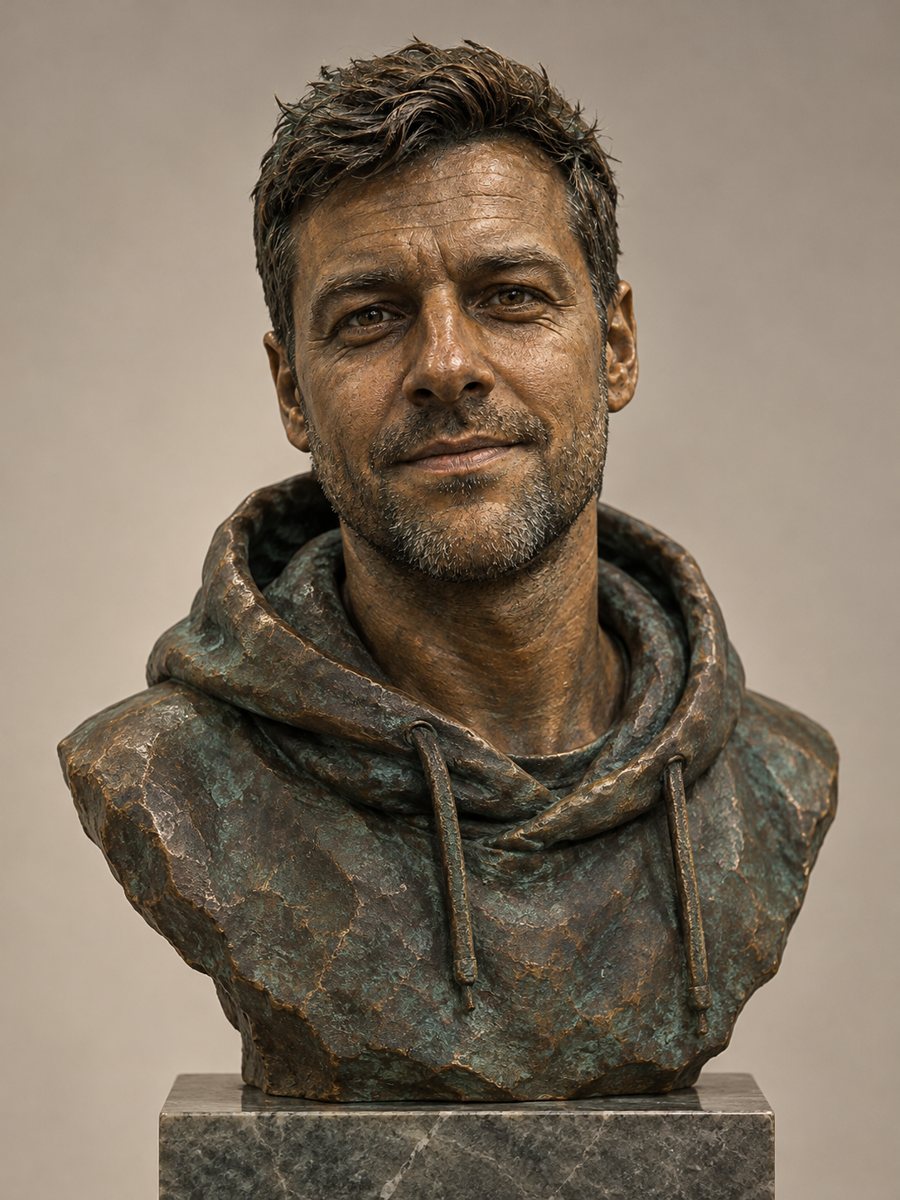 Turn your photo into a bronze bustTurn a photo into a patinated bronze bust on a stone pedestal under gallery light. Copy the free prompt or...
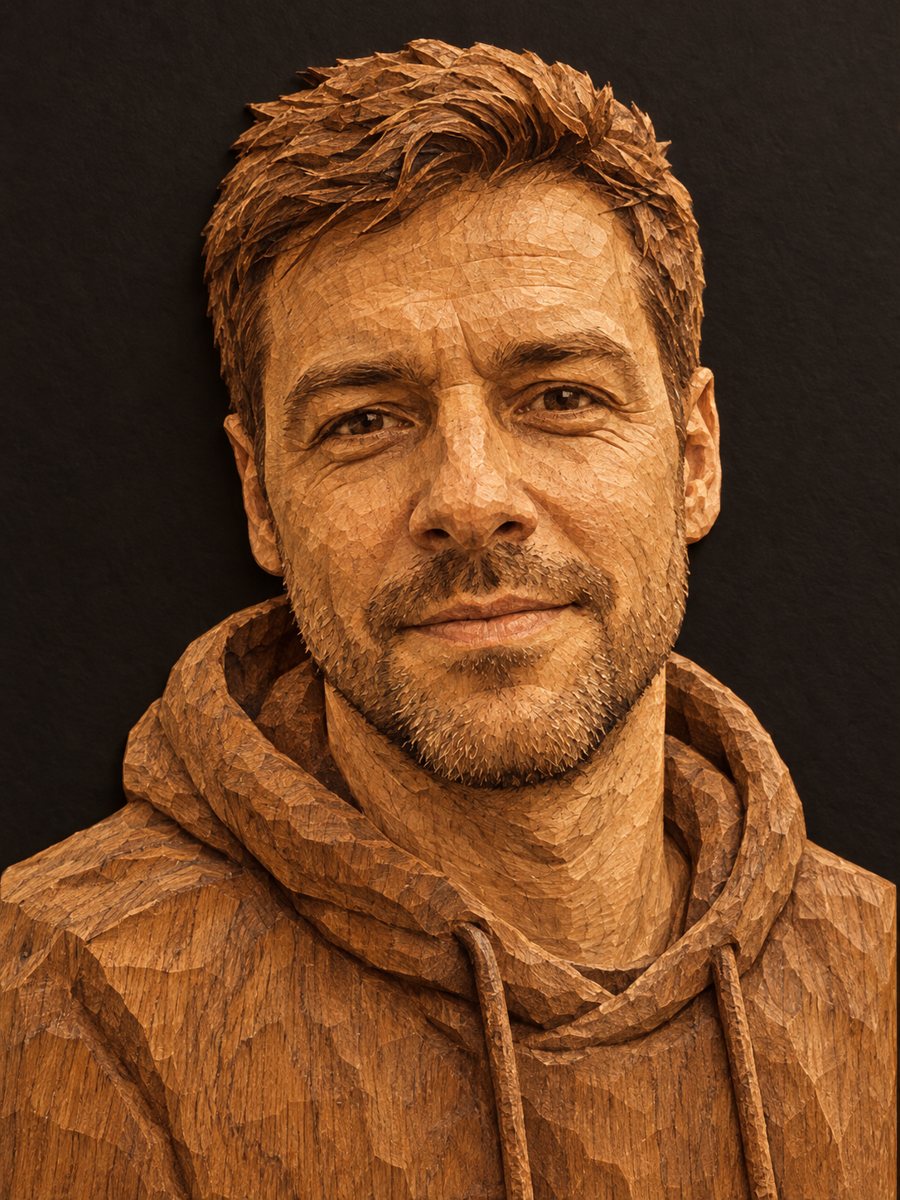 Turn your photo into a wood carvingTurn a photo into a hand carved oak relief with grain and chisel marks under warm side light. Copy the...
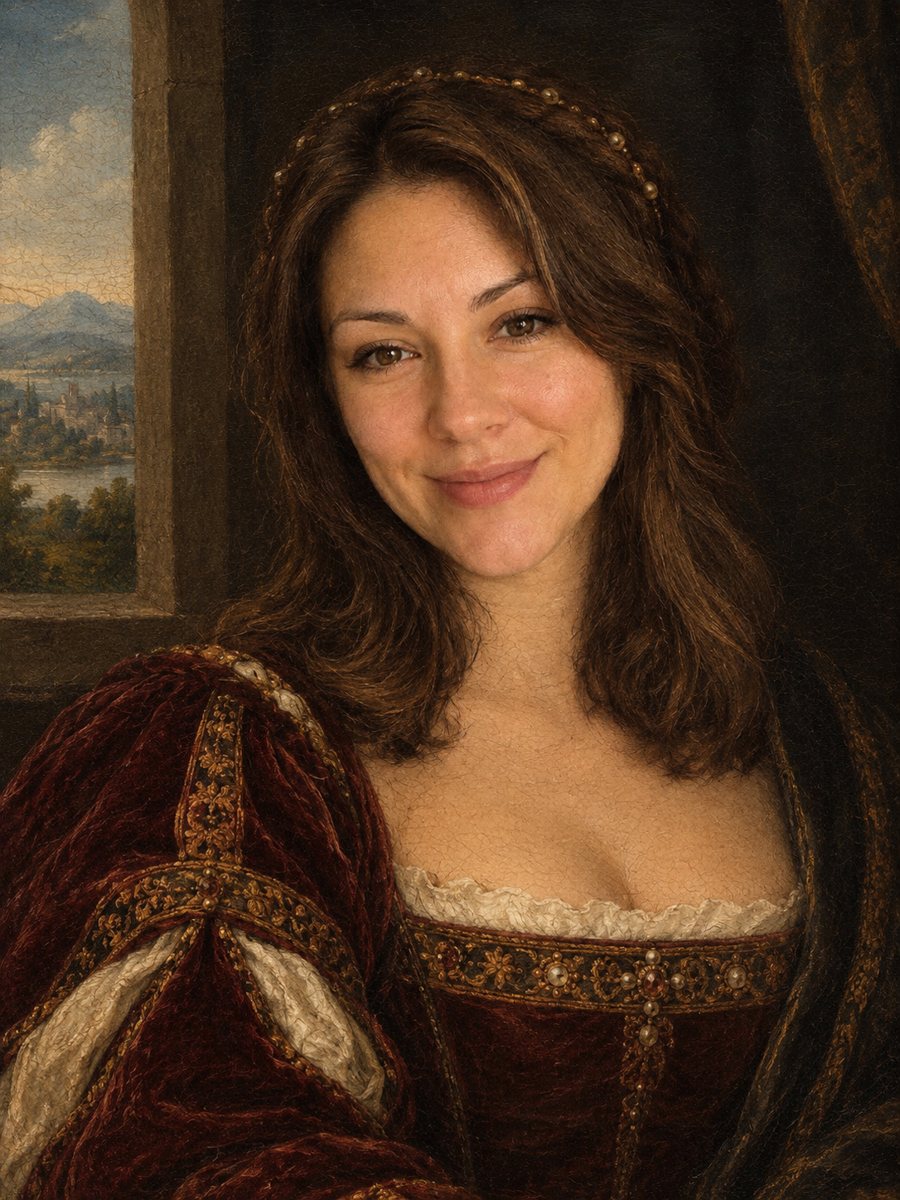 Turn your photo into a Renaissance paintingRepaint your photo as an early 1500s Renaissance portrait with period clothing and soft sfumato. Ready...
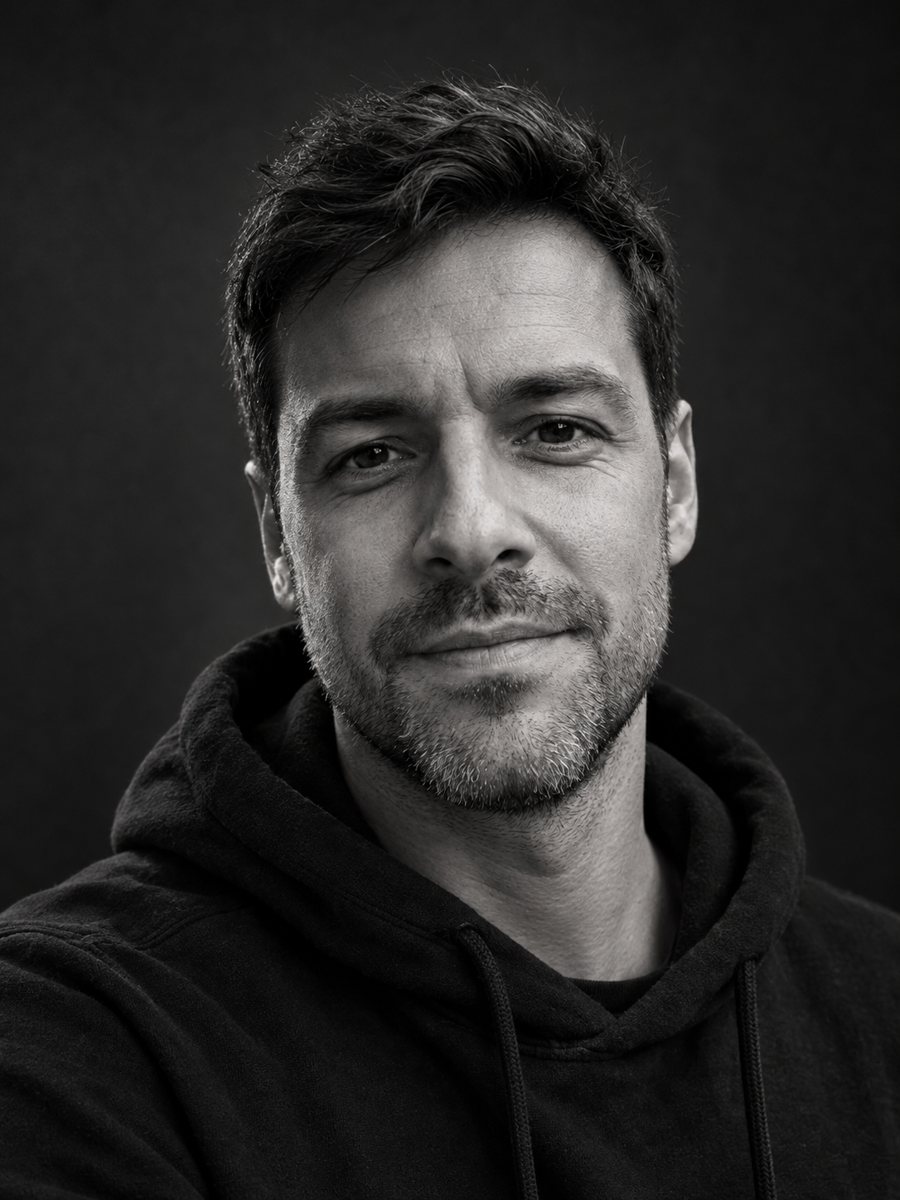 Make a black and white studio portrait from a photoTurn a casual photo into a dramatic black and white studio portrait with a dark backdrop and side light....
 Turn your photo into a vinyl collectible figure in a boxTurn a photo into a stylized vinyl collectible with a big head, dot eyes and a window box. Copy the ready...