Make a thank-you card for a teacher
You type a short thank-you and the bot draws a teacher appreciation card. It has a warm cheerful palette, illustrated apples, pencils, books and a small chalkboard, friendly hand-lettered text and a light paper texture. No photo is needed.
- 2 credits per image
- Result in 1–2 minutes
- No sign-up
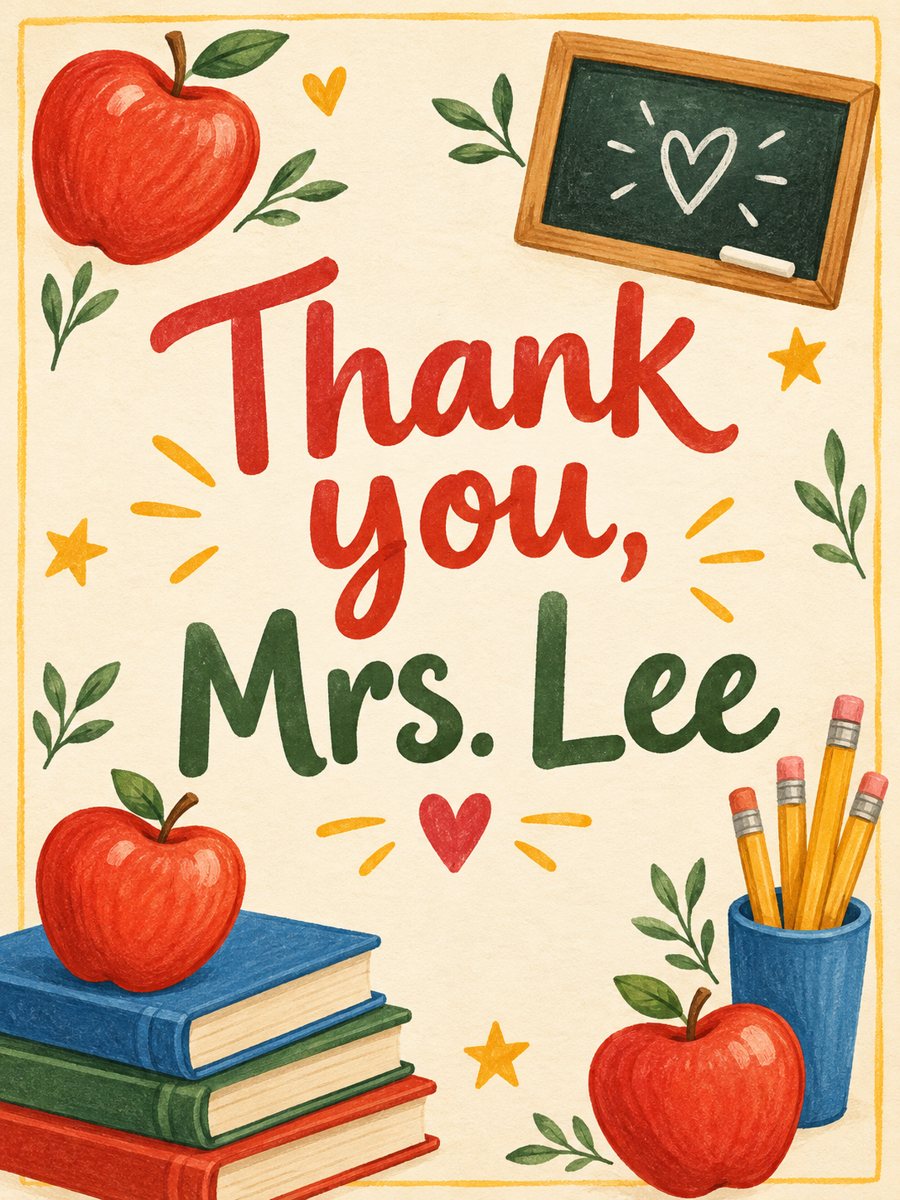 Made by the bot
In short: Type a thank-you line and get a cheerful teacher appreciation card with apples, pencils, books and a chalkboard. Ready prompt, 7 images free to try.
- Where: the VisuMate bot in Telegram, no app or sign-up.
- Cost: 2 credits per image, 7 images free, then packs from 49 Telegram Stars.
- Time: 1 to 2 minutes per image, rerun with a new instruction at the same price.
When you need this
- The school year ends and you want a card from the whole class.
- Your child wants to say thanks but cannot draw a card.
- You need an image for a class chat message to a favorite teacher.
How to do it
- 1
Press the button. The bot opens with the teacher appreciation card style selected.
- 2
Type the text exactly as it should appear, up to about 8 words, for example: Thank you, Mrs. Lee.
- 3
In 1-2 minutes you get the card for 2 credits. Check the name and each word, and rerun if a letter is wrong.
Try it on your own photo: 7 images are free, no sign-up.
Make it in TelegramThe prompt behind this style
Design a teacher appreciation card. Warm cheerful palette, illustrated apples, pencils, books and a small chalkboard, friendly hand lettering feel, a light paper texture. Vertical 3:4, the card text is large and centered.
A friendly classroom style
The card shows apples, pencils, books and a small chalkboard in warm colors on a light paper texture. The lettering looks hand-drawn and cheerful. Everything points to school without being childish. The image is vertical 3:4. Parents send it by chat, class representatives print one card for everyone to sign, and kids show it to the teacher on a phone.
Names and spelling
A teacher's name is the most important word on the card, so spell it carefully and check the result. The AI sometimes alters unusual names. If a letter changes, rerun with the same text, which costs 2 credits. Keep the text short. A longer thank-you message from the class fits better in the chat or on the back of a printed copy.
Limits
The design is the same for any grade and subject, with no math symbols or specific school. The bot does not add a class photo in this style. If you want a card with a photo of the children, use a photo-based card style. The illustrations differ with each run. Results arrive in the chat, and you can download the image at full size.
Tips
- Use the teacher's name the way you would write it on an envelope.
- Keep the line under about 8 words.
- Check titles such as Mrs. or Mr. after the run.
- Add a longer message from the class in the chat.
- Collect signatures on a printed copy.
Questions and answers
Can I add the school name?
It makes the line longer. Short lines are safer.
Can I include a class photo?
This style uses text only.
Can kids use it?
A parent or teacher should set up the bot in Telegram.
Can I print it?
Yes, as a vertical 3:4 image.
How much does it cost?
2 credits per card.
More in "Photo styles"
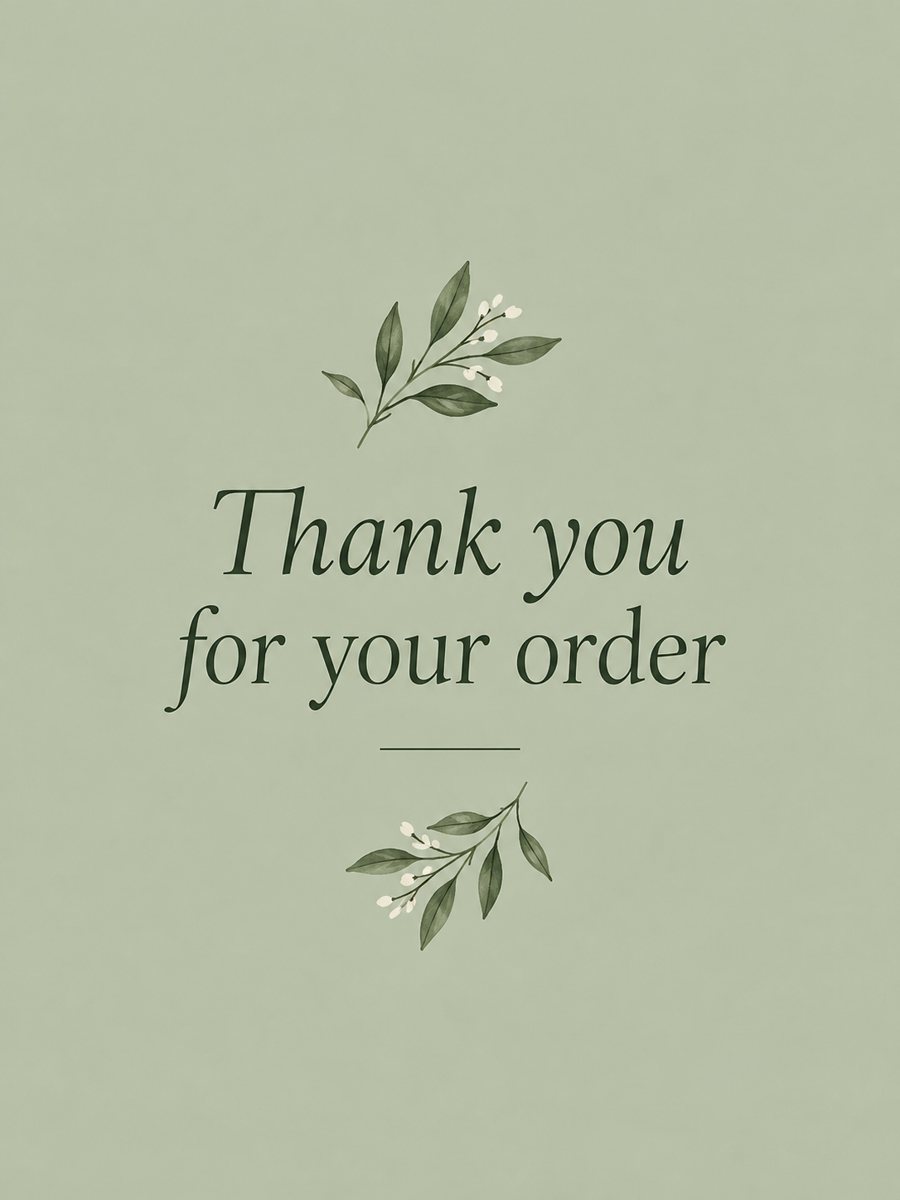 Make a thank you card from one line of textType a short thank-you line and get a clean card with a soft color background and a botanical accent....
 Make a graduation card from a photo of the graduateTurn a photo of the graduate into a celebration card with cap, gown, diploma and confetti in navy and...
 Create a warm, approachable teacher headshotTurn a photo into a warm educator headshot with a smart casual shirt and a blurred classroom or library....
 Make a congratulations card from one line of textType one line and get a bright congratulations card with confetti, golden streamers and balloons on cream....
 Make a retirement card with a personal lineType one line and get a cheerful retirement card with a hammock, a sea sunset and a suitcase in teal and...