Make a retirement card with a personal line
You type a short congratulation and the bot draws it on a sunny card in teal and coral, with a hammock, a sunset over the sea and a packed suitcase. No photo is needed.
- 2 credits per image
- Result in 1–2 minutes
- No sign-up
 Made by the bot
In short: Type one line and get a cheerful retirement card with a hammock, a sea sunset and a suitcase in teal and coral. Ready prompt and Telegram bot, 7 free.
- Where: the VisuMate bot in Telegram, no app or sign-up.
- Cost: 2 credits per image, 7 images free, then packs from 49 Telegram Stars.
- Time: 1 to 2 minutes per image, rerun with a new instruction at the same price.
When you need this
- A coworker retires on Friday and the team needs a card by then.
- Your parent is leaving work and you want a warm, personal note.
- Office cards are all gray and formal, and you want something cheerful.
How to do it
- 1
Press the button. The bot opens with the retirement card style selected.
- 2
Type the text as it should appear, up to about 8 words, for example: Happy Retirement, Linda!
- 3
After 1-2 minutes you get the card for 2 credits. Check the name and every letter, and run again if something is off.
Try it on your own photo: 7 images are free, no sign-up.
Make it in TelegramThe prompt behind this style
Design a cheerful retirement greeting card. Sunny palette of teal and coral, illustrations of a hammock, a sunset over the sea and a suitcase, friendly modern layout. Large headline with the exact text provided by the user, spelled correctly, centered. Vertical 3:4.
The mood
The card has the feel of the first free morning: teal water, coral sky, a hammock between palms and a suitcase that is already packed. The tone is relaxed and cheerful, which suits a colleague who is looking forward to retirement. The headline in the center holds your text. The layout is modern and friendly, with room around the words, so a short name reads well even on a phone screen.
Text and team use
The AI draws every letter, so a longer line has more risk of errors. Keep the headline short and put the longer message elsewhere. If the name is unusual, check it letter by letter in the result and rerun when needed. Each run costs 2 credits. Teams often print the card and collect handwritten notes on the back, or share the picture in a chat. The image is vertical 3:4. The bot does not print or mail cards, and it does not add a company logo exactly.
Tips
- Use a short first name rather than a full title.
- Skip long jokes on the card and put them in the chat message.
- Check names with double letters, since AI sometimes drops one.
- Print the card for the team to sign by hand on the back.
- Send it to the group chat so everyone can add a reply.
Questions and answers
Do I need a photo?
No. Only your text line is needed.
Can I include the years of service?
Short phrases work. Check the digits carefully in the result.
Can the whole team sign it?
Print it and sign by hand, or share the picture in a chat for replies.
Can I add a company logo?
The bot does not place logos exactly. Add one in a design app.
What does it cost?
2 credits per image, with 15 free credits for new users.
Does the bot work in English?
Yes. It picks up your Telegram language on first launch and replies in English. You can switch the language any time with /lang.
More in "Photo styles"
 Make a congratulations card from one line of textType one line and get a bright congratulations card with confetti, golden streamers and balloons on cream....
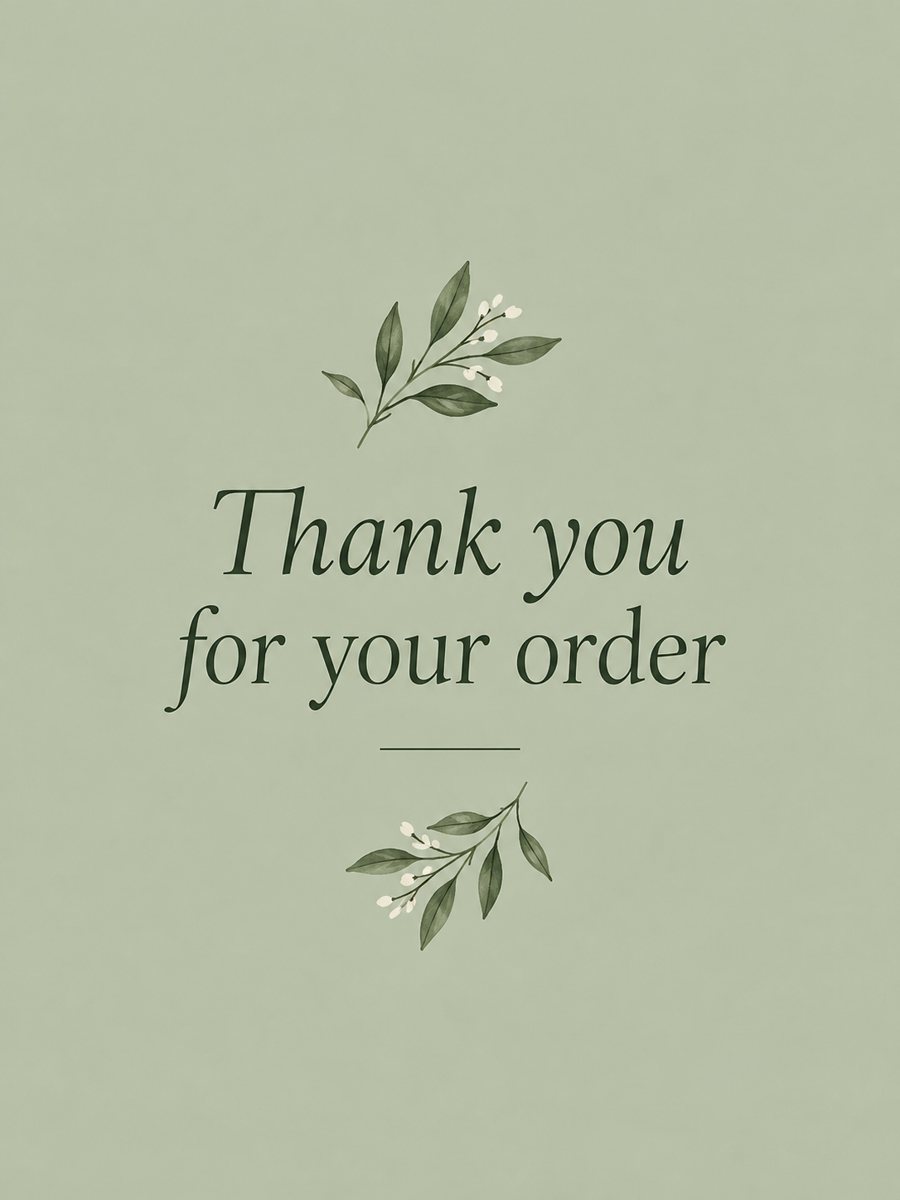 Make a thank you card from one line of textType a short thank-you line and get a clean card with a soft color background and a botanical accent....
 Make a gentle get well soon card with your own wordsType one line and get a gentle get well soon card with a cup of tea, a blanket and wildflowers in soft...
 Make a housewarming card for a new homeType one line and get a cozy housewarming card with a lit little house, plants and a door wreath in...