Make a thank you card from one line of text
The bot draws a clean card in one soft color, sage green, dusty blue or terracotta, adds a small hand-drawn accent and sets your thank-you line in elegant type. Open the bot with the button and type your words.
- 2 credits per image
- Result in 1–2 minutes
- No sign-up
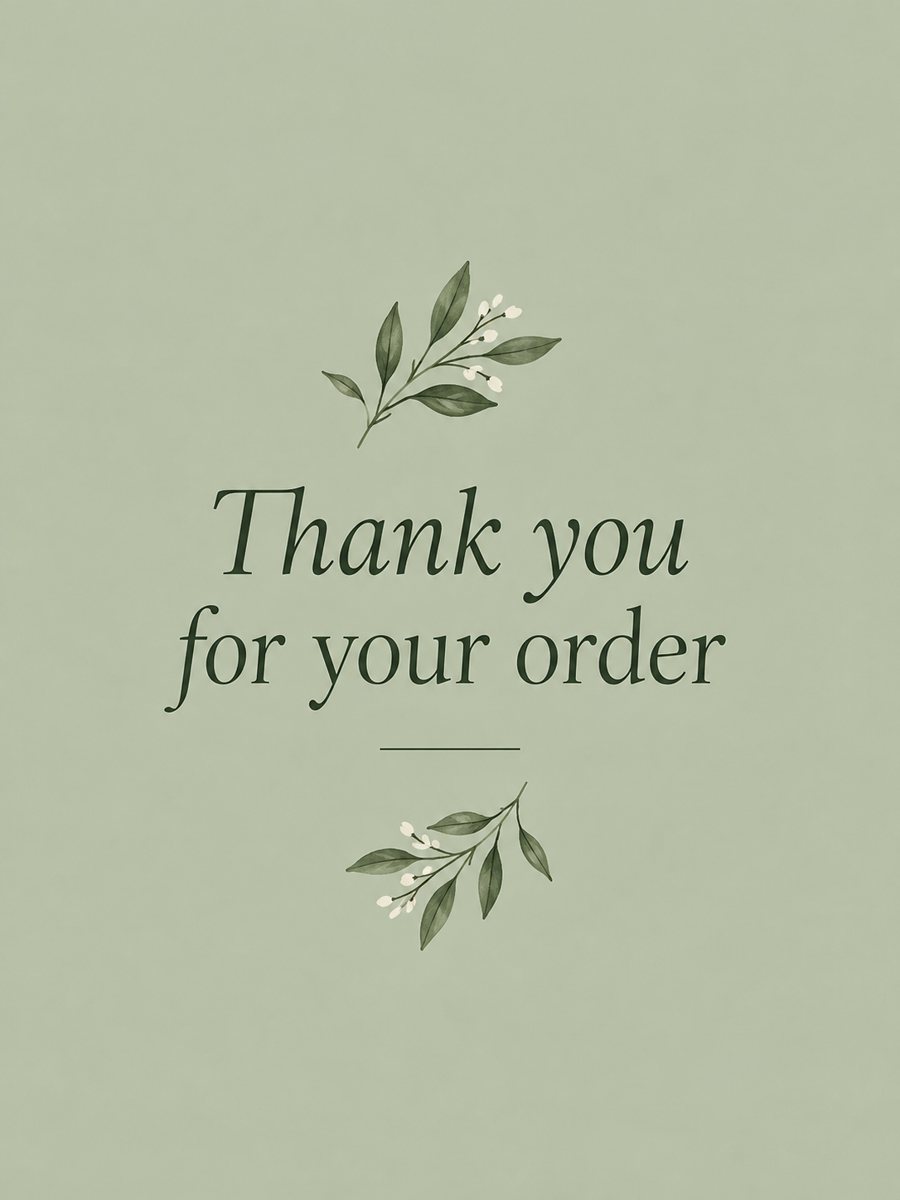 Made by the bot
In short: Type a short thank-you line and get a clean card with a soft color background and a botanical accent. Ready prompt and Telegram bot, 7 images free.
- Where: the VisuMate bot in Telegram, no app or sign-up.
- Cost: 2 credits per image, 7 images free, then packs from 49 Telegram Stars.
- Time: 1 to 2 minutes per image, rerun with a new instruction at the same price.
When you need this
- Your small shop wants a card to slip into each order.
- You need a quick thank-you after an interview or a dinner.
- You want a neat card with your own sentence.
How to do it
- 1
Press the button. The thank you card style is selected.
- 2
Type the text exactly as it should appear, up to about 8 words, for example: Thank you for your order.
- 3
After 1-2 minutes the card arrives for 2 credits. Read the text letter by letter and rerun if it has a mistake.
Try it on your own photo: 7 images are free, no sign-up.
Make it in TelegramThe prompt behind this style
Design a simple thank you card for a small business or a personal note. Clean background in one soft color (sage green, dusty blue or terracotta), a small hand-drawn botanical or geometric accent, elegant typography with the exact text provided by the user, spelled correctly, centered. Vertical 3:4.
What it looks like and business use
A quiet card with one background color, a small botanical or geometric drawing and centered type. The design is intentionally plain, which makes it easy to use for orders, events and personal notes. You can send it digitally or print it. Small shops use thank-you cards with each package, as a download after an online purchase or as a message in a chat. The AI can draw the text, but check spelling, especially brand names. If the text fails twice, use a short line and add the brand name in a layout app. Each rerun costs 2 credits.
Printing
The card is a 3:4 image. For a tidy result, print on matte paper and cut to size. The bot does not print or mail anything, so ask a print shop for sizes and trimming. A handwritten line on the back adds a personal touch. A neutral color works for most customers, while a warm terracotta tone suits handmade goods and food shops a little better.
Tips
- Choose the background color in the caption: sage, dusty blue or terracotta.
- Keep the sentence to one line.
- Skip logos and URLs, the AI will misdraw them.
- For orders, print several sizes and test them in a package.
- Pick a version with the cleanest letters.
Questions and answers
Can I add my logo?
The bot does not place logos exactly. Add it in a design app.
Can I choose the color?
Yes, say it in the caption.
Is it good for wedding thank-yous?
Yes. Use a line like Thank you for celebrating with us.
How long can the line be?
About 8 words.
How much does it cost?
2 credits per image, 15 free credits to start.
More in "Photo styles"
 Make a New Year greeting card from one line of textType one line and get an elegant New Year card with navy sky and golden fireworks. Copy the ready prompt...
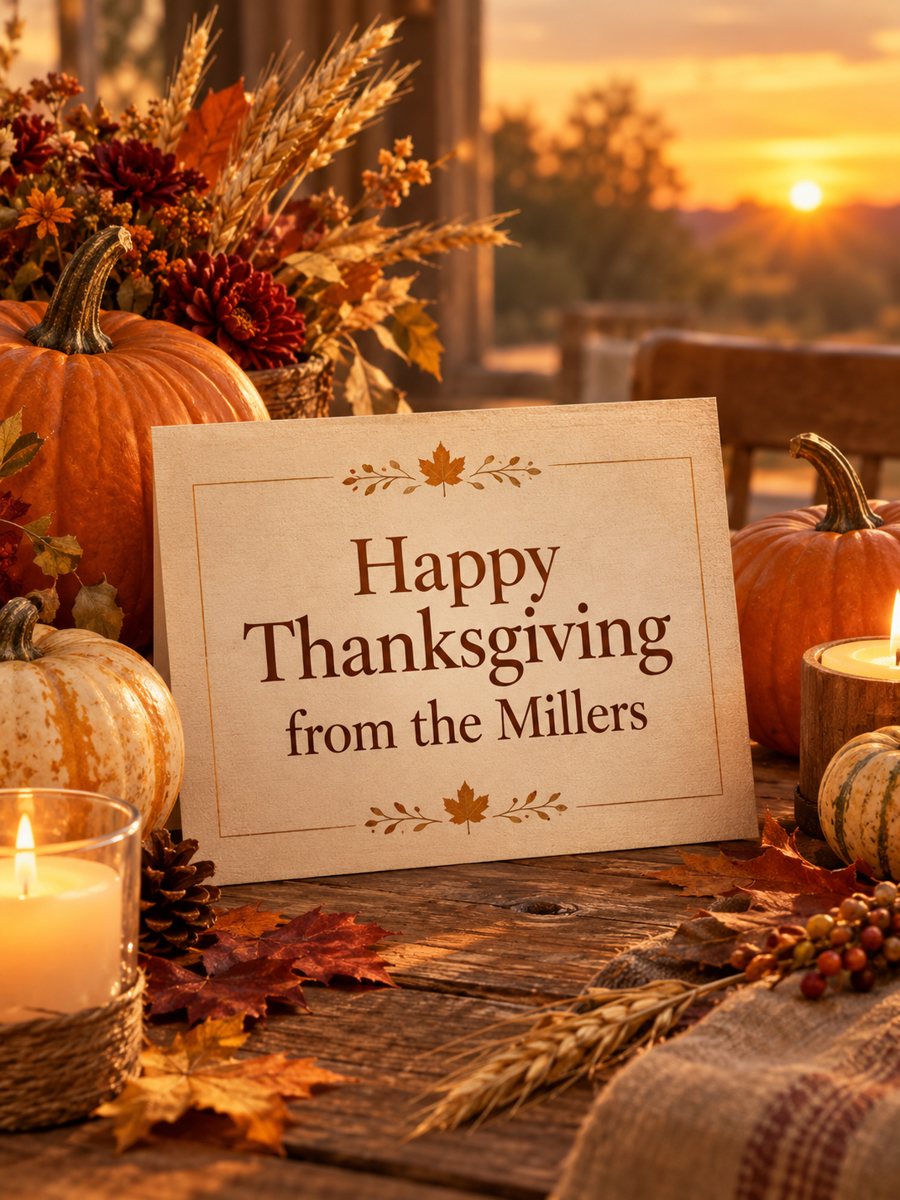 Make a Thanksgiving card with your own greetingType a short line and get a warm Thanksgiving card with pumpkins, autumn leaves and golden hour light....
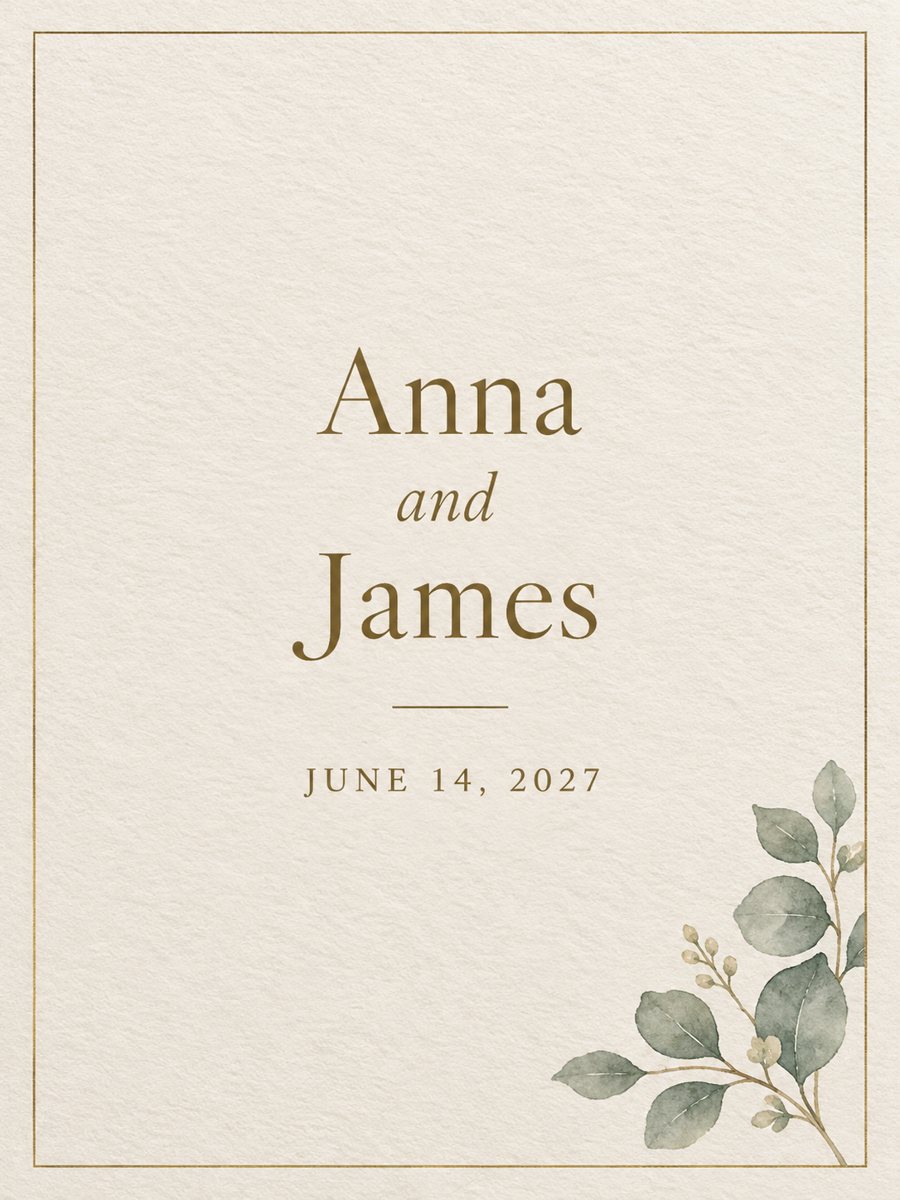 Make a wedding invitation from one line of textType the names and the date, get a minimal wedding invitation on cream paper with a gold border. Ready...
 Make an Easter card with your own greetingType a short line and get a cheerful Easter card with pastel eggs, spring flowers and a bunny. Copy the...