Make a save the date card from one line of text
You type a short line, such as the date, and the bot draws a save the date card. It has a soft blush and ivory palette, delicate watercolor eucalyptus leaves along the edges, modern serif lettering and generous white space. No photo is needed.
- 2 credits per image
- Result in 1–2 minutes
- No sign-up
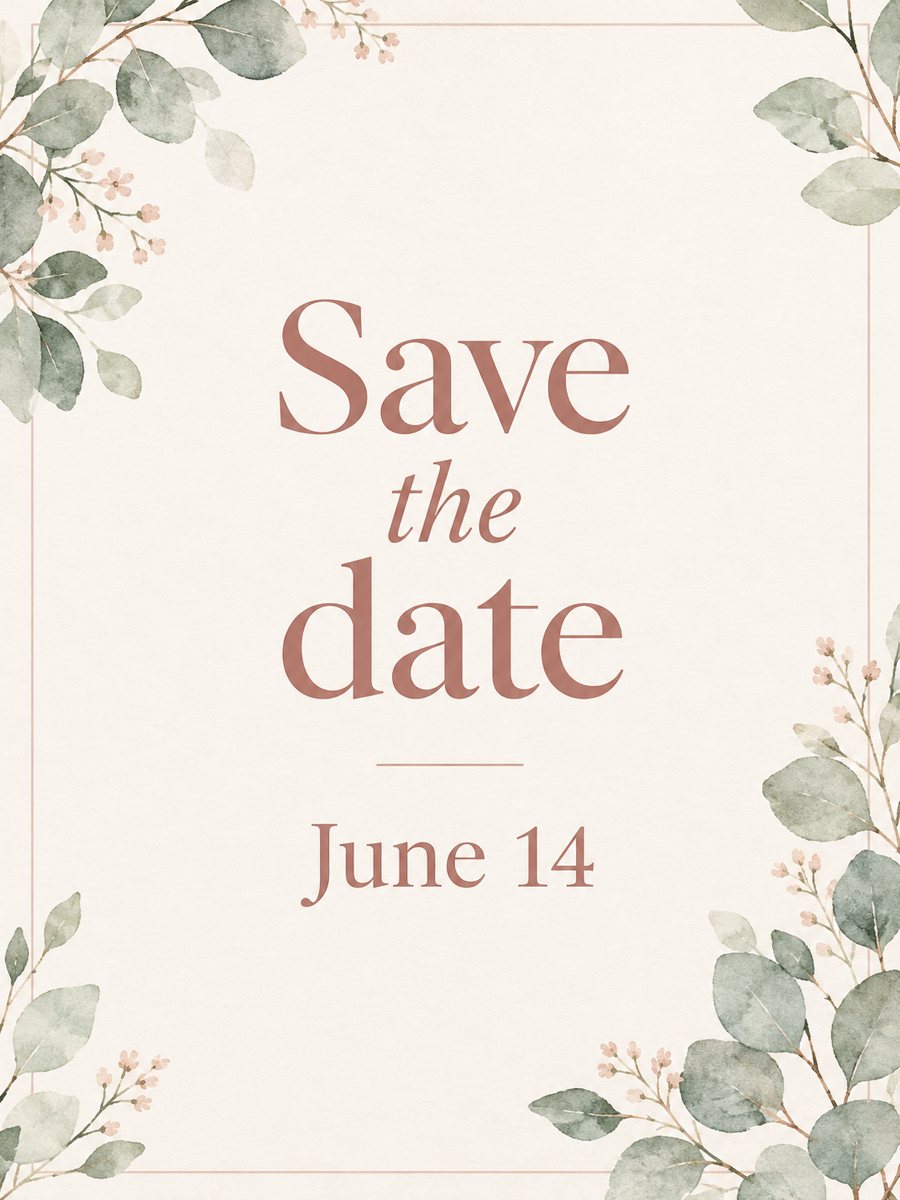 Made by the bot
In short: Type a short line and get an elegant save the date card with blush and ivory tones and watercolor eucalyptus. Ready prompt, 7 images free to try.
- Where: the VisuMate bot in Telegram, no app or sign-up.
- Cost: 2 credits per image, 7 images free, then packs from 49 Telegram Stars.
- Time: 1 to 2 minutes per image, rerun with a new instruction at the same price.
When you need this
- You are planning a wedding or a party and need a card before the full invitation is ready.
- You want a quick design for a group chat that feels more careful than a plain message.
- You cannot afford a designer for a small event.
How to do it
- 1
Press the button. The bot opens with the save the date card style selected.
- 2
Type the text exactly as you want it, up to about 8 words, for example: Save the date, June 14.
- 3
In 1-2 minutes you get the card for 2 credits. Proofread every letter and number, and rerun if something is wrong.
Try it on your own photo: 7 images are free, no sign-up.
Make it in TelegramThe prompt behind this style
Design a save the date card. Elegant minimal layout, soft blush and ivory palette, delicate watercolor eucalyptus leaves along the edges, modern serif lettering, generous white space. Vertical 3:4, the card text is large and centered.
A calm wedding look
The card looks like a printed stationery piece. Soft blush and ivory tones set the mood, thin watercolor eucalyptus leaves frame the edges and the text sits large in the center in a modern serif. A lot of empty space keeps it quiet. The image is vertical 3:4. Couples use it for a digital announcement, and event hosts adapt it for a party or a reunion.
Spelling and text
AI draws letters, and short text comes out best. Up to about 8 words is a safe length. Check names, month and number before you send or print. If a letter is wrong, rerun with the same text, which costs another 2 credits. Avoid special symbols and very long words. Anything longer, such as an address, belongs in the message next to the card.
Limits
The design is fixed to the eucalyptus style, so a different palette needs a different style page. The bot does not mail cards or collect replies. It makes one image. If you need a printed version, check the file at the print size you plan to use and keep a margin around the text. Each attempt costs 2 credits, and new users start with 15 free.
Tips
- Keep the text short: names, a date and nothing more.
- Write the date the way you want it to appear, for example June 14.
- Use a capital letter style that you like, because the bot copies your spelling.
- Do not add addresses or phone numbers, as long lines can be misspelled.
- Send the details of the venue in a message with the picture.
Questions and answers
Do I need a photo?
No, only the text.
Can I add two names?
Yes, short names fit. Check the spelling in the result.
Can I print it?
Yes, as a vertical 3:4 image. Check quality at your size.
Can I change the colors?
The palette is blush and ivory. You can try a wish in the caption, but it may not apply.
Is the bot in English?
The bot replies in English, and the link from this page opens the right mode.
More in "Photo styles"
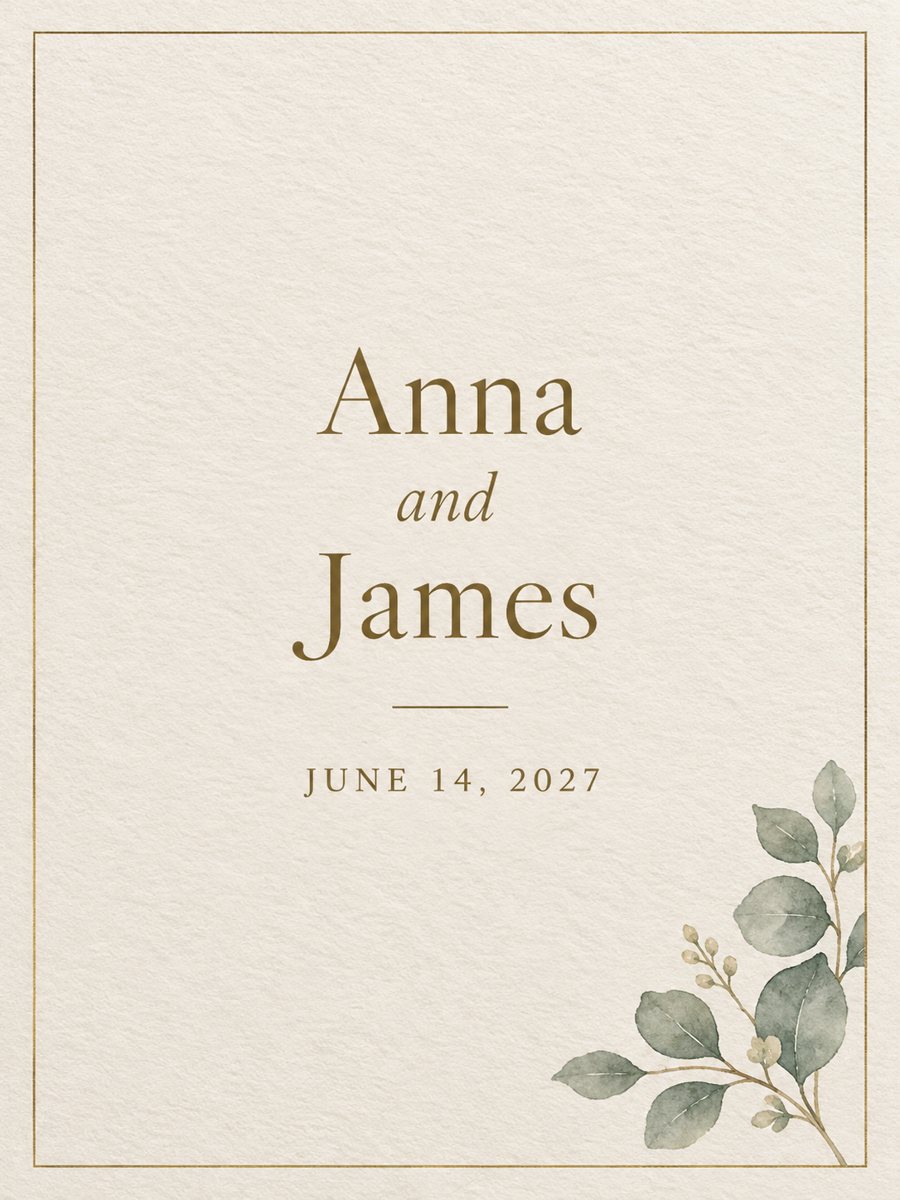 Make a wedding invitation from one line of textType the names and the date, get a minimal wedding invitation on cream paper with a gold border. Ready...
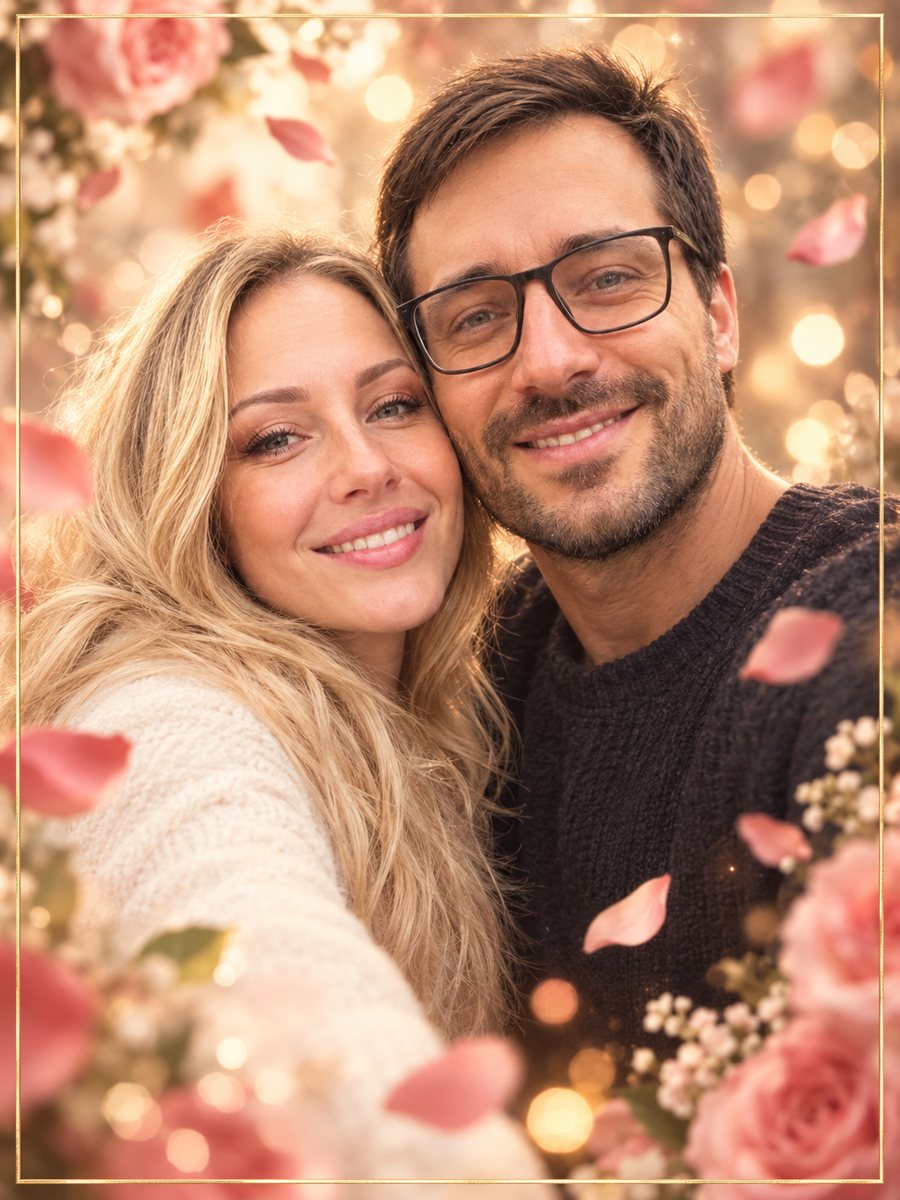 Make an anniversary card from a photo of two peopleTurn a photo of a couple into an anniversary card with rose petals, bokeh and a thin gold frame. Copy the...
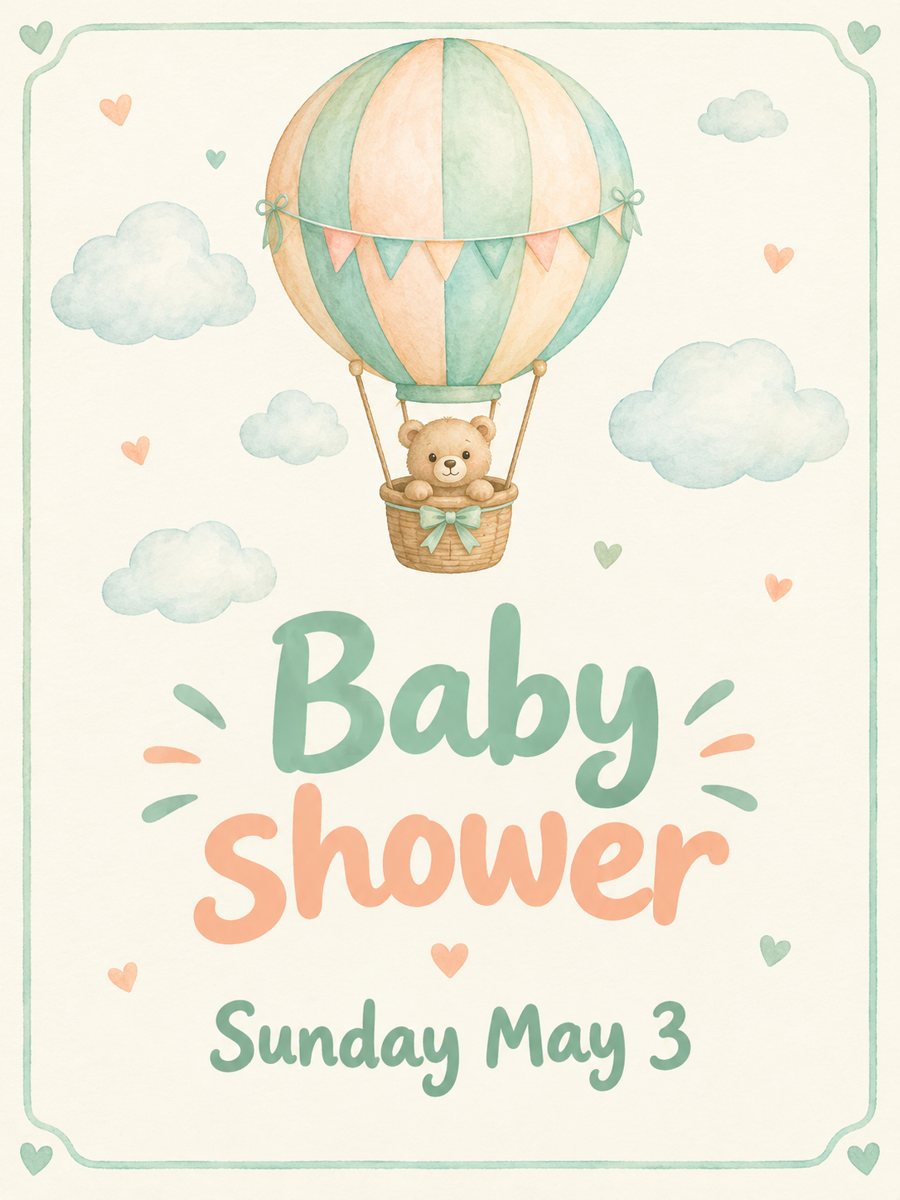 Make a baby shower invitation from a short lineType the date and get a soft mint and peach baby shower invitation with a watercolor hot air balloon....
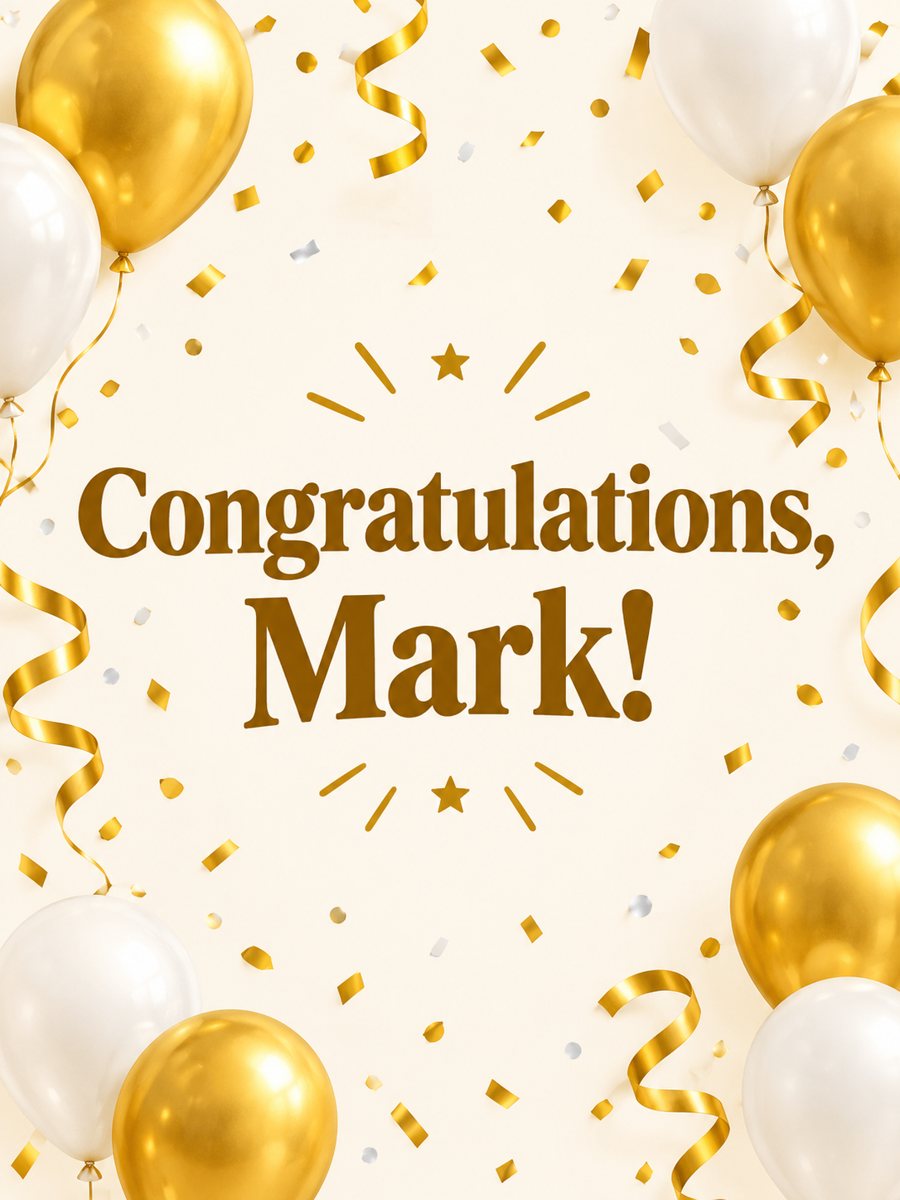 Make a congratulations card from one line of textType one line and get a bright congratulations card with confetti, golden streamers and balloons on cream....
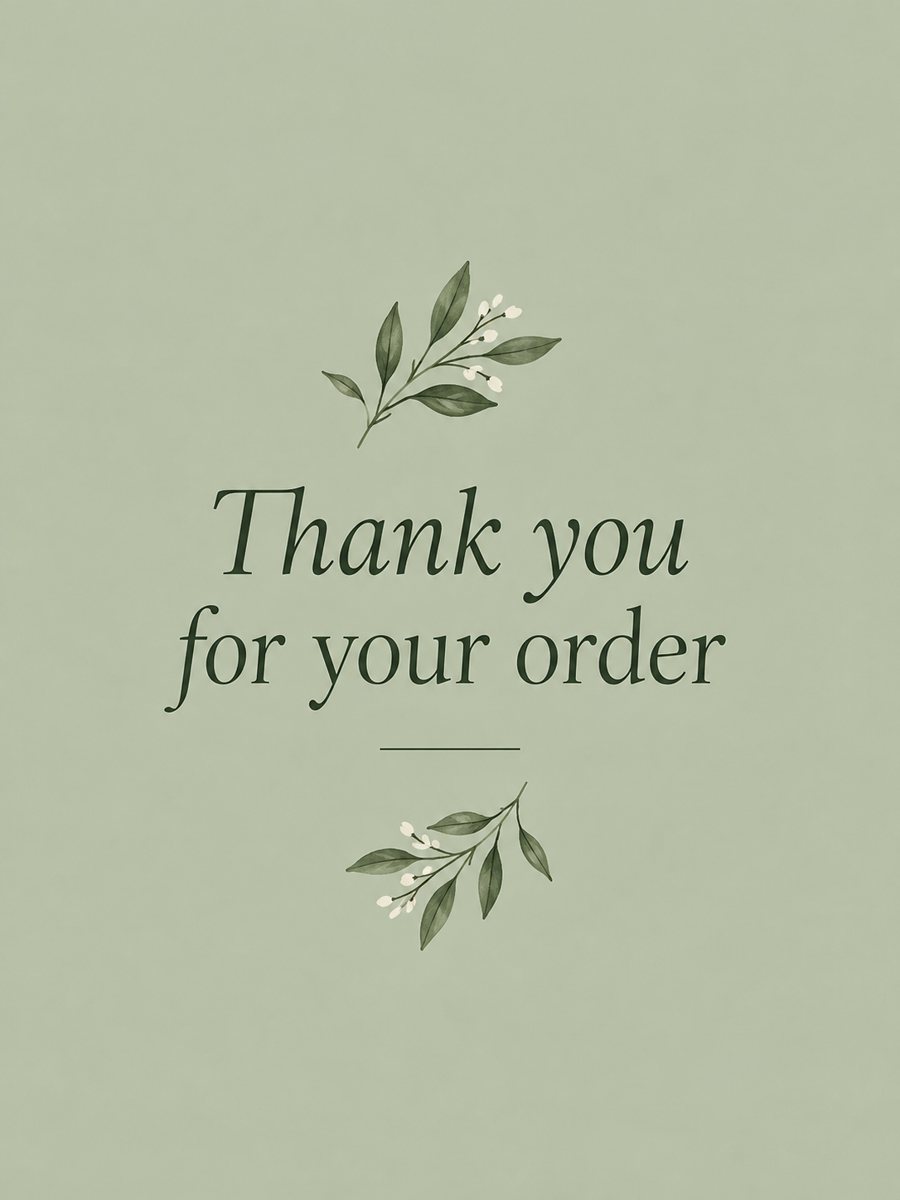 Make a thank you card from one line of textType a short thank-you line and get a clean card with a soft color background and a botanical accent....