Make a baby shower invitation from a short line
You type a short line with the event and the date, and the bot draws a baby shower invitation. The palette is soft mint and peach, with a watercolor hot air balloon, small clouds, playful rounded lettering and a gentle border. No photo is needed.
- 2 credits per image
- Result in 1–2 minutes
- No sign-up
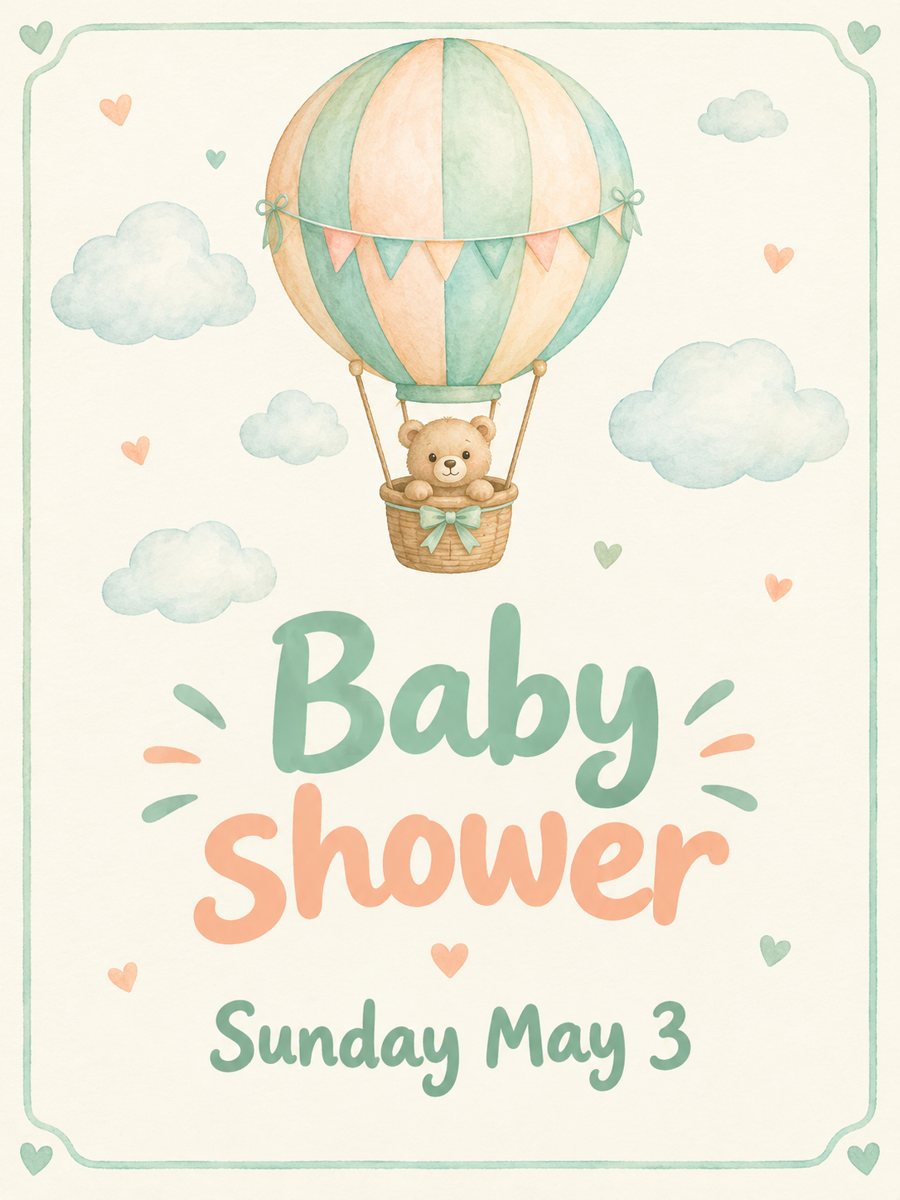 Made by the bot
In short: Type the date and get a soft mint and peach baby shower invitation with a watercolor hot air balloon. Ready prompt, result in 1-2 minutes, 7 images free.
- Where: the VisuMate bot in Telegram, no app or sign-up.
- Cost: 2 credits per image, 7 images free, then packs from 49 Telegram Stars.
- Time: 1 to 2 minutes per image, rerun with a new instruction at the same price.
When you need this
- You are hosting a shower in a week and need an invitation image for the group chat.
- You want something sweeter than a plain message but cannot design it.
- Guests are in different cities and a digital invitation works for everyone.
How to do it
- 1
Press the button. The bot opens with the baby shower invitation style selected.
- 2
Type the text exactly as it should appear, up to about 8 words, for example: Baby shower, Sunday May 3.
- 3
In 1-2 minutes you get the invitation for 2 credits. Read each word and number, and rerun if a letter is off.
Try it on your own photo: 7 images are free, no sign-up.
Make it in TelegramThe prompt behind this style
Design a baby shower invitation. Soft pastel mint and peach palette, a watercolor hot air balloon and small clouds, playful rounded lettering, a gentle border. Vertical 3:4, the card text is large and centered.
The look of the invitation
The picture is gentle and light. A watercolor hot air balloon floats among small clouds in mint and peach tones, with a thin border around the edge. The lettering is round and friendly, centered and large. It is vertical 3:4. Hosts use it as a message in a group chat, as an email image or as a printed card for guests who prefer paper.
Text accuracy
The bot draws your words as letters in the image, so long text can contain errors. Stay at about 8 words. Check the spelling of the month, the day and any name before sending. If the AI changes a letter, run the same text again. Each run is 2 credits. Put the address, the time and the gift details into a normal message.
What to expect
The design is neutral in gender, which suits a shower where the baby sex is not announced. The balloon and clouds are drawn by the AI and differ slightly with each run. The bot does not manage RSVPs. It creates one image that you share yourself. Compare two results side by side before you pick the one to keep. Write any wish in plain English in the caption, and the AI will try to follow it.
Tips
- Put only the event and the date on the card.
- Send the address, time and gift list in a message next to the image.
- Use the baby's name only if it is short, and check the spelling.
- Write the day and date in the form you want to see.
- A rerun can fix a misspelling, so keep the same text.
Questions and answers
Is the design neutral?
Yes. The mint and peach palette does not point to a boy or a girl.
Can I add the mother's name?
A short name may fit. Check the spelling.
Do I need a photo?
No.
How many words can I type?
Up to about 8 for reliable spelling.
What does it cost?
2 credits per image, with 15 free credits for new users.
More in "Photo styles"
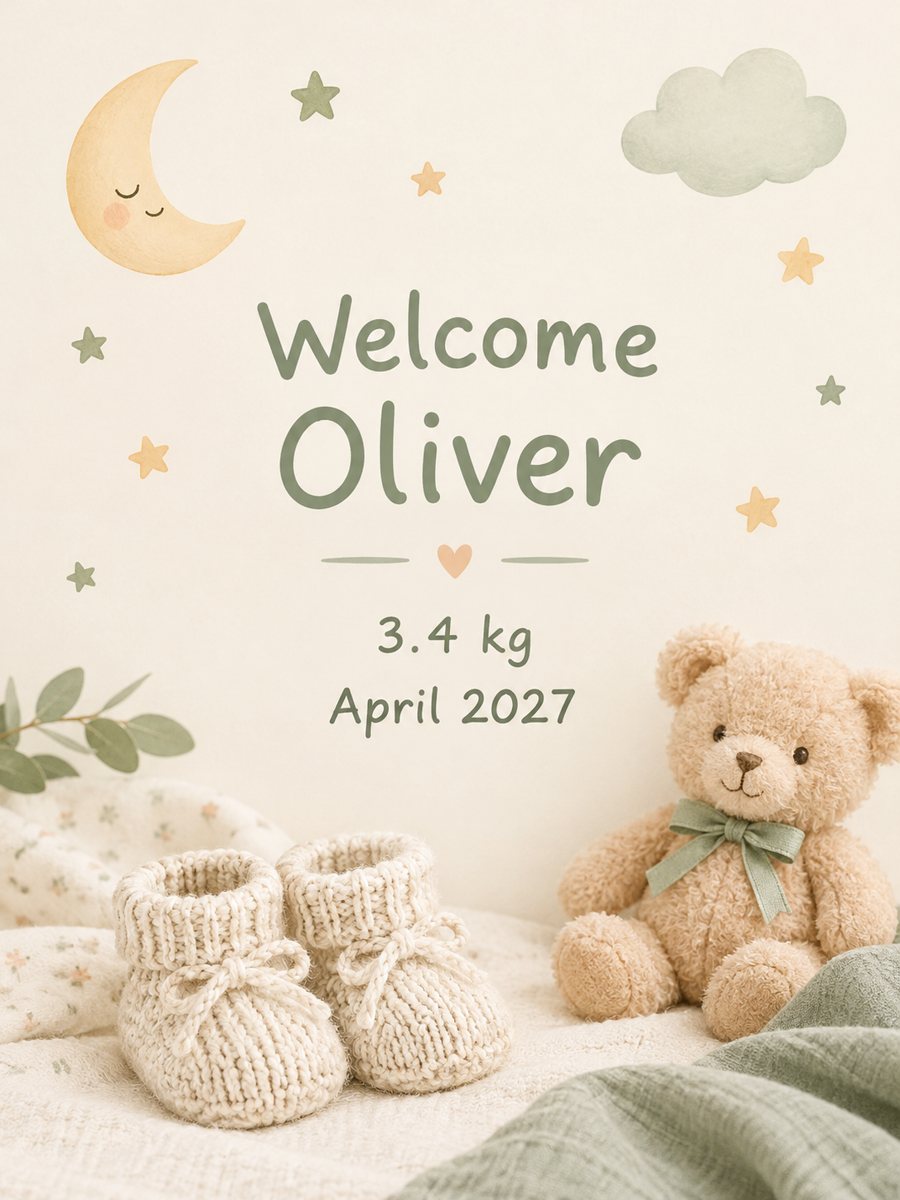 Make a baby announcement card from your textType the name and birth details and get a soft pastel baby announcement card. Copy the ready prompt or...
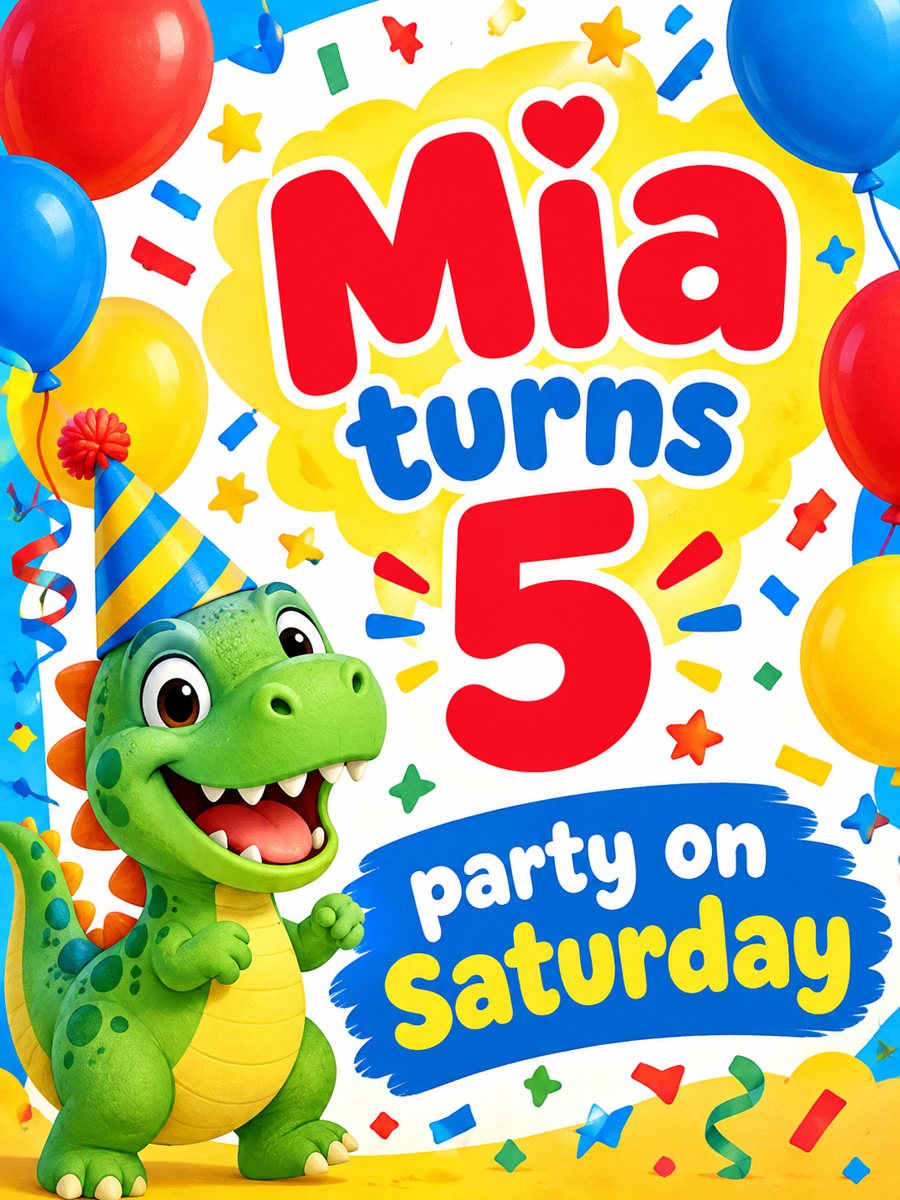 Make a kids birthday invitation with a dinosaurType the name and day and get a bright kids birthday invitation with balloons, confetti and a dinosaur in...
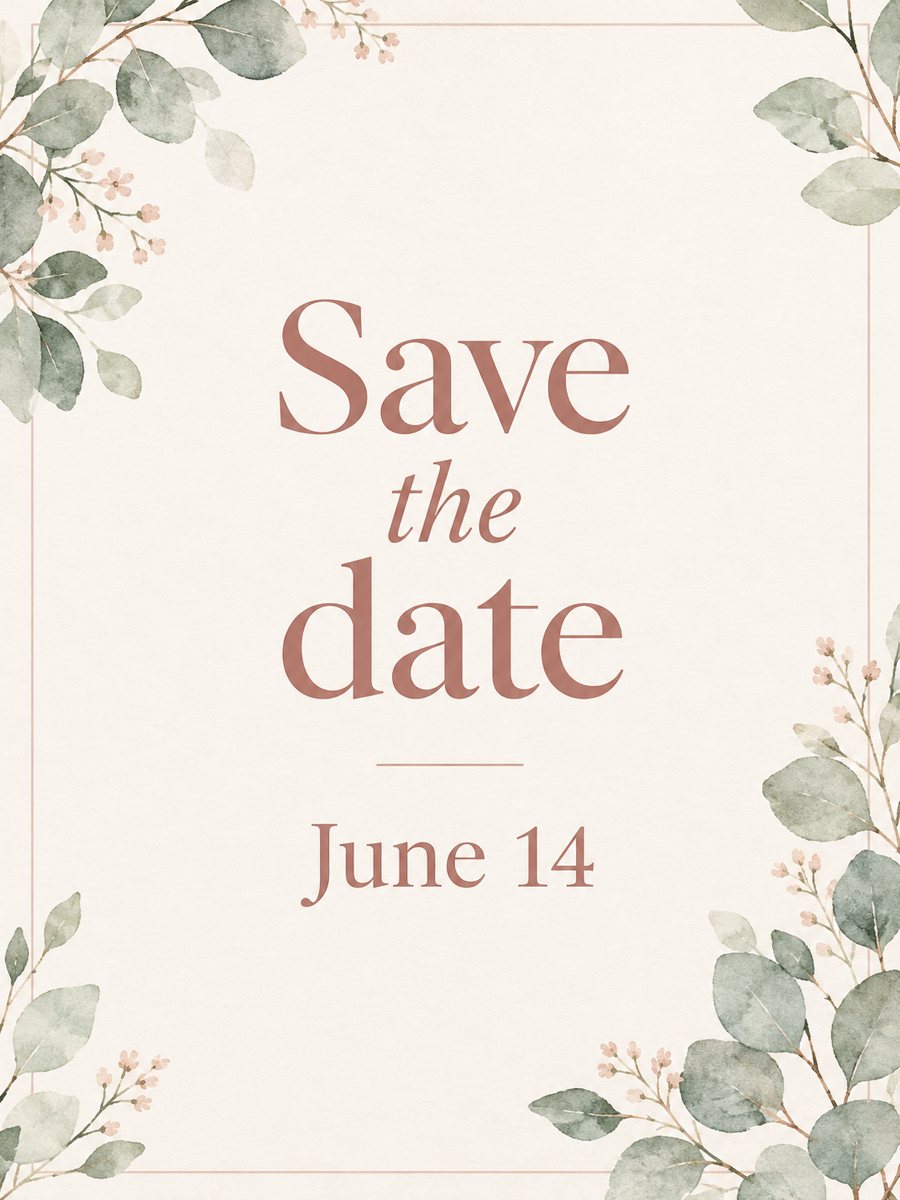 Make a save the date card from one line of textType a short line and get an elegant save the date card with blush and ivory tones and watercolor...
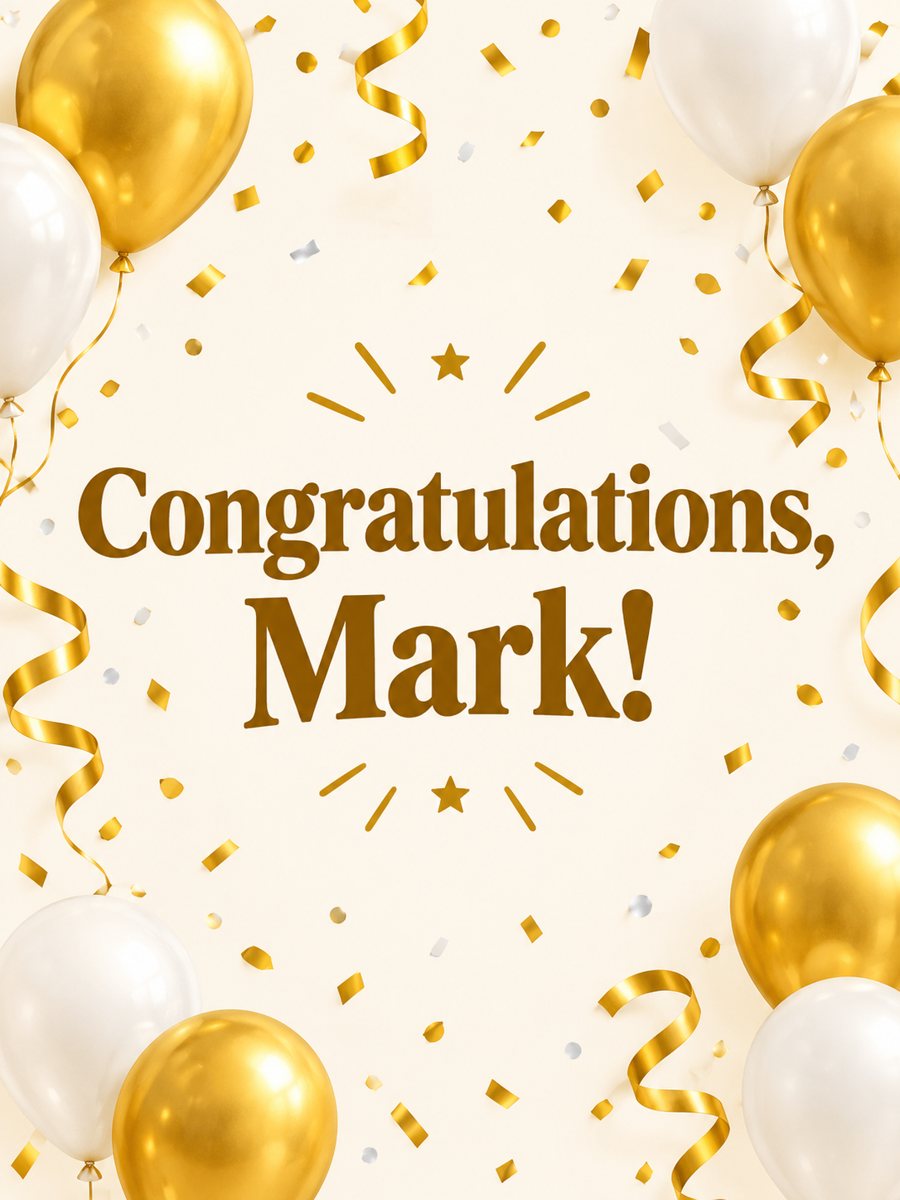 Make a congratulations card from one line of textType one line and get a bright congratulations card with confetti, golden streamers and balloons on cream....
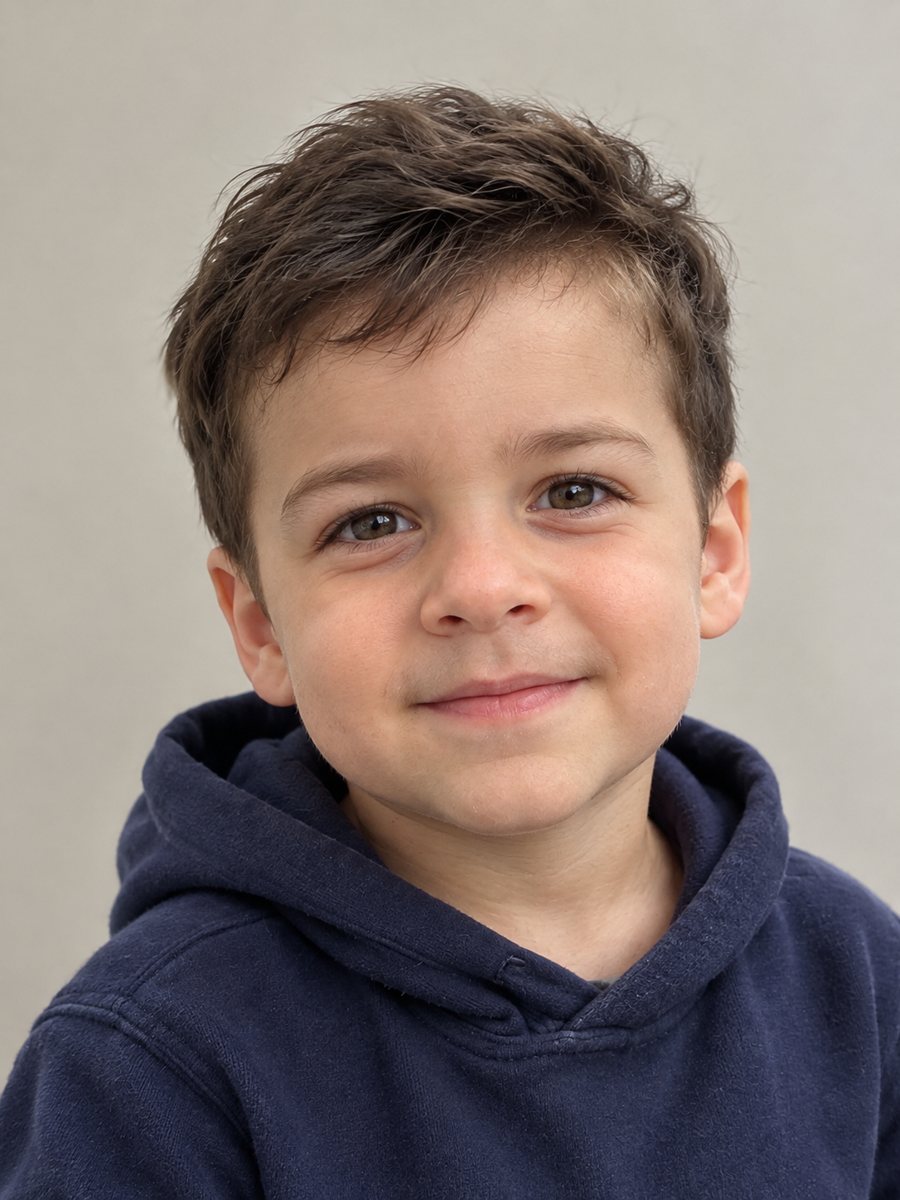 See what you might have looked like as a toddlerSee a guess of how you might have looked as a two-year-old toddler. Copy the ready prompt or use the...