Make a wedding invitation from one line of text
The bot draws a cream paper invitation with a thin gold border and a small watercolor eucalyptus branch, and sets your names and date in refined serif type. Press the button and type your line.
- 2 credits per image
- Result in 1–2 minutes
- No sign-up
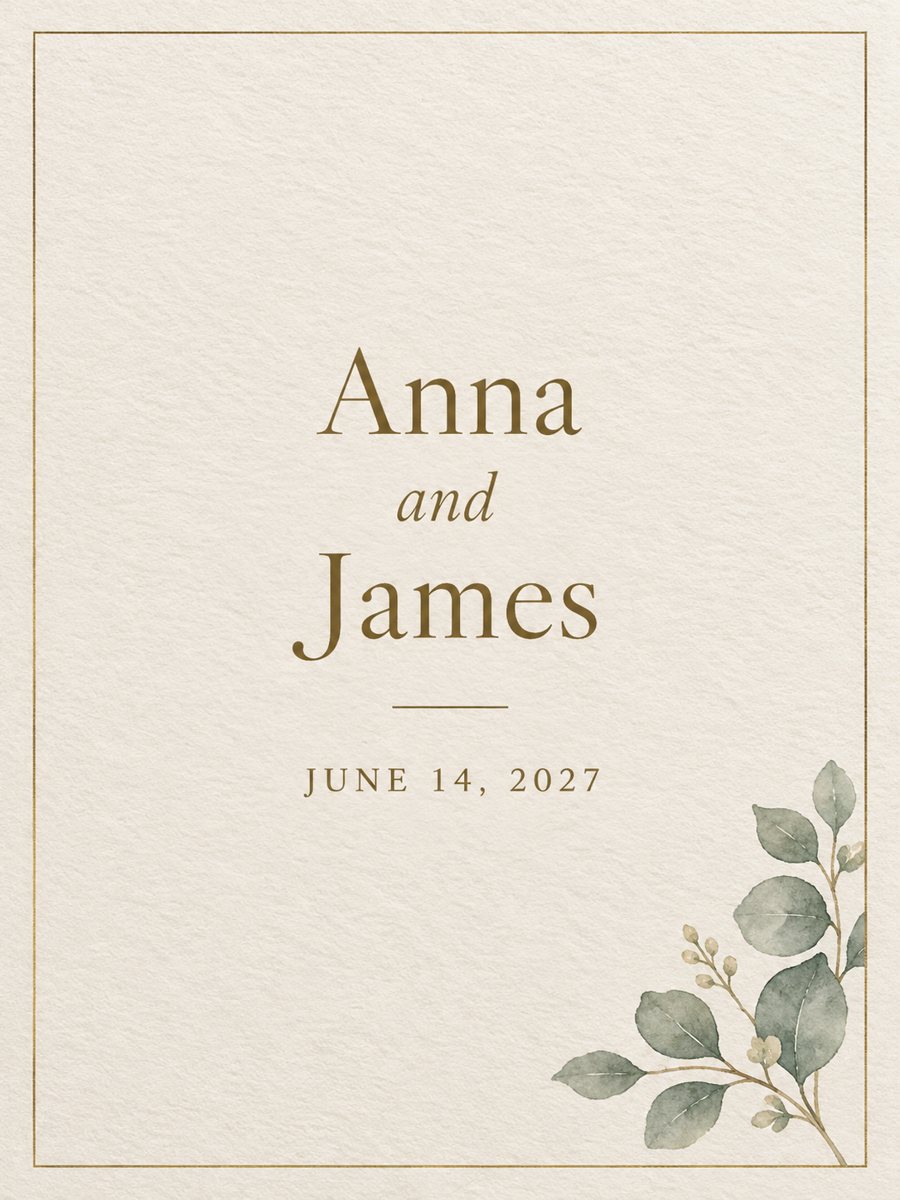 Made by the bot
In short: Type the names and the date, get a minimal wedding invitation on cream paper with a gold border. Ready prompt and Telegram bot, 7 images free to try.
- Where: the VisuMate bot in Telegram, no app or sign-up.
- Cost: 2 credits per image, 7 images free, then packs from 49 Telegram Stars.
- Time: 1 to 2 minutes per image, rerun with a new instruction at the same price.
When you need this
- Save-the-date messages need to go out and the designer is busy.
- You want a simple digital invitation to send in a messenger.
- You are planning a small wedding and want a design with no template fees.
How to do it
- 1
Open the bot with the button. The wedding invitation style is selected.
- 2
Type the text exactly as it should appear, up to about 8 words, for example: Anna and James, June 14, 2027.
- 3
In 1-2 minutes the invitation arrives for 2 credits. Check every name, the month and the numbers. Rerun if anything is wrong.
Try it on your own photo: 7 images are free, no sign-up.
Make it in TelegramThe prompt behind this style
Design a minimal elegant wedding invitation. Cream textured paper, thin gold line border, a small watercolor eucalyptus branch in one corner, refined serif typography. Place the exact text provided by the user as the main lines, spelled correctly, centered. Vertical 3:4.
The look and names and dates
A calm, minimal card: cream textured paper, a thin gold line frame, a small eucalyptus branch in one corner and centered serif lettering. It suits save-the-date messages, digital invitations and the cover for a larger invitation set. The AI draws your text as part of the image, and numbers and unusual names are the most common errors. A wrong date on an invitation is serious, so verify each character on the result. If it is off, rerun for 2 credits. For long details like address or schedule, add text in a layout app and use this image as the background.
Limits
The bot does not print, mail or manage guest lists. The image is vertical 3:4. Order printing yourself and ask the print shop for a proof. Use the result as a design starting point, not as the only proof of your event details. For a formal event, treat this image as the visual and have a second person read the names and the date aloud before sending.
Tips
- Keep the line to names and date only.
- Use month names in full to avoid number mix-ups.
- Double check the year and the day twice.
- Put venue and time in your message, not on the card.
- Make a couple of versions and keep the one with the cleanest letters.
Questions and answers
Can I add the venue and time?
Keep the card short. Add details in the message or in a layout app.
Is it suitable for printing?
Yes, as a 3:4 image. Get a proof from the print shop.
Can I choose other flowers?
You can mention them in the caption, but keep the text short.
Does it work for other events?
Yes, for example an engagement or an anniversary.
What does it cost?
2 credits per image, 7 images free to try.
Does the bot work in English?
Yes. It picks up your Telegram language on first launch and replies in English. You can switch the language any time with /lang.
More in "Photo styles"
 Make a Valentine's Day card from your couple photoTurn a couple photo into a romantic painterly card with hearts and rose petals in warm pink. Copy the...
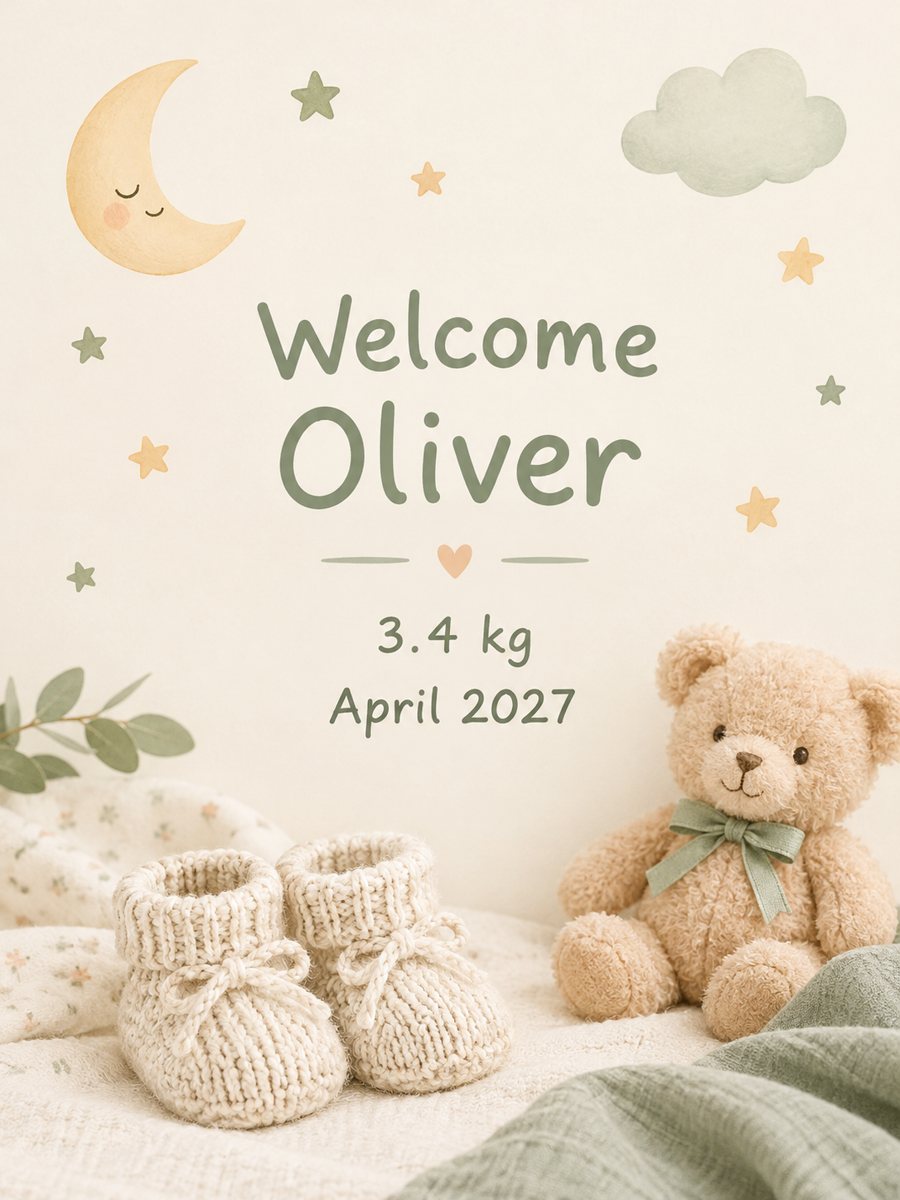 Make a baby announcement card from your textType the name and birth details and get a soft pastel baby announcement card. Copy the ready prompt or...
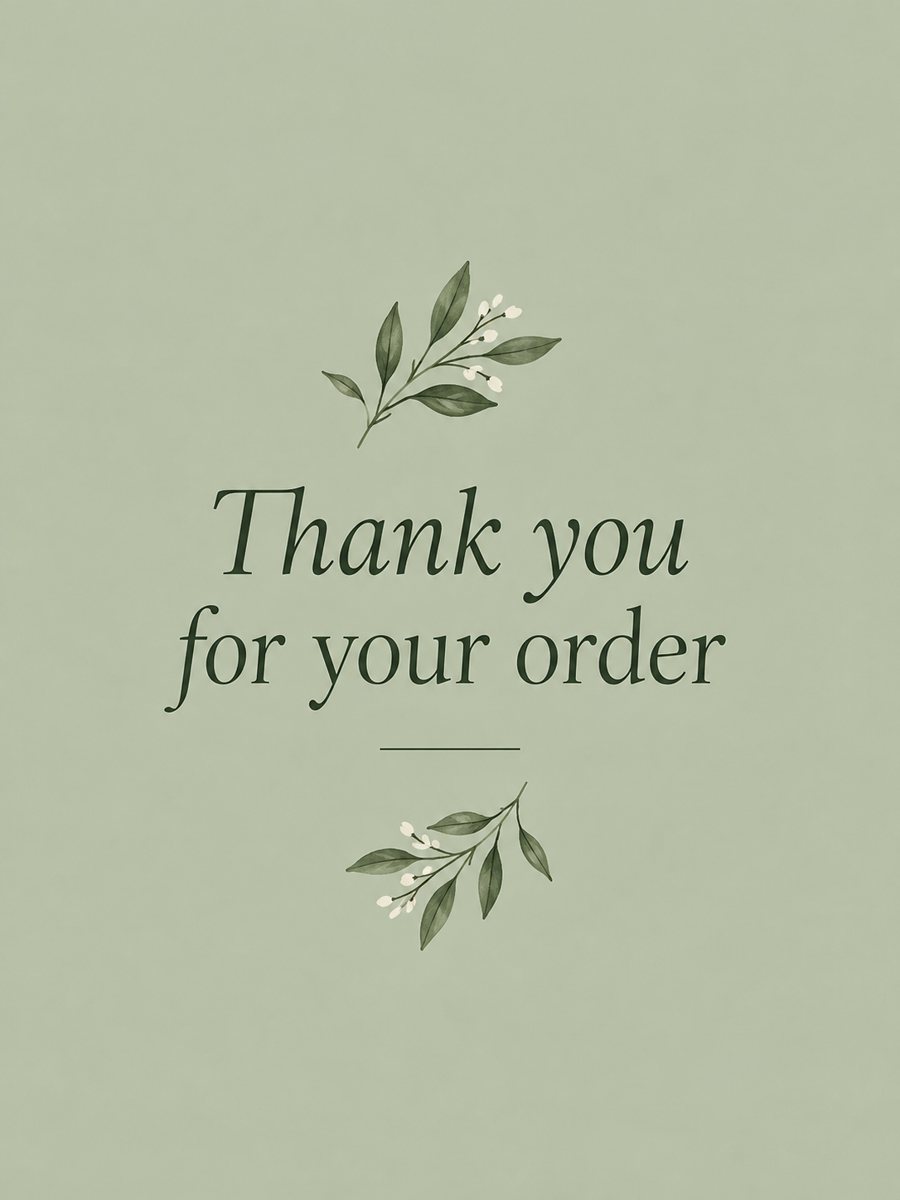 Make a thank you card from one line of textType a short thank-you line and get a clean card with a soft color background and a botanical accent....
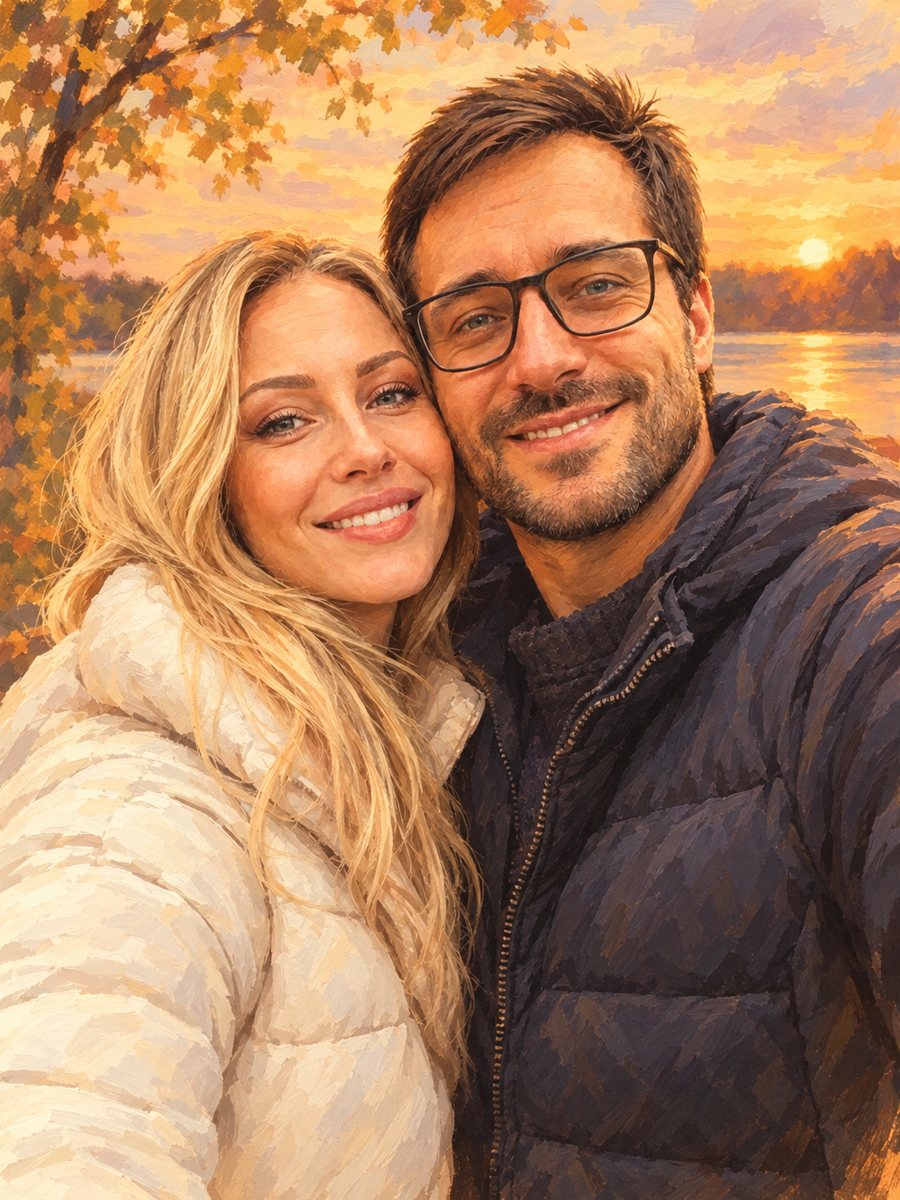 Turn your couple photo into a warm illustrationRedraw a couple photo as a warm digital illustration for an anniversary gift or a print. Copy the ready...