Draw yourself as a black and white manga character
Your photo becomes a black and white manga illustration with crisp ink lines, screentone shading, big expressive eyes and speed lines behind you. Hairstyle and face shape stay recognizable. Press the button and send one photo.
- 2 credits per image
- Result in 1–2 minutes
- No sign-up
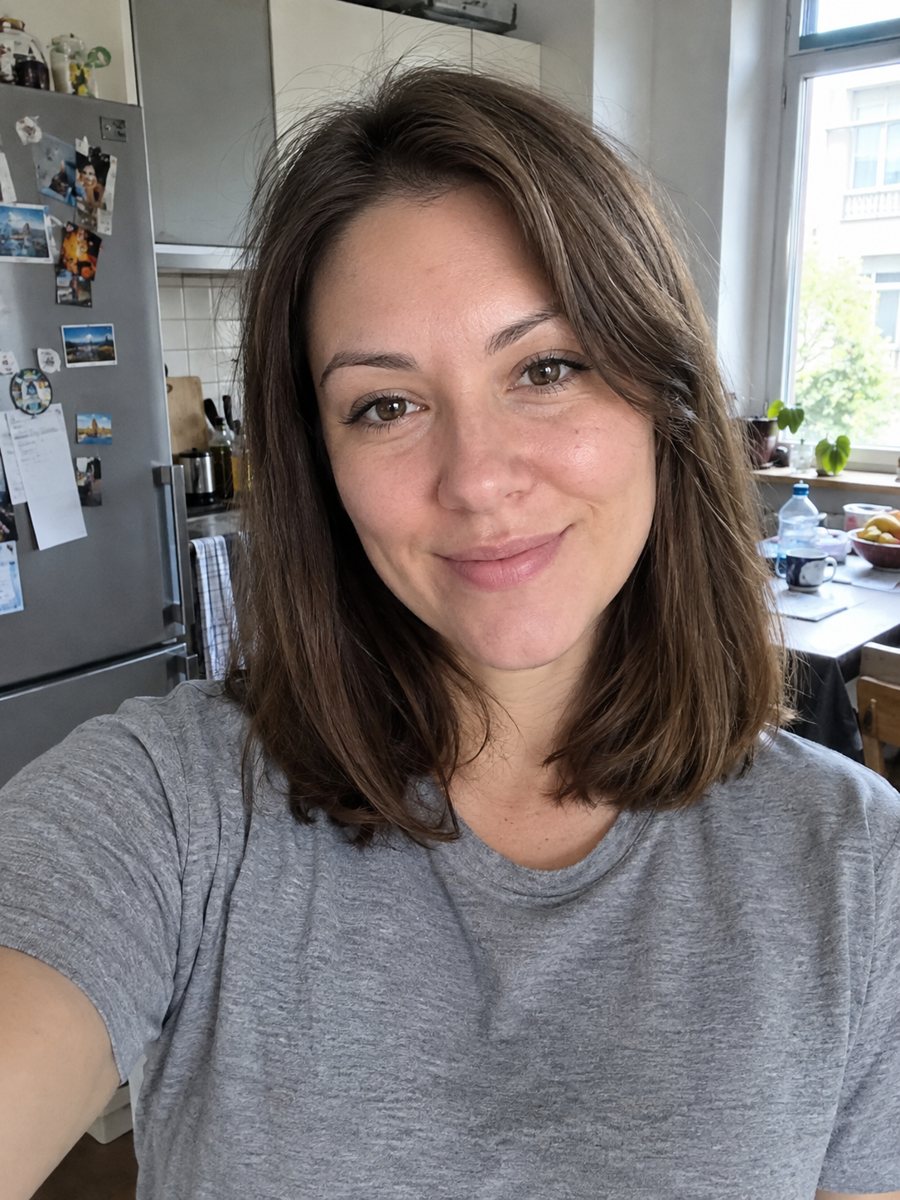
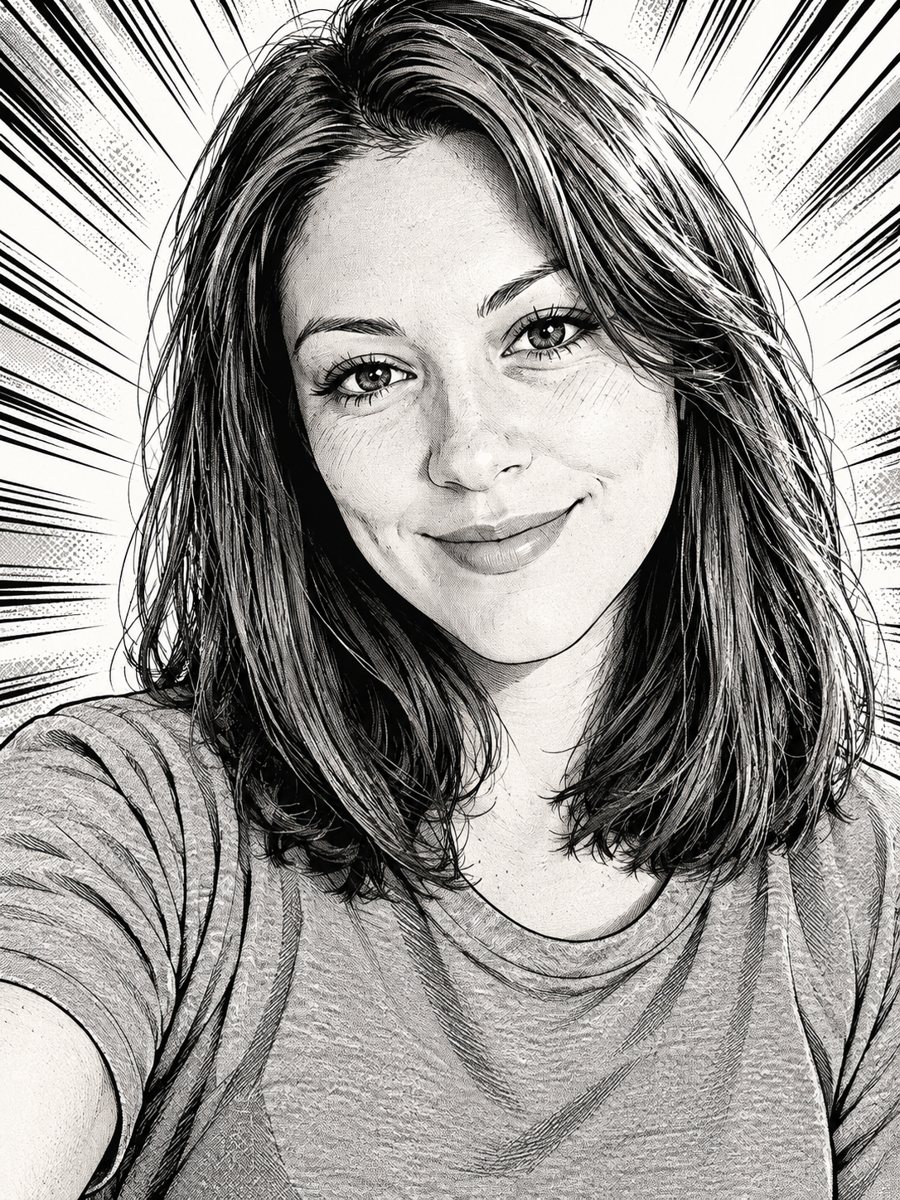 BeforeAfter
In short: Redraw your photo as an inked manga page with screentone shading and speed lines. Copy the ready prompt or open the Telegram bot, 7 images free.
- Where: the VisuMate bot in Telegram, no app or sign-up.
- Cost: 2 credits per image, 7 images free, then packs from 49 Telegram Stars.
- Time: 1 to 2 minutes per image, rerun with a new instruction at the same price.
When you need this
- You make a webcomic or zine and need yourself as a character.
- Color anime filters feel too sweet and you prefer the look of printed manga.
- You want a monochrome profile picture that stands out in a feed full of color.
How to do it
- 1
Press the button on this page. The bot opens with the manga style selected, tap Start if asked.
- 2
Send one photo as a file. A caption can say: serious expression, spiky hair, extra speed lines.
- 3
In 1-2 minutes you get the page and 2 credits are used. Check the line quality around the eyes and hair, then rerun if needed.
Try it on your own photo: 7 images are free, no sign-up.
Make it in TelegramThe prompt behind this style
Redraw this photo as a black and white manga illustration. Keep the face shape, hairstyle and expression recognizable. Crisp ink line art, screentone shading, expressive eyes, dynamic speed lines in the background. Vertical 3:4, no text or speech bubbles.
Ink, screentone and speed lines
Printed manga is drawn in black ink on white paper. Gray areas come from screentone, a pattern of tiny dots that can be dense or light. The prompt asks for crisp line art, screentone shading, large detailed eyes and dynamic speed lines in the background. That gives the portrait a look of a chapter cover. There is no color at all, so contrast and linework carry the picture. The AI redraws clothing as clean shapes with a few fold lines.
Using the result
A manga portrait fits a profile picture, a character sheet, a zine cover or a printed card. Because the frame is vertical 3:4 and has no text, you can add a title or panel borders yourself. If you need the same character in several poses, note that each run is a new drawing, so small details such as the exact hairline may vary. Save the version you like best as your reference. For a colored version with softer shading, try the anime portrait style instead.
Tips
- A face turned slightly to one side gives a more dynamic manga angle.
- Strong contrast in the source photo helps the ink shading look sharp.
- Put the mood in the caption: calm, fierce or shy. Manga expressions change a lot with it.
- The prompt forbids speech bubbles and text, so add dialogue later in a comic app.
- Keep hair visible in the frame, since hair is where manga artists show the most detail.
Questions and answers
Is the result truly black and white?
Yes, the prompt asks for ink lines and screentone shading without color.
Will it add speech bubbles?
No. The prompt says no text or speech bubbles.
Can I get the same character again?
Each run is a fresh drawing, so details can change. Keep your favorite result as a reference.
Does it work for men and women?
Yes. The AI follows the face shape, hairstyle and expression in your photo.
How many credits does one image use?
2 credits. New users start with 15 free credits.
Is the bot menu in English?
The bot replies in English. You can switch the language any time with /lang. The button on this page opens the manga mode and English captions work.
More in "Photo styles"
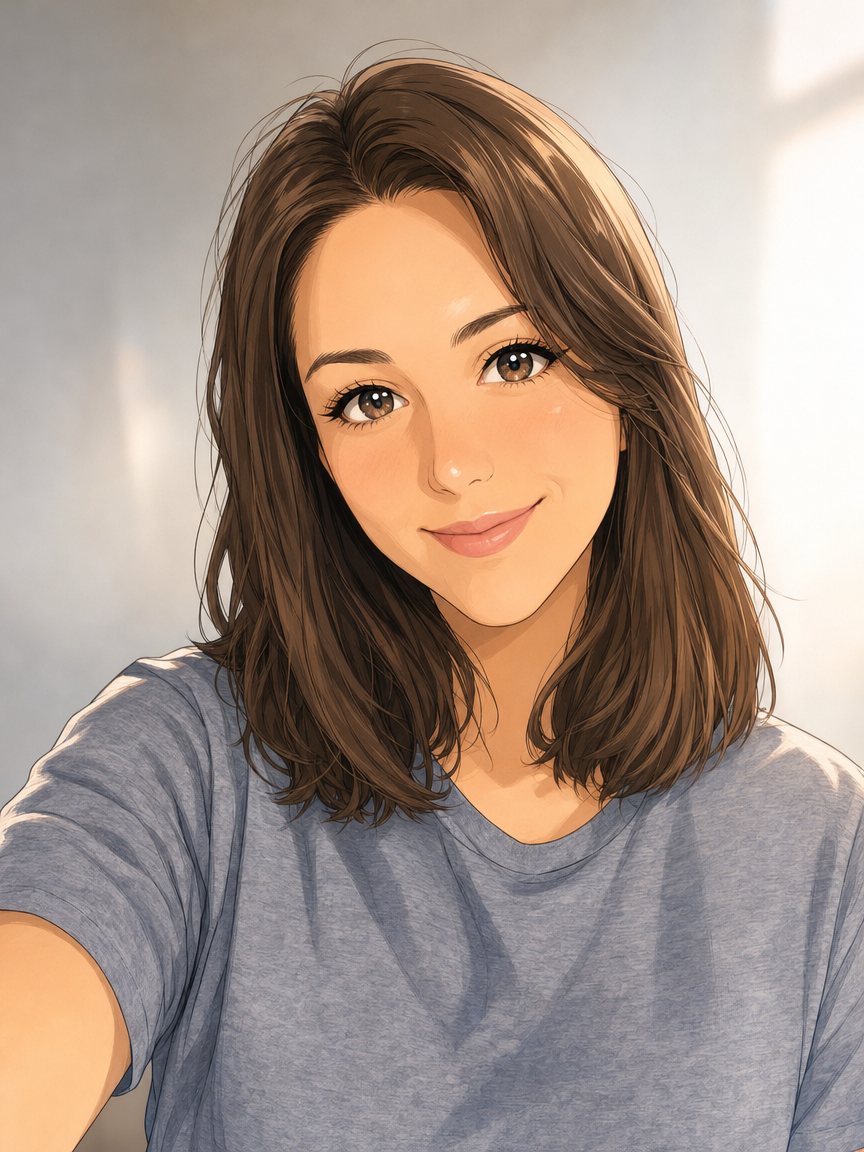 Make an anime portrait from your photoRedraw a photo as a polished anime illustration with clean line art and cel shading. Ready prompt, 2...
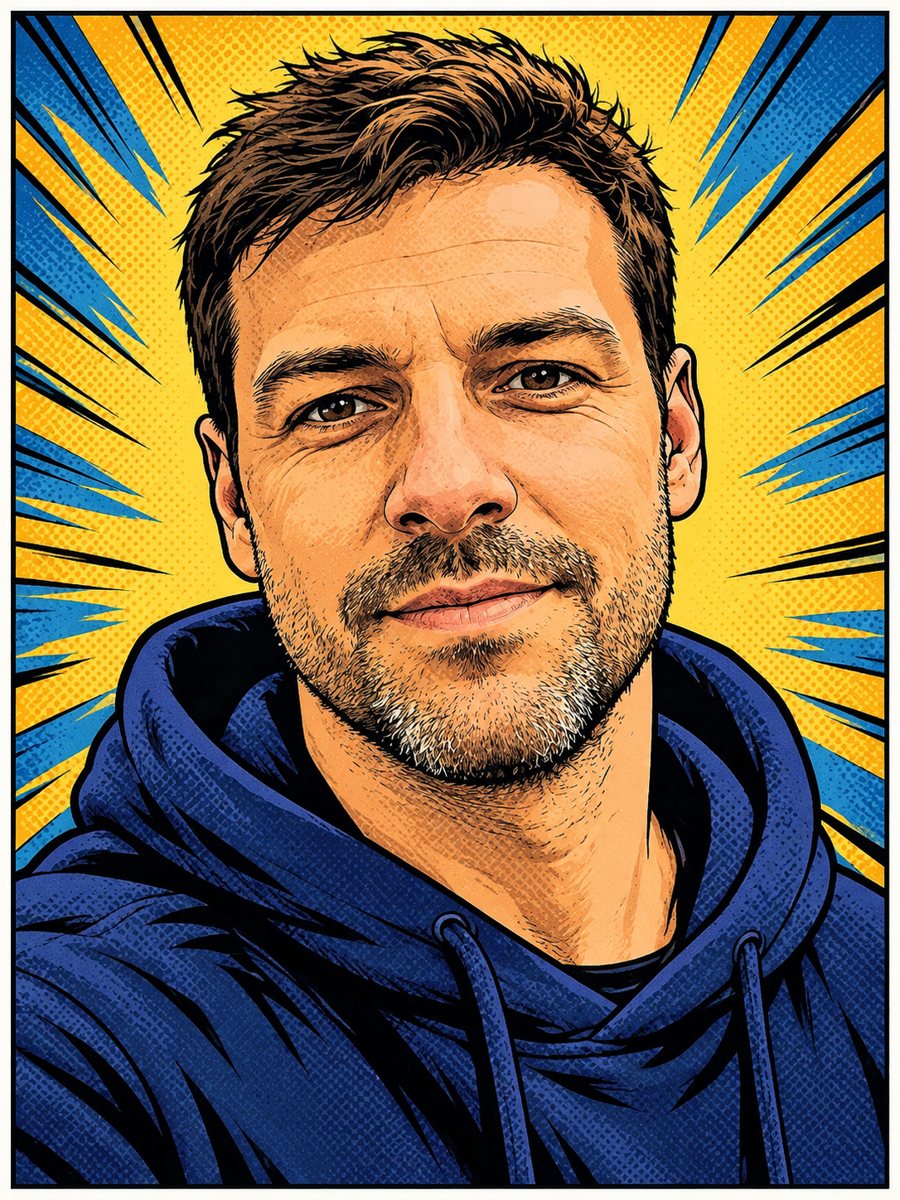 Turn your photo into a comic book panelRedraw your photo as an American comic book panel with bold ink outlines and halftone shading. Copy the...
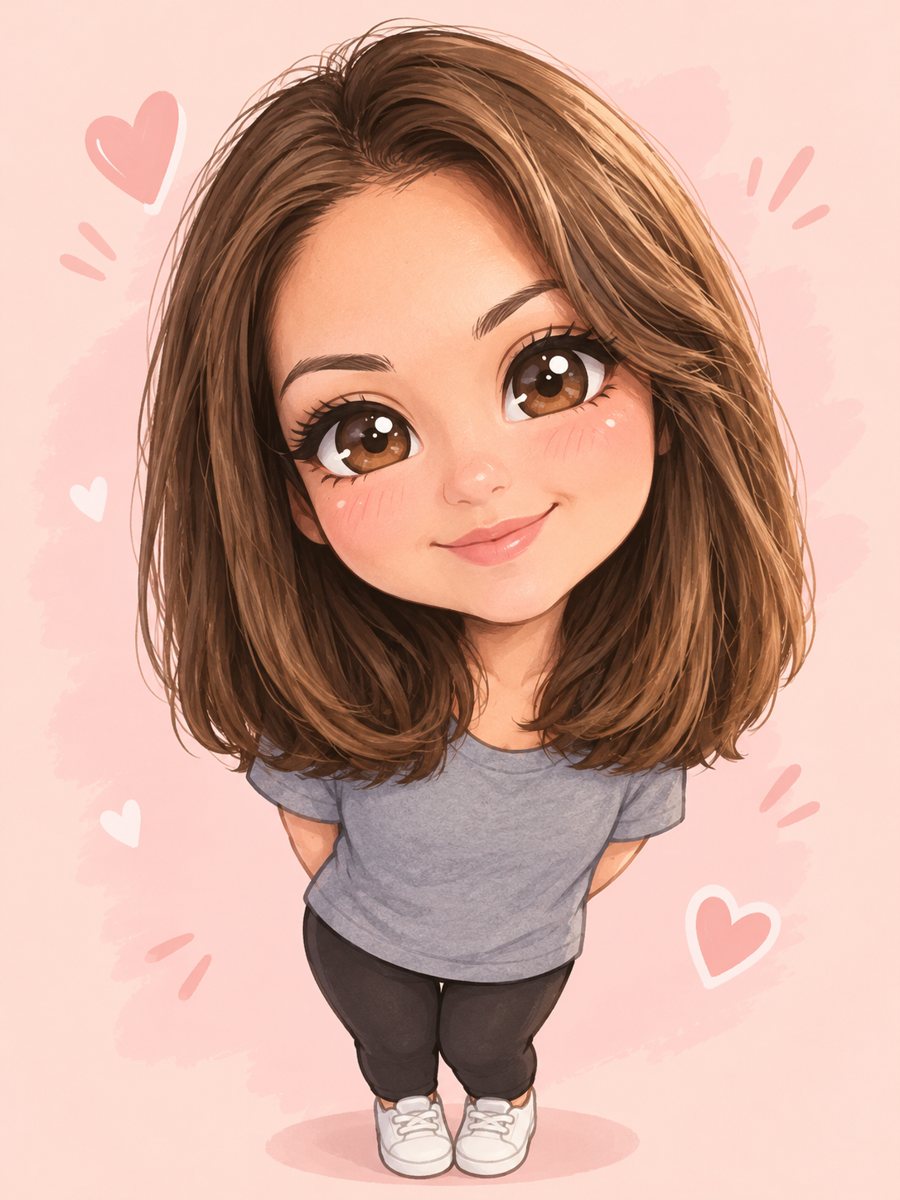 Turn yourself into a cute chibi characterTurn a photo into a cute chibi figure with an oversized head, tiny body and sparkling eyes. Copy the ready...
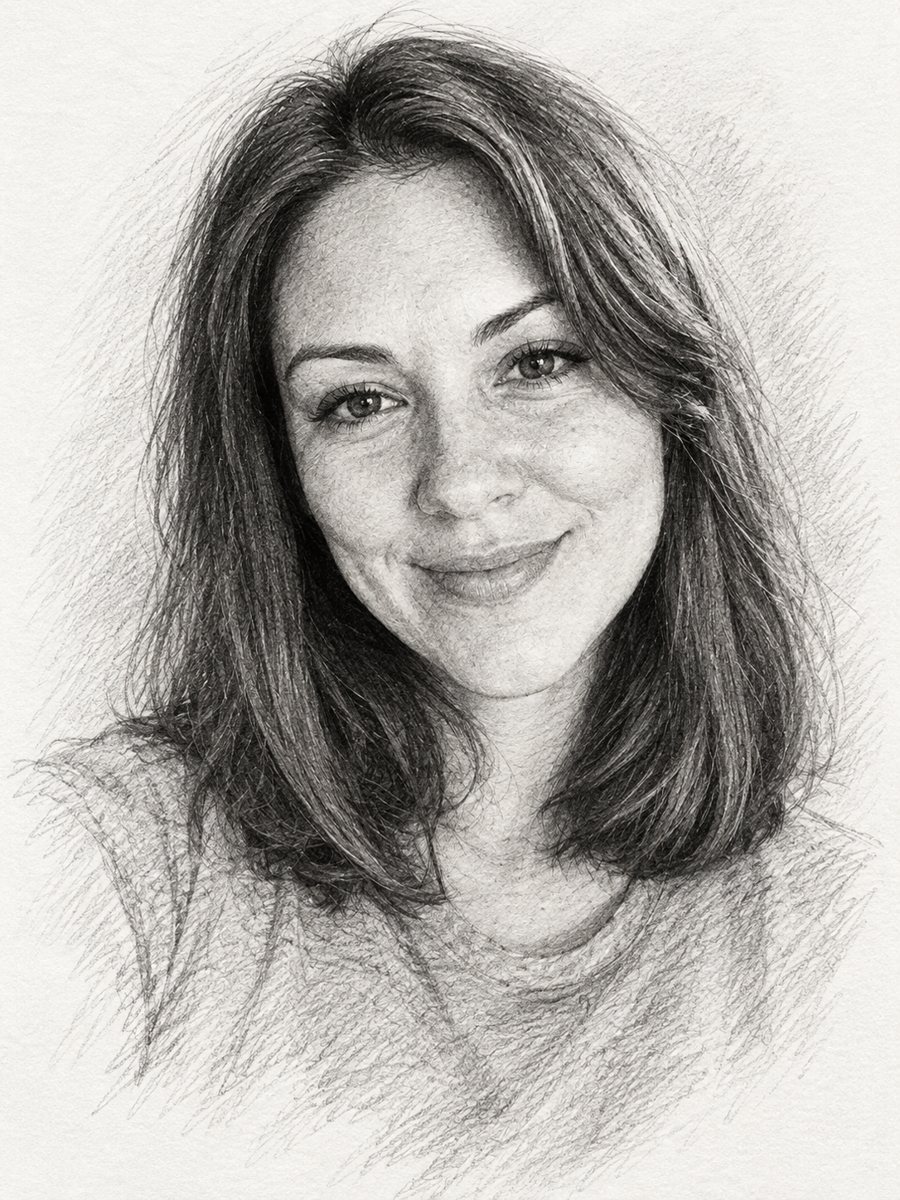 Turn a photo into a pencil sketch portraitConvert a photo into a realistic graphite pencil sketch with hatching and soft shading. Copy the prompt or...