Make a gentle get well soon card with your own words
You type a short wish and the bot draws it on a calm pastel card with a cup of tea, a cozy blanket and a small bouquet of wildflowers. No photo is needed.
- 2 credits per image
- Result in 1–2 minutes
- No sign-up
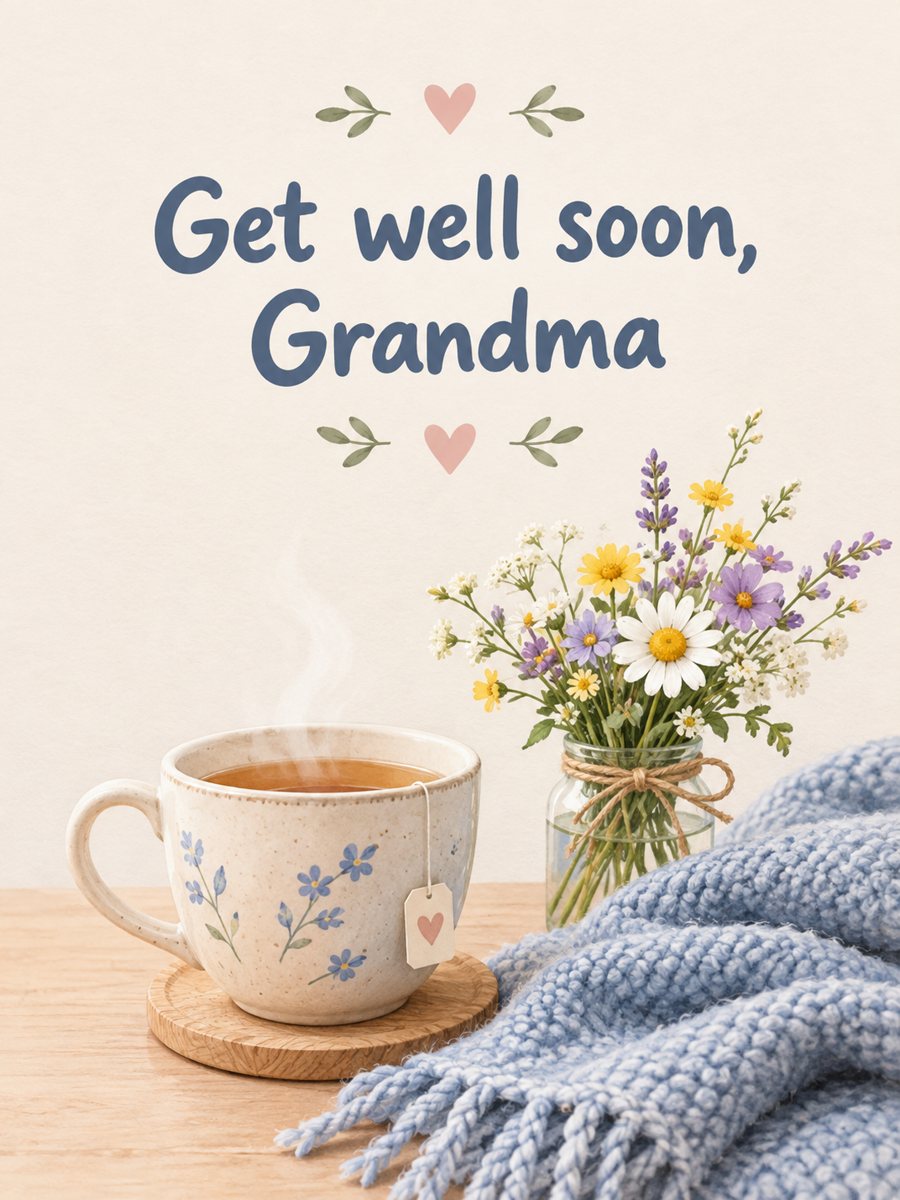 Made by the bot
In short: Type one line and get a gentle get well soon card with a cup of tea, a blanket and wildflowers in soft pastels. Ready prompt and bot, 7 images free to try.
- Where: the VisuMate bot in Telegram, no app or sign-up.
- Cost: 2 credits per image, 7 images free, then packs from 49 Telegram Stars.
- Time: 1 to 2 minutes per image, rerun with a new instruction at the same price.
When you need this
- Someone you know is in the hospital or at home sick and you want to send warmth fast.
- Humor feels wrong and you want a quiet card.
- You cannot visit, so a picture in a chat has to do the job.
How to do it
- 1
Press the button. The bot opens with the get well soon card style selected.
- 2
Type the line, up to about 8 words, for example: Get well soon, Grandma.
- 3
After 1-2 minutes you get the card for 2 credits. Check the spelling and rerun if a word is wrong.
Try it on your own photo: 7 images are free, no sign-up.
Make it in TelegramThe prompt behind this style
Design a gentle get well soon card. Soft pastel palette, illustrations of a cup of tea, a cozy blanket and a small bouquet of wildflowers, calm minimal layout. Friendly rounded headline with the exact text provided by the user, spelled correctly, centered. Vertical 3:4.
A quiet design
The palette is soft pastel, and the small illustrations suggest rest: a cup of tea, a blanket and a bouquet of wildflowers. The layout is calm and minimal, so nothing competes with the words. The headline uses a friendly rounded style that looks kind rather than formal. This makes the card suitable for a relative, a colleague or a neighbor, and it will not feel heavy for a person who is tired.
Text and tone
Spelling matters here, because a typo on a get well card can feel careless. Keep to a short line, read it twice and rerun if the AI changed a letter. Each run costs 2 credits. If you want a longer wish, write it in the message that goes with the picture. The image is vertical 3:4 and can be sent in a chat, printed or put in an envelope. The bot does not print or mail cards, and it gives no medical advice.
Tips
- Keep the words simple and kind, with no jokes about the illness.
- Use a first name or a family word like Grandma.
- Do not put medical details on the card.
- Send it with a short personal message in the chat.
- A soft pastel card looks fine on a phone screen in a hospital bed.
Questions and answers
Do I need a photo?
No. The card uses only your text line.
Can I add the person name?
Yes. A short name works. Check the letters in the result.
Can I make it funnier?
The style is gentle. For a funny tone, pick a different card style.
Can I print it?
Yes. The image is vertical 3:4 and prints at a standard card size.
What does it cost?
2 credits per image. New users get 15 free credits.
Does the bot work in English?
Yes. It picks up your Telegram language on first launch and replies in English. You can switch the language any time with /lang.
More in "Photo styles"
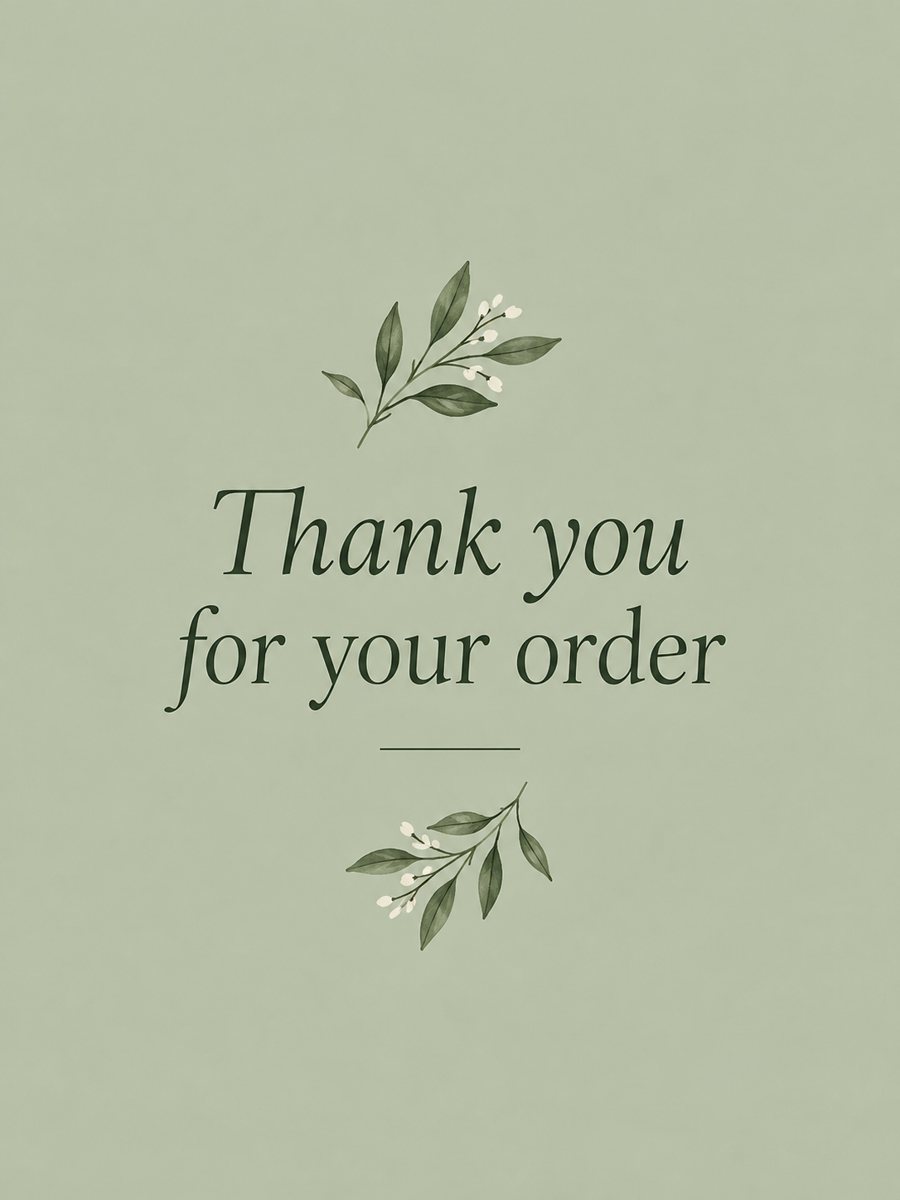 Make a thank you card from one line of textType a short thank-you line and get a clean card with a soft color background and a botanical accent....
 Make a congratulations card from one line of textType one line and get a bright congratulations card with confetti, golden streamers and balloons on cream....
 Make a retirement card with a personal lineType one line and get a cheerful retirement card with a hammock, a sea sunset and a suitcase in teal and...
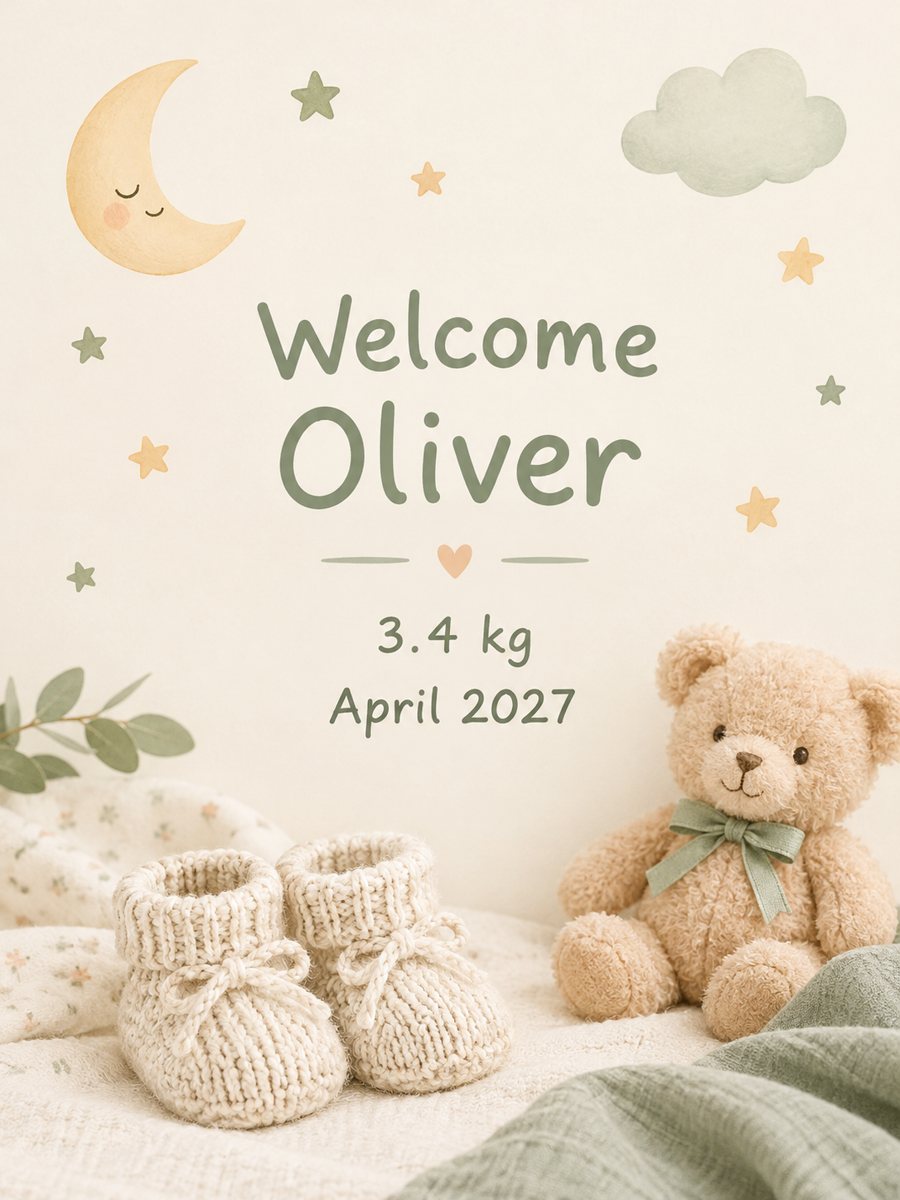 Make a baby announcement card from your textType the name and birth details and get a soft pastel baby announcement card. Copy the ready prompt or...