Make a housewarming card for a new home
You type a short welcome and the bot puts it on a cozy card with a small house, warm lit windows, potted plants and a wreath on the door, in terracotta and sage. No photo is needed.
- 2 credits per image
- Result in 1–2 minutes
- No sign-up
 Made by the bot
In short: Type one line and get a cozy housewarming card with a lit little house, plants and a door wreath in terracotta and sage. Ready prompt, 7 images free.
- Where: the VisuMate bot in Telegram, no app or sign-up.
- Cost: 2 credits per image, 7 images free, then packs from 49 Telegram Stars.
- Time: 1 to 2 minutes per image, rerun with a new instruction at the same price.
When you need this
- Friends moved into a new place and you want to send a card before the party.
- A client or a neighbor bought a home and you want a polite gift note.
- Store cards for this occasion are rare and plain.
How to do it
- 1
Press the button. The bot opens with the housewarming card style selected.
- 2
Type the line, up to about 8 words, for example: Welcome to your new home!
- 3
In 1-2 minutes you get the card for 2 credits. Read the text letter by letter and rerun if a word changed.
Try it on your own photo: 7 images are free, no sign-up.
Make it in TelegramThe prompt behind this style
Design a cozy housewarming greeting card. Illustration of a small charming house with warm lit windows, potted plants and a wreath on the door, earthy terracotta and sage palette. Large headline with the exact text provided by the user, spelled correctly, centered. Vertical 3:4.
The look
The scene is a small charming house with warm yellow windows, plants by the door and a wreath on it. Earthy terracotta and sage green give it a calm, homey feel. The headline sits large in the center with your words. It suits friends moving in together, a first apartment, a family house or a thank-you to a client after a purchase. The design is friendly without being childish.
Practical notes
The AI draws every letter, so a long sentence can end up with mistakes. A short welcome is safer. If a word comes out wrong, rerun, because each run draws the text fresh and costs 2 credits. Do not put an address or a phone number on the picture, since digits are easy for AI to get wrong. The image is vertical 3:4 and works as a chat picture or a printed card. The bot does not print or send cards, and it does not draw your real house from a photo in this style.
Tips
- Short welcome lines read best at the size of a phone screen.
- Real estate agents can send the card with the keys message.
- Skip addresses on the card, since numbers can be wrong.
- Add the new owners names in the chat note, not in the headline.
- Terracotta and sage tones print well on matte paper.
Questions and answers
Can it draw my actual house?
No. This style uses a generic cozy house illustration and takes only text.
Do I need a photo?
No. Only a text line.
Can I add an address?
It is better not to. Digits and long text can be misspelled.
Is it right for a business gift?
Yes. Keep the line short and neutral.
What does it cost?
2 credits per image, with 15 free credits for new users.
Does the bot work in English?
Yes. It picks up your Telegram language on first launch and replies in English. You can switch the language any time with /lang.
More in "Photo styles"
 Make a congratulations card from one line of textType one line and get a bright congratulations card with confetti, golden streamers and balloons on cream....
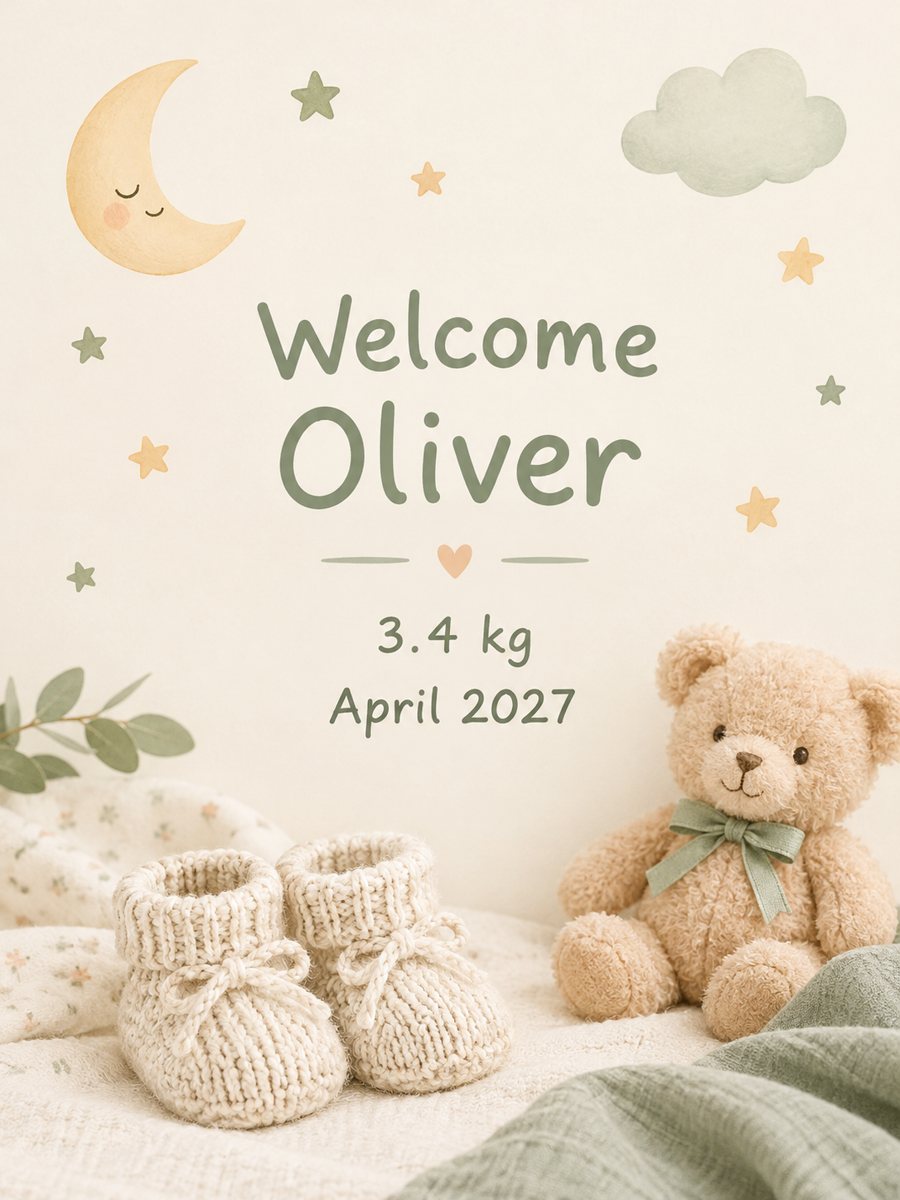 Make a baby announcement card from your textType the name and birth details and get a soft pastel baby announcement card. Copy the ready prompt or...
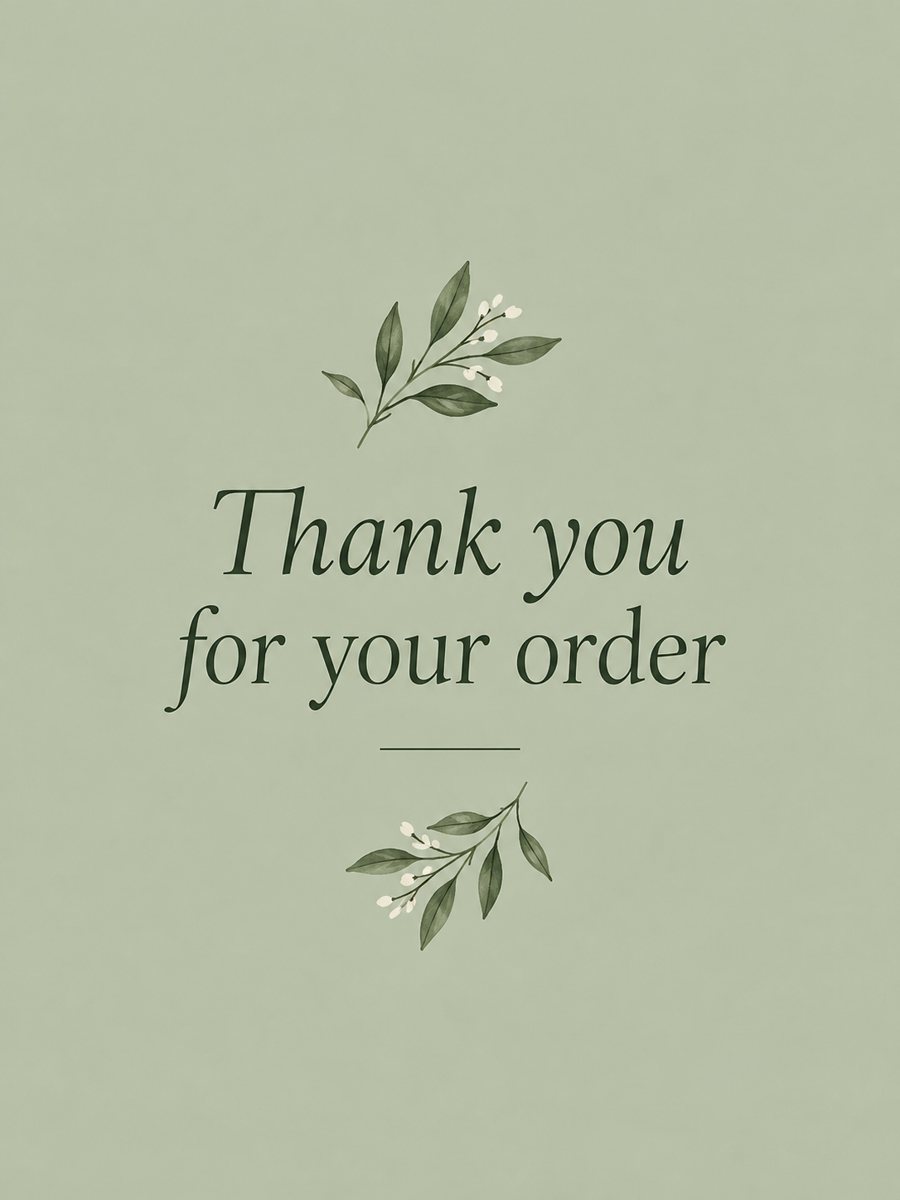 Make a thank you card from one line of textType a short thank-you line and get a clean card with a soft color background and a botanical accent....
 Make a retirement card with a personal lineType one line and get a cheerful retirement card with a hammock, a sea sunset and a suitcase in teal and...