A Pinterest profile picture that matches your boards
A Pinterest profile is tiny, and viewers decide to follow after seeing a round thumbnail and a few board covers. A picture that shares the color mood of your pins looks intentional. Send a selfie, name your board theme, and the bot makes a tidy circle-friendly portrait.
- 2 credits per image
- Result in 1–2 minutes
- No sign-up
In short: Make a soft, on-theme Pinterest profile picture from a selfie that matches your boards, whether you pin recipes, decor or travel. Telegram bot, 7 images free.
- Where: the VisuMate bot in Telegram, no app or sign-up.
- Cost: 2 credits per image, 7 images free, then packs from 129 Telegram Stars.
- Time: 1 to 2 minutes per image, rerun with a new instruction at the same price.
- Credits never expire, there is no subscription and no auto-renew. You pay once for a pack inside Telegram with Stars.
When you need this
- Your boards share a neat sage and cream look and your avatar is bright red.
- A brand wants to see a business profile before a collaboration.
- Your old picture is a group shot, and the crop shows half of someone else.
How to do it
- 1
Press the button to open @visumate_ai_bot in Telegram. No sign-up, and new users get 15 free credits, which is 7 images.
- 2
Send a front-facing selfie as a file. In the caption write: 'soft sage linen shirt, creamy plaster wall, centered face with plenty of space around the head, gentle smile, diffuse daylight'.
- 3
In 1-2 minutes the portrait arrives for 2 credits. Preview it in a small circle before you commit.
Try it on your own photo: 7 images are free, no sign-up.
Make it in TelegramThink in thumbnails
The profile picture appears at the size of a fingertip, so large shapes win. A centered head, a plain backdrop and strong contrast between hair and wall hold up. Ask the bot for extra margin around the head, since the circle crop cuts corners. If details look busy, rerun with 'minimal background, large face'. Test the picture beside two of your pin covers to see whether the palette sings.
Matching the niche
Recipe creators can pick a kitchen glow, decor accounts a calm room and travel pinners a sunny street. Name one prop and one color and the bot will work them into the scene. Business accounts often use a logo, and a face works better for personal brands. Check the platform's current guidance for image sizes, since limits change over time.
Tips
- Echo two colors from your boards.
- Leave generous space around the head for the round crop.
- Use a simple wall so the thumbnail stays clean.
- Try a version holding a prop that fits your niche, like a mug or a plant.
Questions and answers
Can I use the same picture for other sites?
Yes. Square crops work almost everywhere.
Will the bot make a logo?
It works best on faces. Make logos in a design app.
What does it cost?
2 credits per image. New users get 15 free credits, so 7 images cost nothing. After that packs start at 129 Telegram Stars, about $2.6 and credits do not expire.
Does the bot work in English?
Yes. It picks up your Telegram language on first launch. You can switch it any time with /lang.
What the bot does not do
- Works from one photo. Likeness depends on the photo you send, and some styles change features more than others.
- Does not make video or animation.
- Does not output a transparent PNG.
- Does not retouch passport or ID photos.
More in "Photo styles"
- AI profile picture makerMake a profile picture for Instagram, LinkedIn, Discord or Telegram from any selfie. Clean light, your...
- AI profile picture made for InstagramMake an Instagram profile picture that survives the circle crop: bright, centered and readable at tiny...
- A Facebook profile picture that looks like your best dayMake a better Facebook profile picture from your own photo: warm light, tidy background, friendly crop....
 Turn your photo into a pirate captain portraitTurn your photo into an 18th century pirate captain portrait with tricorn hat, brass-button coat and a...
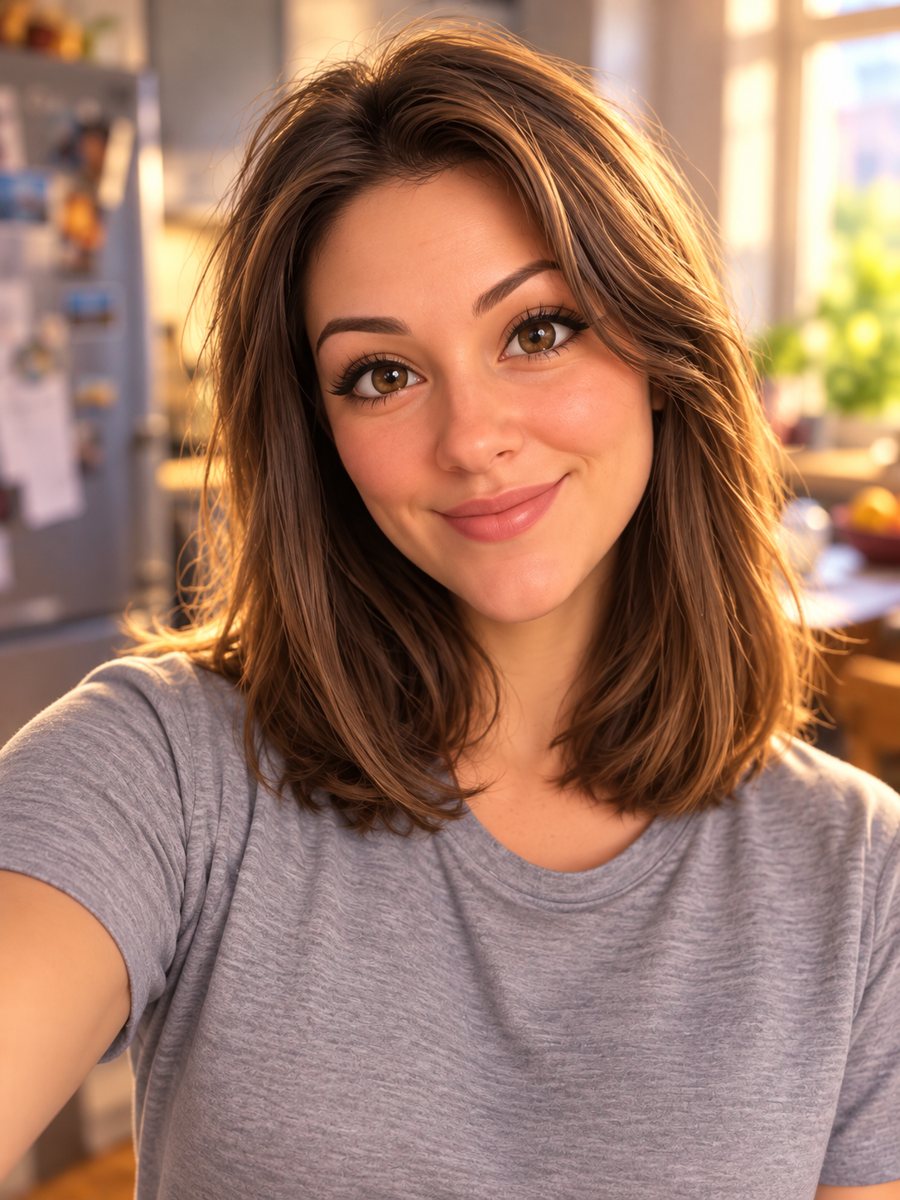 Turn your photo into a Pixar-style 3D characterTurn a selfie into a 3D animated movie character. Copy the ready prompt or open it in Telegram: 2 credits...
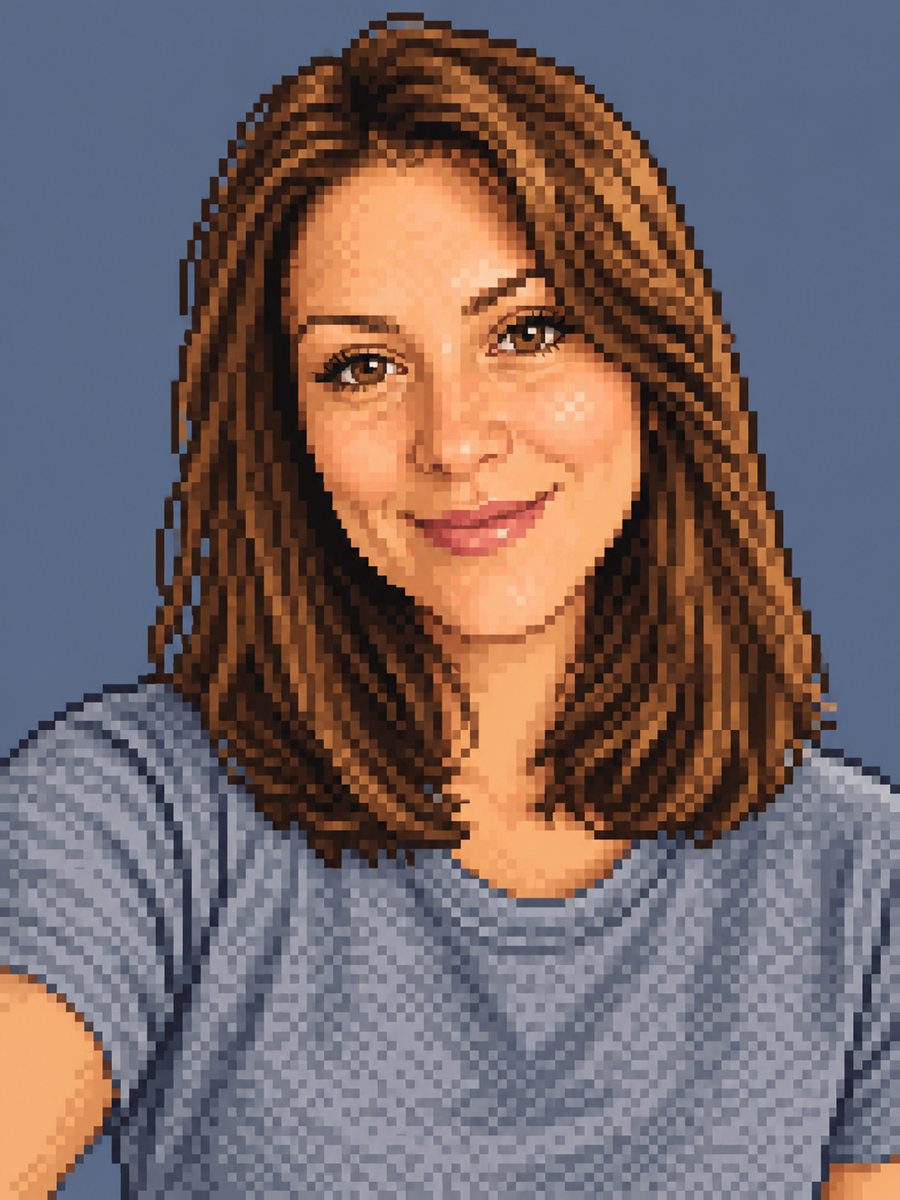 Make a pixel art portrait from your photoConvert a photo into 16-bit pixel art with a limited palette and clean dithering. Ready prompt, 2 credits...