Make a baby announcement card from your text
The bot draws a calm pastel card with tiny booties, a moon and stars or a teddy bear, and puts your baby's name and details in round friendly letters. Press the button and type your line.
- 2 credits per image
- Result in 1–2 minutes
- No sign-up
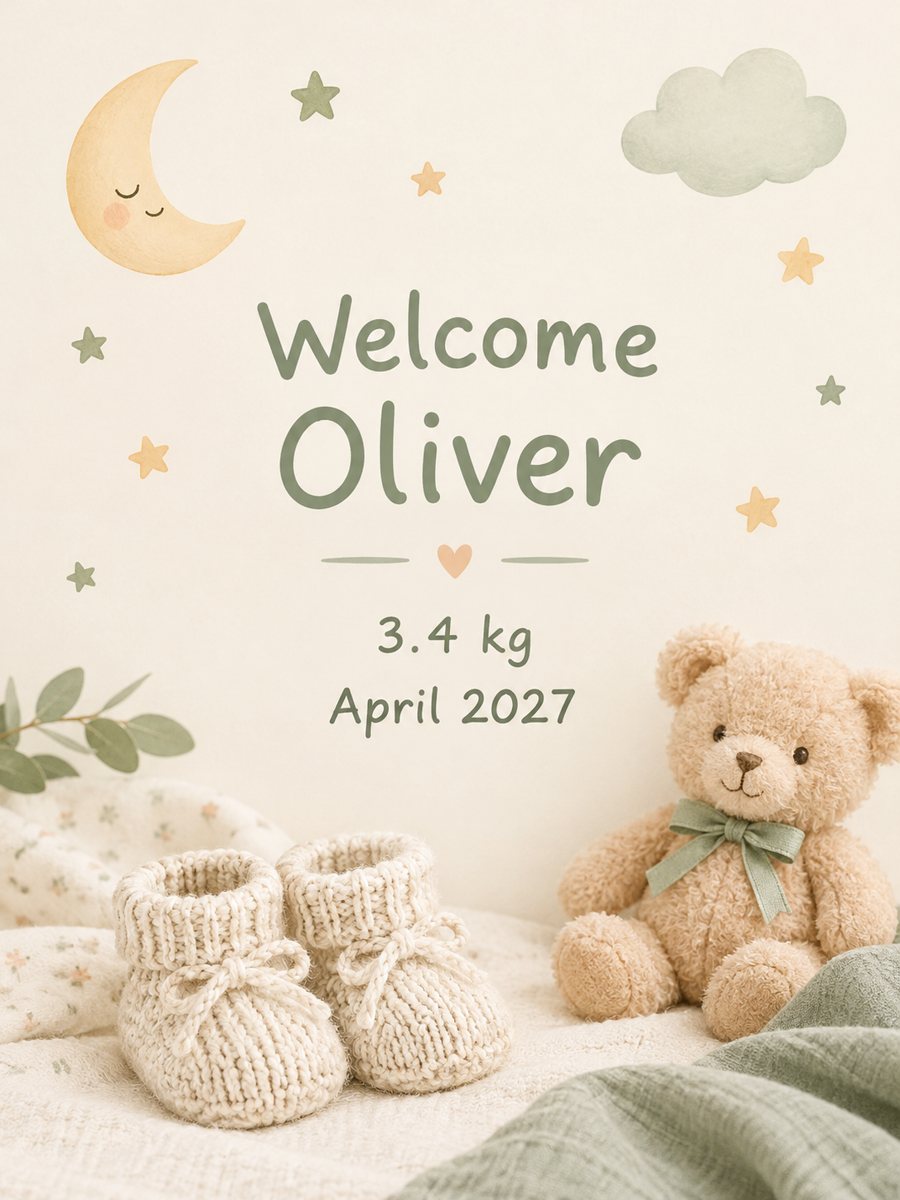 Made by the bot
In short: Type the name and birth details and get a soft pastel baby announcement card. Copy the ready prompt or open the Telegram bot, 7 images free to try.
- Where: the VisuMate bot in Telegram, no app or sign-up.
- Cost: 2 credits per image, 7 images free, then packs from 49 Telegram Stars.
- Time: 1 to 2 minutes per image, rerun with a new instruction at the same price.
When you need this
- You are home with a newborn and want to share the news without a designer.
- Relatives abroad need a card they can get in a chat.
- You want a gentle announcement without a photo of the baby.
How to do it
- 1
Open the bot with the button. The baby announcement style is selected.
- 2
Type the text exactly as it should appear, up to about 8 words, for example: Welcome Oliver, 3.4 kg, April 2027.
- 3
After 1-2 minutes you get the card for 2 credits. Check the name, weight and date character by character, then rerun if needed.
Try it on your own photo: 7 images are free, no sign-up.
Make it in TelegramThe prompt behind this style
Design a soft baby announcement card. Pastel palette (sage, cream, light peach), tiny knitted booties, a small moon and stars or a teddy bear, gentle shadows, lots of calm space, rounded friendly typography. Place the exact text provided by the user, spelled correctly, centered. Vertical 3:4.
What it looks like and getting the text right
A soft pastel composition in sage, cream and peach: a small teddy bear or a moon and stars, knitted booties and gentle shadows with lots of calm space. The lettering is rounded and friendly. It suits announcements, thank-you messages after the birth and a cover for a photo album. Names with unusual letters are the main risk. Weight and date can fail too, so check them. If something is wrong, rerun for 2 credits. If you need a long text, leave only the name on the card and put the rest in your message. Never send the card before you read it letter by letter.
Using the card
Send in a chat or print it as a 3:4 card. The bot does not print or mail. Because the image has no baby photo, you can send the photo as a second message. Keep the first run as a draft: read it aloud once, check the name against the birth papers, and only then send it to relatives and friends.
Tips
- Put the name first, it is the most important word.
- Decimals like 3.4 can fail, check them or skip the weight.
- Short lines keep the letters round and clean.
- Ask for a color accent in the caption if you want blue or pink.
- Print a test copy if you plan a stack of cards.
Questions and answers
Can I add a photo of my baby?
This card is text only. Send the photo separately.
Can I use a custom color?
Mention it in the caption, but keep the text short.
Will it spell my baby's name correctly?
Often yes, but check it. Rerun if there is an error.
Does it work for twins?
Yes. Use a short line like Welcome Emma and Noah.
What is the free allowance?
15 credits, which equals 7 images.
More in "Photo styles"
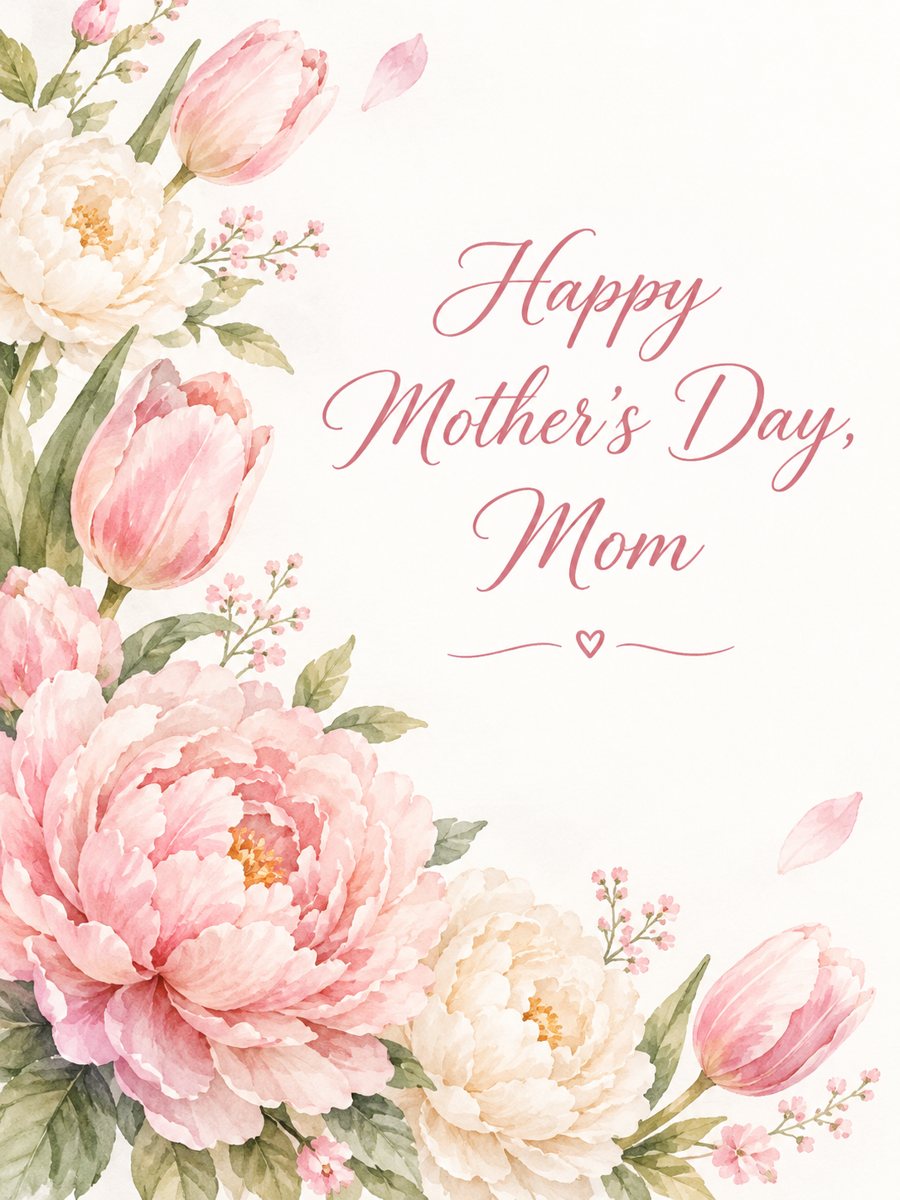 Make a Mother's Day card with your own wordsType a short line and get a tender Mother's Day card with watercolor peonies and tulips. Copy the ready...
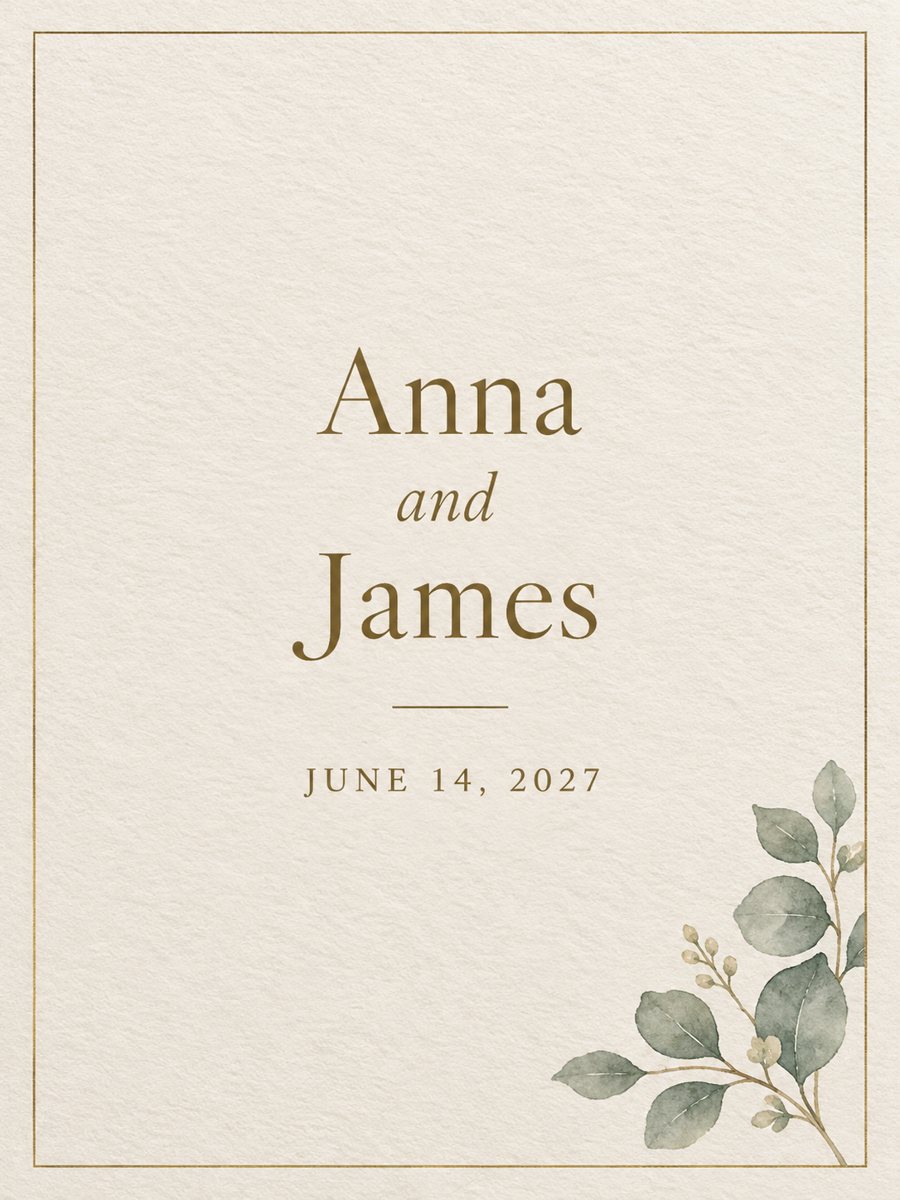 Make a wedding invitation from one line of textType the names and the date, get a minimal wedding invitation on cream paper with a gold border. Ready...
 Make a birthday card from a photoTurn a photo into a bright birthday card with a party hat, confetti, balloons and a cake. Copy the ready...
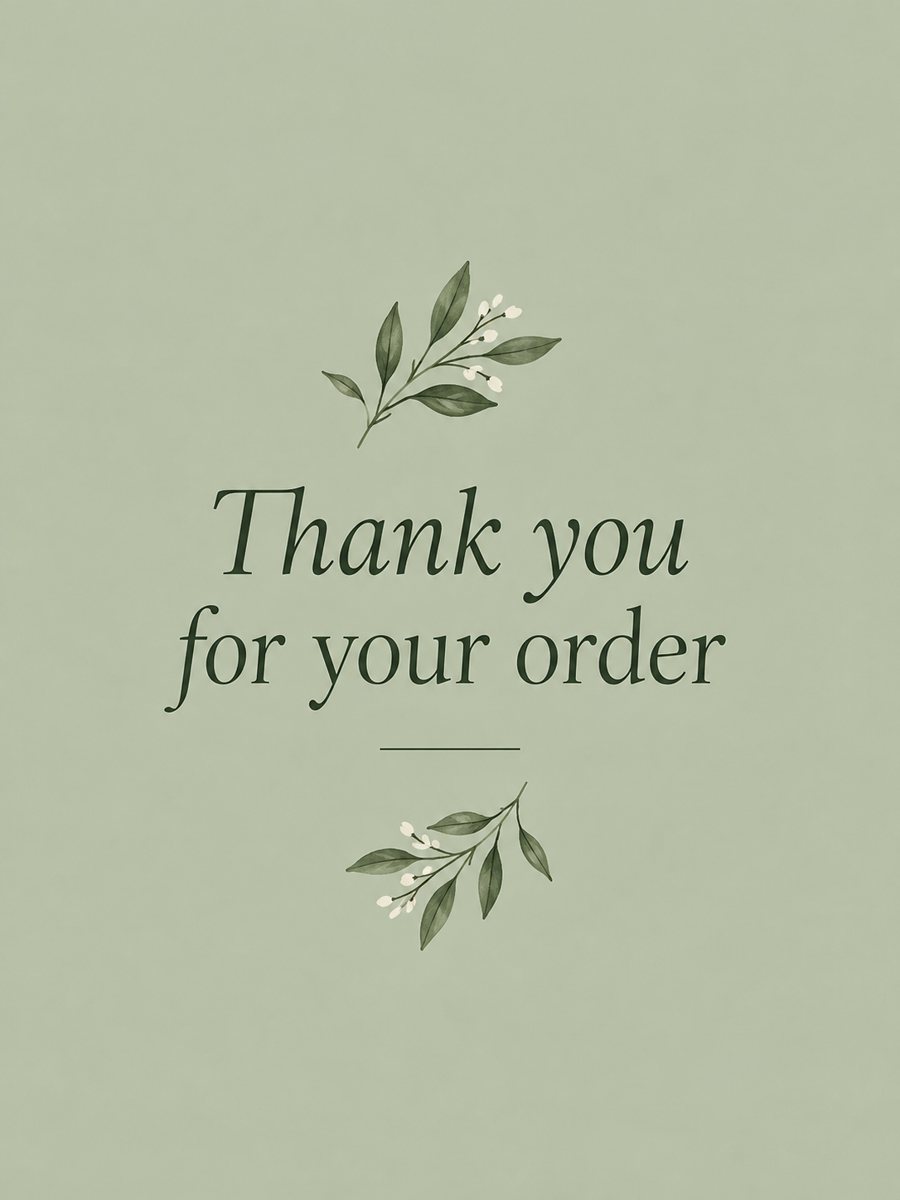 Make a thank you card from one line of textType a short thank-you line and get a clean card with a soft color background and a botanical accent....