A Ghibli-style AI photo prompt you can paste or run in one tap
Many people search for this look because a prompt pasted into a chat app gives a stranger's face. Here you get the wording that works and a way to skip the copying: send a selfie to the bot and the painted-film look is applied for you.
- 2 credits per image
- Result in 1–2 minutes
- No sign-up
In short: Copy a ready prompt for a soft hand-painted anime film look, or send one selfie to the Telegram bot and get the picture in minutes. 7 images free, no sign-up.
- Where: the VisuMate bot in Telegram, no app or sign-up.
- Cost: 2 credits per image, 7 images free, then packs from 129 Telegram Stars.
- Time: 1 to 2 minutes per image, rerun with a new instruction at the same price.
- Credits never expire, there is no subscription and no auto-renew. You pay once for a pack inside Telegram with Stars.
When you need this
- You pasted a prompt elsewhere and the result no longer looked like you.
- You want a calm, painted picture for a profile or a gift, without learning prompt tricks.
- Free tools ask for sign-up before showing a single result.
How to do it
- 1
Press the button to open @visumate_ai_bot in Telegram. No sign-up, and new users get 15 free credits, which is 7 images.
- 2
Send one selfie as a file. In the caption write: 'soft hand-painted anime film look, green hills, big clouds, keep my hairstyle'.
- 3
In 1-2 minutes the picture arrives for 2 credits. Compare the hairstyle and the eyes with your original, then rerun if the face drifted.
Try it on your own photo: 7 images are free, no sign-up.
Make it in TelegramThe prompt behind this style
Redraw this photo as a frame from a hand-painted anime film. Keep the face, hairstyle and clothing recognizable. Soft gouache-like color, thin gentle outlines, painted clouds, green rolling hills, warm afternoon light, calm nostalgic mood. Vertical 3:4, no text.
The prompt, in plain words
A prompt that holds a face together describes the look and then lists what must stay. Ask for gouache-like color, thin gentle outlines, a painted sky and warm afternoon light, then add keep the face, hairstyle and clothing recognizable. The prompt in the box on this page follows that order. Paste it into any image model that accepts a photo, or skip the pasting and use the bot, where the look is one of the 160+ styles.
Why faces drift and how to steer
Animated faces are simplified, so the model leans on hair, clothes and eye shape to keep you recognizable. A sharp, front-lit photo gives it more to hold. Tell it what to preserve in a few words, such as round glasses or a side parting. If the first draw looks like a cousin, rerun for the same 2 credits. Two or three tries is an ordinary workflow, and you keep the one that feels closest.
Where to use the result
Painted portraits suit avatars, phone wallpapers, birthday gifts and small prints. The picture comes in a vertical frame, so it fits a standard photo frame without heavy cropping. Save it from the chat as a file for printing. The bot makes the image only, so ordering a print is a separate step at any local print shop. For a gift, run the style twice and give the version where the eyes and the hairstyle sit closest to the person, then add a short handwritten note on the back of the frame.
Tips
- Pick a photo with even light and no sunglasses.
- Name one scenery detail, such as a train platform or a meadow.
- Name the season to change the palette.
- Keep the prompt short, since long lists of adjectives confuse faces.
Questions and answers
Is this made by or linked to a film studio?
No. VisuMate is not affiliated with any animation studio. The page uses a famous name only as a search phrase. The bot draws a generic soft hand-painted anime film look.
Can I use the prompt in another app?
Yes. Copy it from the box and attach your own photo in any image AI that accepts one.
What does it cost?
2 credits per image. New users get 15 free credits, so 7 images cost nothing. After that packs start at 129 Telegram Stars, about $2.6 and credits do not expire.
Does the bot work in English?
Yes. It picks up your Telegram language on first launch. You can switch it any time with /lang.
What the bot does not do
- Works from one photo. Likeness depends on the photo you send, and some styles change features more than others.
- Does not make video or animation.
- Does not output a transparent PNG.
- Does not retouch passport or ID photos.
More in "Photo styles"
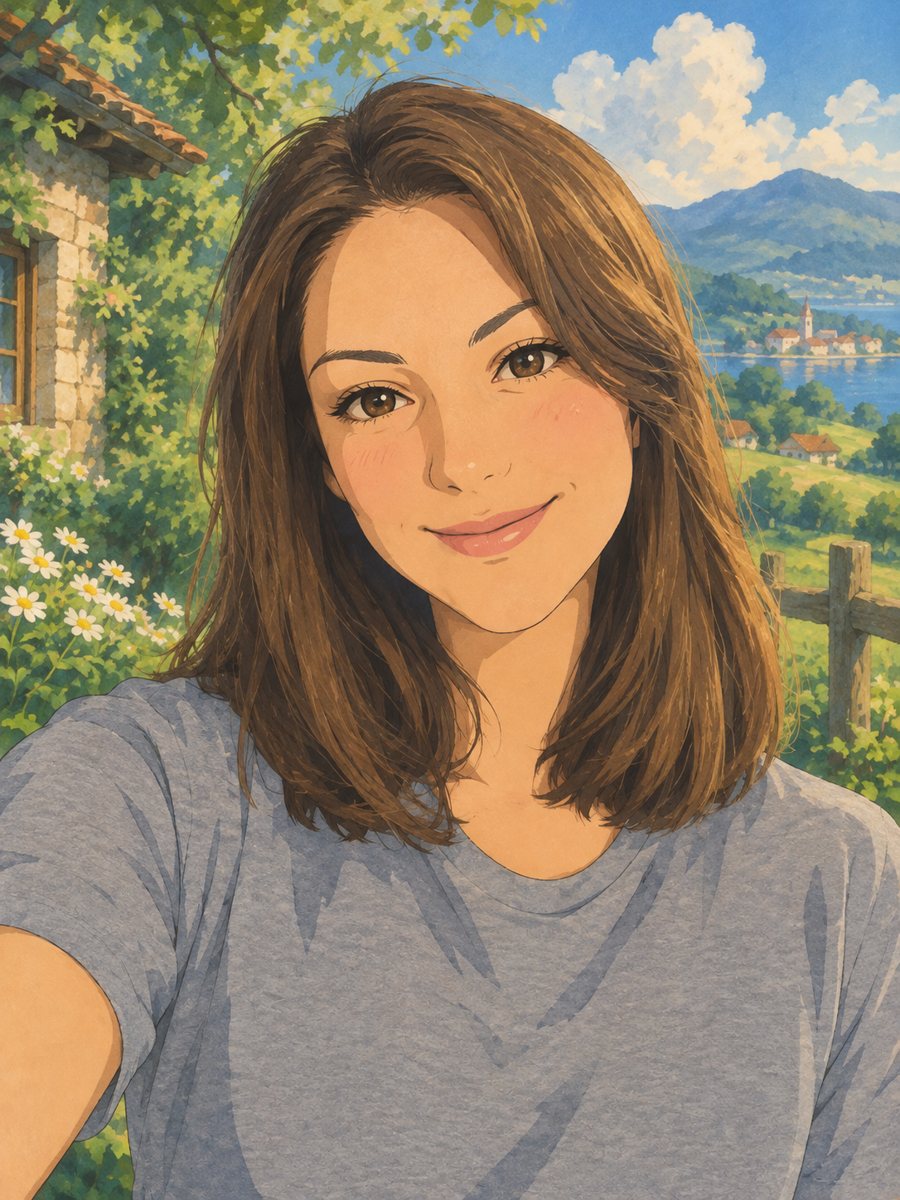 Turn your photo into a Ghibli-style illustrationTurn a photo into a hand-painted anime scene with soft colors and green hills. Copy the ready prompt or...
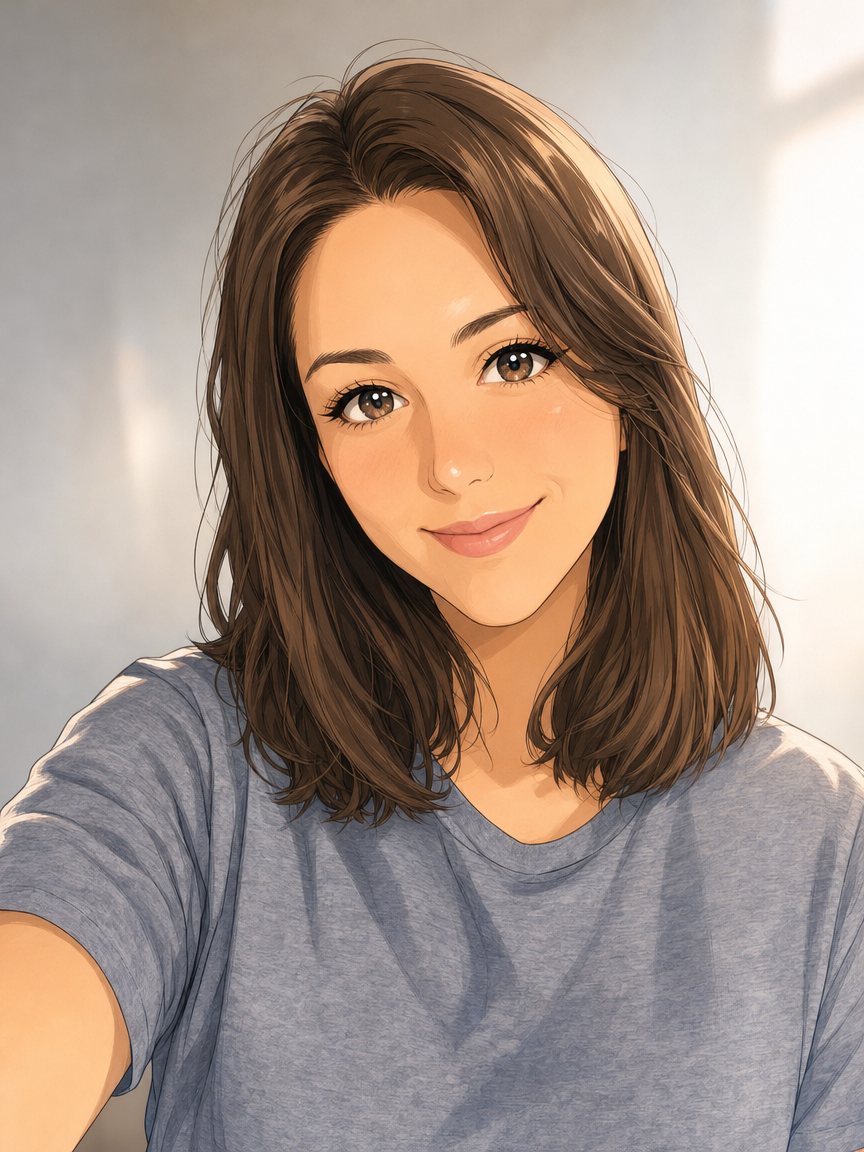 Make an anime portrait from your photoRedraw a photo as a polished anime illustration with clean line art and cel shading. Ready prompt, 2...
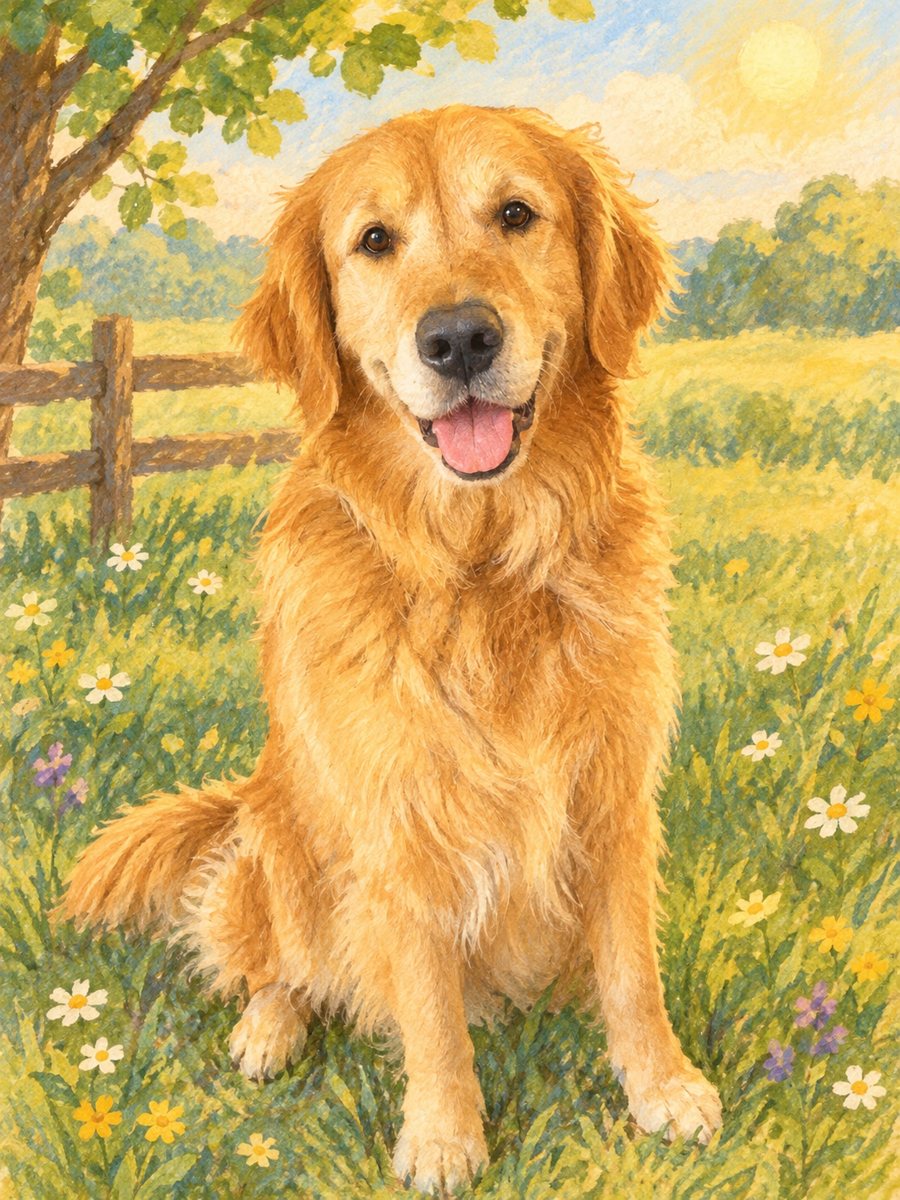 Turn a photo into a children's storybook illustrationMake a picture book illustration from a photo of a child, a pet or a toy with colored pencil texture....
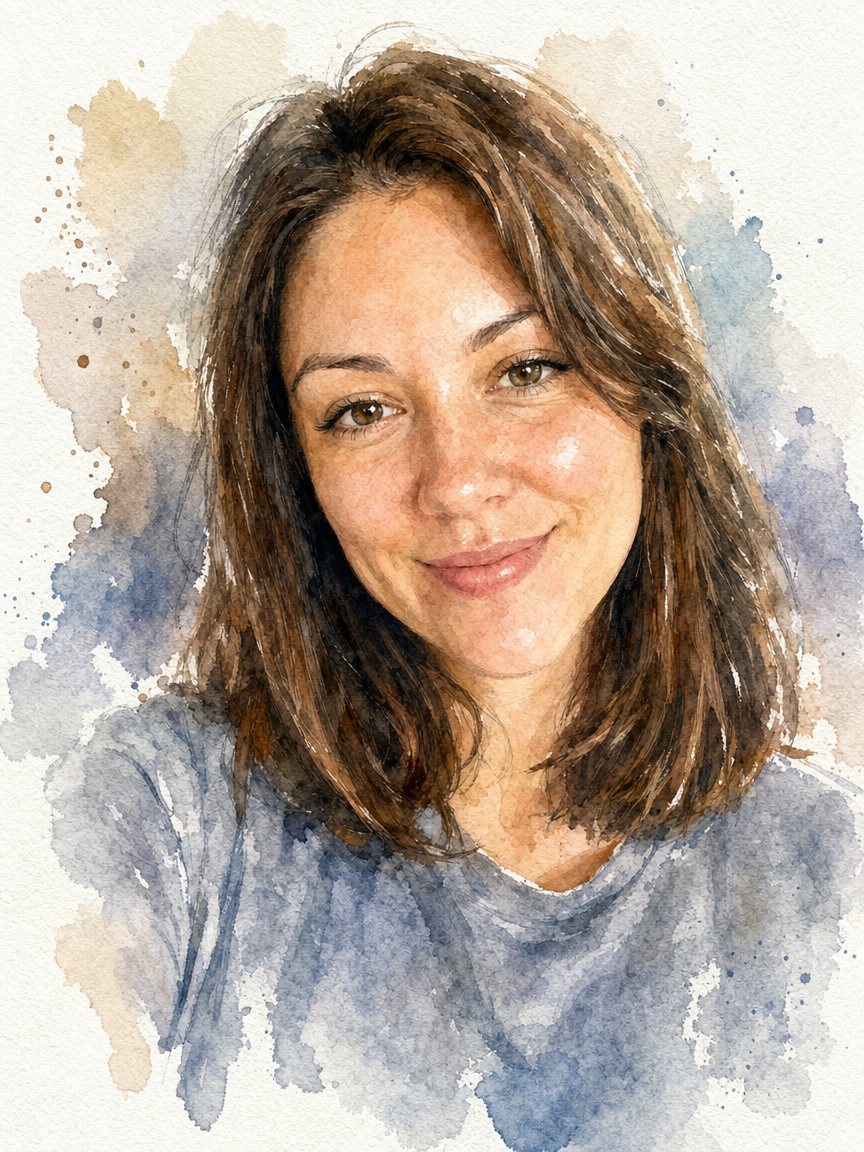 Turn a photo into a watercolor portraitPaint your photo as a loose watercolor portrait on textured paper. Copy the prompt or open the bot: 2...