Create a fitness coach headshot from a photo
The bot gives you a trainer portrait: a fitted athletic t-shirt, a bright modern gym softly blurred behind, energetic daylight and a healthy, confident look. Your face stays recognizable. Press the button and send one photo.
- 2 credits per image
- Result in 1–2 minutes
- No sign-up
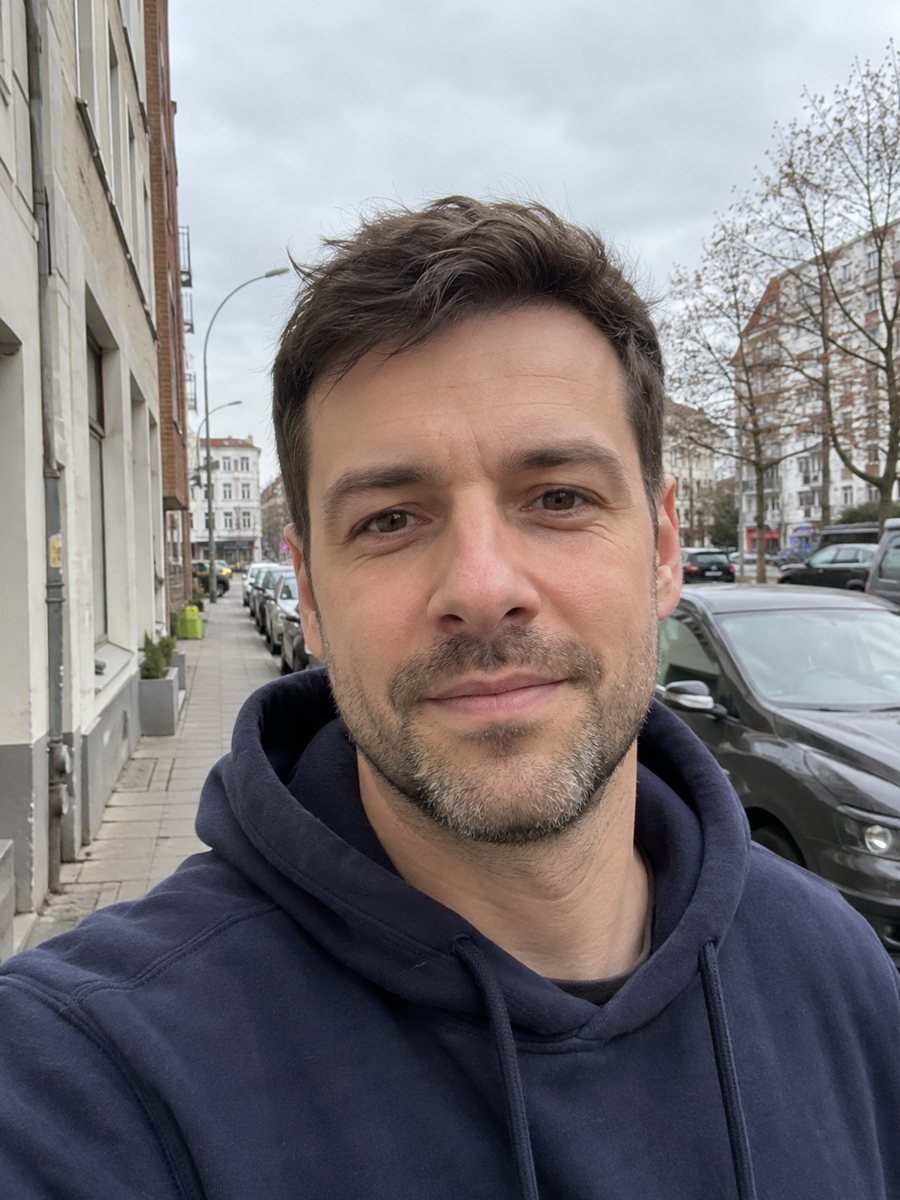
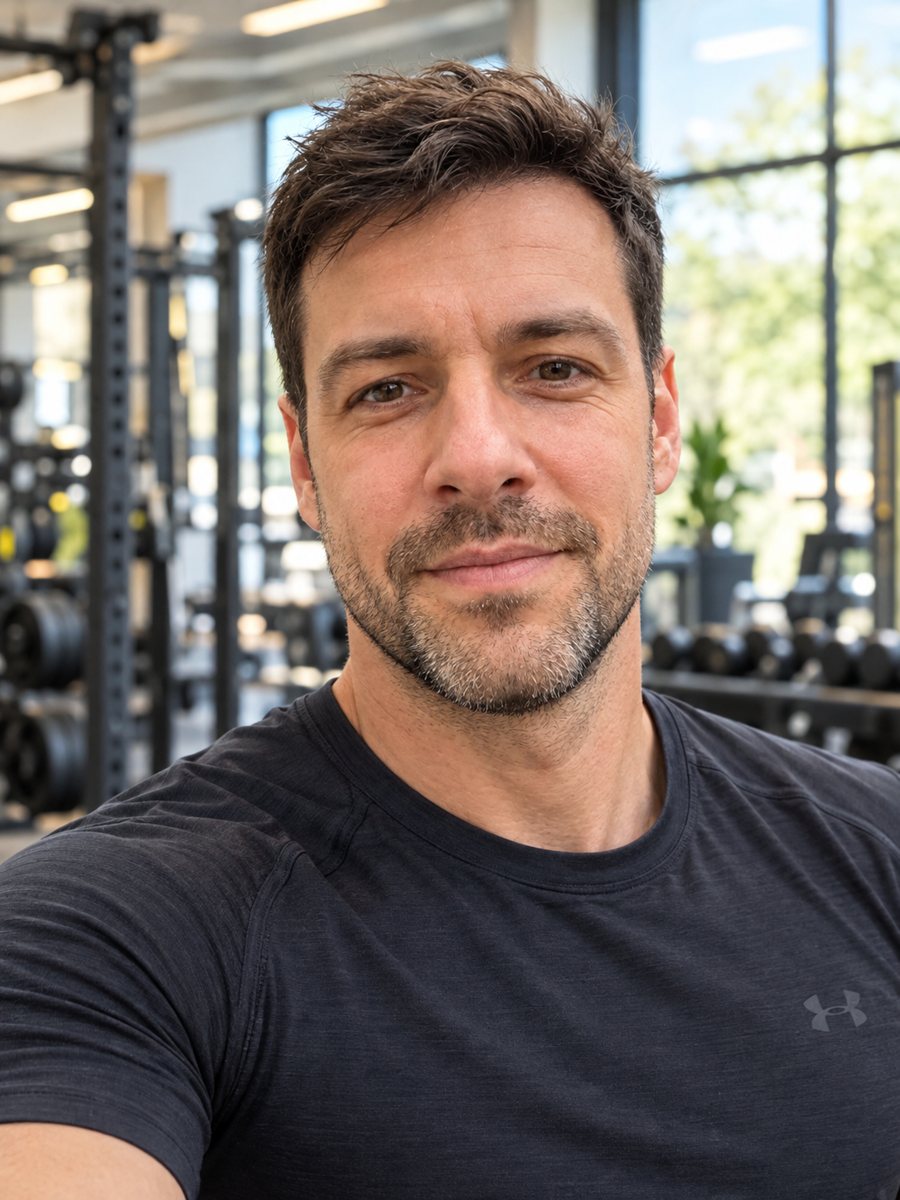 BeforeAfter
In short: Turn a photo into a fitness coach profile photo in an athletic tee with a bright gym behind. Copy the free prompt or use the Telegram bot, 7 images free.
- Where: the VisuMate bot in Telegram, no app or sign-up.
- Cost: 2 credits per image, 7 images free, then packs from 49 Telegram Stars.
- Time: 1 to 2 minutes per image, rerun with a new instruction at the same price.
When you need this
- Your studio, app or booking page needs a trainer photo and the gym lighting at work is poor.
- You started online coaching and need a clean profile photo for your channel.
- A gym website lists coaches and yours is missing.
How to do it
- 1
Press the button on this page. Telegram opens the bot with the fitness coach headshot style already selected, tap Start if it asks.
- 2
Attach a single photo as a document. Add wishes in plain English if you like, such as: black tee, light gym with big windows.
- 3
The picture arrives in 1 to 2 minutes for 2 credits. Check the face and the shirt and the face, and run again if it looks off.
Try it on your own photo: 7 images are free, no sign-up.
Make it in TelegramThe prompt behind this style
Turn this photo into a fitness coach profile photo. Keep the face, features and expression exactly recognizable. A fitted athletic t-shirt, a bright modern gym softly blurred behind, energetic daylight, healthy confident look, realistic photo. Vertical 3:4, no text.
The trainer profile look
The prompt builds a clean, energetic profile picture: a fitted athletic shirt, a gym with equipment softly blurred in the background, strong daylight and a healthy glow. It works for booking pages, class schedules, app profiles and social accounts. The format is vertical 3:4 with no text and no logos, so you can add your own brand later. Use the caption to steer the face and the shirt, and rerun for 2 credits if the first try misses.
Better results
Choose a source photo that shows your face clearly and your shoulders. The caption can change the shirt color and the type of gym. Clients notice exaggerated bodies, so do not ask for changes to your physique. If the face looks too smooth, ask for natural skin. Check hands and equipment for odd shapes. A sharper, brighter photo gives a more convincing gym.
Honest use
The image is AI generated, not a real photo from your gym. Some platforms and clients may expect a real photo, and truthful marketing matters in fitness, so say that the image is AI generated where it counts and use real photos for before and after material. A rerun costs 2 credits if the likeness drifts. When the image arrives, look at the face and the shirt first, since that is where drift shows up most.
Tips
- Send a bright photo with your shoulders and upper arms in view.
- Name the shirt color in the caption, ideally matching your brand.
- Ask for a yoga studio, a boxing gym or a park if the setting is different.
- A real smile in the source helps the confident look.
- Do not use the picture to show a body you do not have; it is meant for a profile, not a progress shot.
Questions and answers
Will it change my body?
The prompt keeps your face. Do not use the picture to show a body you do not have.
Is it a real photo?
No. It is an AI generated image. Say so where honesty matters.
Can I change the gym?
Yes. Ask for another place in the caption.
Will it add my logo?
No. The prompt asks for no text.
Does it work for yoga or running coaches?
Yes. Describe the setting and clothes in the caption.
More in "Photo styles"
 Create a professional headshot from your photoMake a polished headshot with a light gray backdrop, soft studio light and natural retouching. Ready...
 Get a bright real estate agent headshot from a regular photoTurn a photo into a bright agent headshot with a blazer, friendly smile and blurred home or skyline. Copy...
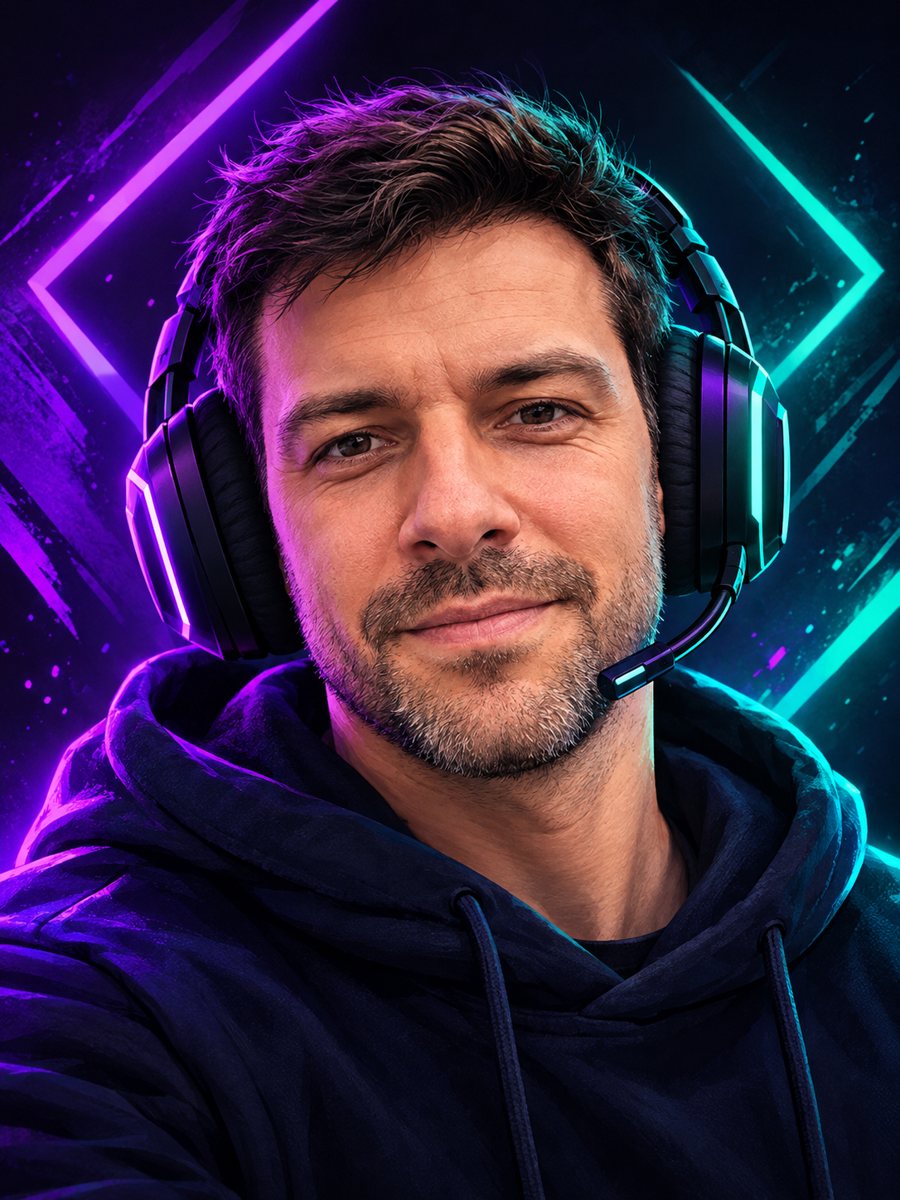 Make a gaming avatar from your photoTurn your photo into a bold gaming avatar with a headset, neon lighting and a dark background. Ready...
 Upgrade your profile photo without changing youImprove a social media profile picture: fix exposure and white balance, blur a messy background to a warm...
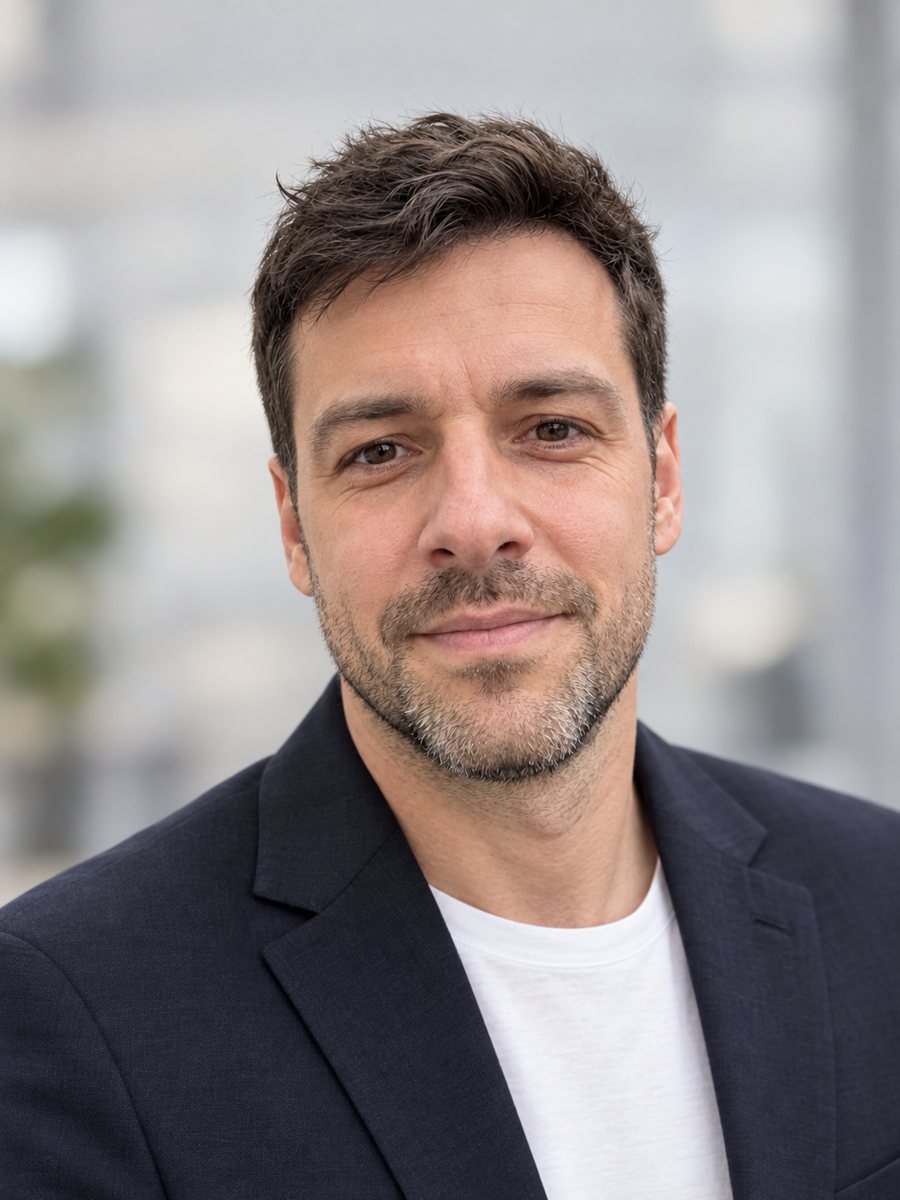 Make a LinkedIn headshot from a selfieTurn a casual selfie into a professional LinkedIn headshot with a blazer and a soft studio backdrop. Ready...