Make a hand-embroidered portrait from any photo
The bot redraws your photo as thread on linen: satin stitch, french knots, a visible fabric weave and a wooden hoop around the edge. Open it with the button, send a portrait and the style is applied for 2 credits.
- 2 credits per image
- Result in 1–2 minutes
- No sign-up
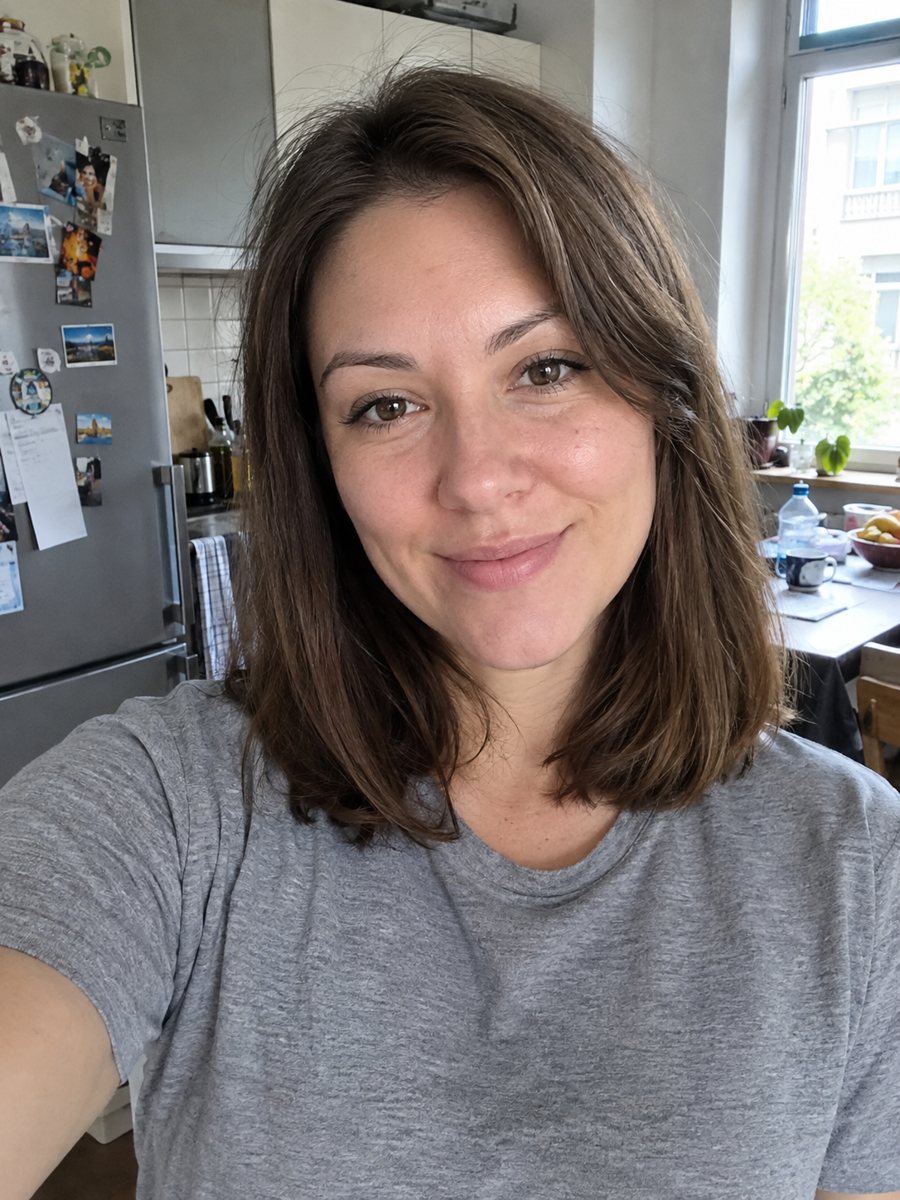
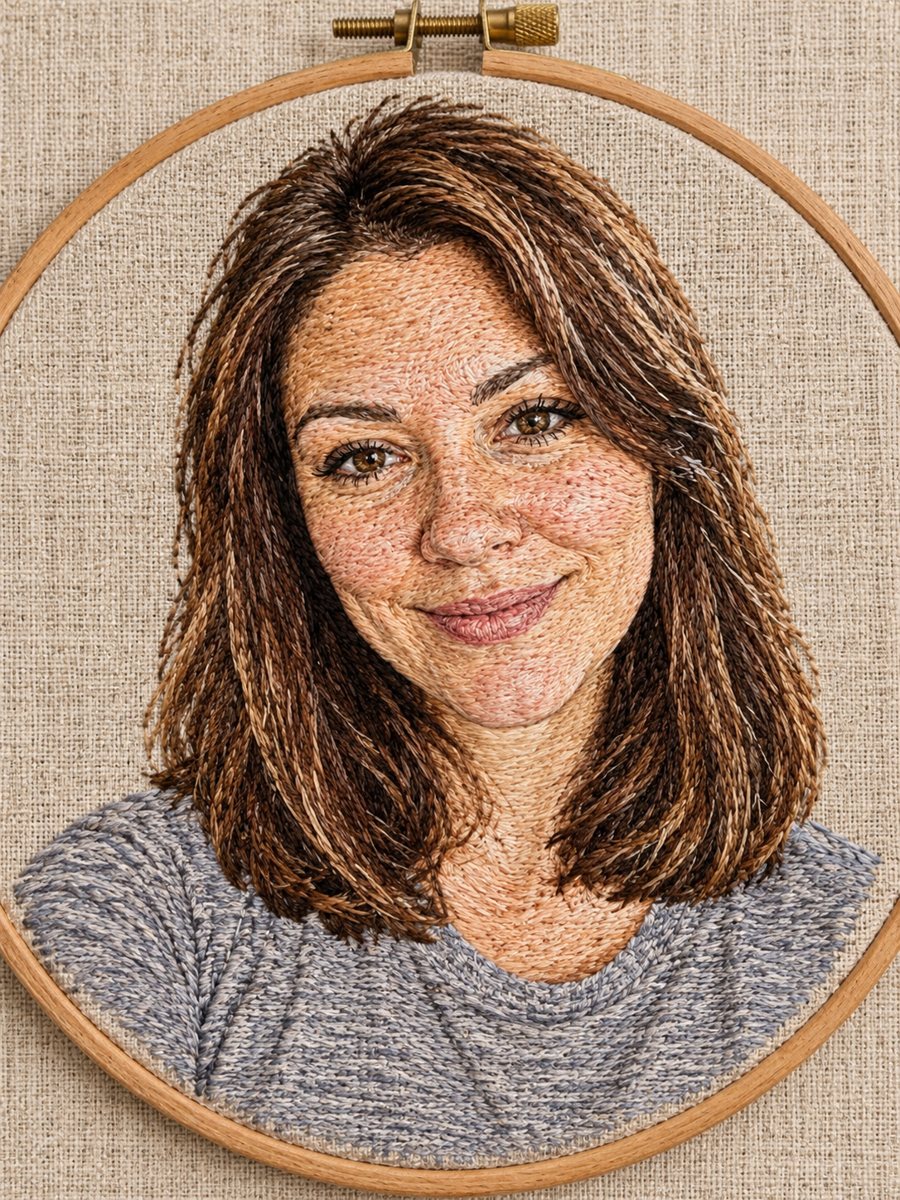 BeforeAfter
In short: Turn a photo into a hand-embroidered portrait with visible stitches, french knots and a wooden hoop. Ready prompt and Telegram bot, 7 images free to try.
- Where: the VisuMate bot in Telegram, no app or sign-up.
- Cost: 2 credits per image, 7 images free, then packs from 49 Telegram Stars.
- Time: 1 to 2 minutes per image, rerun with a new instruction at the same price.
When you need this
- You want a handmade-looking gift but you do not sew.
- A regular portrait feels flat and you want a tactile texture.
- You plan embroidery yourself and need a visual preview of the design first.
How to do it
- 1
Press the button. The bot opens with the embroidery style selected.
- 2
Send a clear portrait with good light, ideally as a file. In the caption you can name thread colors, for example: navy and mustard thread.
- 3
Wait 1-2 minutes and check the face and hairline. A rerun costs the same 2 credits.
Try it on your own photo: 7 images are free, no sign-up.
Make it in TelegramThe prompt behind this style
Turn this photo into a hand-embroidered portrait on linen fabric. Keep the face and hairstyle recognizable. Visible thread stitches, satin stitch and french knots, slightly raised texture, fabric weave visible in the background, wooden hoop edge. Vertical 3:4, no text.
What the picture looks like
The result imitates a hand-embroidered piece on linen. You see individual satin stitches in the skin and clothing, small french knots for texture, a slightly raised surface and the weave of the fabric in the background. A wooden hoop frames the edge. The faces are simplified a little, because thread cannot show every pore, and that gives the picture its handmade character. It suits a cozy living room wall, a card for a grandparent or a social media avatar with a craft feel.
Likeness and practical use
The prompt asks to keep the face and hairstyle recognizable. Glasses, a beard or a distinctive hair parting are the details to check first. If something disappears, mention it in the caption and rerun. The output is a vertical 3:4 image with no text. The bot does not stitch anything for you, so for a physical piece you would print the image on fabric or use it as a reference when you embroider by hand. Treat thread counts and colors in the image as an illustration, since they do not make a technical pattern.
Tips
- Pick a photo with a simple background, since busy scenes turn into noisy stitches.
- Strong contrast between face and hair gives cleaner thread shapes.
- Name two or three thread colors in the caption to keep the palette calm.
- Close-up head and shoulders shots work better than full-body pictures.
- Use the result as a pattern reference only if you check the details yourself.
Questions and answers
Can I use the image as an embroidery pattern?
It works as a visual reference. The image is not a stitch chart, so you would trace and plan the stitches yourself.
Does it work for groups?
One or two people give the best result. Larger groups lose detail in thread.
Why does the face look simpler?
Embroidery shows less detail than a photo, and the style reflects that. A closer crop keeps more of the face.
Can I choose the thread colors?
Yes, name them in the caption, such as: teal and gold thread, cream linen.
What does it cost?
2 credits per image. New users get 15 free credits, which is 7 images.
Does the bot work in English?
Yes. It picks up your Telegram language on first launch and replies in English. You can switch the language any time with /lang.
More in "Photo styles"
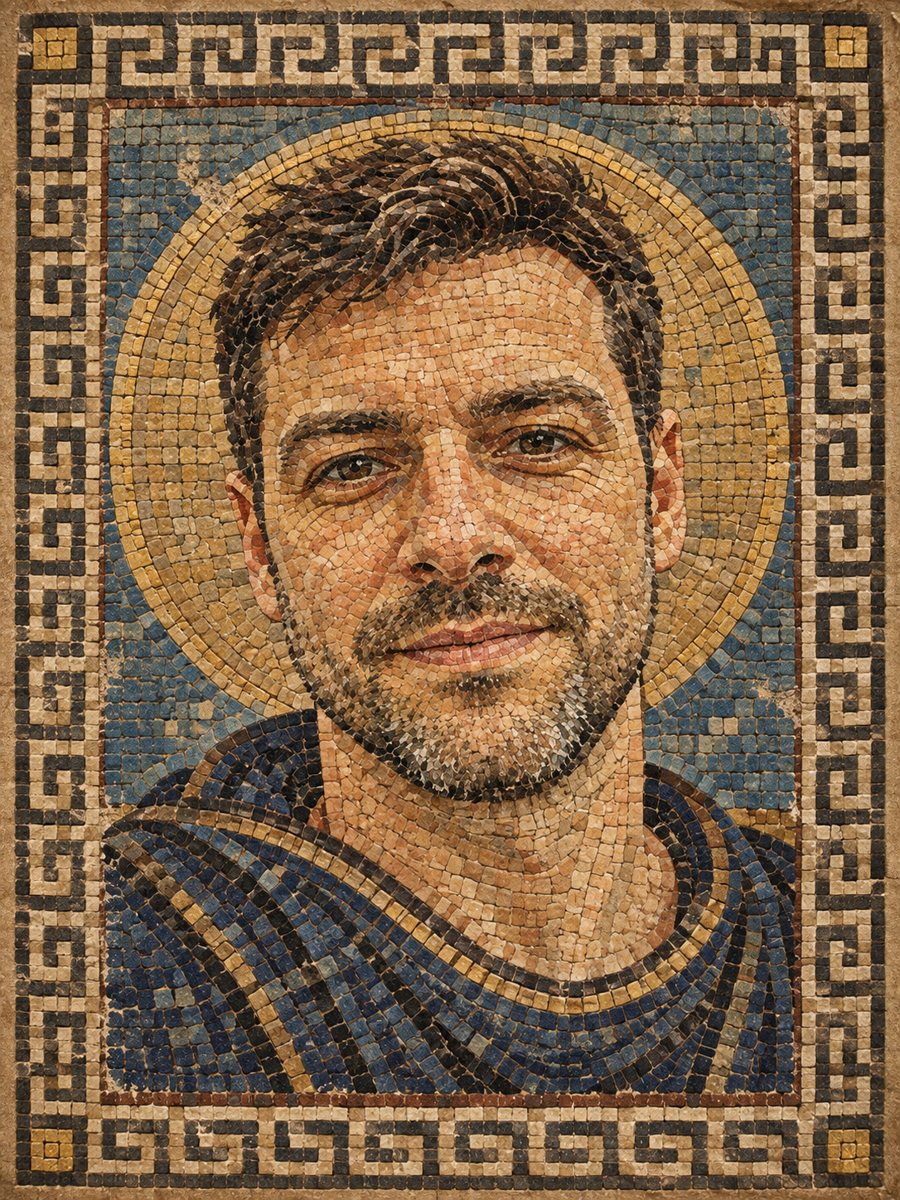 Turn your photo into a Roman style mosaic portraitTurn a photo into an ancient Roman style mosaic made of small stone and glass tiles. Ready prompt and...
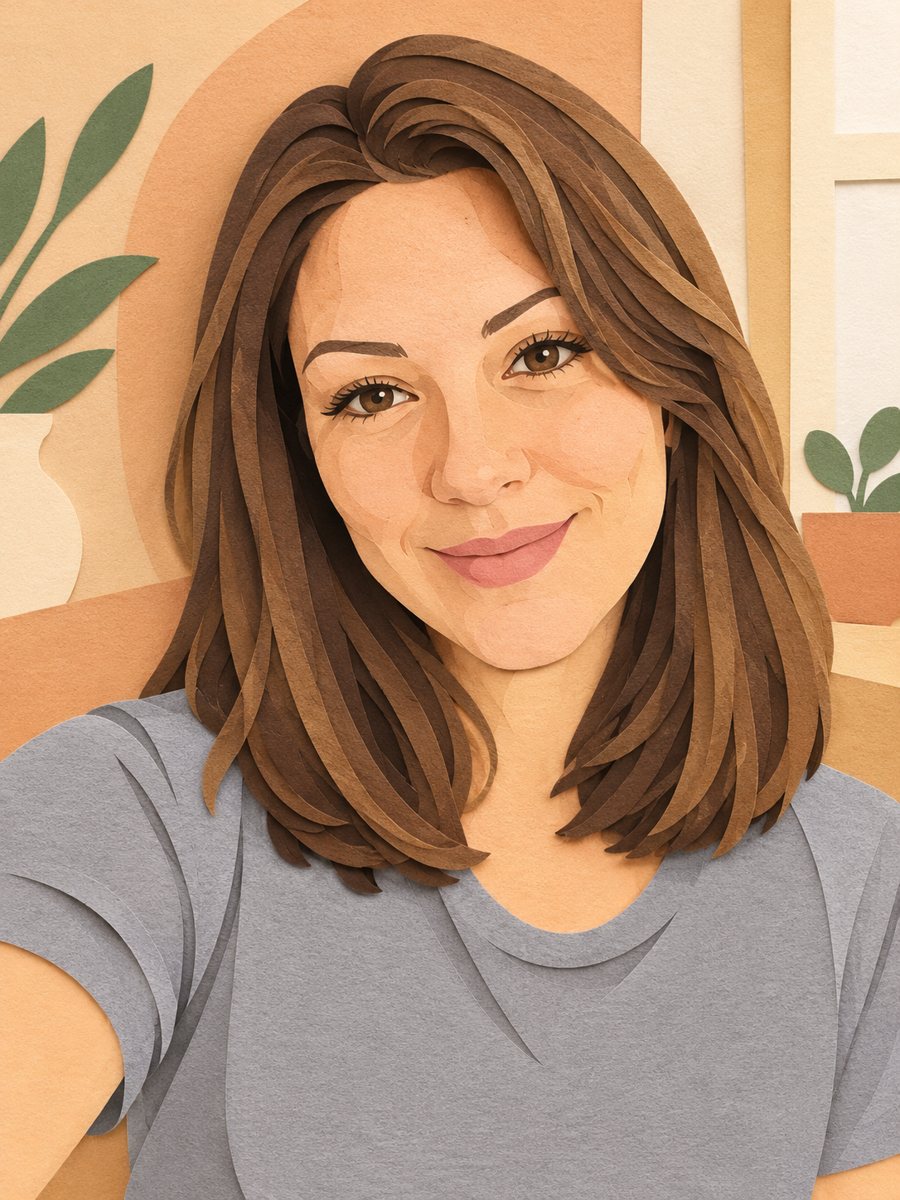 Turn your photo into a paper cut art portraitTurn a photo into layered paper cut art with soft shadows and a warm pastel palette. Copy the ready prompt...
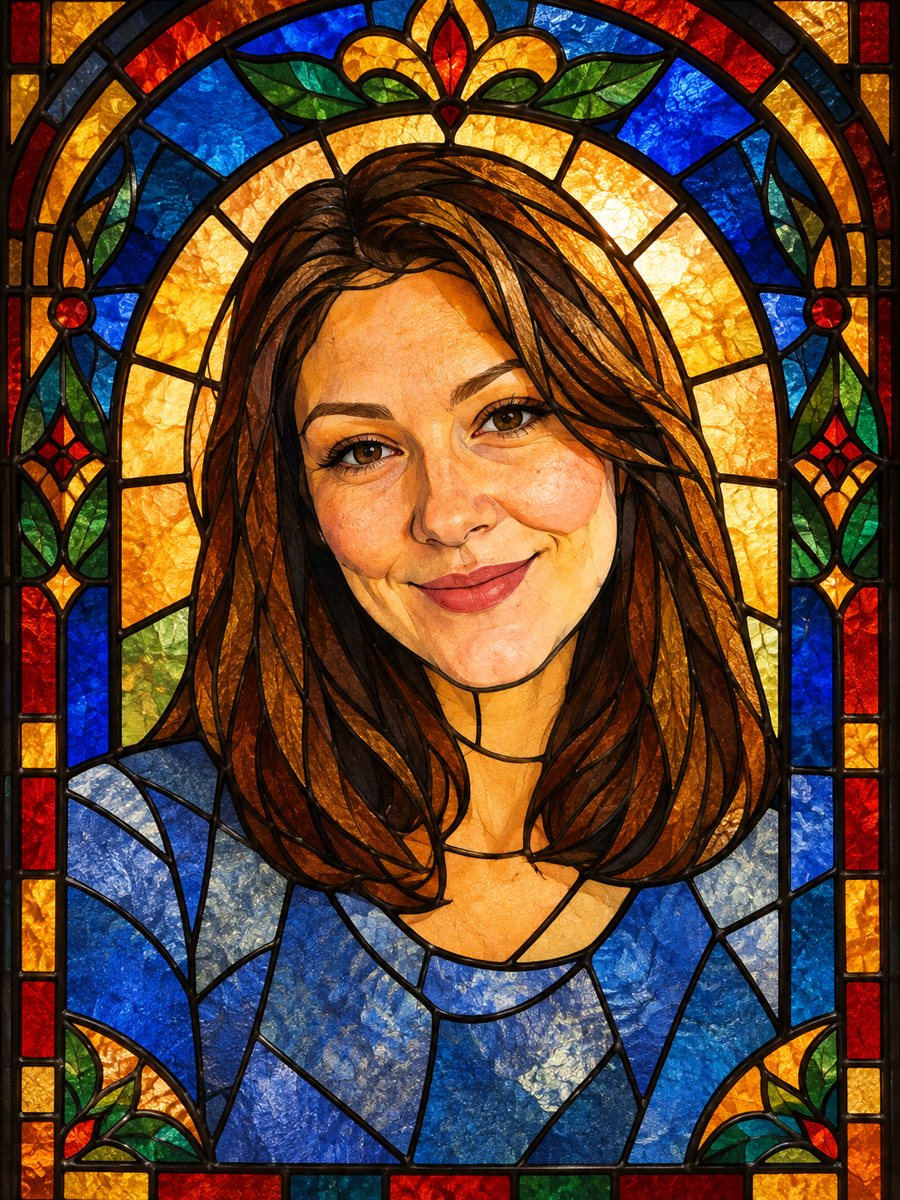 Turn your photo into a stained glass portraitTurn a portrait into a stained glass window with lead lines and jewel colors. Copy the ready prompt or...
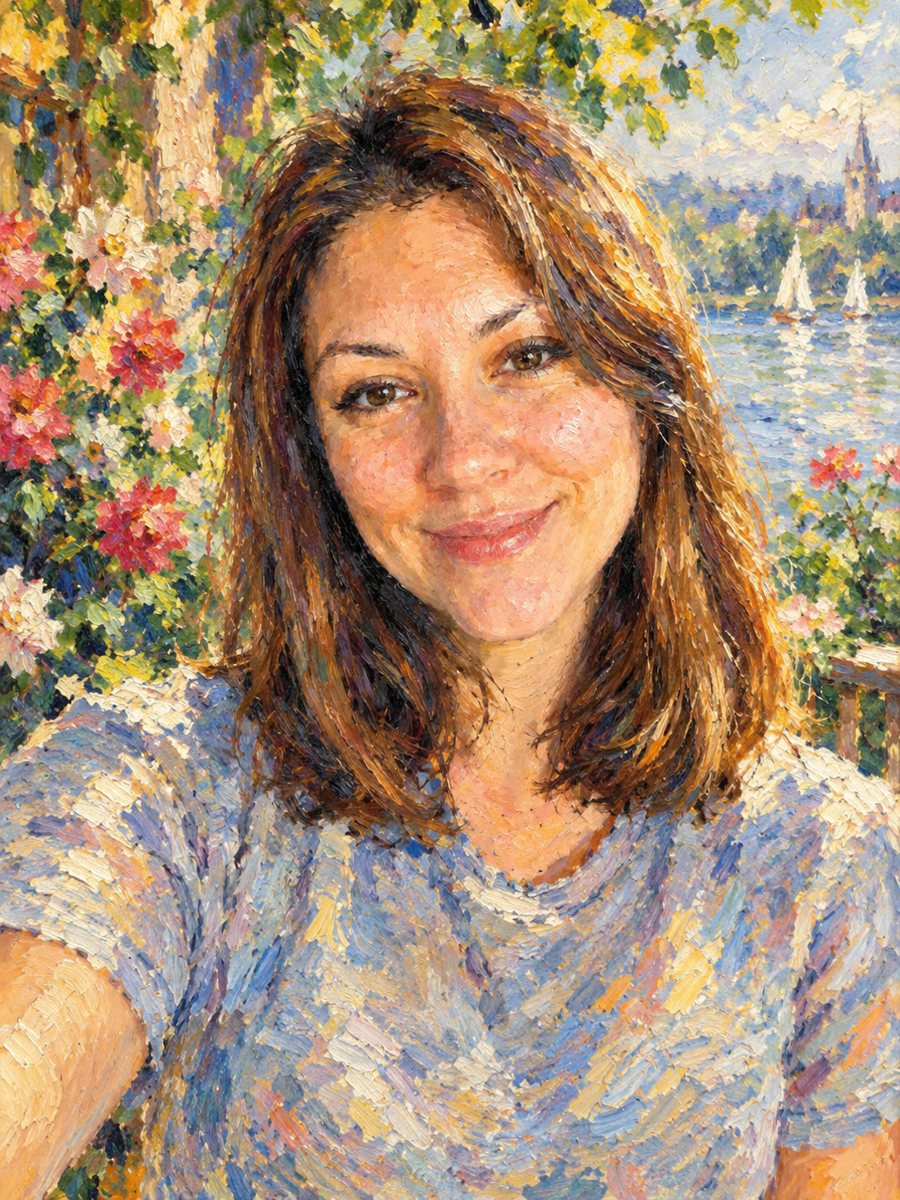 Turn your photo into an impressionist oil paintingRepaint a photo as an impressionist oil painting with visible brush strokes and dappled light. Ready...