Get a warm, natural dating profile photo from a regular picture
The bot restyles your photo into a relaxed lifestyle portrait: a genuine smile, soft golden hour light, a blurred cafe or park behind you and a casual stylish outfit. Skin stays realistic and the face stays recognizable. Press the button and send one photo.
- 2 credits per image
- Result in 1–2 minutes
- No sign-up
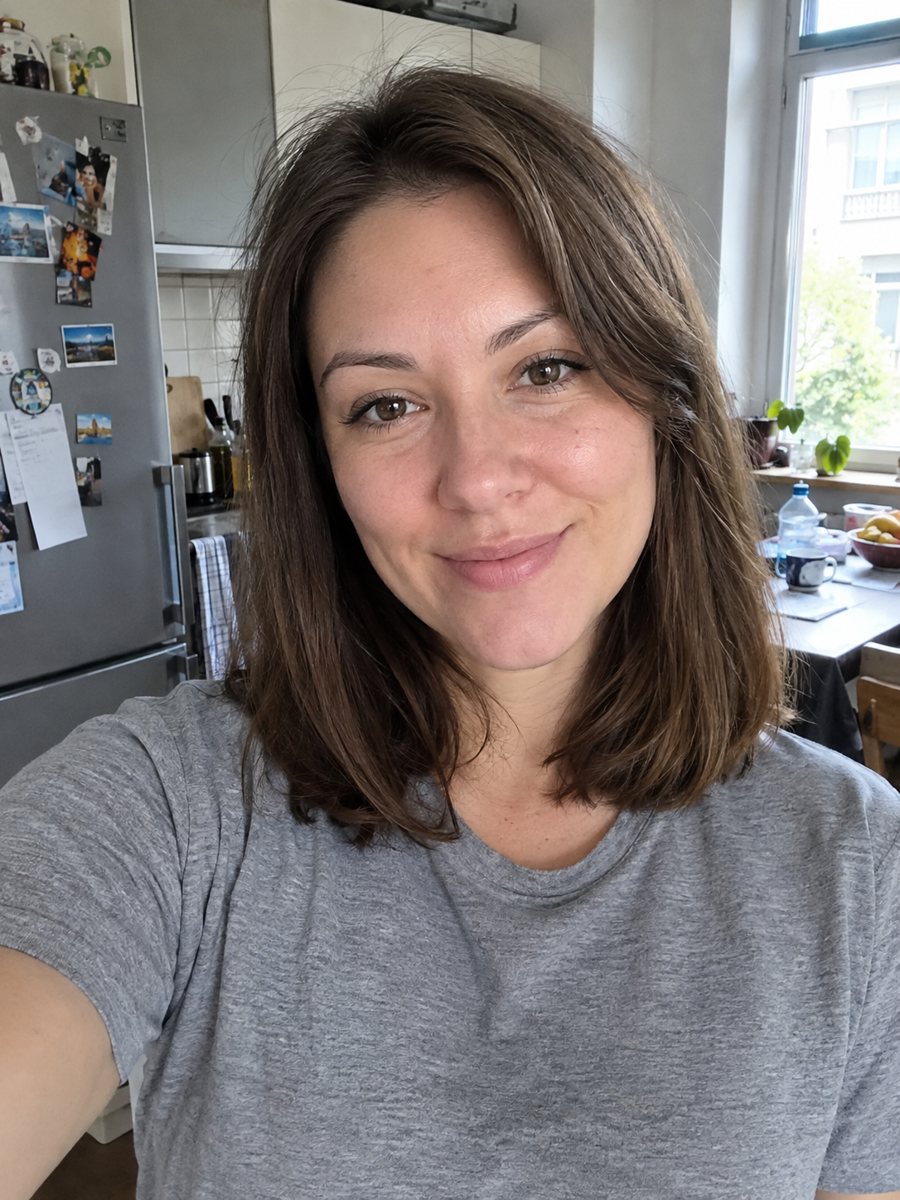
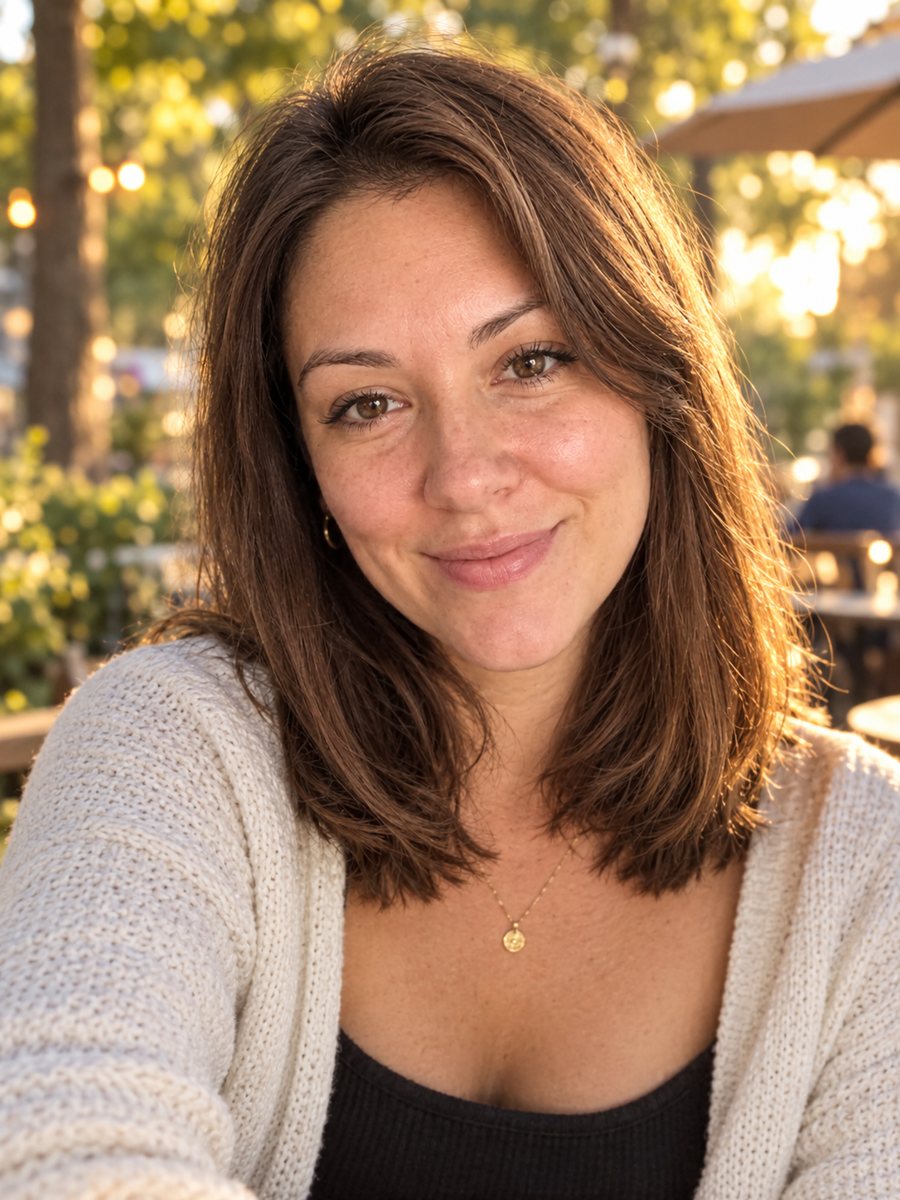 BeforeAfter
In short: Turn a photo into a warm, natural dating profile portrait with golden light and a cafe or park background. Copy the prompt or open the Telegram bot.
- Where: the VisuMate bot in Telegram, no app or sign-up.
- Cost: 2 credits per image, 7 images free, then packs from 49 Telegram Stars.
- Time: 1 to 2 minutes per image, rerun with a new instruction at the same price.
When you need this
- Your best photos are dim, cropped or taken in a messy room.
- Friends say your pictures do not look like you at your best.
- You want one clean portrait for the main slot of your profile.
How to do it
- 1
Press the button on this page. The bot opens with the dating portrait style selected, tap Start if asked.
- 2
Send one photo as a file. In the caption you can write: park background, light denim jacket, laughing.
- 3
After 1-2 minutes the image arrives and 2 credits are used. Compare it with your original to be sure it still looks like you, then rerun if not.
Try it on your own photo: 7 images are free, no sign-up.
Make it in TelegramThe prompt behind this style
Turn this photo into a warm, natural dating profile portrait. Keep the face fully recognizable with realistic skin. Genuine relaxed smile, soft golden hour light, blurred outdoor cafe or park background, casual stylish outfit, candid lifestyle photo look. Vertical 3:4, no text.
A natural look, on purpose
The prompt aims at a candid lifestyle photo, with a relaxed smile, soft golden hour light and a softly blurred outdoor cafe or park. The outfit is casual and stylish, and the skin keeps its real texture. That makes the picture feel like a good photo taken by a friend rather than a heavy edit. The AI changes background, light and clothing, and tries to leave your face untouched. It does not smooth features into a filter look.
Staying honest with the result
A dating profile works best when matches recognize you in person. Check the generated face against your own, particularly the nose, jawline and hairline. If the AI aged or reshaped you, rerun with a caption such as: keep my natural face. Many apps ask users to show recent, unaltered photos, and some have rules about AI-generated images. Read your app's policy and consider adding a normal snapshot alongside the AI portrait. A single stylish picture can help, but it should not be the only honest view of you.
Tips
- Send a sharp, front-lit photo where your face fills a good part of the frame.
- Ask for a setting that fits your life, such as a bookstore, a beach path or a street cafe.
- Keep realism in mind. The prompt asks for natural skin, so avoid captions that ask to look younger.
- Do not use a photo with other people's faces, since the AI may blend them in.
- Use the result only if it still honestly looks like you. People will meet the real one.
Questions and answers
Will I look different from my real self?
The prompt asks for a fully recognizable face and realistic skin. AI can still drift, so compare the result with your photo.
Is it allowed on dating apps?
Rules differ by app. Check the policy on edited or AI-generated photos before you upload.
Can I choose the outfit?
Describe it in the caption, such as a white shirt or a leather jacket.
Does it work for any gender?
Yes. Describe your preferred styling in the caption.
What does one image cost?
2 credits, and new users receive 15 free credits.
Is the bot available in English?
The bot replies in English, and the link from this page opens the right mode.
More in "Photo styles"
 Upgrade your profile photo without changing youImprove a social media profile picture: fix exposure and white balance, blur a messy background to a warm...
 Make a LinkedIn headshot from a selfieTurn a casual selfie into a professional LinkedIn headshot with a blazer and a soft studio backdrop. Ready...
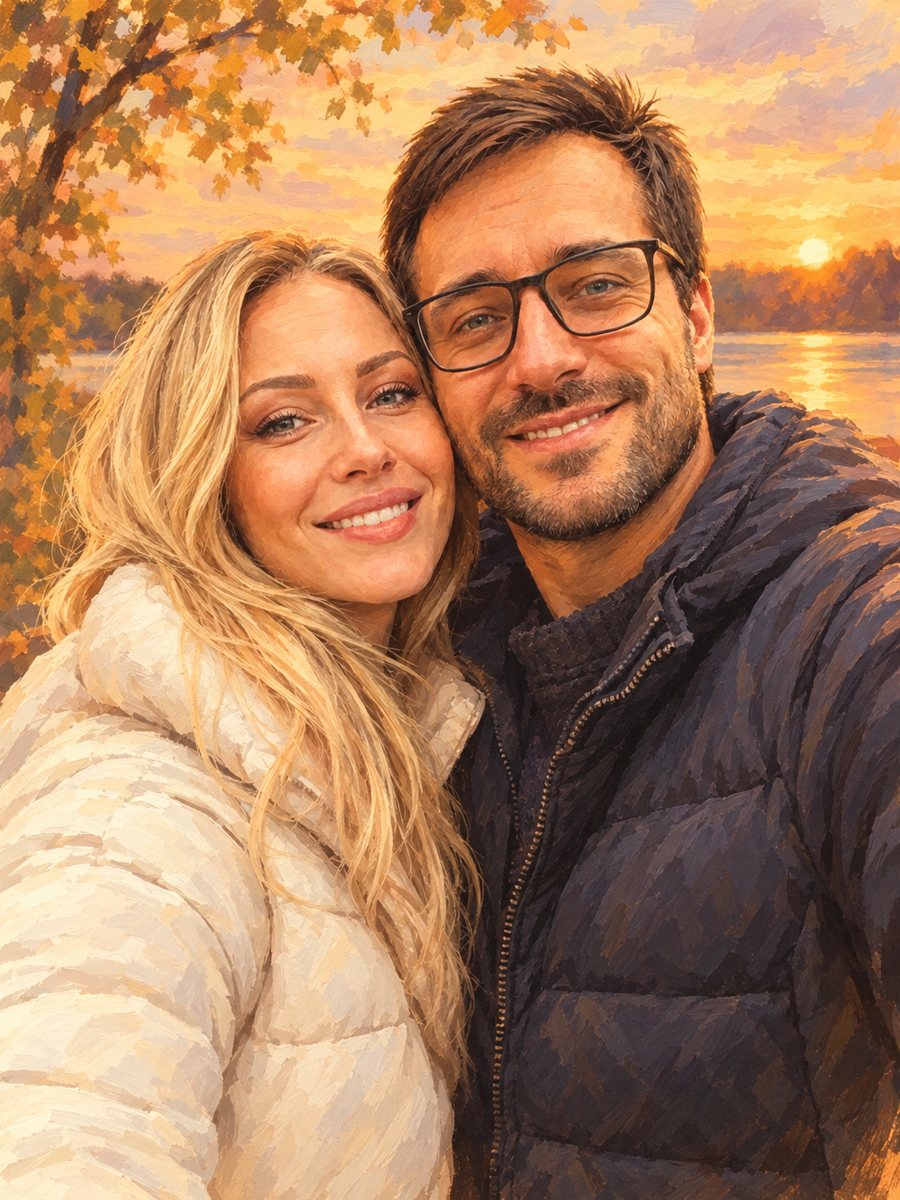 Turn your couple photo into a warm illustrationRedraw a couple photo as a warm digital illustration for an anniversary gift or a print. Copy the ready...
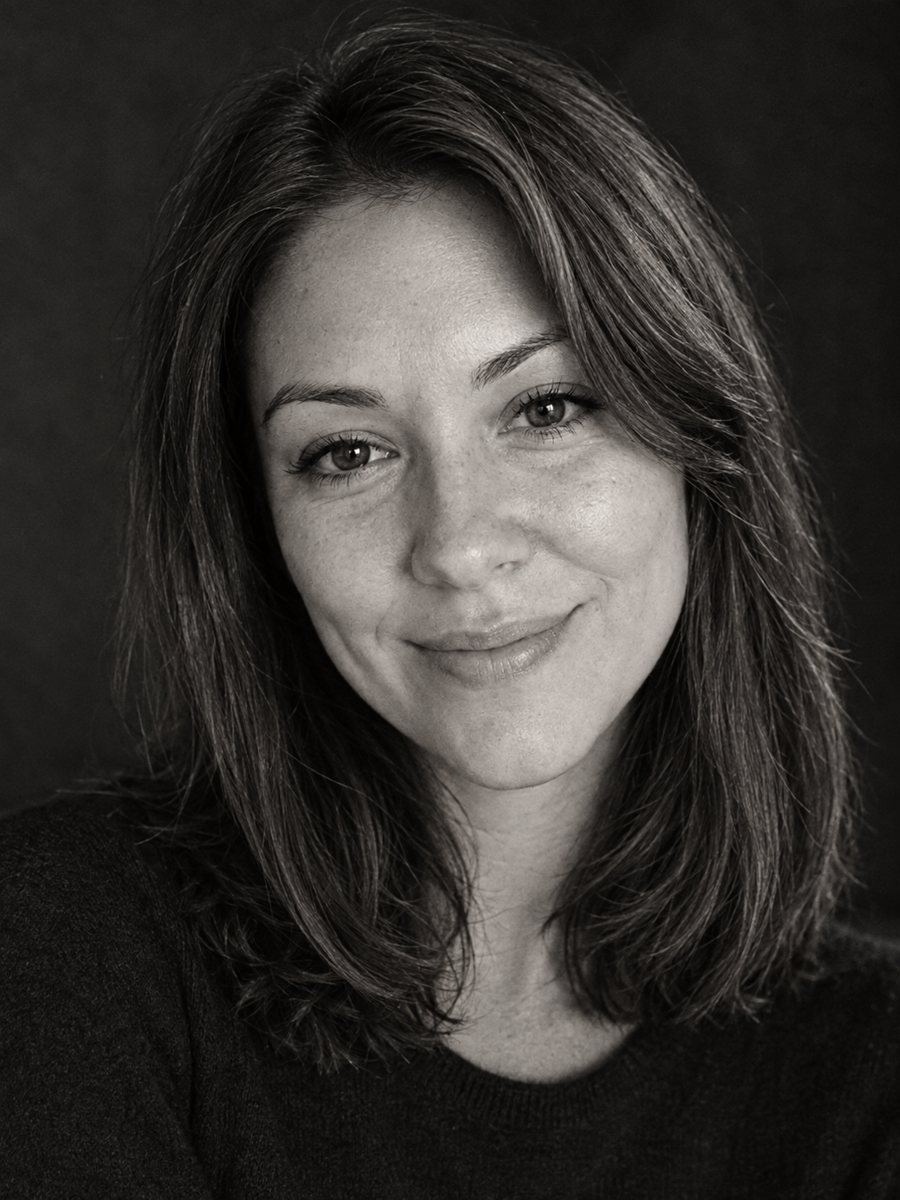 Make a timeless black and white profile portraitConvert a photo into a timeless black and white profile portrait with rich tones and fine grain. Copy the...