Turn a photo into a cross stitch embroidery
Your photo is turned into a finished cross stitch: visible X shaped stitches on aida fabric, a limited thread palette, a slight pixel grid look and a wooden hoop around the edge. It works for people and for pets. Press the button and send one photo.
- 2 credits per image
- Result in 1–2 minutes
- No sign-up
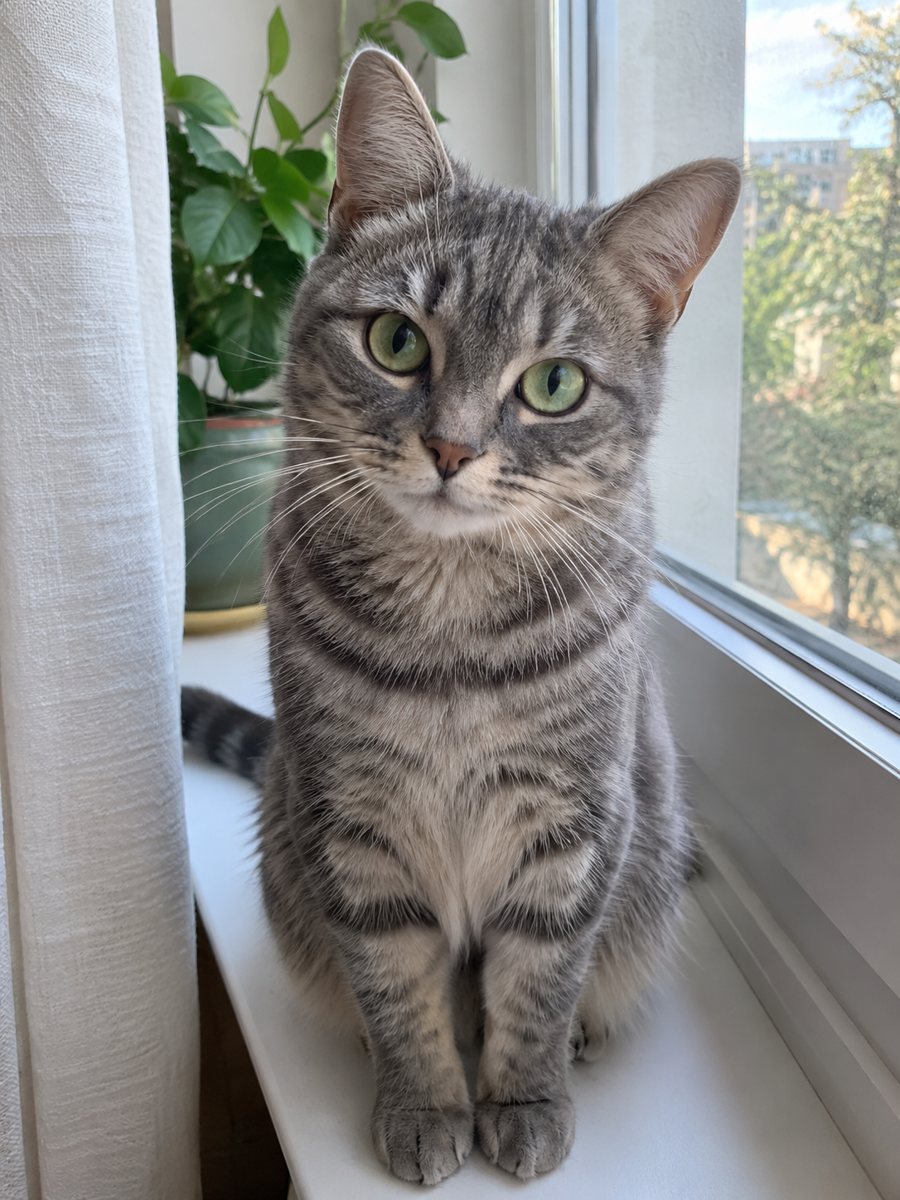
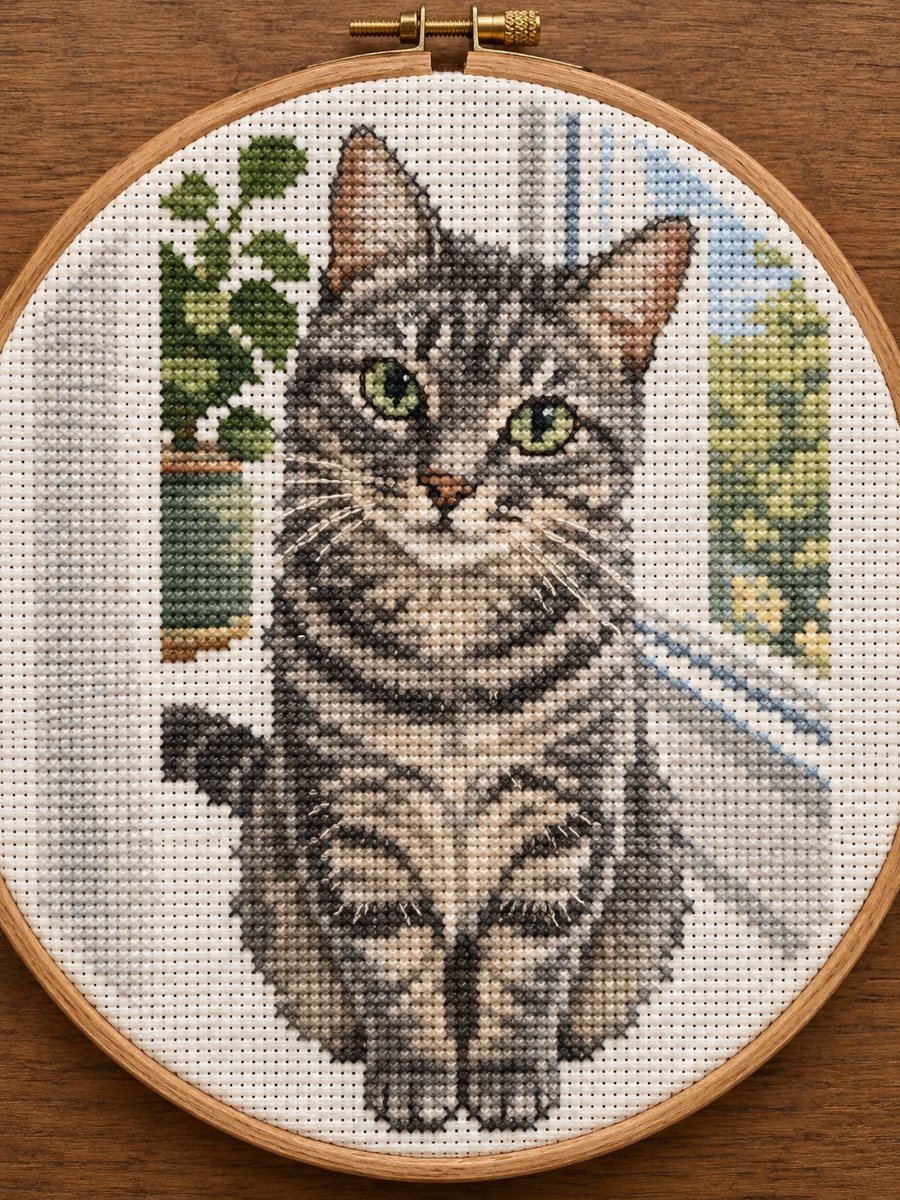 BeforeAfter
In short: Turn a photo of a person or a pet into a finished cross stitch picture with visible X stitches in a wooden hoop. Copy the free prompt or use the bot.
- Where: the VisuMate bot in Telegram, no app or sign-up.
- Cost: 2 credits per image, 7 images free, then packs from 49 Telegram Stars.
- Time: 1 to 2 minutes per image, rerun with a new instruction at the same price.
When you need this
- You want a cozy gift picture of a cat, a dog or a family member that looks stitched.
- A craft shop or a hobby page needs a sample picture without stitching it by hand.
- You are thinking about stitching a portrait and want to see how it could look.
How to do it
- 1
Press the button on this page. Telegram opens the bot with the cross stitch portrait style already selected, tap Start if it asks.
- 2
Attach a single photo as a document. Add wishes in plain English if you like, such as: five colors only, cat with white chest.
- 3
The picture arrives in 1 to 2 minutes for 2 credits. Check the stitch grid and the face, and run again if it looks off.
Try it on your own photo: 7 images are free, no sign-up.
Make it in TelegramThe prompt behind this style
Turn this photo into a finished cross stitch embroidery. Keep the subject recognizable. Visible X shaped stitches on aida fabric, limited thread palette, slight pixel grid look, a wooden hoop frame around. Vertical 3:4, no text.
What cross stitch does to a photo
Cross stitch builds a picture from small colored crosses on a fabric grid. Because each stitch is one color, details turn into blocks. The prompt asks for visible X stitches on aida fabric with a limited palette and a wooden hoop. Faces of people and animals look pixelated in a warm way. The look suits cards, gifts, nursery decor and craft pages.
Improving the result
Fewer colors mean a cleaner stitch look. Say how many colors you want and name the main ones. Pets with strong markings work very well, since the pattern reads even at low detail. For people, hair color, skin tone and clothing carry the likeness. The AI chooses fabric and thread color, so you can ask for cream fabric or a darker one.
Limits
This is an image of a stitched piece and not a chart you can follow. The picture may not match a real stitch count, so do not expect to follow it as a pattern. Fine facial details are lost in the grid. If the first result is too blurry, send a closer photo. A rerun costs 2 credits. When the image arrives, look at the stitch grid first, since that is where drift shows up most.
Tips
- Photos with a clear subject and a plain background convert best.
- Limit colors in the caption, for example five or six thread colors.
- Cats and dogs with a clear color pattern turn into recognizable stitch pictures.
- Large flat areas look better than tiny details.
- Ask for a round, square or oval hoop if you care about the frame.
Questions and answers
Is this a stitch pattern I can follow?
No. It is an image of a finished piece, not a counted chart.
Does it work with pets?
Yes. It works for people and pets.
Can I choose the fabric color?
Yes. Mention cream, white or dark in the caption.
How many colors does it use?
A limited palette. Ask for a specific number in the caption.
Can I print it as a gift?
Yes. Print on matte paper for the best result.
More in "Photo styles"
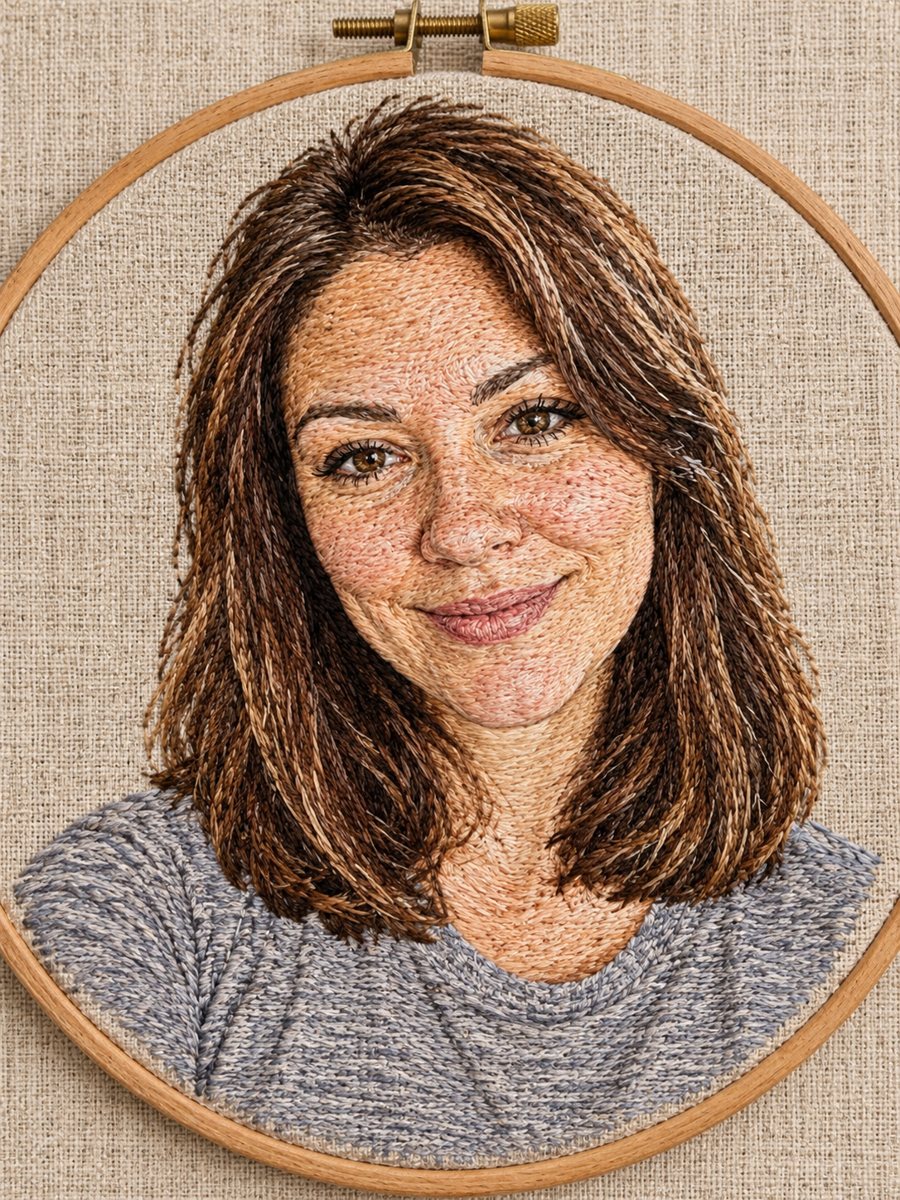 Make a hand-embroidered portrait from any photoTurn a photo into a hand-embroidered portrait with visible stitches, french knots and a wooden hoop. Ready...
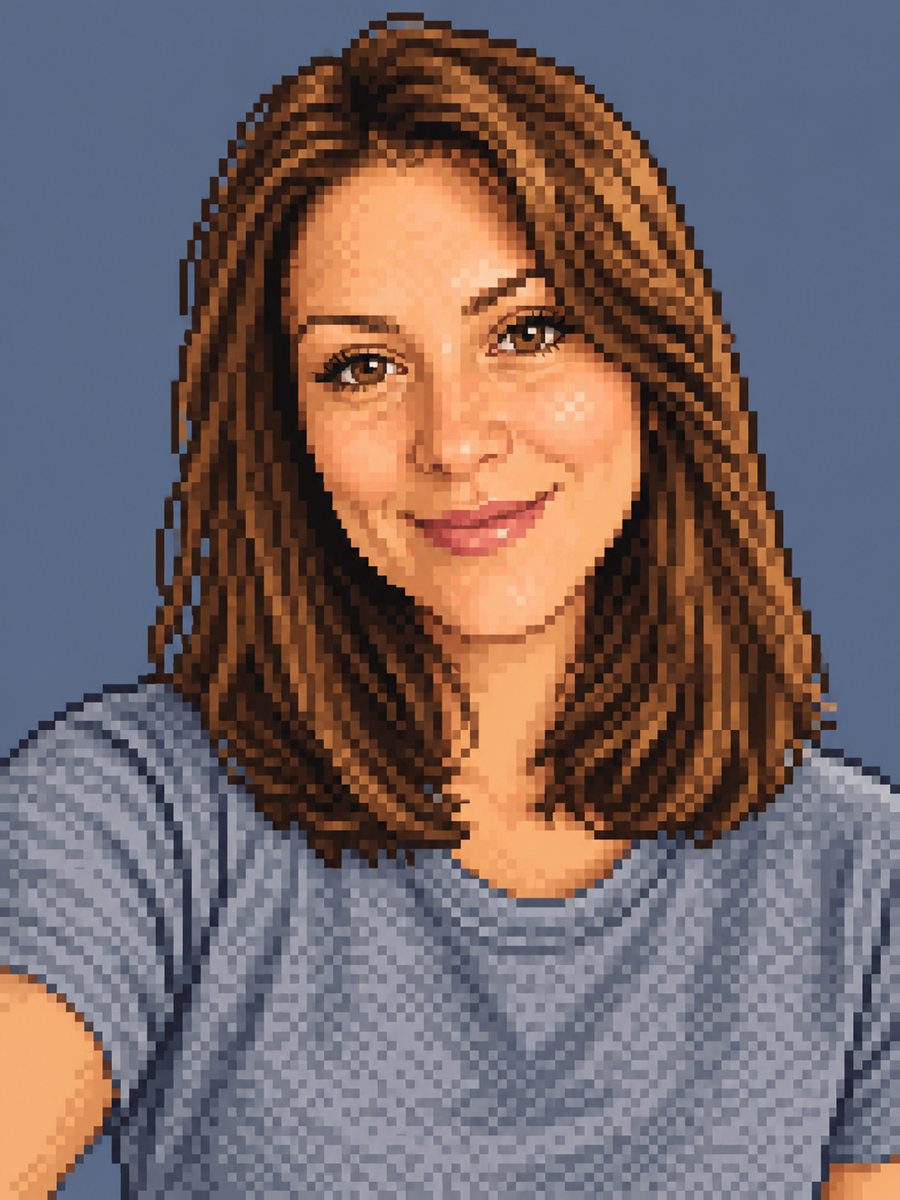 Make a pixel art portrait from your photoConvert a photo into 16-bit pixel art with a limited palette and clean dithering. Ready prompt, 2 credits...
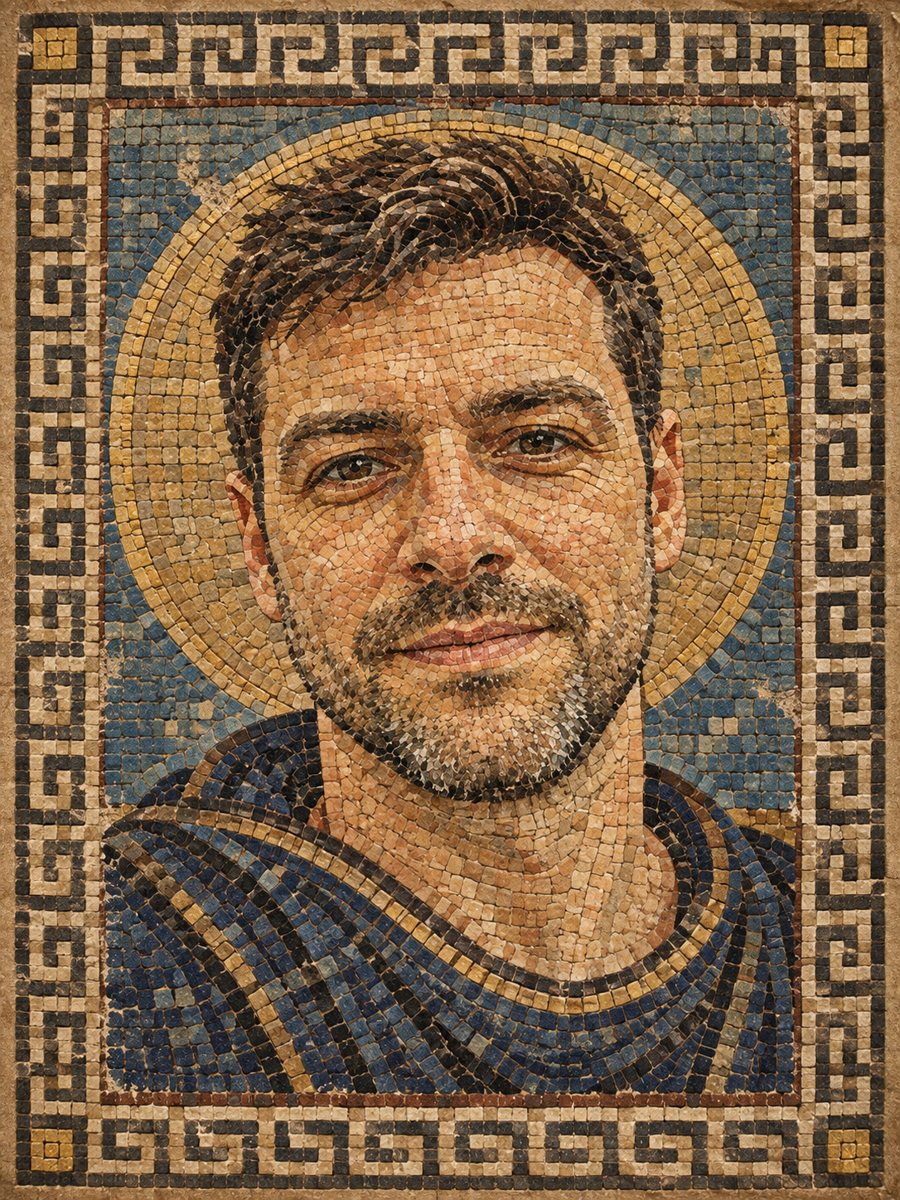 Turn your photo into a Roman style mosaic portraitTurn a photo into an ancient Roman style mosaic made of small stone and glass tiles. Ready prompt and...
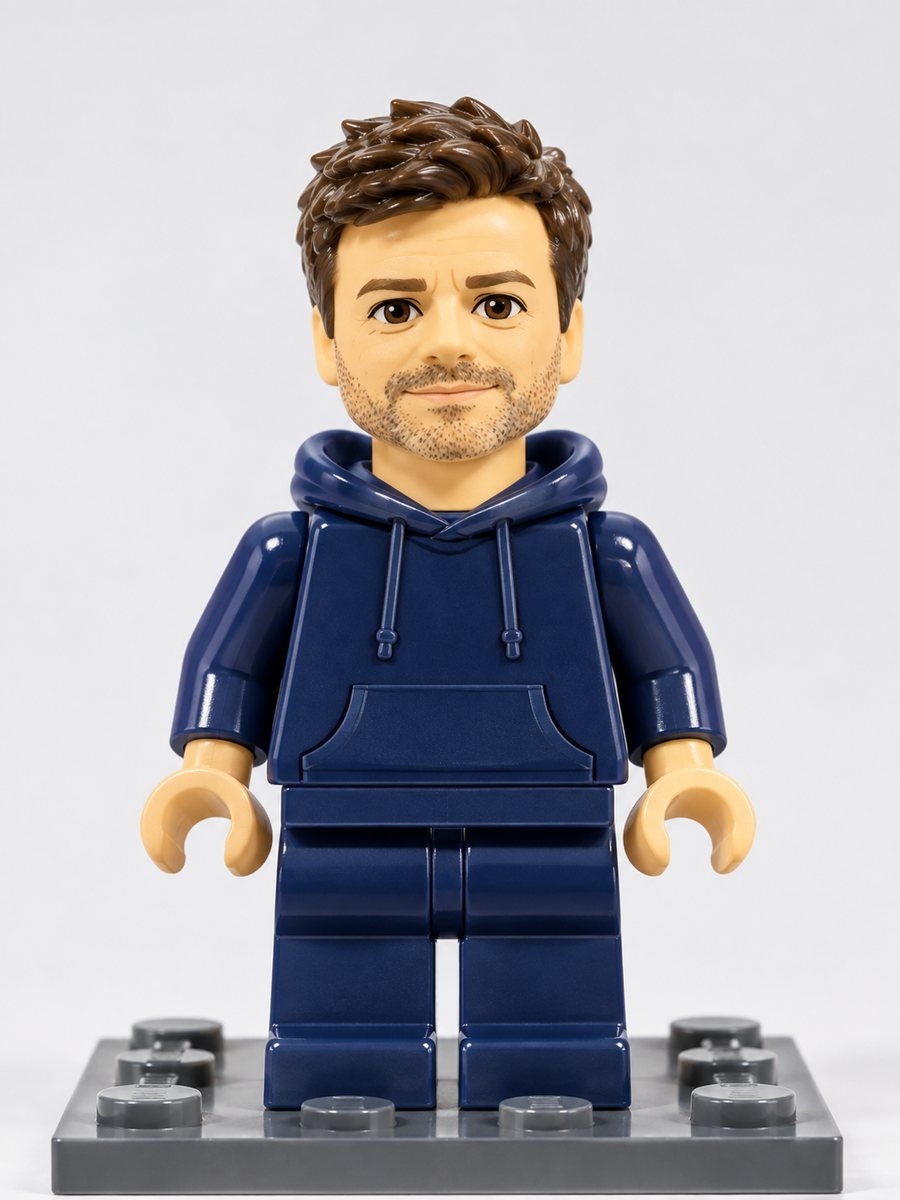 Turn yourself into a plastic brick minifigureTurn a photo into a plastic brick-style minifigure with your hair and outfit colors on a baseplate. Copy...
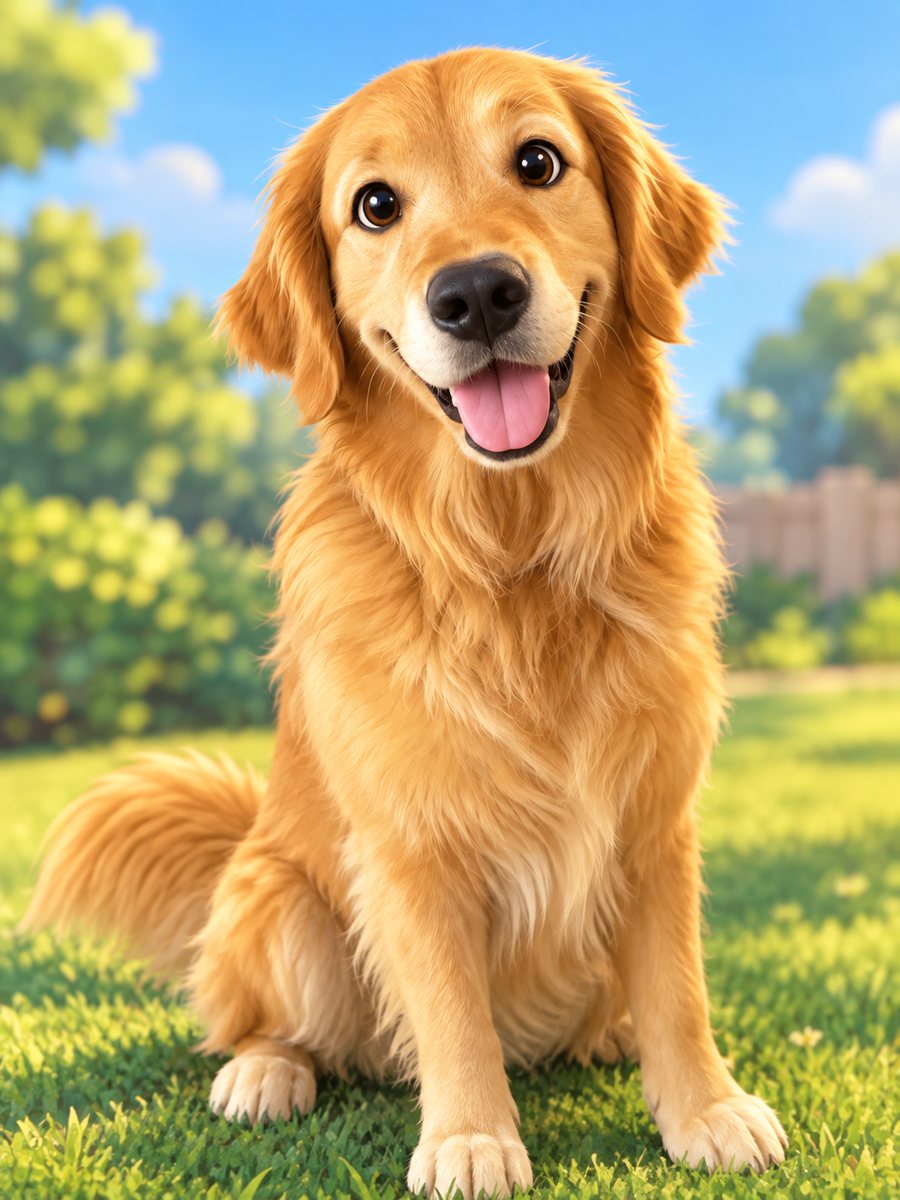 Turn your pet into a cartoon characterDraw your dog or cat as a cute animated movie character with big eyes and soft 3D shading. Ready prompt...