Cartoon yourself with AI, then pick the look you like best
People want to see themselves drawn, and the fun part is comparing looks. Send one selfie and run it through a flat vector style, a comic page, a 3D toy look and a soft anime frame, then keep the version that feels most like you.
- 2 credits per image
- Result in 1–2 minutes
- No sign-up
In short: Turn one selfie into a cartoon of yourself in flat vector, comic, 3D or anime looks. Pick from 160+ styles in Telegram, 7 images free, no sign-up needed.
- Where: the VisuMate bot in Telegram, no app or sign-up.
- Cost: 2 credits per image, 7 images free, then packs from 129 Telegram Stars.
- Time: 1 to 2 minutes per image, rerun with a new instruction at the same price.
- Credits never expire, there is no subscription and no auto-renew. You pay once for a pack inside Telegram with Stars.
When you need this
- One cartoon filter gives you only one answer and it may not suit your face.
- You need a drawn avatar that friends recognize at once.
- Most apps want a subscription before the first export.
How to do it
- 1
Press the button to open @visumate_ai_bot in Telegram. No sign-up, and new users get 15 free credits, which is 7 images.
- 2
Send one selfie as a file. In the caption write: 'flat vector cartoon, thick outline, yellow background, keep my curly hair'.
- 3
In 1-2 minutes the cartoon arrives for 2 credits. Try a second style from the list with the same photo and compare.
Try it on your own photo: 7 images are free, no sign-up.
Make it in TelegramFour looks, one photo
Flat vector gives clean shapes and bold color. A comic style adds ink lines and halftone dots. A 3D toy look rounds everything and adds soft light. A soft anime frame simplifies the face and enlarges the eyes. With 15 starter credits you can run all four and still have three attempts left. Seeing them side by side shows which style your face suits best.
What makes a cartoon look like you
A cartoon keeps a handful of traits: hair shape and color, glasses, facial hair, the line of the jaw and a typical smile. Write those in the caption and the bot holds onto them. Heavy shadows and sunglasses in the photo hide the traits, so use a bright front-facing picture. When the result drifts, a second run gives a different drawing.
Where the cartoon goes
Use it as a profile picture, a sticker base, a channel logo or a gift card. The bot returns a finished image, so for transparent stickers remove the background in an editor afterward. A square crop around the face suits most avatar circles. If you plan to print a sticker sheet, pick the flat vector version, because its bold shapes and thick outlines stay readable when the image is shrunk to the size of a coin.
Tips
- Start with the style closest to your taste, then try one far from it.
- Mention hair, glasses and beard in the caption.
- Pick a plain background for a cleaner avatar.
- Save your favorite as a file to keep full quality.
Questions and answers
Which cartoon style is closest to a real face?
Soft 3D and anime looks keep proportions closest. Flat vector and comic styles simplify more.
Can I cartoon a whole family?
Small groups can work, but single portraits give the closest likeness.
What does it cost?
2 credits per image. New users get 15 free credits, so 7 images cost nothing. After that packs start at 129 Telegram Stars, about $2.6 and credits do not expire.
Does the bot work in English?
Yes. It picks up your Telegram language on first launch. You can switch it any time with /lang.
What the bot does not do
- Works from one photo. Likeness depends on the photo you send, and some styles change features more than others.
- Does not make video or animation.
- Does not output a transparent PNG.
- Does not retouch passport or ID photos.
More in "Photo styles"
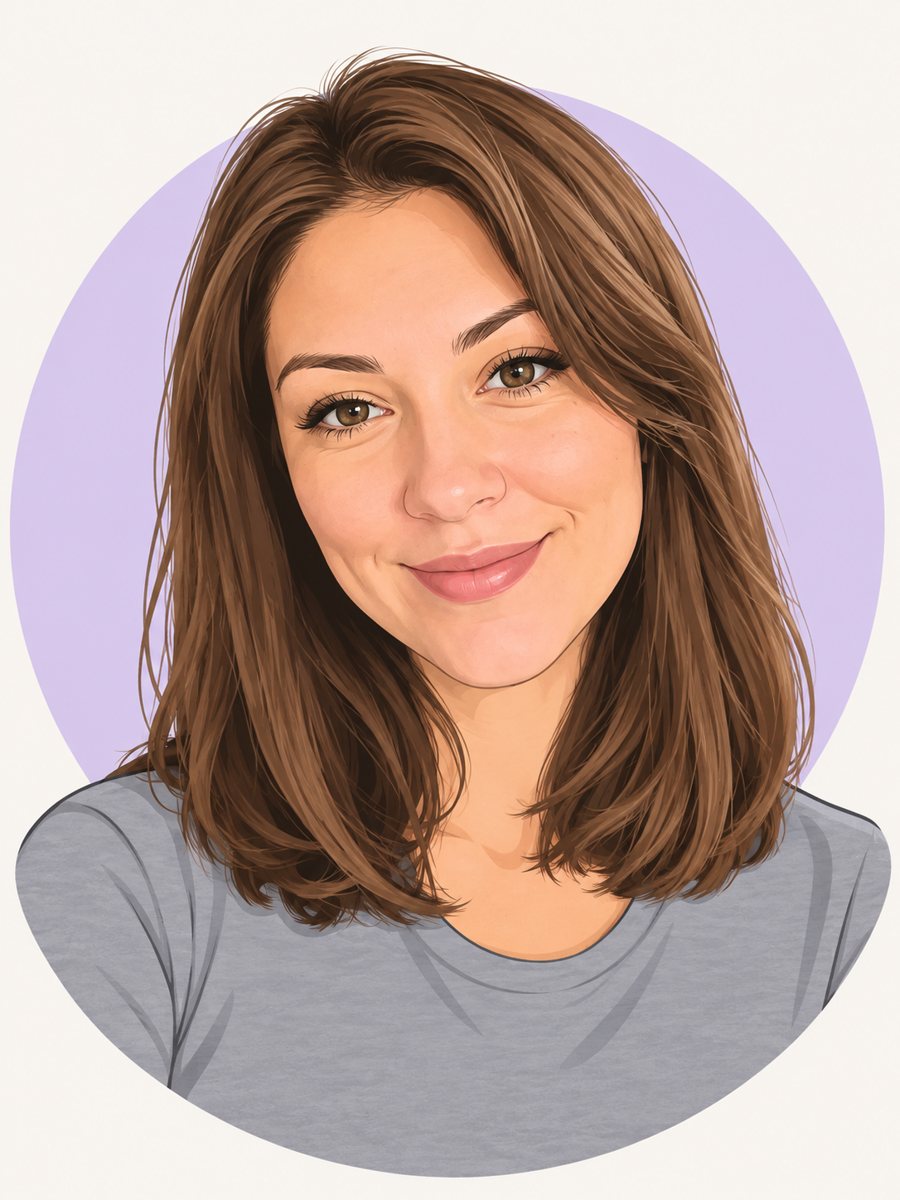 Make a cartoon avatar from your photoDraw a friendly cartoon avatar from your photo in clean vector style with a pastel circle background....
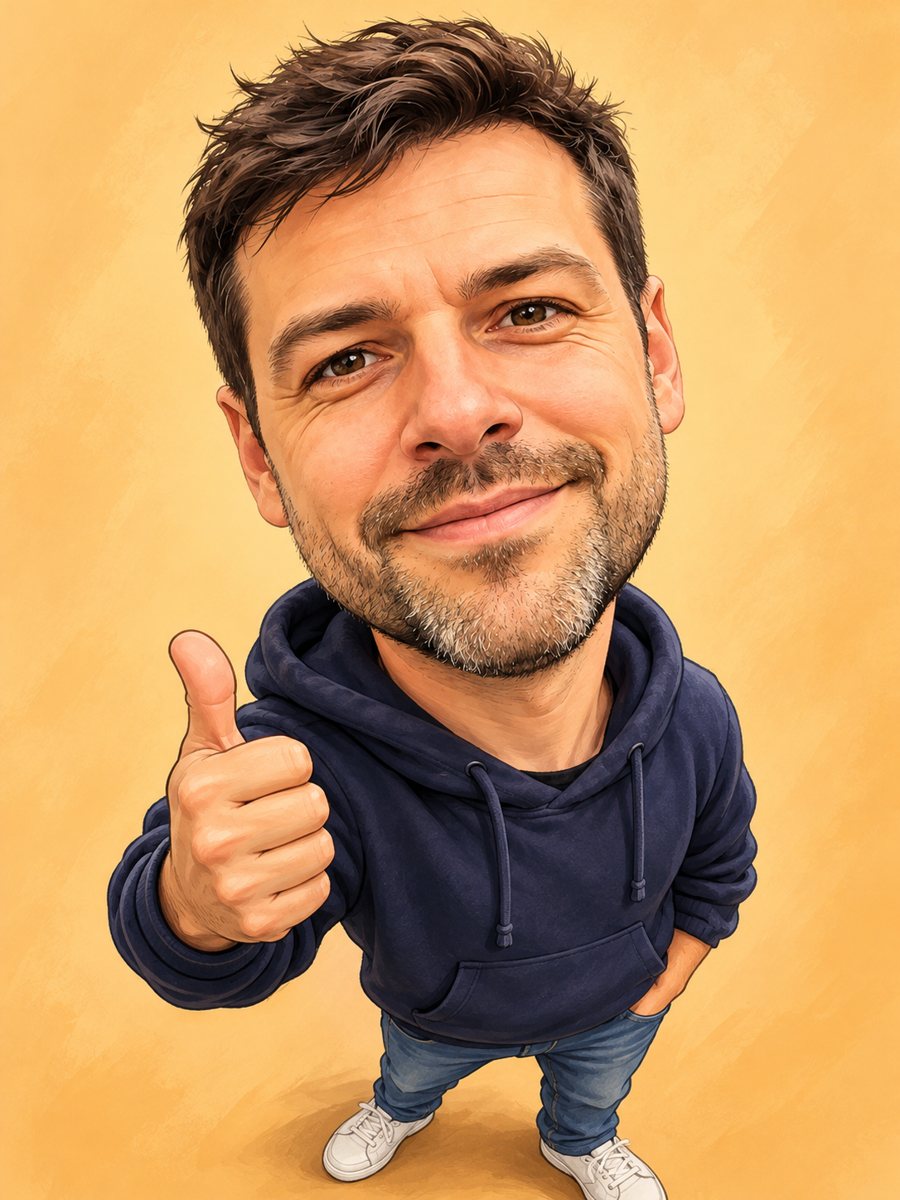 Turn your photo into a friendly caricatureDraw a friendly caricature of yourself or a friend with a big head, a big smile and a small body. Copy the...
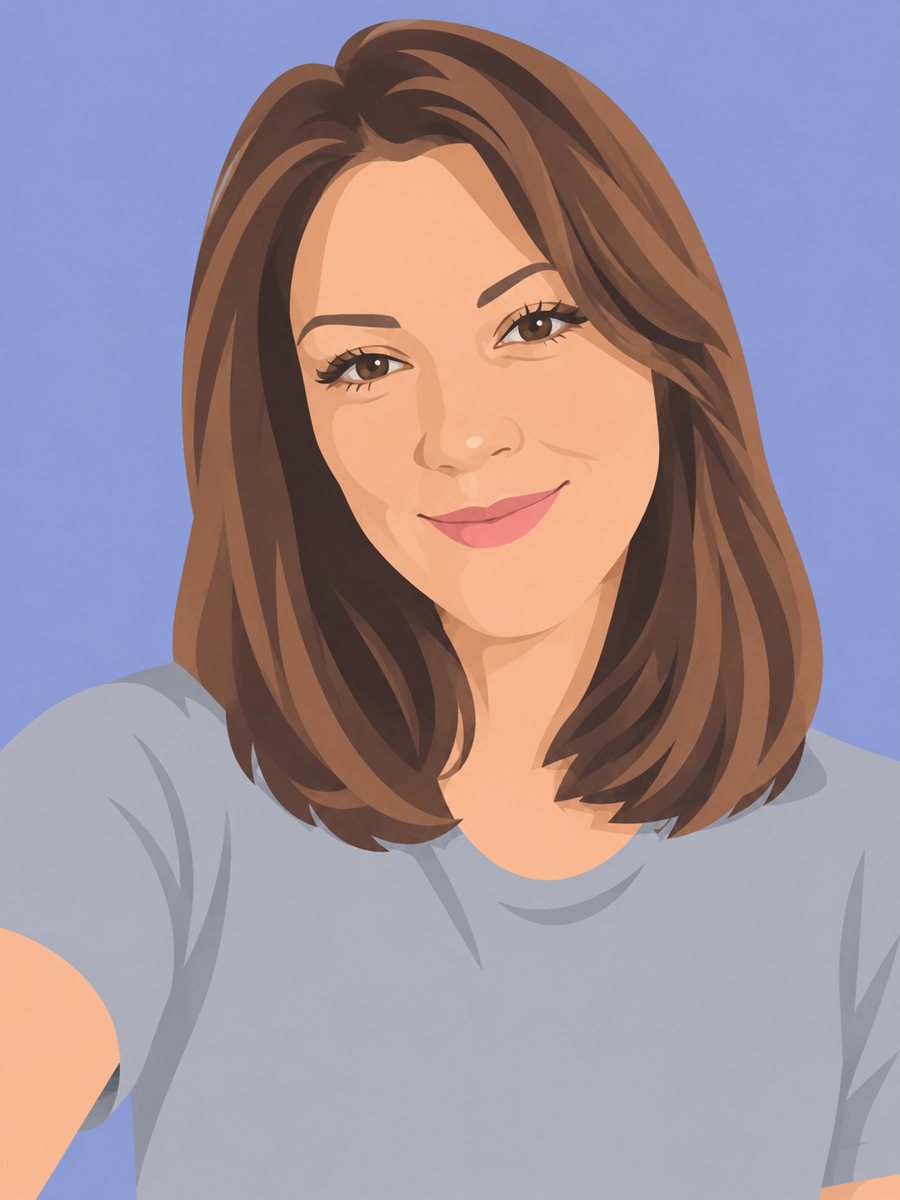 Redraw a photo as a flat vector-style illustrationRedraw your photo as a flat vector illustration with simple shapes and five colors. Copy the ready prompt...
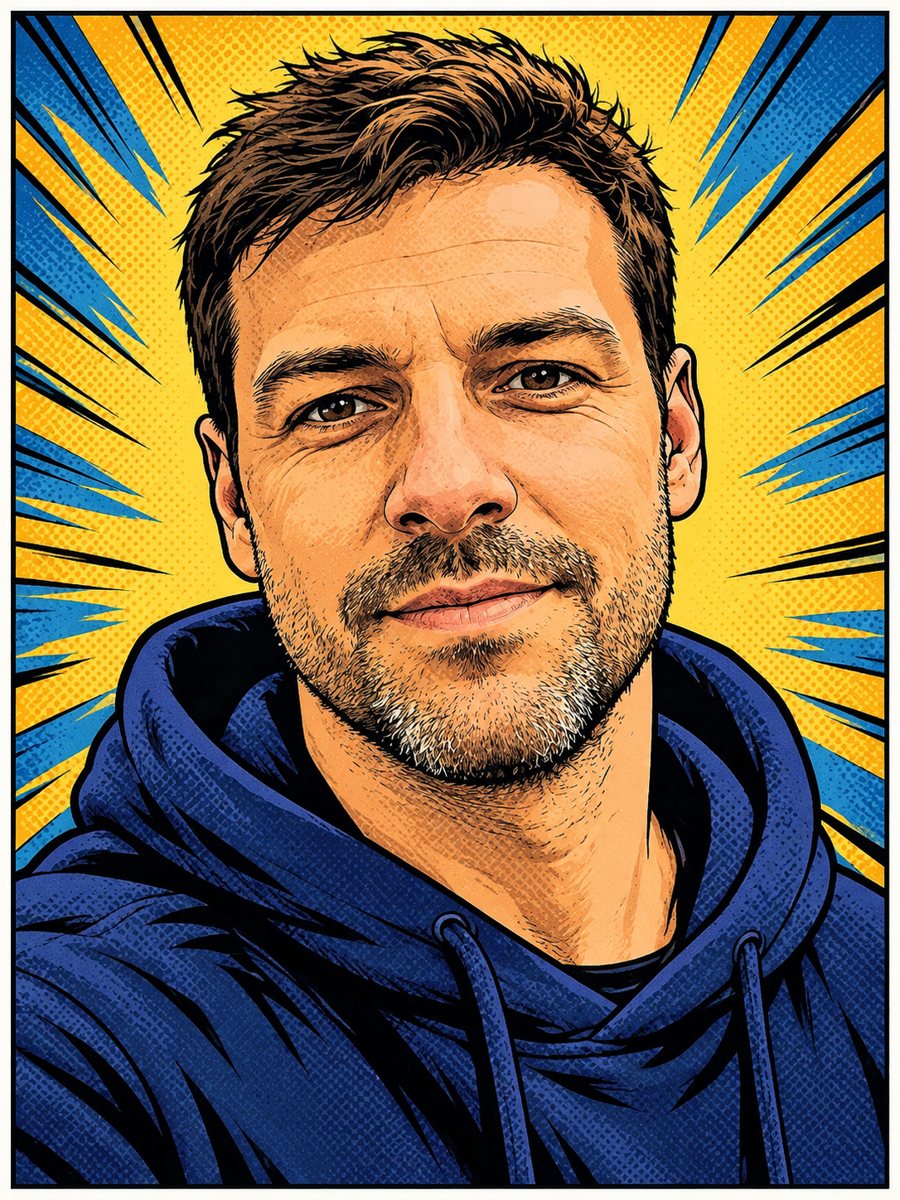 Turn your photo into a comic book panelRedraw your photo as an American comic book panel with bold ink outlines and halftone shading. Copy the...