Make an art deco poster portrait from your photo
Your photo becomes a 1920s poster: bold geometry, a sunburst behind your head, gold and black with deep teal accents and smooth stylized shading. The portrait is symmetrical and elegant. Press the button, send a photo and the bot applies the style.
- 2 credits per image
- Result in 1–2 minutes
- No sign-up
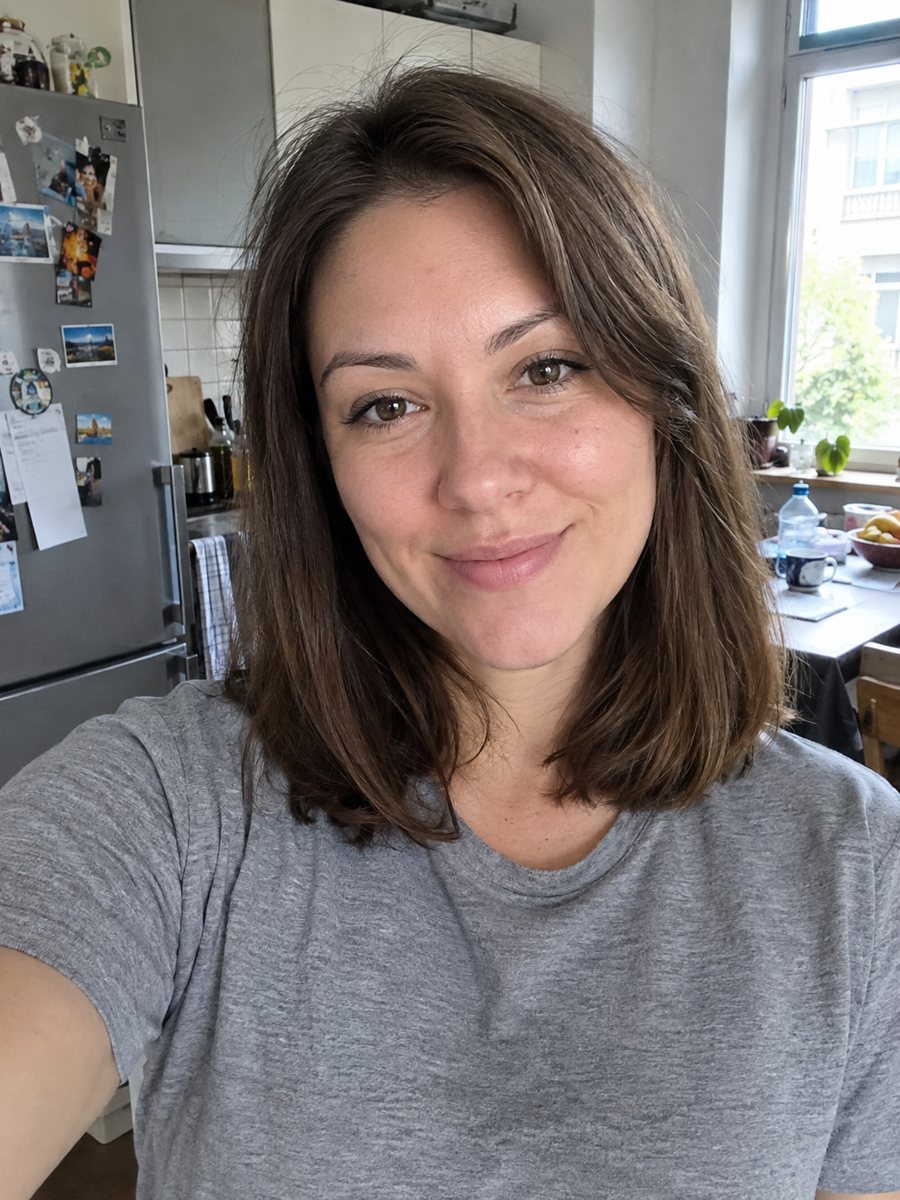
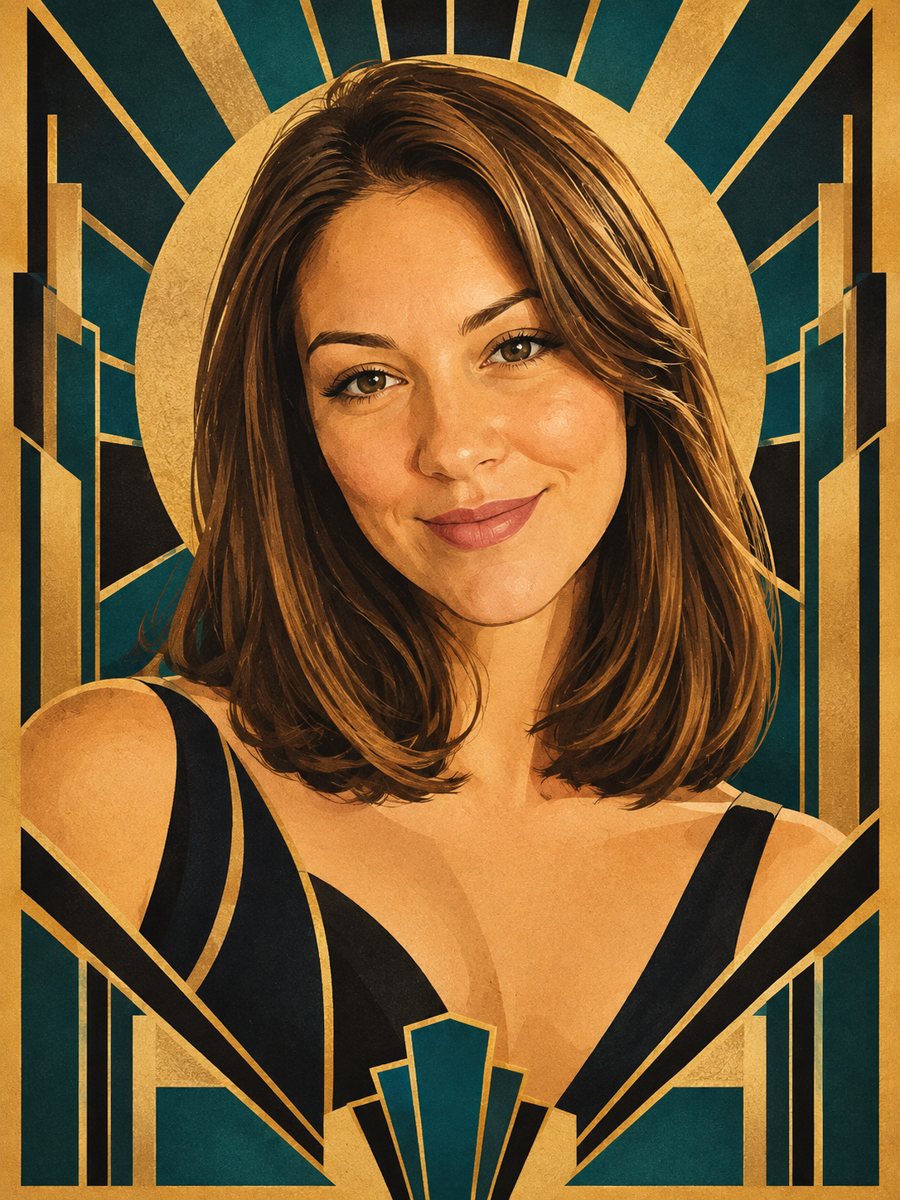 BeforeAfter
In short: Make a 1920s art deco poster portrait from your photo: sunbursts, gold and black, deep teal. Copy the free prompt or send it to the Telegram bot.
- Where: the VisuMate bot in Telegram, no app or sign-up.
- Cost: 2 credits per image, 7 images free, then packs from 49 Telegram Stars.
- Time: 1 to 2 minutes per image, rerun with a new instruction at the same price.
When you need this
- You are throwing a Gatsby night and want a printable poster of the host.
- A cocktail bar or event page needs a stylish face in a vintage poster style.
- You like deco design but cannot draw the stylized shading yourself.
How to do it
- 1
Tap the button above. The bot opens in Telegram with the art deco portrait style chosen for you, press Start if needed.
- 2
Send your photo as a file. A short caption works, for example: mostly gold, teal background.
- 3
In 1 to 2 minutes you get the image and 2 credits are used. Check the sunburst lines, and rerun if something drifted.
Try it on your own photo: 7 images are free, no sign-up.
Make it in TelegramThe prompt behind this style
Reinterpret this photo as a 1920s art deco poster portrait. Keep the face recognizable. Bold geometric shapes, sunburst patterns, gold and black with deep teal accents, smooth stylized shading, elegant symmetry. Vertical 3:4, no text.
The look of an art deco poster
Art deco from the 1920s and 1930s loves strong geometry: fans, sunbursts, stepped shapes and straight lines. The prompt asks for gold and black with deep teal accents, smooth shading instead of photo texture, and symmetry. The result feels like a travel or theater poster. People use it for party invitations, bar menus, album art and wall prints in a hallway or a home office.
Improving the result
The face is shaded in a few flat tones, so a photo with a clear light side and shadow side translates best. If the face turns too stylized, add a caption such as: softer shading, keep natural skin tone. For more drama, ask for a darker background. Hair and shoulders often merge into large geometric shapes, which is part of the style and also hides small flaws in the source photo.
Honest expectations
This is a poster interpretation, not a retouched photo. Likeness comes from the major features: face shape, hairline and expression. Fine details such as freckles or small scars usually disappear. Text is not added, so you place a title yourself in any design tool. If the first version looks off, rerun for 2 credits and compare. When the image arrives, look at the sunburst lines first, since that is where drift shows up most.
Tips
- A frontal or slightly angled face suits the symmetry of the style.
- Plain clothing works better than patterned shirts, since the AI adds its own geometry.
- Write the dominant color in the caption if you want mostly gold or mostly teal.
- Dark hair against a lighter background gives the cleanest silhouette.
- Print the result at poster size: flat shapes stay crisp when enlarged.
Questions and answers
Will it add text to the poster?
No. The prompt asks for no text. Add titles yourself.
Can I make it black and white?
Mention a gold and black only palette in the caption. Deep teal is the default accent.
Does it work for a full body photo?
A head and shoulders photo works best. Full body can lose facial detail.
Can I use it for a party invitation?
Yes for your own event. Check the image for odd details first.
Can I paste the prompt elsewhere?
Yes. The prompt box on this page works in any image AI that accepts a photo.
Does the bot work in English?
Yes. It picks up your Telegram language on first launch and replies in English. You can switch the language any time with /lang.
More in "Photo styles"
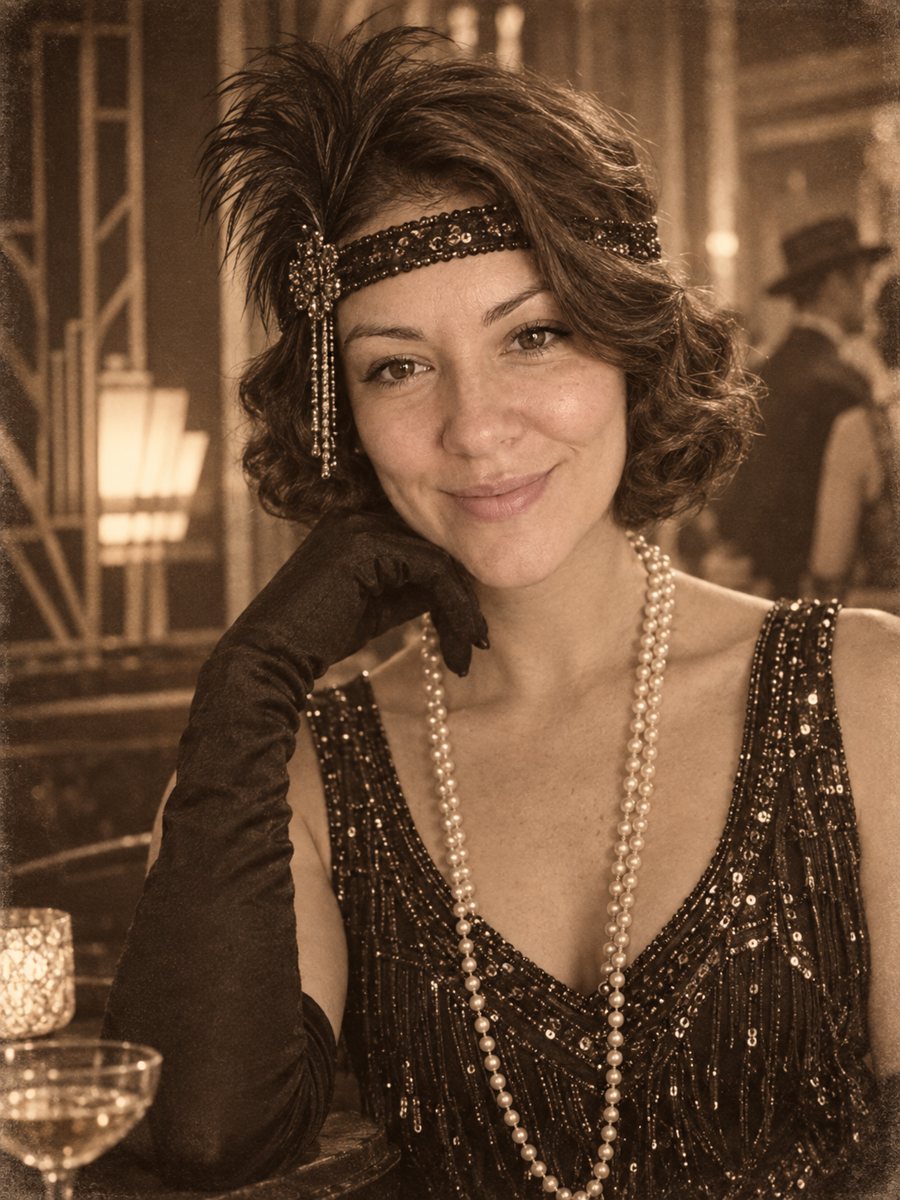 Put yourself in a 1920s photoPlace yourself in the 1920s with period clothes, an art deco interior and a sepia photo look. Copy the...
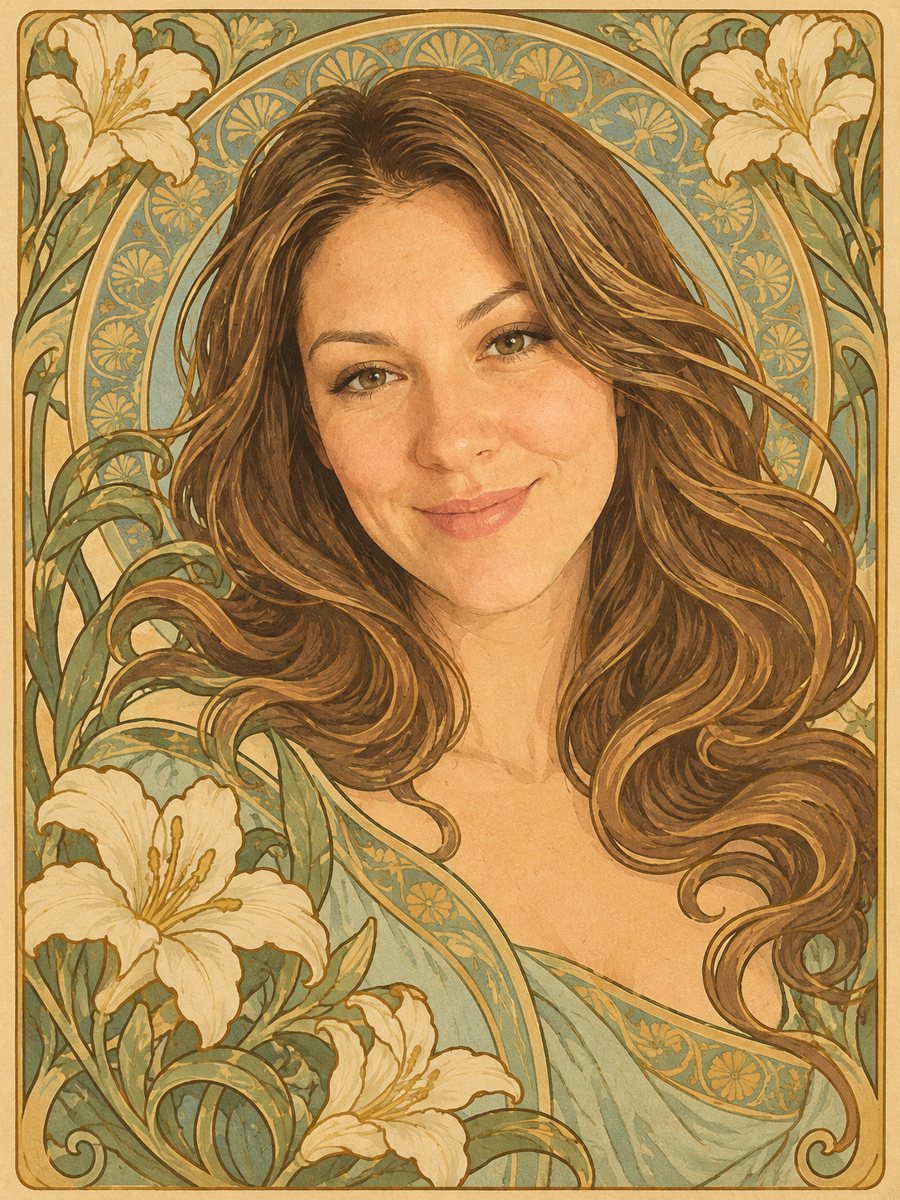 Turn your photo into an art nouveau posterRepaint your photo as an art nouveau poster with flowing hair, a floral frame and gold outlines. Copy the...
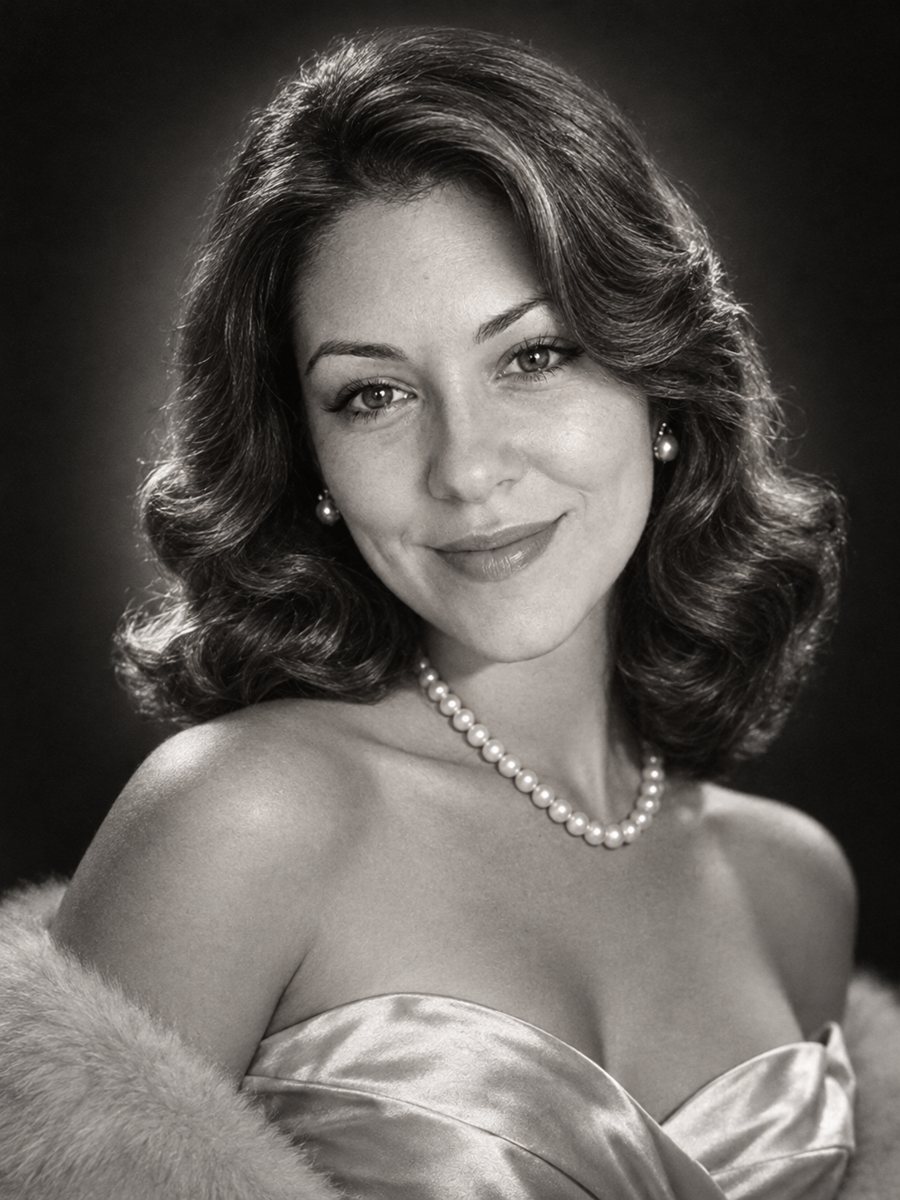 Get a 1950s Hollywood studio glamour portrait of yourselfGet a classic black and white studio portrait with butterfly lighting, styled waves and pearls. Copy the...
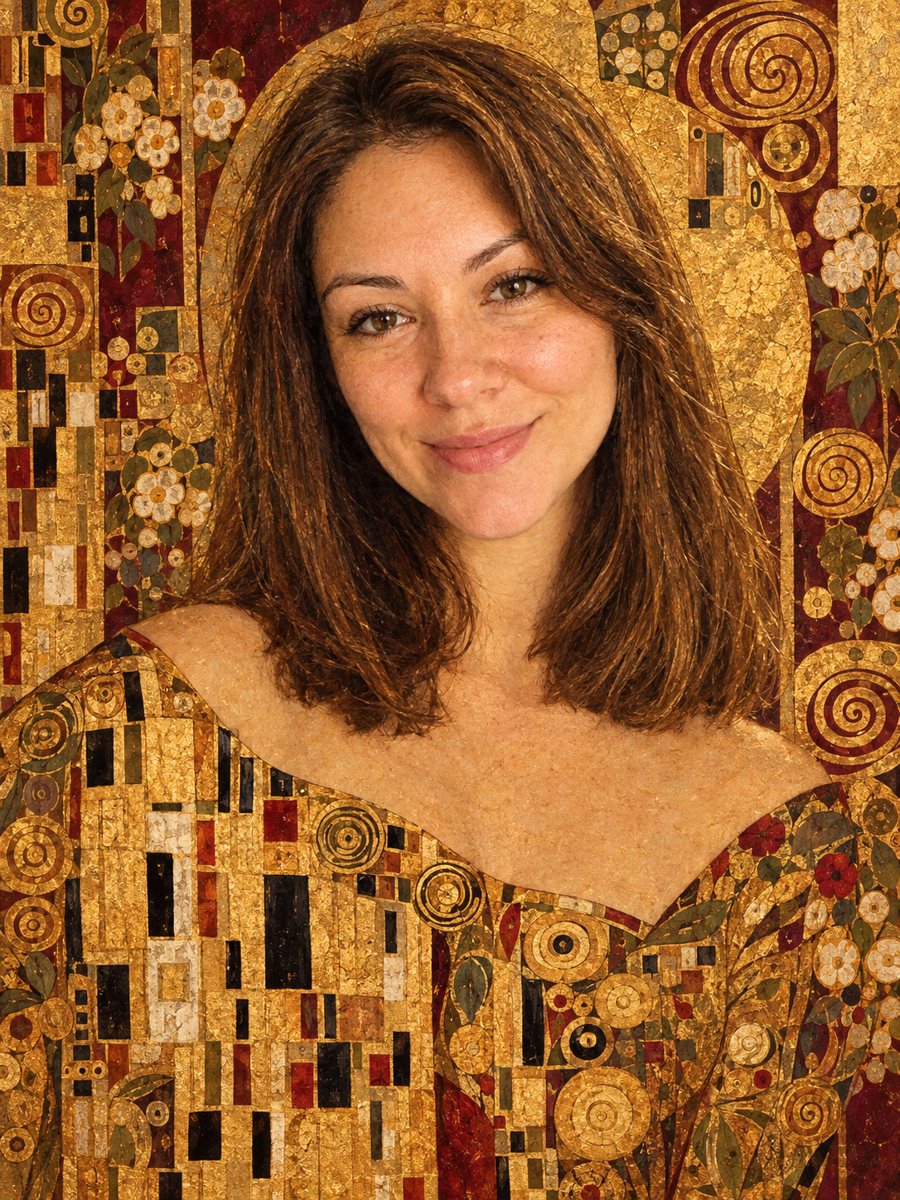 Turn your photo into a gold leaf portrait inspired by KlimtGet a gold leaf portrait with mosaic patterns and a burgundy palette in the style of Gustav Klimt. Copy...
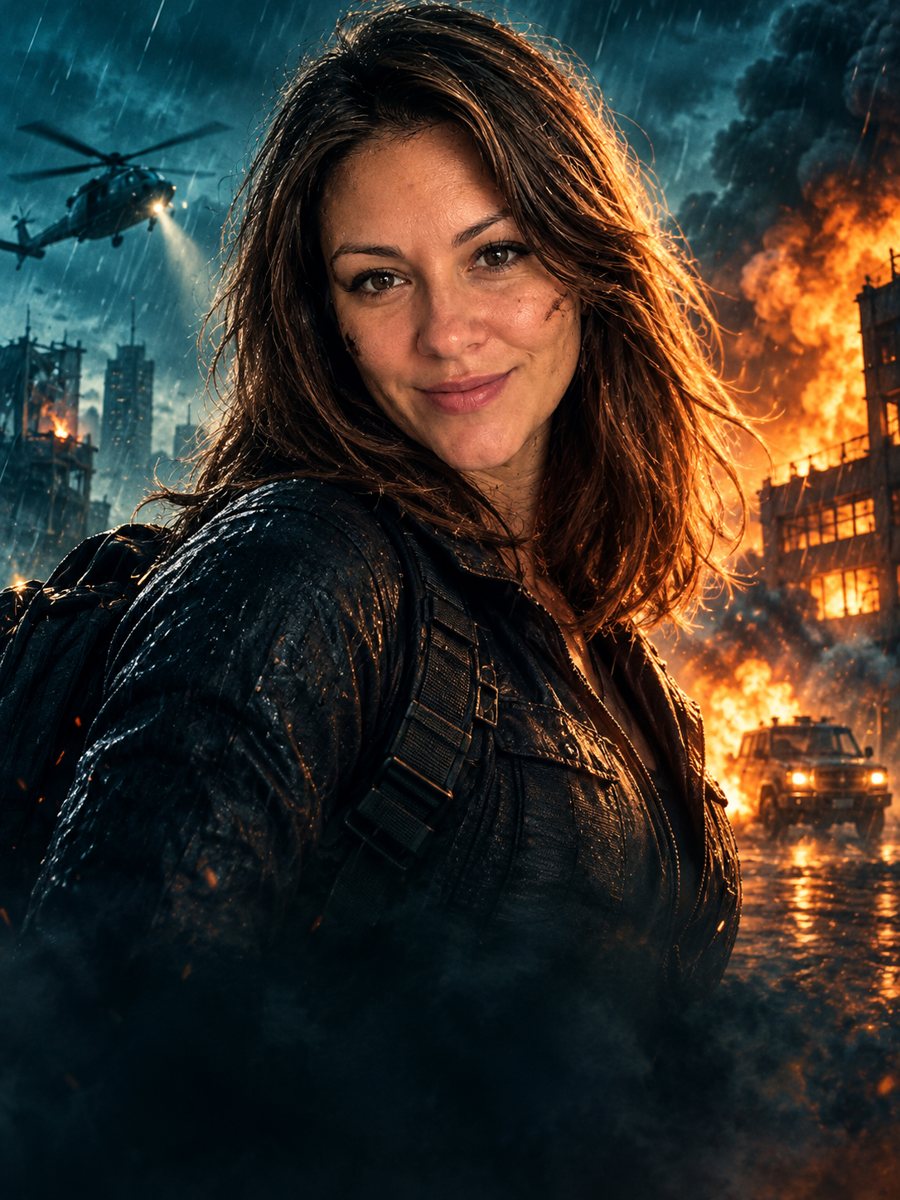 Turn your photo into an action movie posterTurn a photo into a cinematic action movie poster with teal and orange grading, rain and explosions. Copy...