An AI profile picture generator that starts from your own selfie
A profile picture has one job: people should recognize you at thumbnail size. Send a selfie, say which site it is for, and the bot returns a version with clean light and your chosen look, from realistic to illustrated.
- 2 credits per image
- Result in 1–2 minutes
- No sign-up
In short: Make a profile picture from one selfie for LinkedIn, Instagram, Discord or Telegram. Choose a realistic, artistic or cartoon look. 7 images free, no sign-up.
- Where: the VisuMate bot in Telegram, no app or sign-up.
- Cost: 2 credits per image, 7 images free, then packs from 129 Telegram Stars.
- Time: 1 to 2 minutes per image, rerun with a new instruction at the same price.
- Credits never expire, there is no subscription and no auto-renew. You pay once for a pack inside Telegram with Stars.
When you need this
- Your current picture is a crop from a group photo.
- Each site wants a different mood, calm for work and playful for gaming.
- You have no time for a studio session.
How to do it
- 1
Press the button to open @visumate_ai_bot in Telegram. No sign-up, and new users get 15 free credits, which is 7 images.
- 2
Send one front-facing selfie as a file. In the caption write the site and mood: 'Discord, bold comic look, purple background'.
- 3
In 1-2 minutes the picture arrives for 2 credits. Check how it reads at thumbnail size by shrinking it on your screen.
Try it on your own photo: 7 images are free, no sign-up.
Make it in TelegramMatch the look to the place
A work network needs even light, a solid backdrop and a relaxed smile. A gaming server can take neon, comic ink or a 3D toy face. A creative portfolio may suit a painted or art-poster style. State the site in the caption so the bot picks the right tone. If the first result feels too stiff or too wild, rerun with one word to move the mood.
Thumbnail test
Most profile pictures show up smaller than a coin. Strong contrast between face and backdrop, a simple shape and one accent color survive that shrinking. Busy scenery and thin line work vanish. After the result arrives, shrink it on your screen to about 64 pixels and see whether you still know who it is. If not, ask for a plainer background and run again.
Sizes and cropping
The image comes as a portrait that crops cleanly to a circle or a square. Leave space around the hair in the caption when a site uses a tight circle. For print or a banner, send a large original photo so the face keeps detail. Square sites crop from the center, so keep your eyes slightly above the middle of the frame and leave a little air over the head.
Tips
- Keep the head large in the frame.
- Use a plain backdrop so the face stays readable.
- Match the color to your brand or channel.
- Reuse one look on every site so people recognize you.
Questions and answers
Will it keep my real face?
Yes, within the limits of AI. Likeness depends on your source photo, so a sharp front-lit selfie works best.
Can I get a transparent background?
No. The bot returns a finished image. Remove the background in an editor if you need a cutout.
What does it cost?
2 credits per image. New users get 15 free credits, so 7 images cost nothing. After that packs start at 129 Telegram Stars, about $2.6 and credits do not expire.
Does the bot work in English?
Yes. It picks up your Telegram language on first launch. You can switch it any time with /lang.
What the bot does not do
- Works from one photo. Likeness depends on the photo you send, and some styles change features more than others.
- Does not make video or animation.
- Does not output a transparent PNG.
- Does not retouch passport or ID photos.
More in "Photo styles"
- AI profile picture makerMake a profile picture for Instagram, LinkedIn, Discord or Telegram from any selfie. Clean light, your...
 Upgrade your profile photo without changing youImprove a social media profile picture: fix exposure and white balance, blur a messy background to a warm...
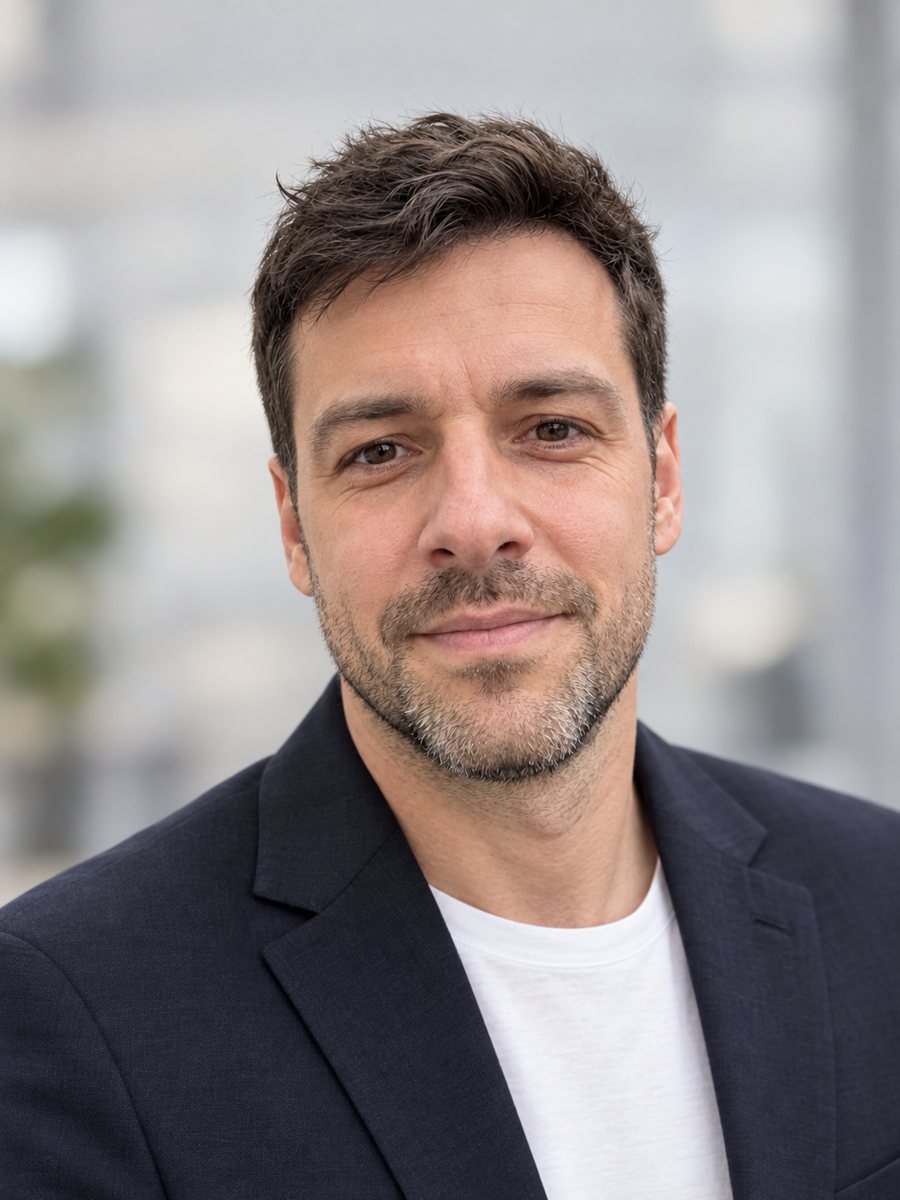 Make a LinkedIn headshot from a selfieTurn a casual selfie into a professional LinkedIn headshot with a blazer and a soft studio backdrop. Ready...
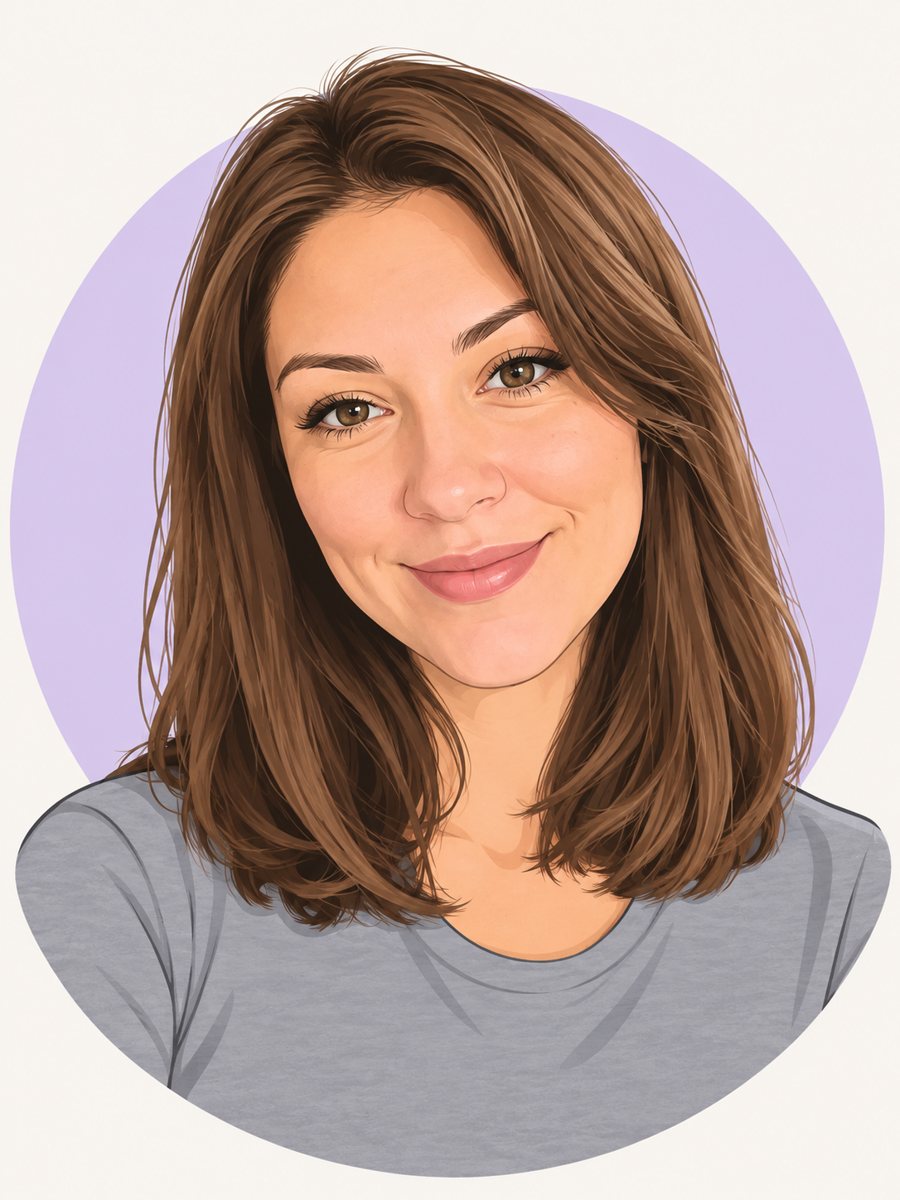 Make a cartoon avatar from your photoDraw a friendly cartoon avatar from your photo in clean vector style with a pastel circle background....