A free AI headshot generator for LinkedIn and your CV
Most headshot tools ask for a card or ten photos before showing anything. Here you send one selfie, get a studio-style headshot, and see if the likeness works before you spend a cent. The starter credits cover seven tries.
- 2 credits per image
- Result in 1–2 minutes
- No sign-up
In short: Try an AI headshot for LinkedIn or a CV with one selfie: neutral backdrop, office clothing, soft studio light. 15 starter credits give 7 images, no card needed.
- Where: the VisuMate bot in Telegram, no app or sign-up.
- Cost: 2 credits per image, 7 images free, then packs from 129 Telegram Stars.
- Time: 1 to 2 minutes per image, rerun with a new instruction at the same price.
- Credits never expire, there is no subscription and no auto-renew. You pay once for a pack inside Telegram with Stars.
When you need this
- A studio session costs more than your patience allows.
- Your phone selfie has a messy room behind you.
- Tools ask for a subscription before the first preview.
How to do it
- 1
Press the button to open @visumate_ai_bot in Telegram. No sign-up, and new users get 15 free credits, which is 7 images.
- 2
Send one front-facing selfie as a file. In the caption write: 'LinkedIn headshot, dark blazer, soft gray backdrop, natural smile'.
- 3
In 1-2 minutes the headshot arrives for 2 credits. Check the eyes, collar and hairline against your original.
Try it on your own photo: 7 images are free, no sign-up.
Make it in TelegramWhat free means here
New users receive 15 credits on first launch and each image costs 2, so seven headshots cost nothing. There is no card step and no sign-up. After that, credit packs are sold through Telegram Stars. You can try several outfits and backdrops on the free credits and decide whether the likeness is good enough for your page. Nothing is charged until the free credits run out, and you see each result before you decide to continue.
Making it look like you
A headshot should look like you on a good day. Send a sharp photo, remove sunglasses and heavy filters, and list the details people notice, such as a beard or round glasses. Keep the caption short and about clothing, backdrop and mood. If a retouching feel creeps in, ask for natural skin. Compare against your original and rerun if the face smoothed too much.
Where to post it
Use the headshot on a work network, a CV header, a speaker bio or an email signature. Some employers and platforms have rules about edited photos, so read the policy of the site where you post. A realistic image should still resemble your current appearance when you meet people. Update it when your hair, glasses or beard change, and keep the original selfie nearby so you can compare the two side by side.
Tips
- Face a window for even light.
- Name the clothing you would wear to a first meeting.
- Ask for a natural smile, with no wide grin.
- Try two backdrops and pick the calmer one.
Questions and answers
Is the headshot good enough for LinkedIn?
It is built for that use. Check the site's photo rules before posting.
Do I need to upload many photos?
No. One clear selfie is enough.
What does it cost?
2 credits per image. New users get 15 free credits, so 7 images cost nothing. After that packs start at 129 Telegram Stars, about $2.6 and credits do not expire.
Does the bot work in English?
Yes. It picks up your Telegram language on first launch. You can switch it any time with /lang.
What the bot does not do
- Works from one photo. Likeness depends on the photo you send, and some styles change features more than others.
- Does not make video or animation.
- Does not output a transparent PNG.
- Does not retouch passport or ID photos.
More in "Photo styles"
- AI headshot maker, free to tryMake a professional headshot from a selfie in Telegram: business clothes, neutral backdrop, soft light. 7...
 Create a professional headshot from your photoMake a polished headshot with a light gray backdrop, soft studio light and natural retouching. Ready...
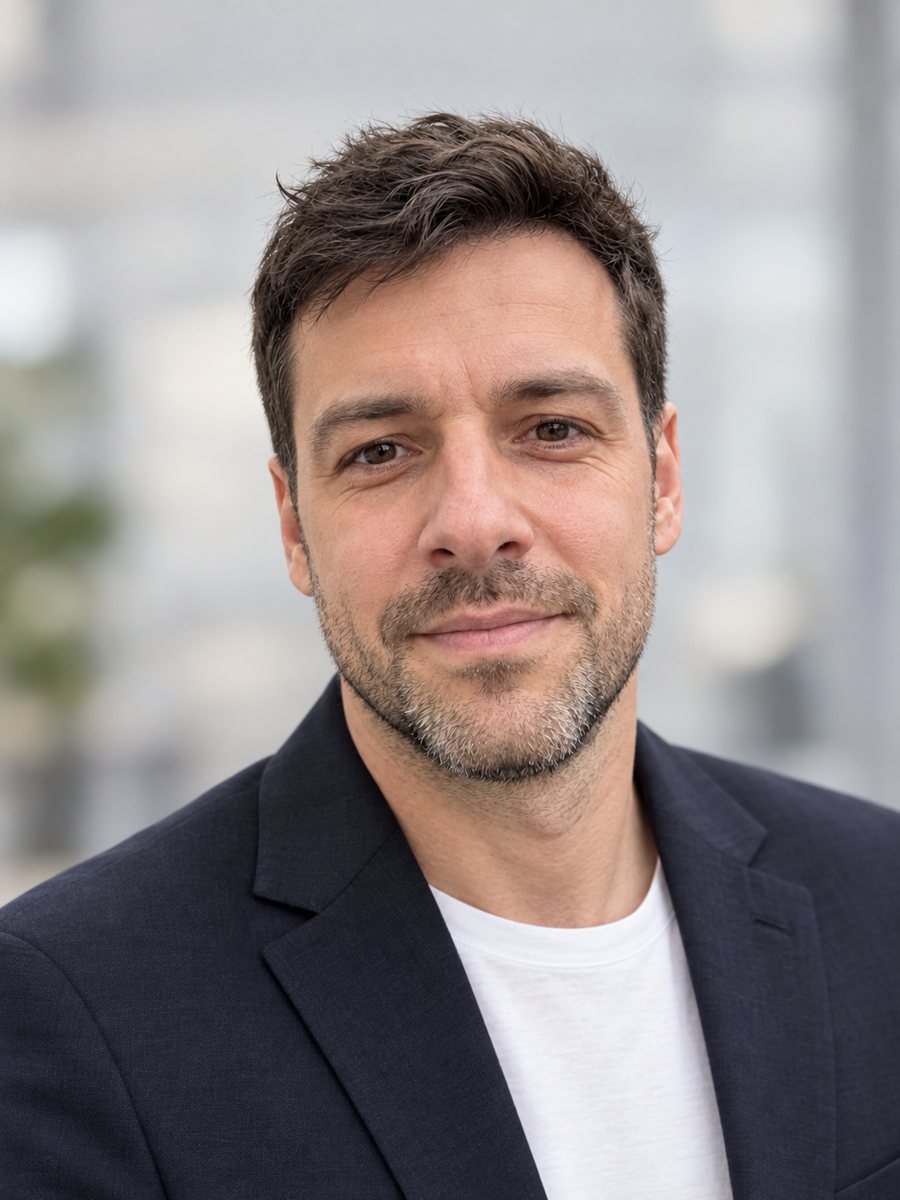 Make a LinkedIn headshot from a selfieTurn a casual selfie into a professional LinkedIn headshot with a blazer and a soft studio backdrop. Ready...
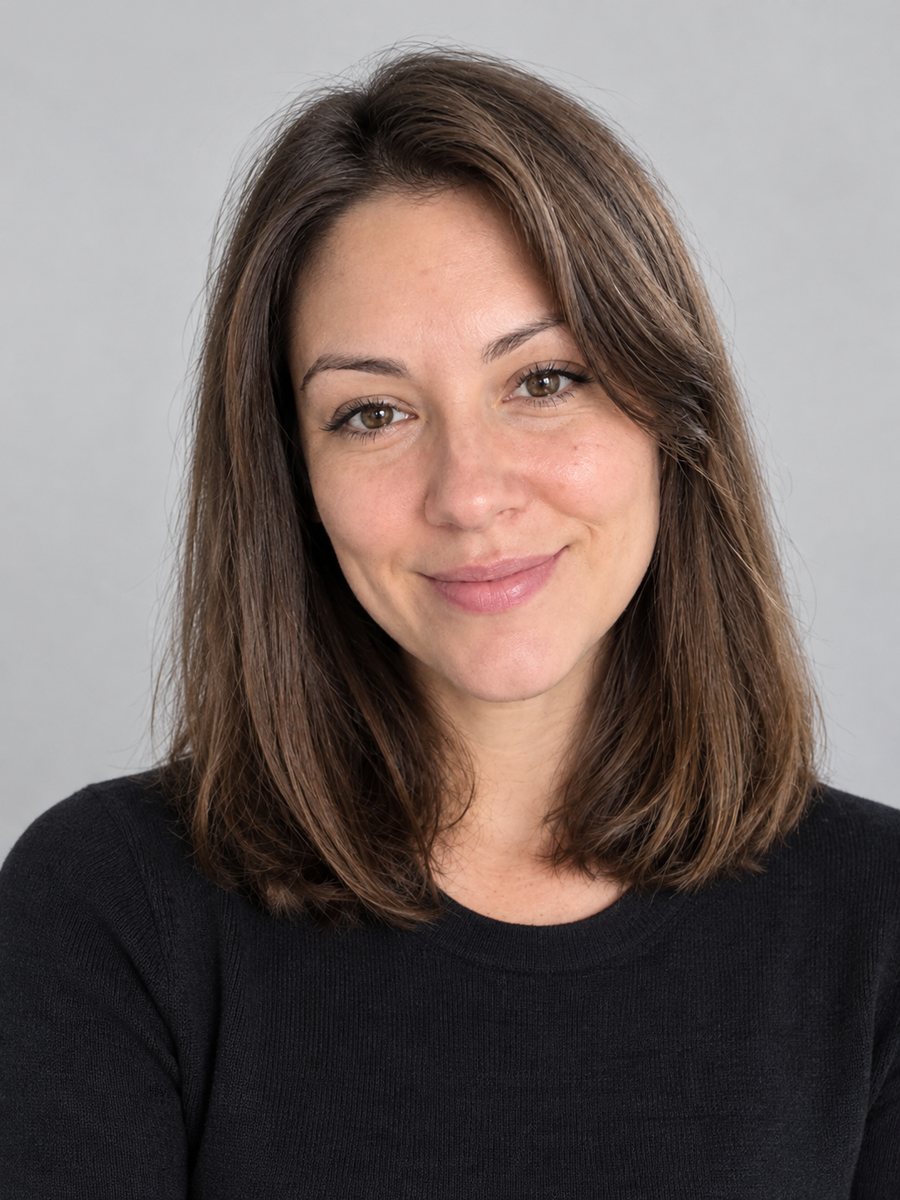 Create a CV photo from a selfieTurn a selfie into a neutral CV photo with a light gray background, smart casual top and even light. Copy...