TikTok Shop product image size
TikTok Shop wants product images that read at a glance. This page covers the shape sellers plan for, what to keep off the main image, and how to get a clean 3:4 image from a phone photo.
- 2 credits per image
- Result in 1–2 minutes
- No sign-up
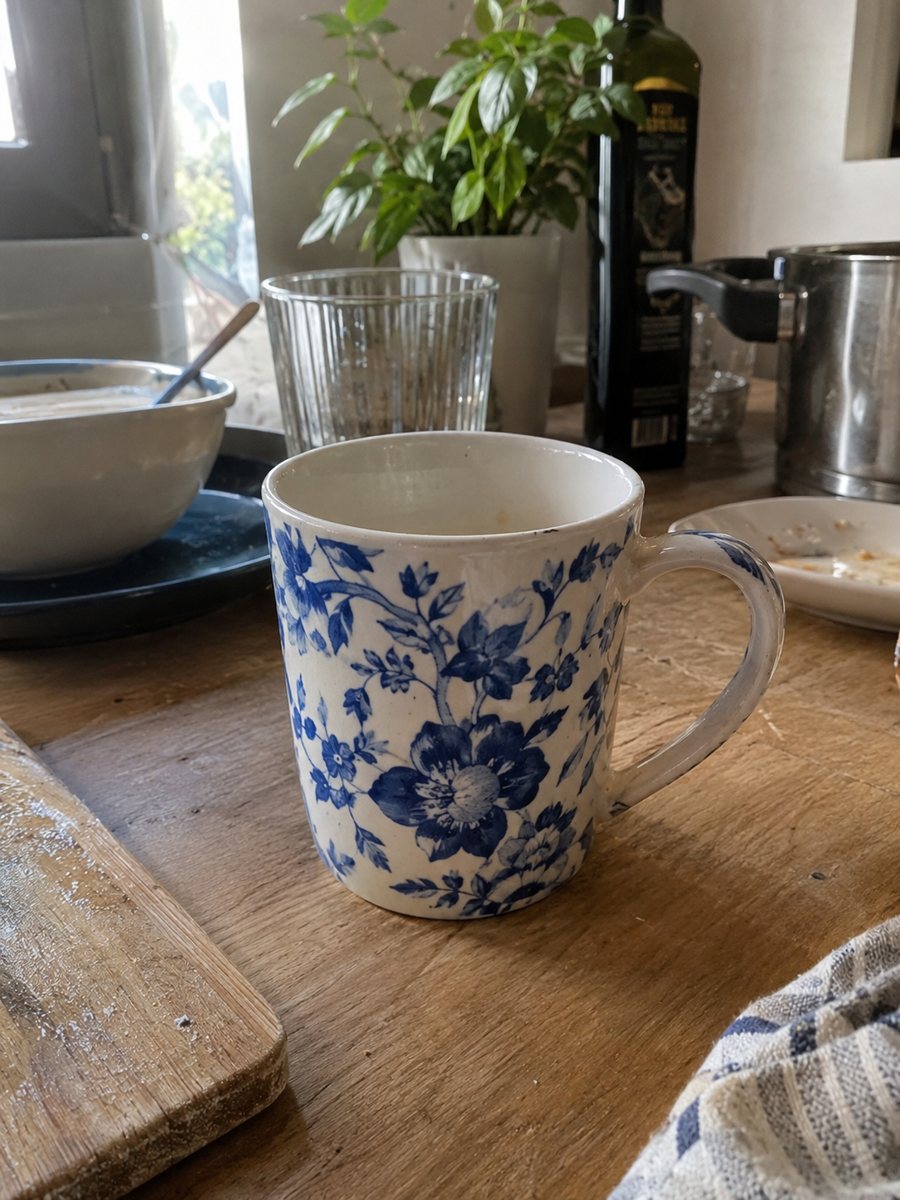
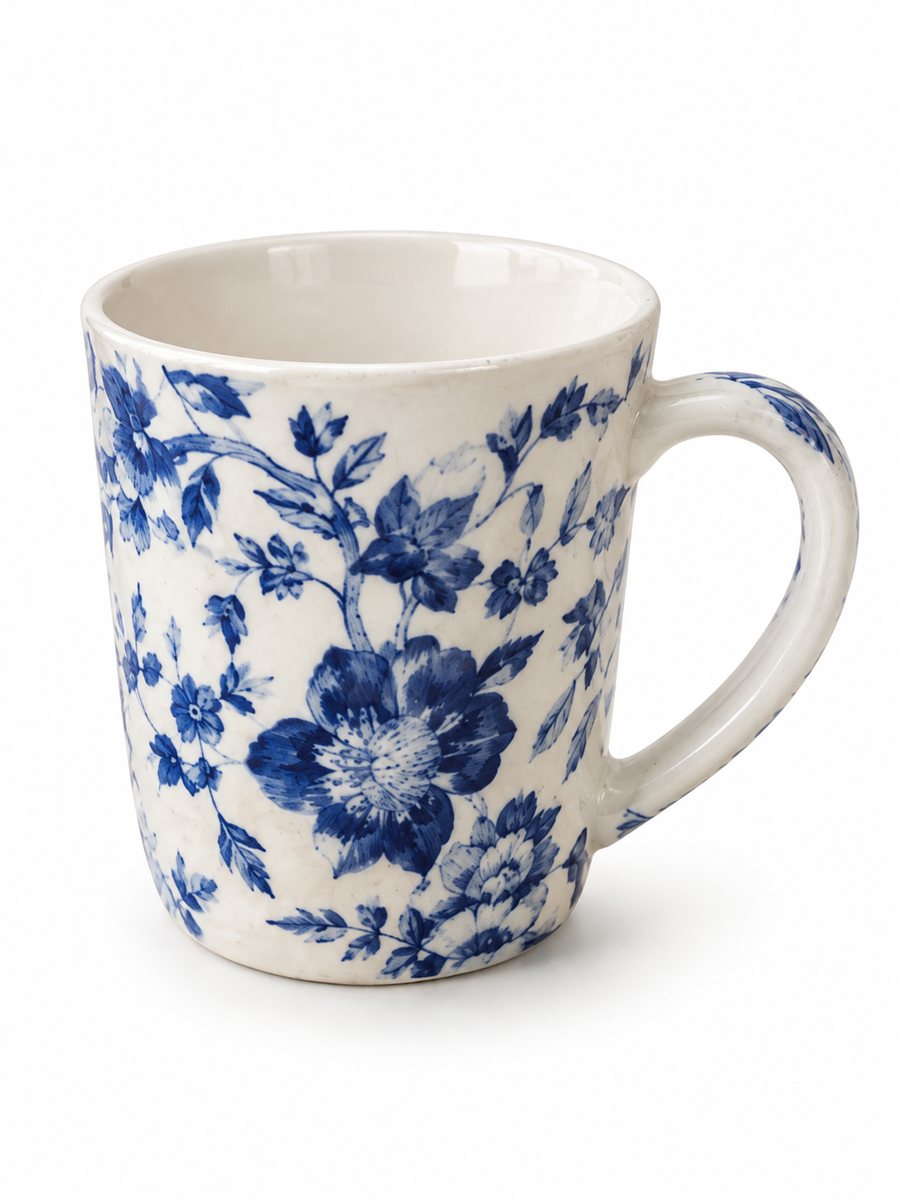 BeforeAfter
In short: TikTok Shop product image size in plain words: square-friendly main image, sharp files, clean background. 3:4 shots from a phone photo, 7 images free.
- Where: the VisuMate bot in Telegram, no app or sign-up.
- Cost: 2 credits per image, 7 images free, then packs from 49 Telegram Stars.
- Time: 1 to 2 minutes per image, rerun with a new instruction at the same price.
- Credits never expire, there is no subscription and no auto-renew. You pay once for a pack inside Telegram with Stars.
When you need this
- Your product image is rejected or flagged in the seller center.
- The main image looks cluttered next to other listings.
- You do not know whether to shoot square or vertical.
How to do it
- 1
Open @visumate_ai_bot with the button on this page and press Start. The link opens the product photo menu.
- 2
Send the photo of the item as a file (document). In the caption write what you need, for example: "pure white background, soft studio light, product centered".
- 3
The vertical 3:4 image comes back in 1–2 minutes. Download it and crop or resize in an editor to the ratio your listing form asks for.
Try it on your own photo: 7 images are free, no sign-up.
Make it in TelegramSquare and vertical formats
Product images in shops are commonly square, and some placements work with vertical pictures. The exact pixel size and ratio depend on the placement and the category, and TikTok updates them, so open the image rules in your seller center to confirm. A safe habit is to shoot with the product centered and to keep a margin, so either crop works. The bot returns 3:4, and you can crop it to a square or leave it vertical.
The main image
Marketplaces generally prefer a plain background on the main image and no promotional text. A white background from the bot keeps the product the same and removes distractions. Keep promos, discount badges and logos for banners or later images, if the rules allow them. If a listing is rejected, read the message in the seller center and compare it with the platform rules before you guess.
Pictures that match your videos
Shoppers often come from a video, then check the listing pictures. A scene picture in the style of your video helps the page feel connected. Use the scene preset and describe the setting in the caption, for example "on a kitchen counter, morning light". The bot makes still images only, so you shoot the video separately. Use the same props and colors in both and the page feels like one story to a shopper who arrives from the video.
Tips
- Read the image rules in your seller center before you export, since categories can differ.
- Keep the product large in the frame with a thin margin.
- Keep text, logos and price stickers off the main image.
- Add lifestyle images as the secondary pictures.
- Use a high-resolution original and let the platform shrink it.
Questions and answers
What ratio does TikTok Shop use?
Square images are common, but rules vary by placement and category. Check your seller center.
Does the bot make video?
No. It makes still images, 3:4 vertical.
Can I add a promo badge?
Keep badges off the main image. You can request an infographic for extra pictures and proofread the text.
What does one image cost?
Each image takes 2 credits, and the first 15 credits are free.
Can I make several products in one image?
Yes, you can send up to 5 photos as an album and the bot merges them.
What the bot does not do
- Does not output a transparent PNG. The result is a finished 3:4 image with a background.
- Does not write listing copy, set prices or upload anything to your seller account.
- Does not guarantee exact marketplace pixel sizes: crop or resize the 3:4 image in any editor.
- Text on infographics is drawn by AI and can have letter errors in long phrases. Keep badges short and proofread.
More in "Product photos"
- Marketplace photo requirementsMarketplace photo requirements for Amazon, Etsy and eBay in plain terms: background, size and text. Check...
- Product photos for marketplacesProduct photos for marketplaces: white background, studio shots, lifestyle scenes, infographics and...
- Shopify product image size and aspect ratioShopify product image size and aspect ratio: maximum dimensions, file size, formats, one ratio across the...
- Product lifestyle photo ideasProduct lifestyle photo ideas for sellers: kitchen, bath, desk, gym, beach and garden scenes you can write...