Electronics feature infographic
Electronics shoppers compare specs. Send a close photo of the gadget, write the main facts in the caption and the bot draws them on badges.
- 2 credits per image
- Result in 1–2 minutes
- No sign-up
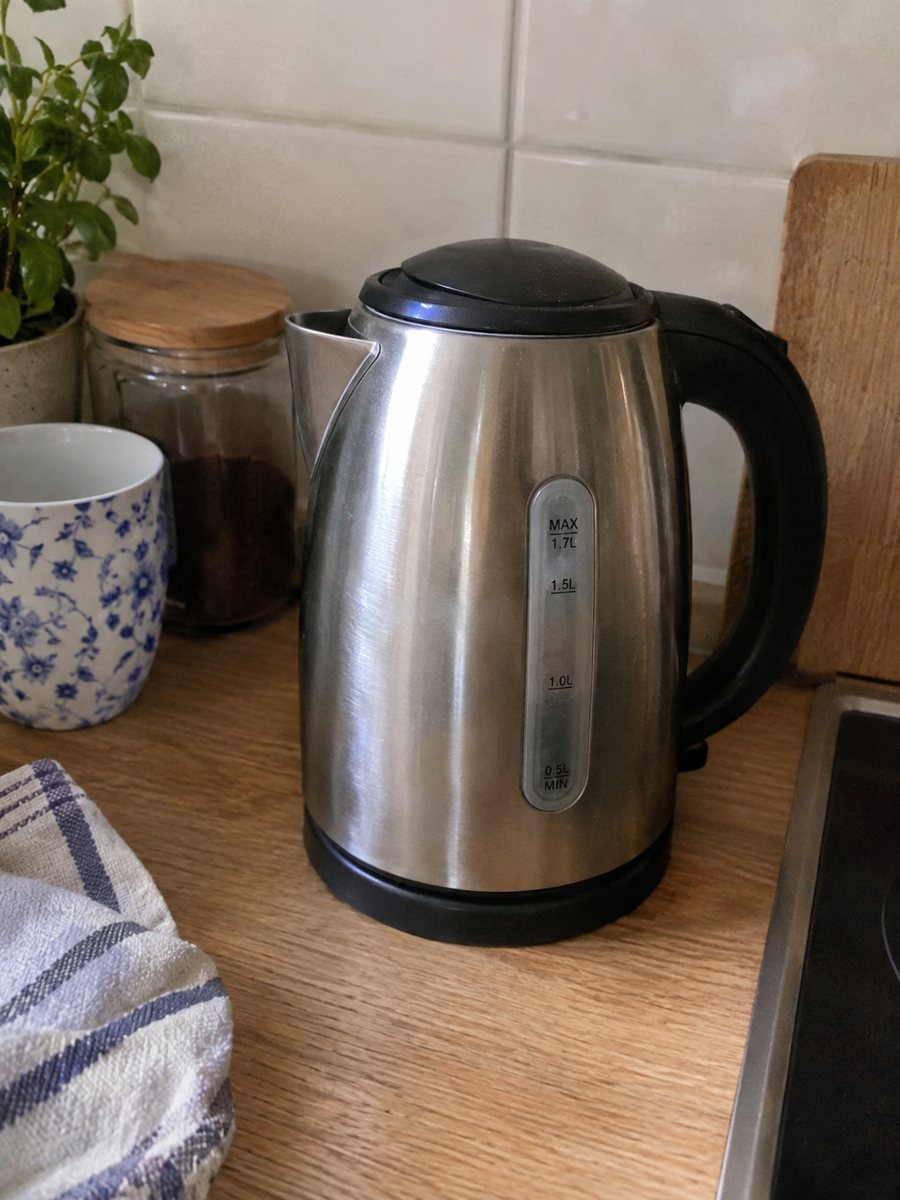
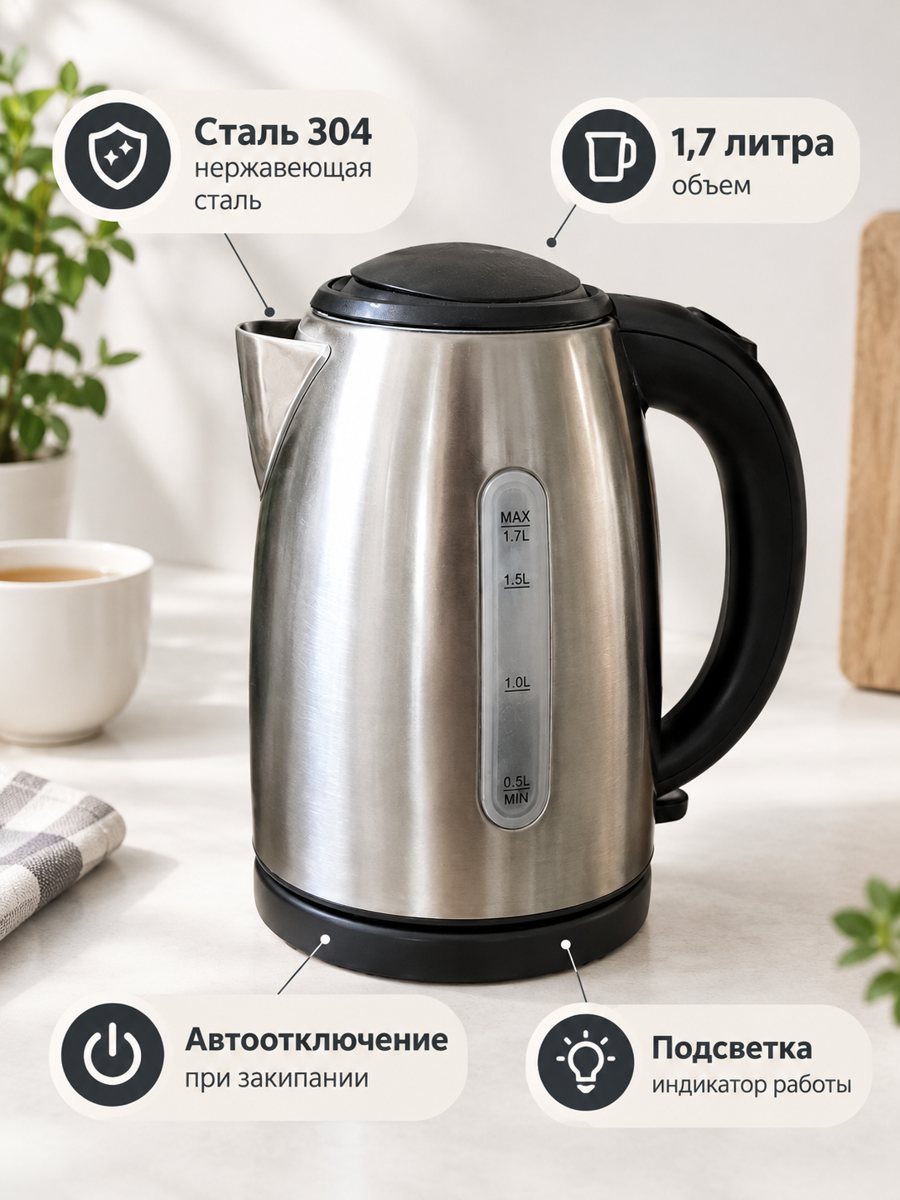 BeforeAfter
In short: Electronics feature infographic: a gadget close-up with 3 or 4 spec badges from your caption, like battery or ports. Vertical 3:4. 7 images free.
- Where: the VisuMate bot in Telegram, no app or sign-up.
- Cost: 2 credits per image, 7 images free, then packs from 49 Telegram Stars.
- Time: 1 to 2 minutes per image, rerun with a new instruction at the same price.
When you need this
- Specs are buried in the description.
- A competitor lists the same features but shows them better.
- Your product has a clear advantage and no image that says so.
How to do it
- 1
Open @visumate_ai_bot with the button on this page and press Start. The link opens the infographic mode.
- 2
Send a close photo of the gadget as a file (document). In the caption list the benefits, separated by commas: "20 W fast charging, USB C port, 2 m cable".
- 3
In 1–2 minutes the vertical 3:4 image arrives in the chat. Read every badge letter by letter, then download it or run again.
Try it on your own photo: 7 images are free, no sign-up.
Make it in TelegramNumbers must be right
In electronics a wrong digit is a returned item. Write specs exactly as on your datasheet and compare each badge with it. Keep to a few badges. If the AI changes a digit, rerun with a shorter caption. Do not state compatibility you did not test. The image comes back as a vertical 3:4 picture, so check how your listing crops it.
Pairing with other images
Use the white background for the main image, the infographic for specs, a lifestyle shot for context, and plain phone pictures of ports and the box. This mix answers most pre-sale questions. The bot makes the pictures, and you write the facts. Send a close, sharp photo as a file so Telegram keeps the full detail of your product. Write the benefits in the caption separated by commas, and keep each one to a few words.
Tips
- Use verifiable specs: 20 W, USB C, 2 m cable.
- Keep numbers and units exact.
- Avoid claims like fastest or best.
- Check all digits after the run.
Questions and answers
Can it add a port diagram?
It draws short badges, not technical diagrams.
What if the digits come out wrong?
Rerun with a shorter caption and check every digit.
How long does one image take?
Usually 1–2 minutes. The result arrives in the chat, and you can download it or run the photo again.
What if the result is not right?
It is AI, so sometimes a rerun is needed. A second run costs the same 2 credits, and a clearer caption usually helps.
More in "Product photos"
- Kitchenware infographic imagesKitchenware infographic images: a close-up of your pan or tool with 3 or 4 badges from your caption, like...
- Pet product infographic imagesPet product infographic images: a close-up of a toy, bed or bowl with 3 or 4 badges from your caption,...
- Etsy infographic listing photoEtsy infographic listing photo: show materials, size and care facts on badges around a close-up of your...
- Remove the background from a product photoRemove the background from a product photo and place the item on pure white with a soft shadow. Send a...