Product photo with a red background
Red grabs attention in a feed. Send a phone photo, write the shade, and the bot returns a vertical 3:4 studio shot on red with soft light and a clean shadow.
- 2 credits per image
- Result in 1–2 minutes
- No sign-up
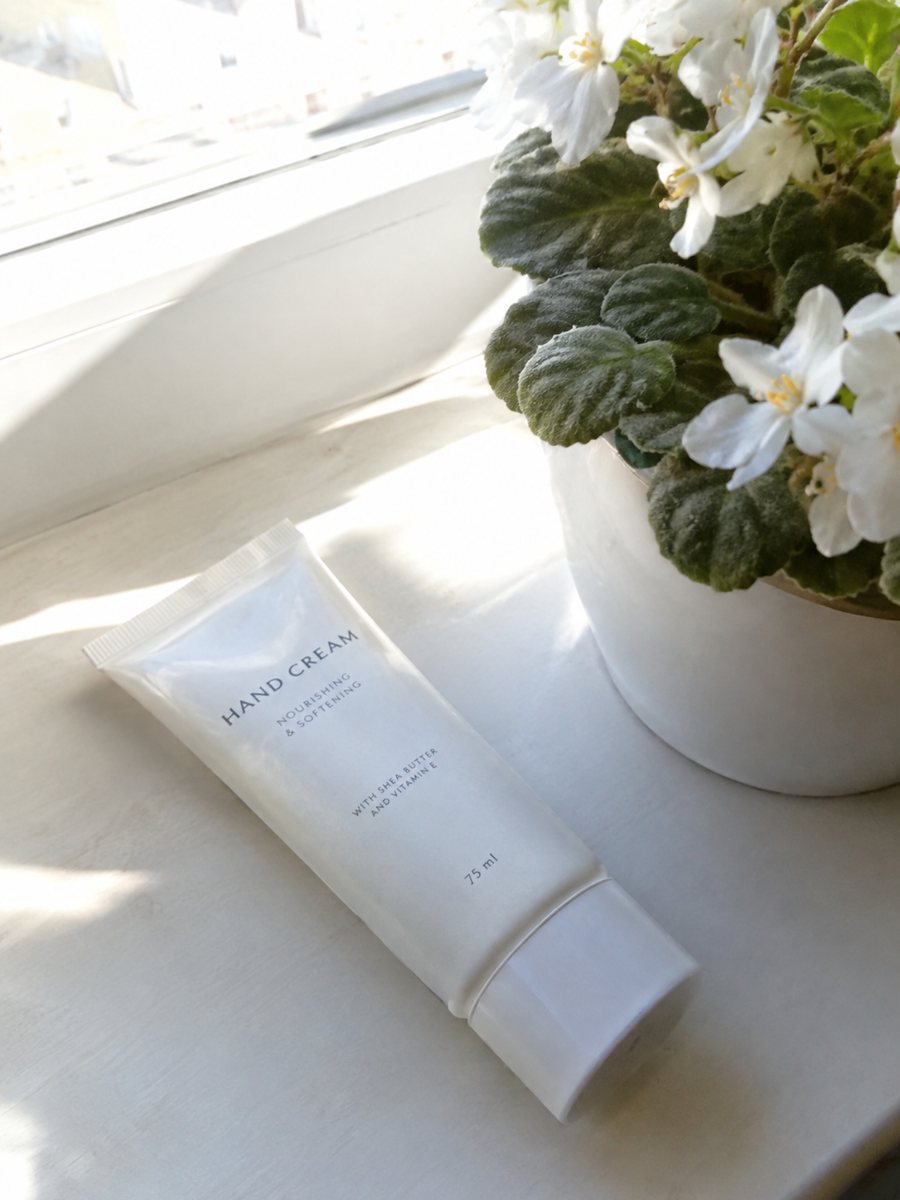
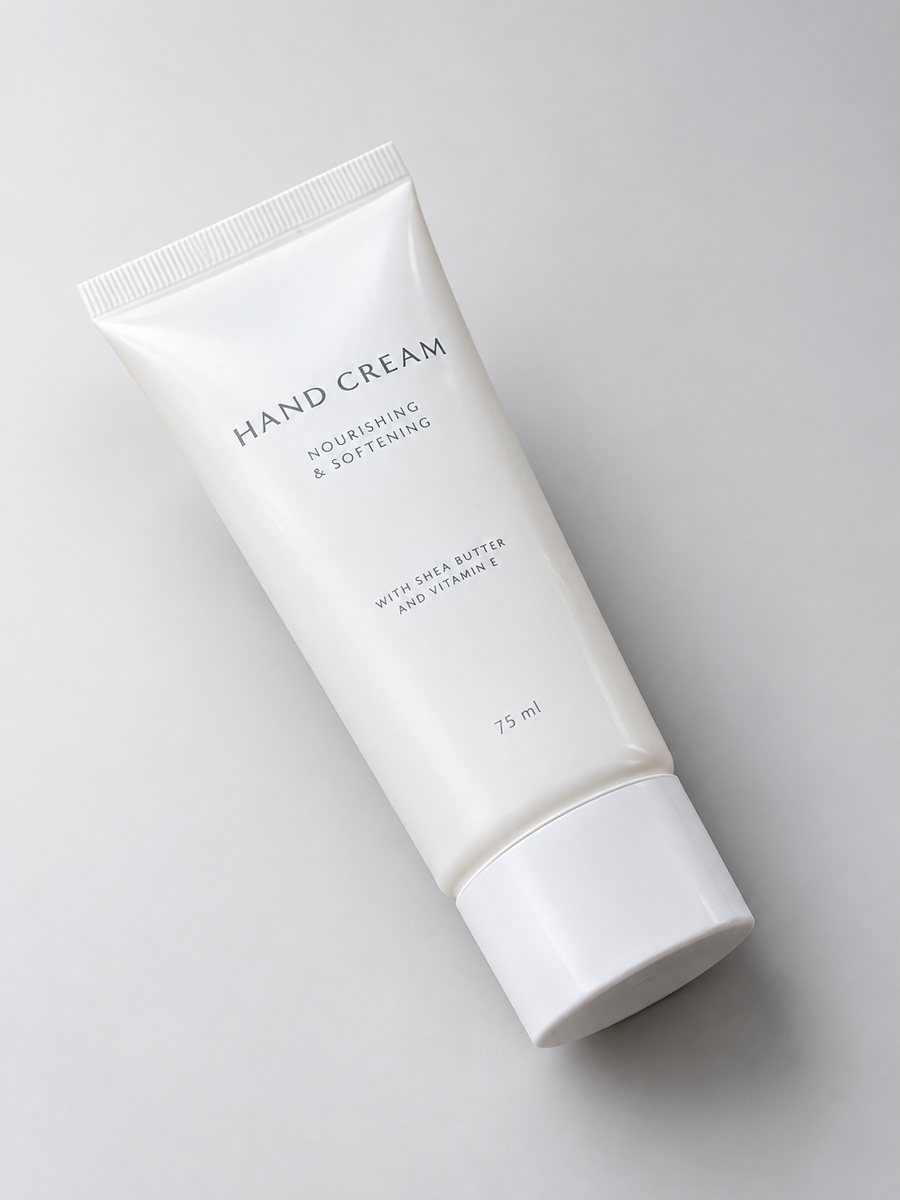 BeforeAfter
In short: Product photo with a red background from a phone picture: caption to send, products that pop on red, and when red swallows the item. 7 images free.
- Where: the VisuMate bot in Telegram, no app or sign-up.
- Cost: 2 credits per image, 7 images free, then packs from 49 Telegram Stars.
- Time: 1 to 2 minutes per image, rerun with a new instruction at the same price.
- Credits never expire, there is no subscription and no auto-renew. You pay once for a pack inside Telegram with Stars.
When you need this
- Your sale post blends into the feed.
- A neutral photo looks too quiet for a bold brand.
- You need a holiday red without props.
How to do it
- 1
Start the bot from the button here and press Start.
- 2
Send the item as a file. Caption: "deep red background, studio light".
- 3
Save the image after 1 to 2 minutes. Use "bright red" or "burgundy" for another mood.
Try it on your own photo: 7 images are free, no sign-up.
Make it in TelegramProducts that suit red
White sneakers, black bottles, gold jewelry, white packaging, tech accessories and gift items stand out against red. Deep red also works for wine and chocolate packaging. The bot keeps the object and changes the surround, so check printed text and logos against your original photo. Red is also common for sale and holiday banners, so the same product can carry one color across a campaign. Check how the hue reads on a phone screen, since red can look stronger there.
When red hurts
Red products vanish, and red light can cast a color tint on shiny or white items. Warm skin tones in cosmetics can look off too. Choose a neutral backdrop in those cases. Marketplace main images usually require pure white, so use red shots as secondary images, in ads, posts and your own site. Check the current help page of the marketplace for the main image rule.
Tips
- Bright red is loud, burgundy is calm and adult.
- White, black and gold products look best on red.
- Skip red for red products and for skin-colored items.
- Keep a white copy, since marketplace main images usually need it.
Questions and answers
Will the reflection turn red?
Shiny items can pick up red tint. Check the result and rerun with "neutral reflections" if needed.
Is it good for a sale?
Red suits sale mood, but keep the main image plain where required.
Can I add text?
No, product photos have no text. Add it in an editor if you need it.
How many free images?
Seven images at no cost.
What the bot does not do
- Does not output a transparent PNG. The result is a finished 3:4 image with a background.
- Does not write listing copy, set prices or upload anything to your seller account.
- Does not guarantee exact marketplace pixel sizes: crop or resize the 3:4 image in any editor.
- Text on infographics is drawn by AI and can have letter errors in long phrases. Keep badges short and proofread.
More in "Product photos"
- Black Friday product photos from a phone pictureMake Black Friday product photos from one phone picture: dark table, gift-box mood, clean secondary...
- Valentine's Day product photosValentine's Day product photos for jewelry, candles and gifts: soft pink and red scenes from one phone...
- Product photo with a black backgroundMake a product photo with a black background from a phone shot: the exact caption, products that suit it...
- Product photo with a gradient backgroundProduct photo with a gradient background: pick the color in the caption and get highlights and a realistic...