Flat lay product photos with AI
A flat lay is a product shot from above on a styled surface. You describe that look in the caption, and the bot builds a studio picture around your item. It is a wish and not a fixed template, so the angle and layout may differ from what you imagined.
- 2 credits per image
- Result in 1–2 minutes
- No sign-up
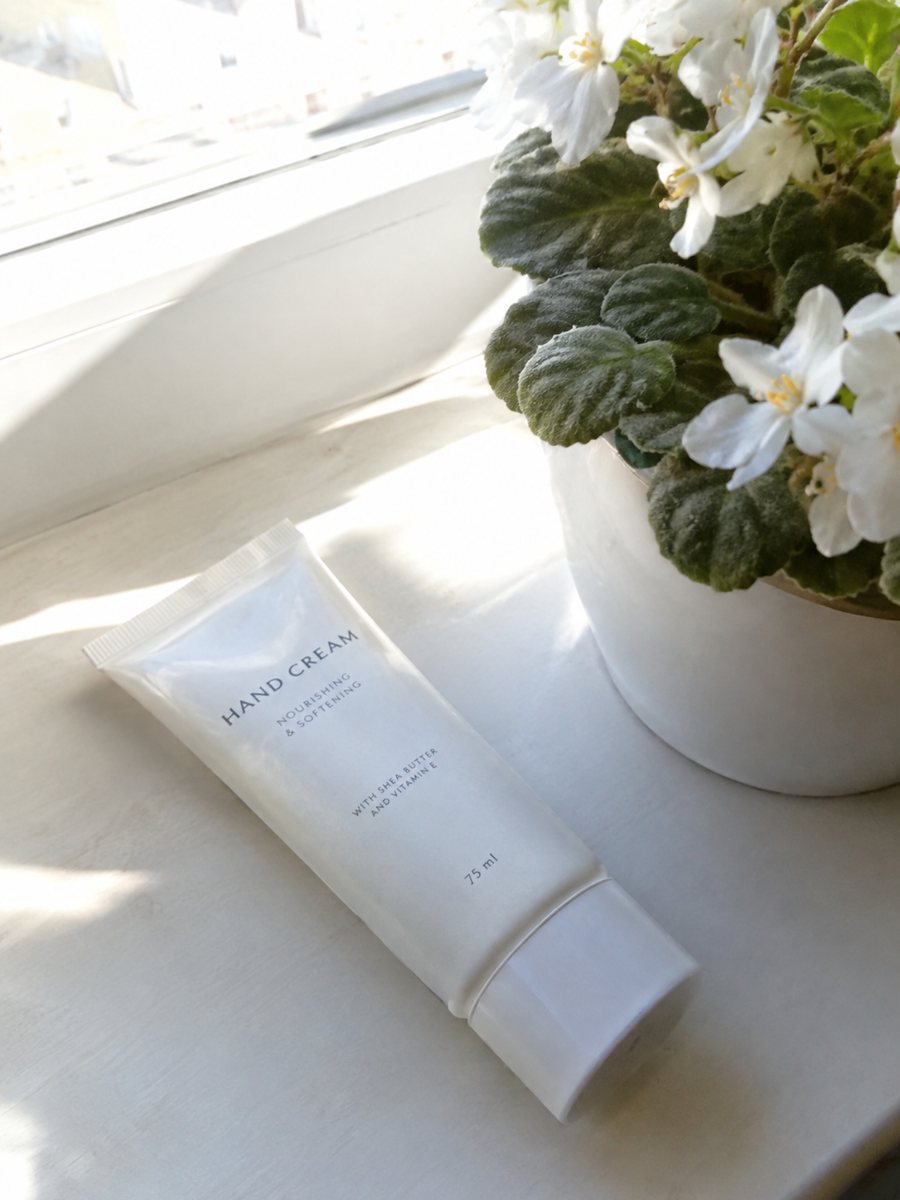
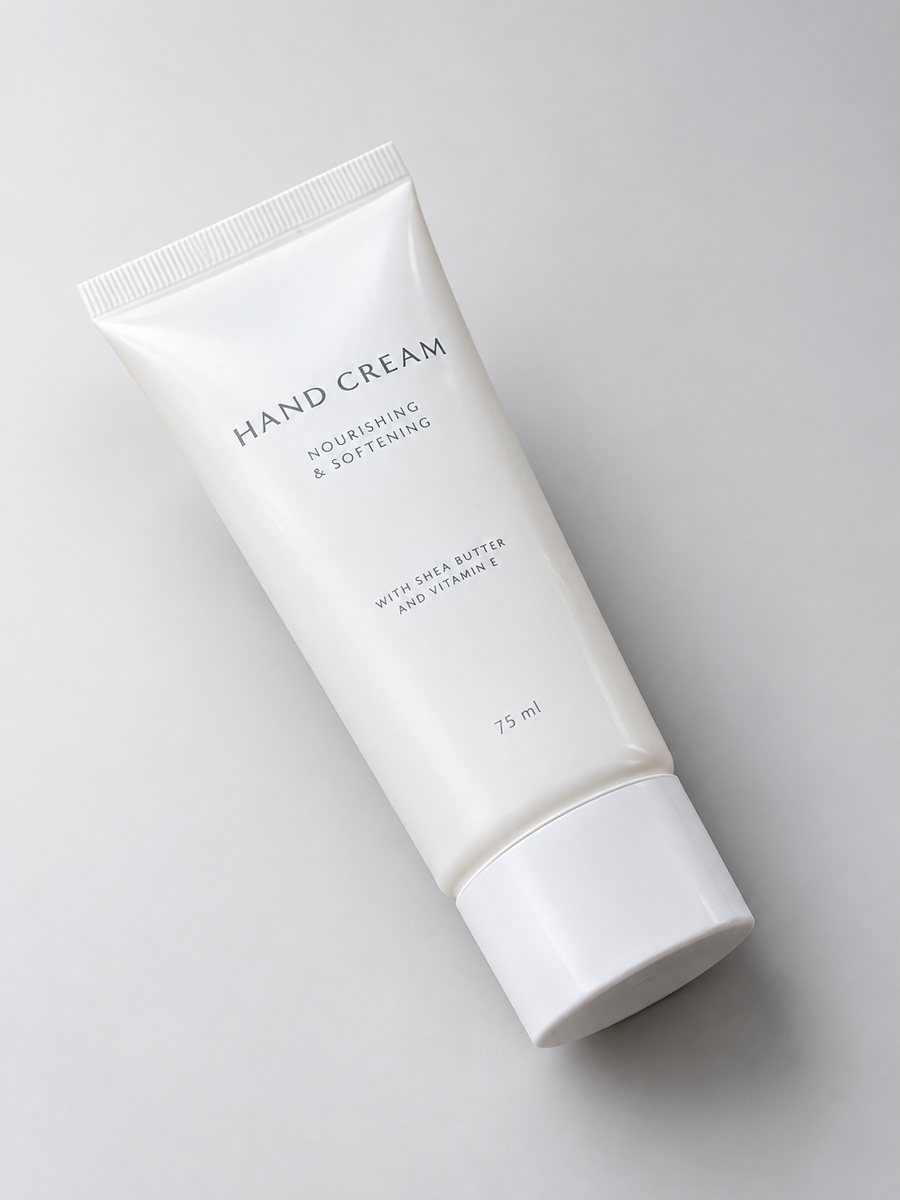 BeforeAfter
In short: Flat lay product photos with AI: describe a top-down arrangement in the caption and get a styled 3:4 image from a phone photo. 7 images free, then 49 Stars.
- Where: the VisuMate bot in Telegram, no app or sign-up.
- Cost: 2 credits per image, 7 images free, then packs from 49 Telegram Stars.
- Time: 1 to 2 minutes per image, rerun with a new instruction at the same price.
- Credits never expire, there is no subscription and no auto-renew. You pay once for a pack inside Telegram with Stars.
When you need this
- You have no tripod or overhead setup.
- Your table is not photogenic.
- Styled flat lays take an hour of arranging props.
How to do it
- 1
Open @visumate_ai_bot with the button on this page and press Start. The link opens the studio menu.
- 2
Send the photo of the item as a file (document). In the caption write what you want, for example: "flat lay from above, light beige paper background, soft shadow".
- 3
In 1–2 minutes the vertical 3:4 image arrives. If the angle is not top-down, rerun with the wish repeated more clearly.
Try it on your own photo: 7 images are free, no sign-up.
Make it in TelegramWhat the bot does with a flat lay wish
The bot reads the caption as a wish. Most of the time it gives a clean studio shot with the product from a high angle on a colored surface. Sometimes it picks a different angle or adds a different arrangement. The product itself stays as it is: shape, color and print. A rerun costs the same as the first run, so a few tries to land the layout is normal.
Surfaces and props
Name the surface in plain words: paper, marble, linen, wood. Name the light: soft, side, bright. Then name at most two or three props, such as leaves or a cup. More items in the caption make the result less predictable. If you need an exact arrangement of your own props, photograph the whole set with your phone and use the bot to clean the background and light.
Sets of several items
You can send up to 5 photos as an album, and the bot merges them into one image. That helps with a flat lay of a small set, such as a gift box with a few items. The merged result may place the items differently than you planned, so check the arrangement and rerun if one item is hidden. For catalog pages, make single-item pictures too.
Tips
- Shoot the original as flat as you can, so the bot sees the full shape of the item.
- Say "top-down view" and the surface color in the caption.
- Ask for few props. A crowded flat lay hides the product.
- Expect to rerun once or twice to get the angle you want.
- Keep the product itself in the middle of the original photo.
Questions and answers
Does the bot shoot a true top-down angle?
It tries to follow the wish, but the angle may vary. Rerun if it does not match.
Can I add my own props?
You can send several photos as an album. The merged result may arrange them differently.
Does the item change?
The item stays as it is. The surface, light and surroundings change.
Which shape does the picture have?
Vertical 3:4. Crop it in an editor if you need another shape.
What does a rerun cost?
A rerun is a new image at 2 credits, and new users have 15 free credits.
What the bot does not do
- Does not output a transparent PNG. The result is a finished 3:4 image with a background.
- Does not write listing copy, set prices or upload anything to your seller account.
- Does not guarantee exact marketplace pixel sizes: crop or resize the 3:4 image in any editor.
- Text on infographics is drawn by AI and can have letter errors in long phrases. Keep badges short and proofread.
More in "Product photos"
- Studio product photography with your phoneStudio product photography with just a phone: send a picture and get a gradient backdrop, highlights and...
- Product photo with a gradient backgroundProduct photo with a gradient background: pick the color in the caption and get highlights and a realistic...
- Product lifestyle photo ideasProduct lifestyle photo ideas for sellers: kitchen, bath, desk, gym, beach and garden scenes you can write...
- Lifestyle product photography with AILifestyle product photography with AI: send a phone picture, describe the scene and get your product in a...