Candle product photos on a white background
A candle jar on a kitchen counter shows the counter more than the candle. Send the photo and the bot gives you the jar or pillar on pure white, with a soft shadow, so the label and wax color are easy to read.
- 2 credits per image
- Result in 1–2 minutes
- No sign-up
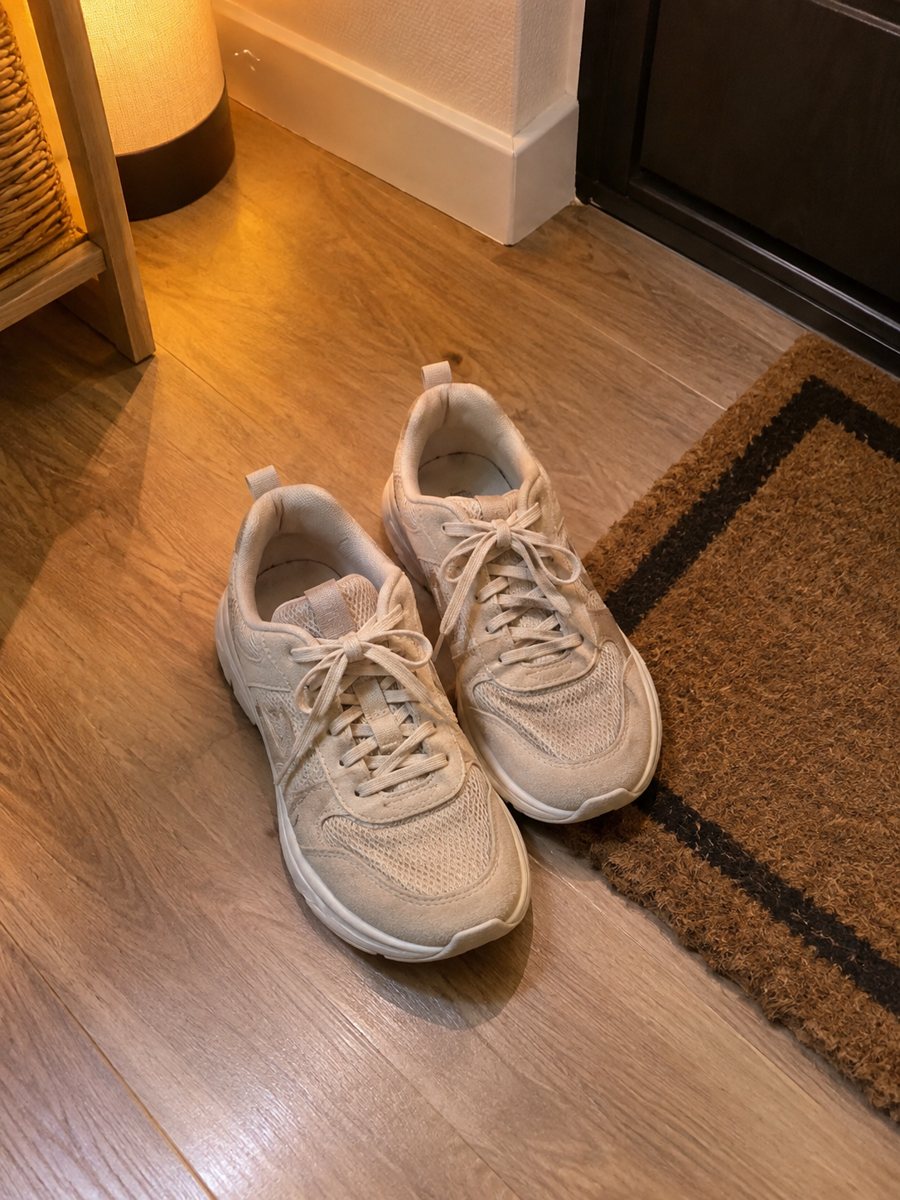
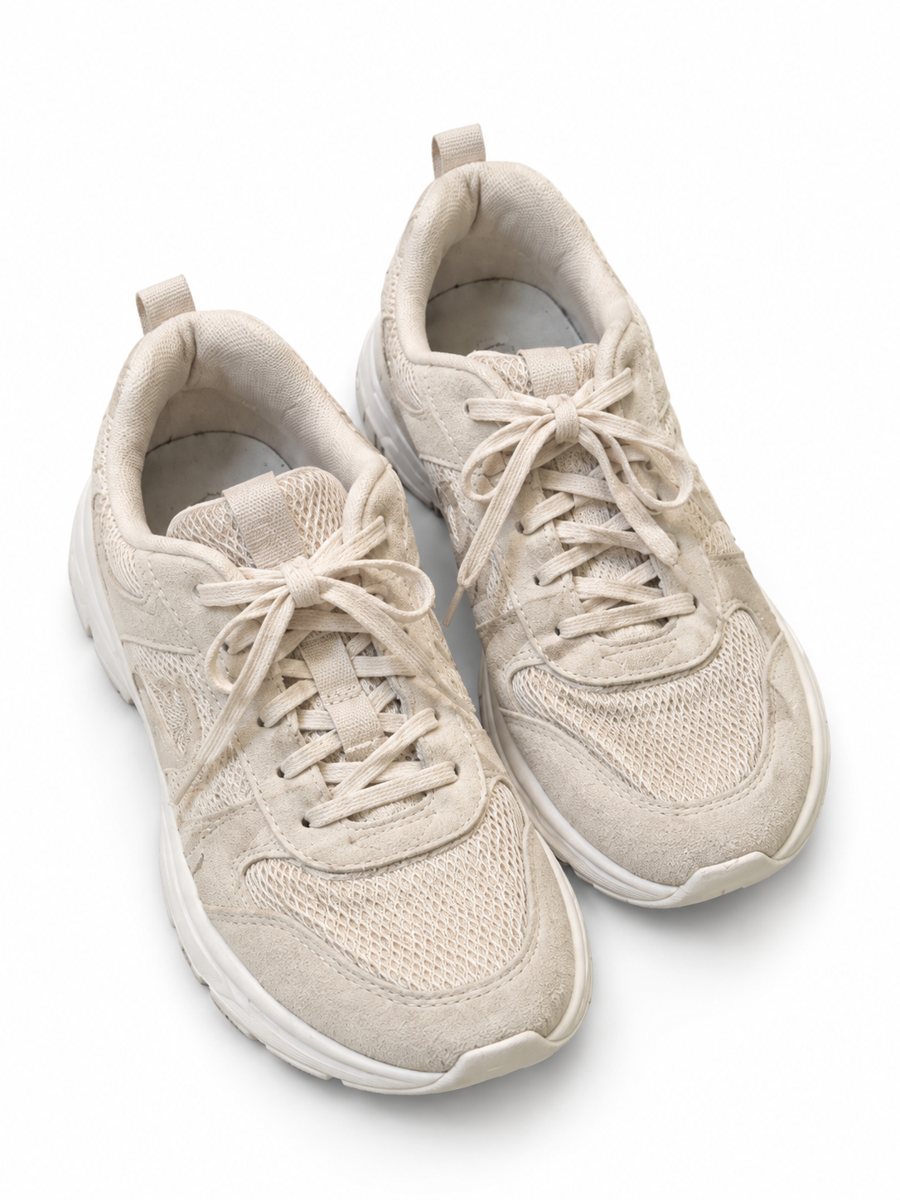 BeforeAfter
In short: Candle product photos on white: send a phone picture of a jar or pillar candle and get a clean listing image with a soft shadow in 1–2 minutes. 7 images free.
- Where: the VisuMate bot in Telegram, no app or sign-up.
- Cost: 2 credits per image, 7 images free, then packs from 49 Telegram Stars.
- Time: 1 to 2 minutes per image, rerun with a new instruction at the same price.
When you need this
- The glass jar reflects the window and your phone.
- Your label looks crooked and yellow in indoor light.
- You launch five scents and need matching pictures.
How to do it
- 1
Open @visumate_ai_bot with the button on this page and press Start. The link opens the product-on-white mode.
- 2
Send the photo of the candle jar as a file (document) so Telegram does not compress it. In the caption write: "pure white background, keep the label and wax color".
- 3
In 1–2 minutes the vertical 3:4 image arrives in the chat. Zoom in on the edges and the shadow of the candle jar, then download it or run again.
Try it on your own photo: 7 images are free, no sign-up.
Make it in TelegramLabel and wax color
Buyers pick a scent by the look: wax color, label design and jar shape. Use daylight and a plain wall behind the candle. Write the real wax color in the caption. If the label has small text, compare each line with the original, because AI can blur or change tiny letters. Zoom in on the edges after the run, because that is where a cutout shows its weak spots.
Making a scent line match
When you sell several scents, matching pictures make the shop look like a brand. Keep the same caption, the same distance and the same angle for every jar. Process all candles in one session. Only the label and wax color should differ between the images, and those are the things you verify at full size. Check the pixel size of the downloaded file against the rule for your marketplace and category.
Tips
- Turn the label toward the camera and keep the jar level.
- Photograph the lit and unlit candle separately and use unlit for the white image.
- Name the scent and wax color in the caption so you can sort the files.
- Check text on the label for letter errors after the run.
Questions and answers
Will the label text stay readable?
Large text usually stays. Tiny print can blur or change, so check it at full size and keep the original label photo for close-ups.
Can I show a burning flame?
Use the lifestyle mode for a lit candle on a table. This mode makes a clean white picture of the object.
Does the bot write the listing text?
No. It makes the image only. It does not write listing copy, calculate prices or upload to your seller account.
Is the bot menu in English?
The bot replies in English, and the link from this page opens the right mode.
More in "Product photos"
- Skincare bottle photos on a white backgroundSkincare bottle photos on a white background with a soft shadow. Send a phone picture of a serum, cream or...
- Supplement bottle photo for AmazonSupplement bottle photo for Amazon on pure white, made from a phone picture. Label stays as is, soft...
- Jewelry photography on a white backgroundJewelry photography on a white background without a light box. Send a phone picture of a ring, necklace or...
- Home decor lifestyle photosHome decor lifestyle photos: send a picture of a vase, frame or lamp and describe the room. The bot places...