Supplement bottle photo for Amazon
Supplement shoppers read the label before anything else. Send a phone picture of your jar or bottle and the bot puts it on pure white with a soft shadow, keeping the label in place.
- 2 credits per image
- Result in 1–2 minutes
- No sign-up
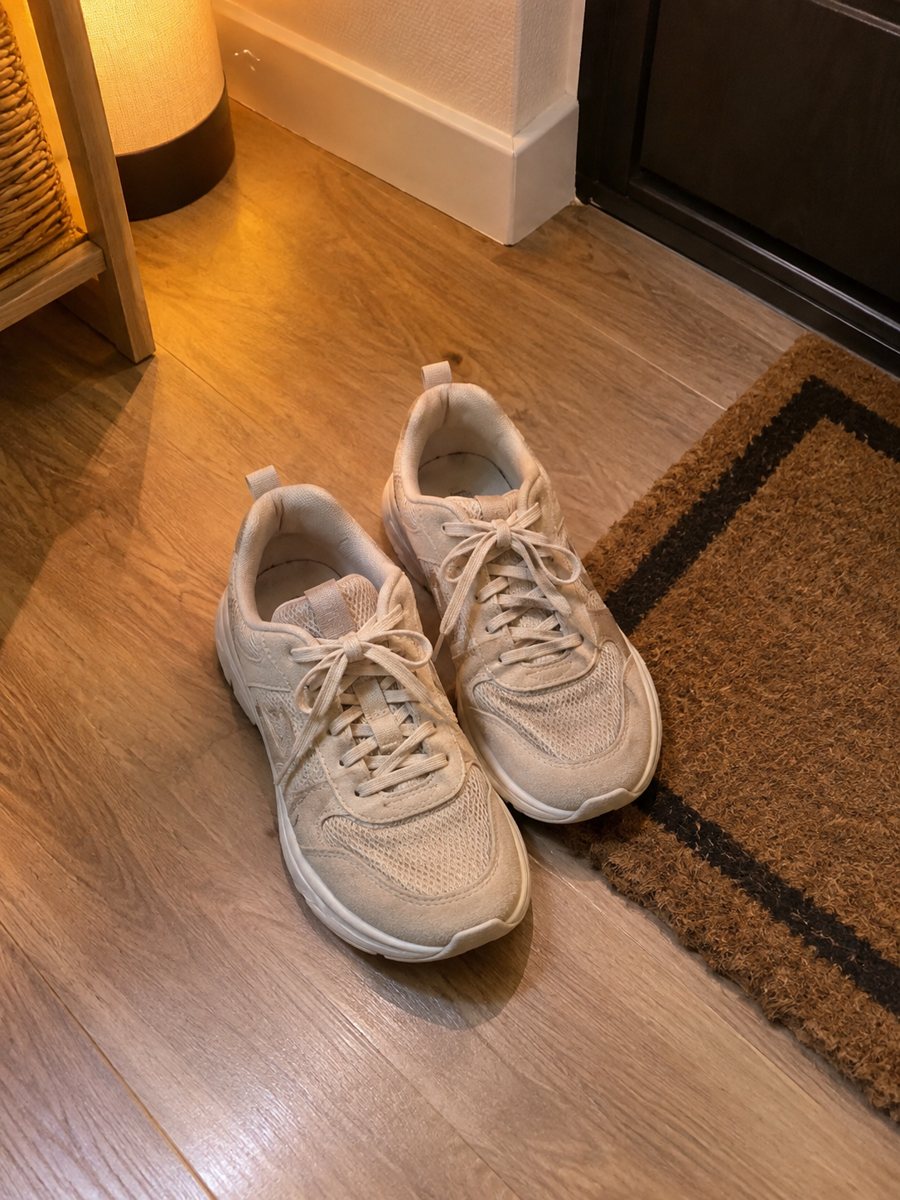
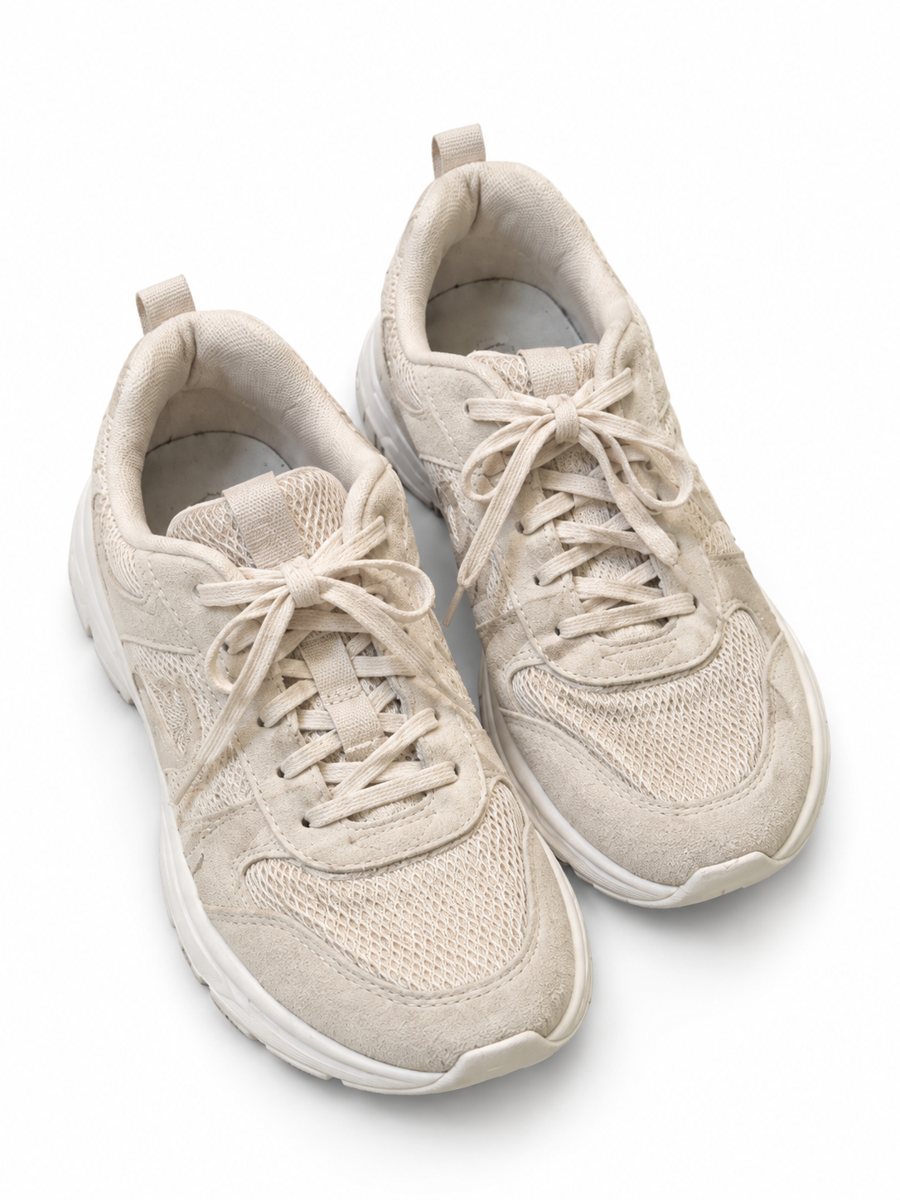 BeforeAfter
In short: Supplement bottle photo for Amazon on pure white, made from a phone picture. Label stays as is, soft shadow, no text added, 3:4. 7 images free.
- Where: the VisuMate bot in Telegram, no app or sign-up.
- Cost: 2 credits per image, 7 images free, then packs from 49 Telegram Stars.
- Time: 1 to 2 minutes per image, rerun with a new instruction at the same price.
When you need this
- Curved labels look warped in a phone photo.
- The tub reflects a ring light and the label glare hides the text.
- You reorder a new batch and need fresh pictures fast.
How to do it
- 1
Open @visumate_ai_bot with the button on this page and press Start. The link opens the product-on-white mode.
- 2
Send the photo of the supplement bottle as a file (document) so Telegram does not compress it. In the caption write: "pure white background, keep the label text unchanged".
- 3
In 1–2 minutes the vertical 3:4 image arrives in the chat. Zoom in on the edges and the shadow of the supplement bottle, then download it or run again.
Try it on your own photo: 7 images are free, no sign-up.
Make it in TelegramThe label is the product
In this category a changed letter can be a compliance problem. Send the sharpest label photo you can, as a file. After the run, read every line: product name, amount, serving data. If a character changed, rerun the photo, and if it keeps changing, use your own label file in your design tool instead. Keep the same photo angle across similar products, since a uniform gallery looks more professional.
Supplement categories have extra rules
Marketplaces apply special rules to supplements, including what images and text may say. The bot only creates the product picture on a white background and adds nothing about health. Read the category rules in your seller account, and have a person with the right knowledge check any text on your images. A sharp, evenly lit source photo gives the cleanest result, so wipe the product and shoot near a window.
Tips
- Shoot from the front at label height to keep the label flat.
- Turn off direct flash and use window light from the side.
- Check dosage, weight and name text after the run and keep the original photo next to it.
- Keep claims out of the image and follow your marketplace rules for supplements.
Questions and answers
Will the label stay accurate?
The bot tries to keep it, but small print can change in AI images. Verify every line against the real label.
Can I add benefit badges?
Use the infographic mode for that, with short text in your caption, and check the marketplace rules for claims.
How long does one image take?
Usually 1–2 minutes. The result arrives in the chat, and you can download it or run the photo again.
What if the result is not right?
It is AI, so sometimes a rerun is needed. A second run costs the same 2 credits, and a clearer caption usually helps.
More in "Product photos"
- Shoe photos on a white backgroundShoe photos on a white background for listings: send a phone picture of sneakers, boots or heels and get a...
- Handbag photo on a white backgroundHandbag photo on a white background: send a phone picture of a bag and get a clean listing image with a...
- Skincare bottle photos on a white backgroundSkincare bottle photos on a white background with a soft shadow. Send a phone picture of a serum, cream or...
- Mug lifestyle photosMug lifestyle photos: send a picture of your mug and describe a kitchen morning. The bot places it on a...