Jewelry photography on a white background
Small shiny items are the hardest to photograph at home. Send a phone picture of a ring, a pair of earrings or a necklace and the bot puts it on white with a soft shadow and balanced light.
- 2 credits per image
- Result in 1–2 minutes
- No sign-up
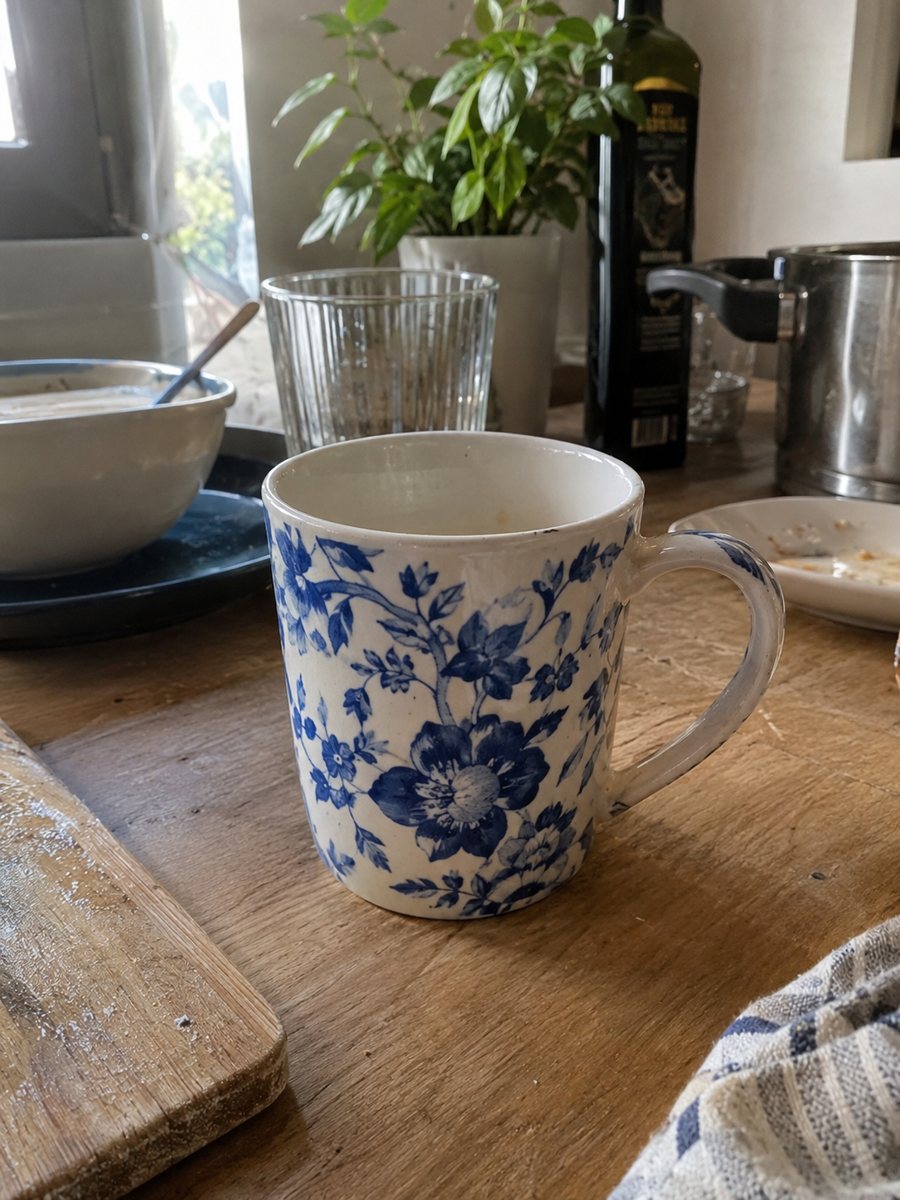
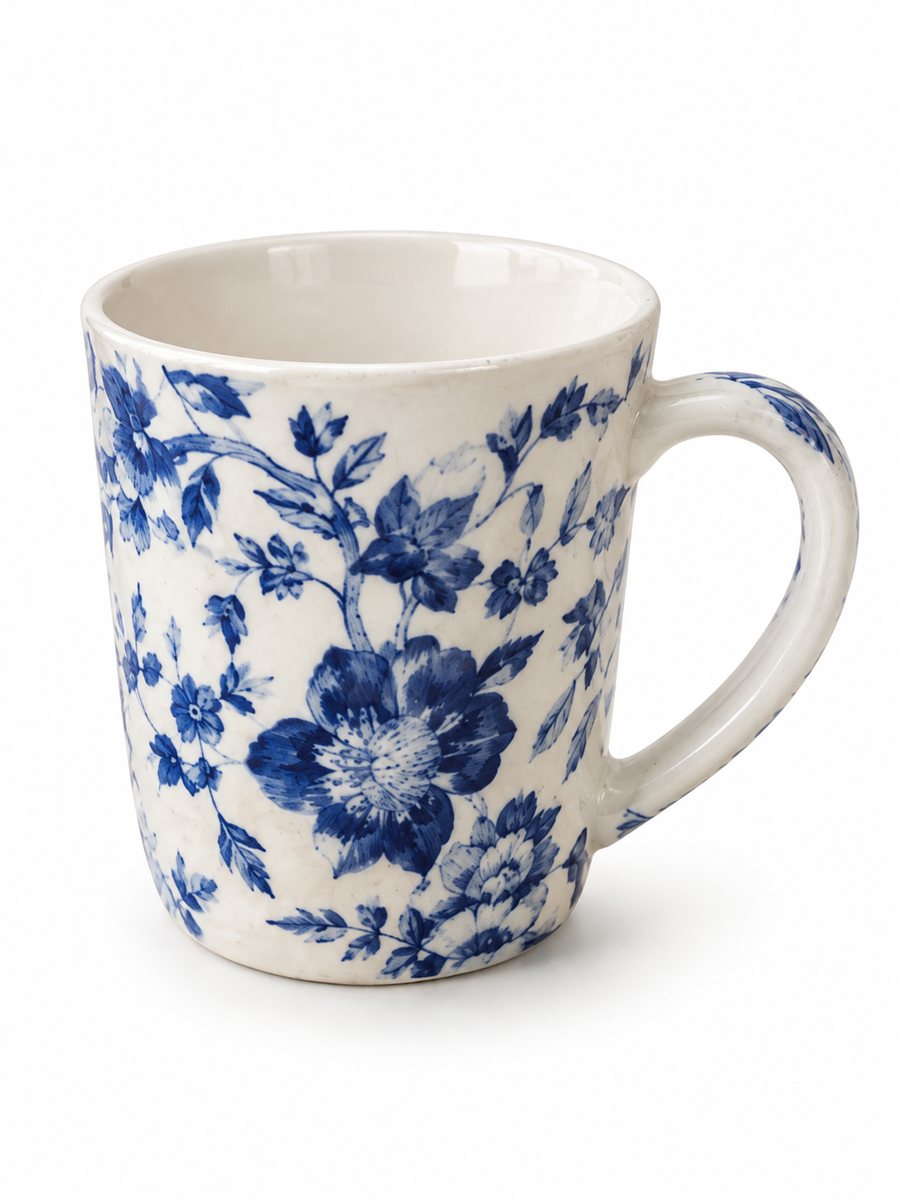 BeforeAfter
In short: Jewelry photography on a white background without a light box. Send a phone picture of a ring, necklace or earrings and get a clean 3:4 image. 7 images free.
- Where: the VisuMate bot in Telegram, no app or sign-up.
- Cost: 2 credits per image, 7 images free, then packs from 49 Telegram Stars.
- Time: 1 to 2 minutes per image, rerun with a new instruction at the same price.
When you need this
- Your ring picture shows your hand, a phone reflection and a messy table.
- Gold looks gray or green in indoor light and you cannot fix it by hand.
- Chains and thin settings vanish in a plain cut-out.
How to do it
- 1
Open @visumate_ai_bot with the button on this page and press Start. The link opens the product-on-white mode.
- 2
Send the photo of the ring as a file (document) so Telegram does not compress it. In the caption write: "pure white background, keep the metal color, keep every stone".
- 3
In 1–2 minutes the vertical 3:4 image arrives in the chat. Zoom in on the edges and the shadow of the ring, then download it or run again.
Try it on your own photo: 7 images are free, no sign-up.
Make it in TelegramWhy jewelry needs extra care
Reflective metal copies the room around it. A window or your own phone appears in the surface and confuses any editor. Shoot from a slight angle, with a large soft light source such as a window with a white curtain. Then the AI has clean material to work with, and stone shapes and metal color come out closer to the real item.
Checklist before you publish
Compare the stone count, the shape of the setting and the chain length with the real piece. AI may smooth small details. If something changed, run the photo again and name the detail in the caption. Never publish a picture that shows a stone or engraving the item does not have, because buyers will return it. Compare the result with your original on color, shape and any printed text before you publish.
Tips
- Shoot macro-close in daylight and let the item fill the frame.
- Wipe fingerprints from metal and stones before the photo.
- Write the metal in the caption: yellow gold, silver, rose gold.
- Check prongs, clasps and chain links at full size after the run.
Questions and answers
Can it make a ring look bigger?
The bot should keep the real item and its proportions. Do not use it to exaggerate size, and add a hand photo or a size note to the listing.
Does it handle gemstones?
Often yes, but facets and reflections are small details. Check them after the run and rerun if they look wrong.
Do I need to register anywhere?
No sign-up. Open Telegram, press Start and send a photo. It works on a phone and on a desktop.
How long does one image take?
Usually 1–2 minutes. The result arrives in the chat, and you can download it or run the photo again.
More in "Product photos"
- Candle product photos on a white backgroundCandle product photos on white: send a phone picture of a jar or pillar candle and get a clean listing...
- Skincare bottle photos on a white backgroundSkincare bottle photos on a white background with a soft shadow. Send a phone picture of a serum, cream or...
- Etsy product photos on a white backgroundEtsy product photos on a white background: crisp thumbnails for search results, made from a phone picture...
- Candle lifestyle photosCandle lifestyle photos: place your candle on a coffee table, a bath edge or a bedside shelf with a scene...