Restore and colorize photos for a genealogy book
A printed family history reads better with clean portraits. Restore and colorize the photos you plan to print, and write clear captions that say what was done.
- 2 credits per image
- Result in 1–2 minutes
- No sign-up
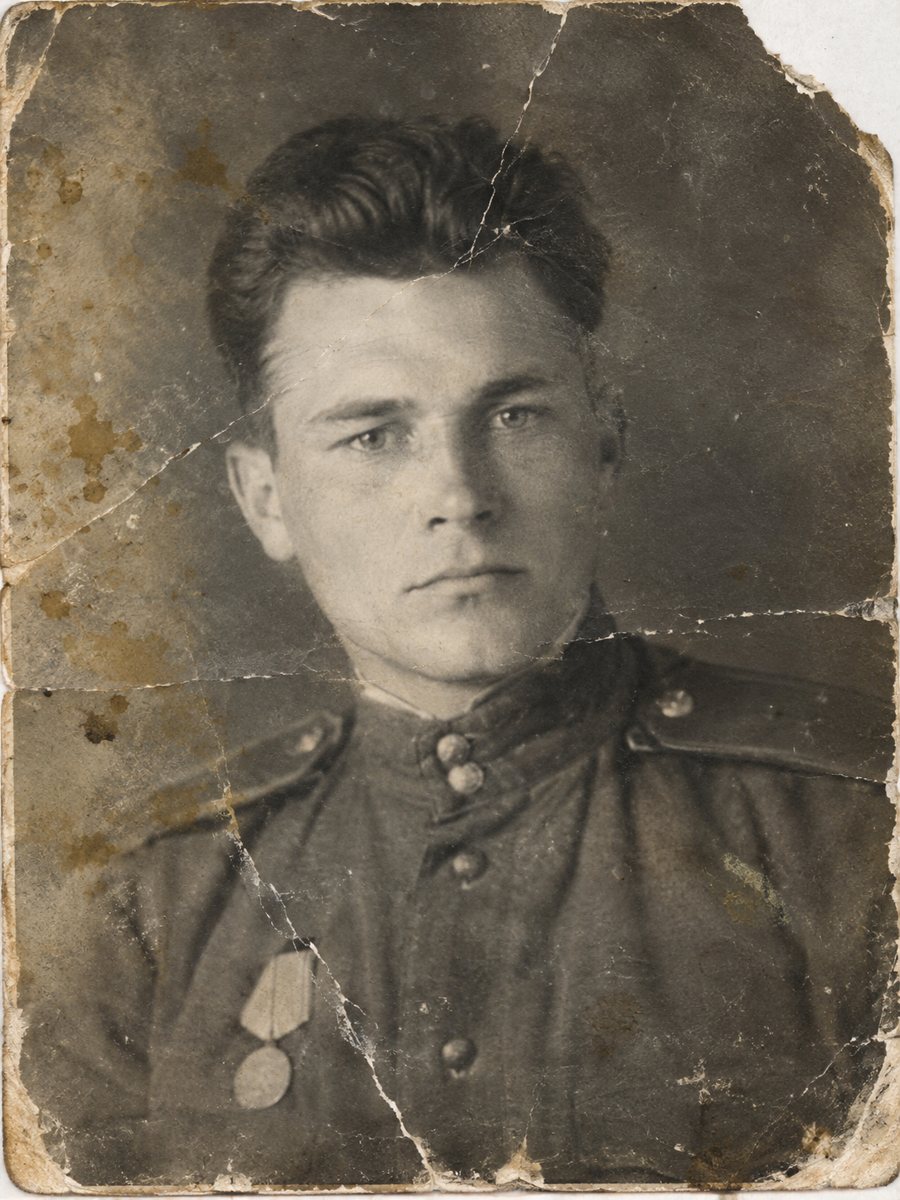
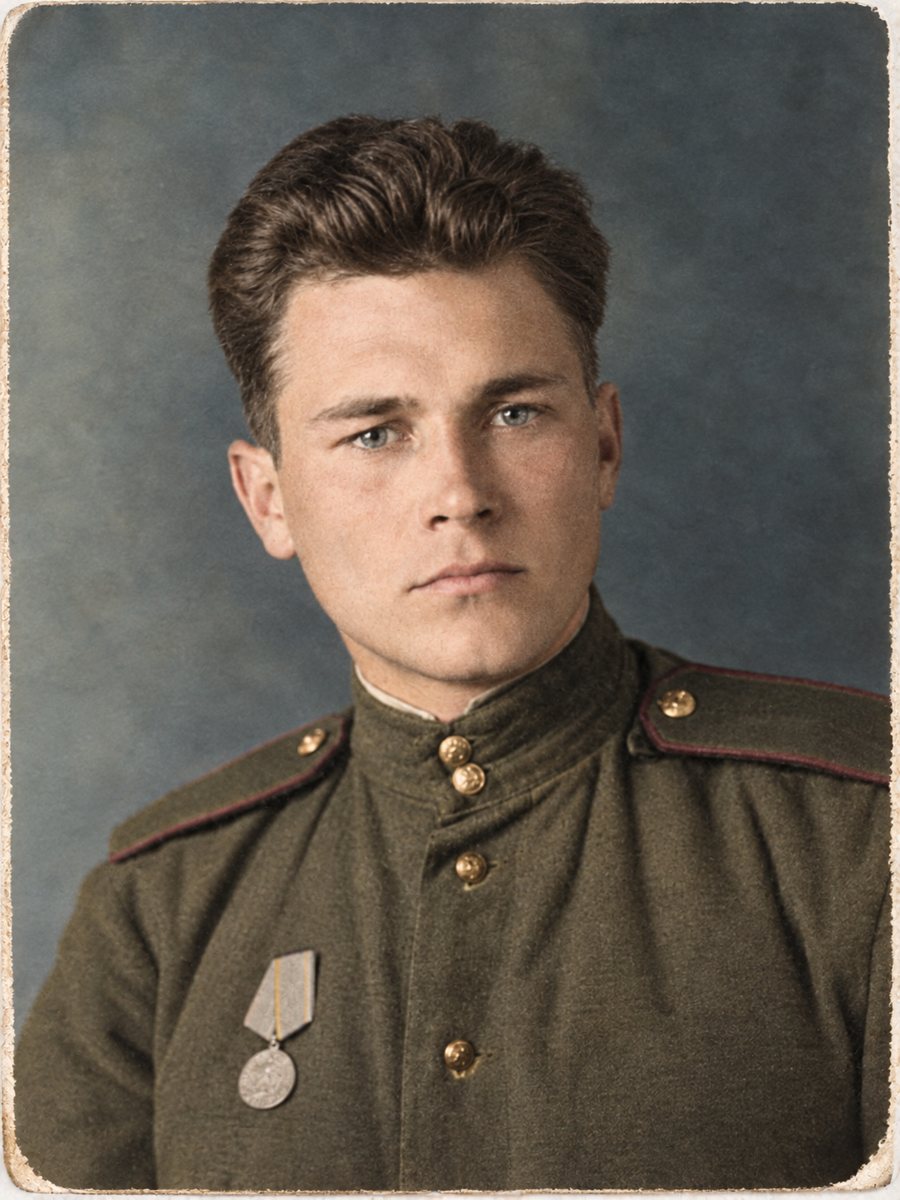 BeforeAfter
In short: Prepare portraits for a printed family history. Choose which photos to color, keep originals and label every restored picture in the captions.
- Where: the VisuMate bot in Telegram, no app or sign-up.
- Cost: 2 credits per image, 7 images free, then packs from 49 Telegram Stars.
- Time: 1 to 2 minutes per image, rerun with a new instruction at the same price.
When you need this
- The photo quality varies between chapters.
- You need print-size files but have small scans.
- Readers will ask whether pictures are original.
How to do it
- 1
Open @visumate_ai_bot in Telegram with the button on this page and press Start. No sign-up is needed.
- 2
Send the scan or phone picture as a file (document) so Telegram does not compress it. In the caption write: ancestor portrait for a printed book, repair damage, natural colors, keep the face unchanged.
- 3
Wait 1-2 minutes. The bot cleans the damage first and adds color after that, so you get one finished image to check and save.
Try it on your own photo: 7 images are free, no sign-up.
Make it in TelegramResolution for print
Print needs more pixels than a screen. A portrait printed at 10 cm wide should have around 1200 pixels across at 300 dpi. Scan at 600 dpi or higher, and check the size of the result you download. If it is small, the sharpen mode may help. A run takes 1-2 minutes and uses 2 credits, so trying a second version with a clearer caption is an easy step.
Captions that tell the truth
Readers value honesty. Every figure caption can state the original source and the processing. For example: portrait of Anna, around 1934, scan of the family print, restored and colorized. This protects the credibility of your book and helps those who find it later. Save every version in the same folder and add the year and the names to the file name so nothing gets mixed up later.
Tips
- Choose which pictures to colorize and keep others in black and white for variety.
- Check the pixel size before sending files to a printer.
- Write in the figure caption: restored and colorized with AI from the original scan.
- Keep a folder for each chapter.
Questions and answers
Which photos should I colorize?
Those where color adds something, such as clothes or setting.
Can I mix black-and-white and color?
Yes.
What if the file is too small?
Try the sharpen mode first.
Does the bot print books?
No. It works on images.
More in "Photo restoration"
- Restore and colorize a daguerreotypeDaguerreotypes are mirror-like and tarnished. Photograph them at an angle to catch the image, then repair...
- Restore and colorize a tintype portraitRepair rust spots, scratches and darkening on a tintype photo and add soft color. Photograph the plate...
- Restore and colorize immigration-era photosPortraits taken before or after a family emigrated are often creased and faded. Repair them and add...
- Remove fold lines from a photoCross-shaped fold marks on prints that were folded to fit an envelope or a pocket can be cleaned from a...