Restore and colorize an old school class photo
A school class photo has dozens of small faces, and many of them suffer from creases and fading. Send the scan and the bot repairs the damage and adds color to the whole group.
- 2 credits per image
- Result in 1–2 minutes
- No sign-up
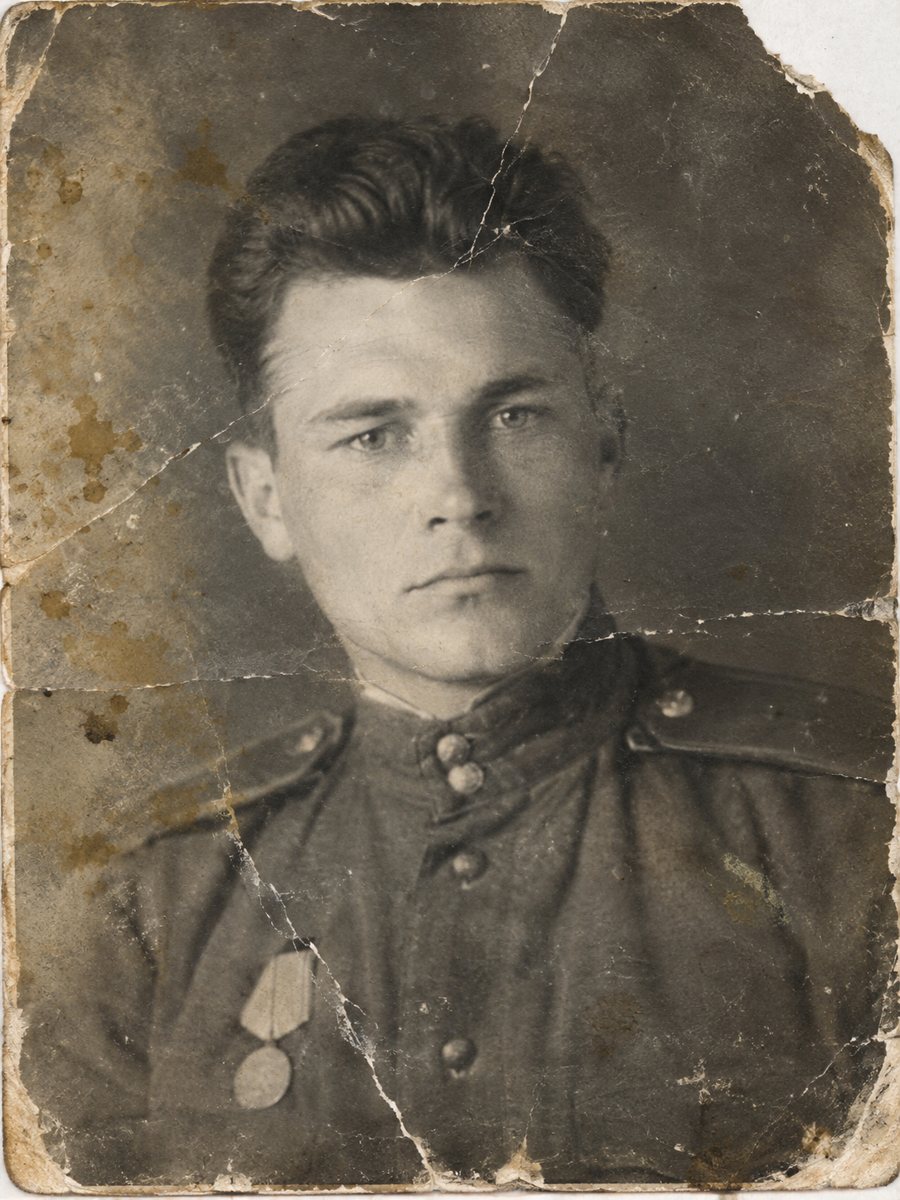
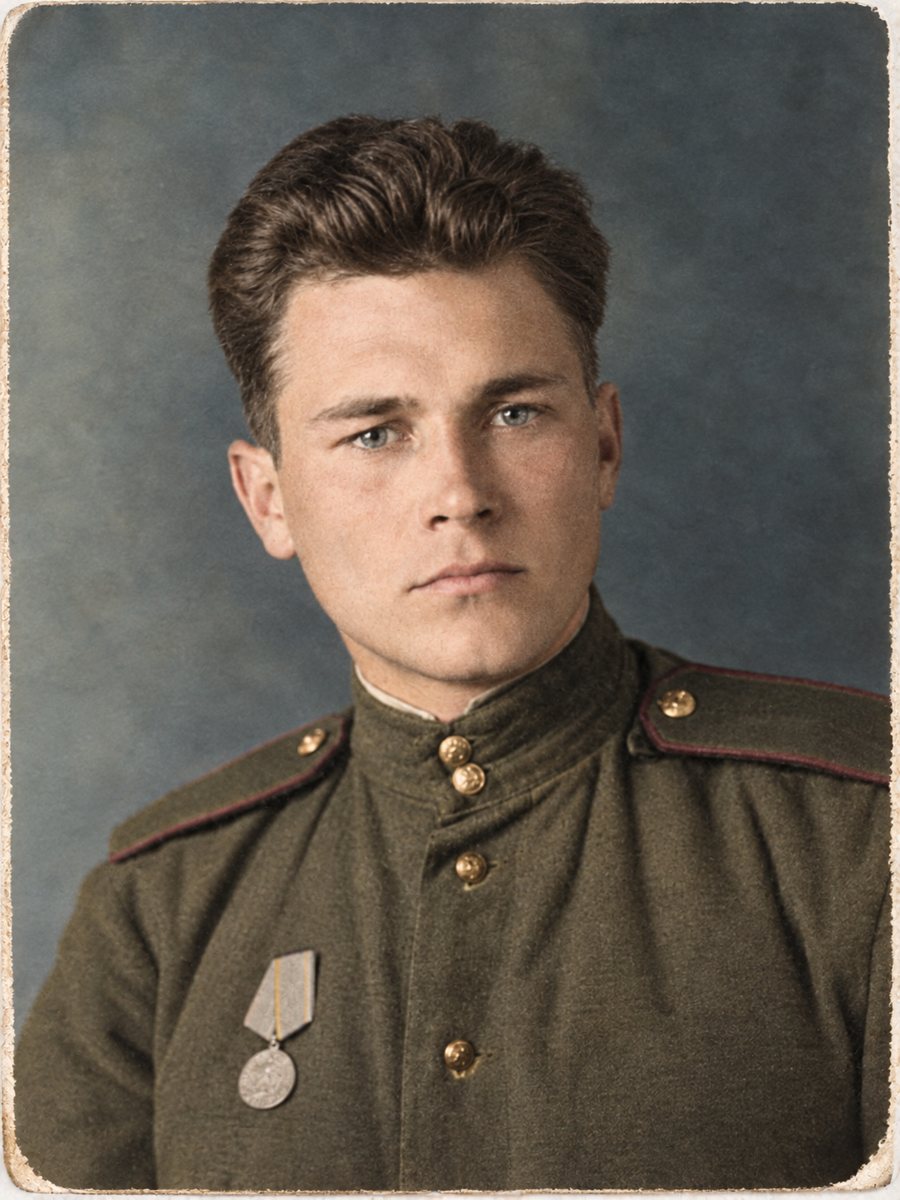 BeforeAfter
In short: Class photos are packed with small faces and often creased from years in a folder. Repair the damage and add natural color to the whole row at once.
- Where: the VisuMate bot in Telegram, no app or sign-up.
- Cost: 2 credits per image, 7 images free, then packs from 49 Telegram Stars.
- Time: 1 to 2 minutes per image, rerun with a new instruction at the same price.
When you need this
- The photo was folded and a crease cuts through the back row.
- Faces are tiny and soft after decades.
- You want a clean copy for a school reunion.
How to do it
- 1
Tap the button on this page. Telegram opens the bot, press Start and the right mode is already selected.
- 2
Send the scan or phone picture as a file (document) so Telegram does not compress it. In the caption write: school class photo, repair creases, school uniforms dark blue and white, keep all faces.
- 3
Wait 1-2 minutes. The bot cleans the damage first and adds color after that, so you get one finished image to check and save.
Try it on your own photo: 7 images are free, no sign-up.
Make it in TelegramMany small faces
In a group picture each face holds only a few dozen pixels. The AI cleans the damage well, but fine detail in faces cannot be fully recovered. Check the back row and the edges of the frame. If a face looks different from the original, compare it with other photos of that person before sharing the picture widely. If the first result is close but not right, change the caption a little and send the picture again.
Uniform and setting colors
School uniforms are often one or two colors, which makes colorizing easier. A short hint such as dark blue jackets, white collars helps the AI stay consistent across the row. Walls, floors and curtains get plausible colors, and you can rerun with a corrected hint if the room looks wrong. The bot replies in English. You can switch the language any time with /lang.
Tips
- Scan at 600 dpi or higher, small faces need pixels.
- Mention the uniform colors in the caption.
- Zoom in on the back row after the run, since faces there are the smallest.
- If faces look soft, run the sharpen mode afterwards.
Questions and answers
Will every face stay recognizable?
Usually, but small faces may change. Check them.
Can I fix just a crease?
Yes, use the repair mode.
Does it work for large groups?
Yes, but detail per face is limited.
Should I scan at a high resolution?
Yes, 600 dpi or more.
More in "Photo restoration"
- Restore and colorize an old baby photoBaby pictures from decades ago are often small, creased and faded. Repair them and add gentle color so...
- Restore and colorize an old couple portraitAn old portrait of a couple, repaired and colorized, makes a quiet anniversary present. Add the colors of...
- Restore and colorize a memorial portraitFor a framed memorial portrait, repair the damage first and consider color only if the family wants it....
- Old photo restoration for beginnersNo experience is needed. Learn what restoration means, which problems AI fixes well and how to try the...