Restore and colorize a photo for Christmas
Holiday gifts made from old photos feel personal. The combined mode repairs and colors a photo so you can print it as a frame, a card or a calendar page.
- 2 credits per image
- Result in 1–2 minutes
- No sign-up
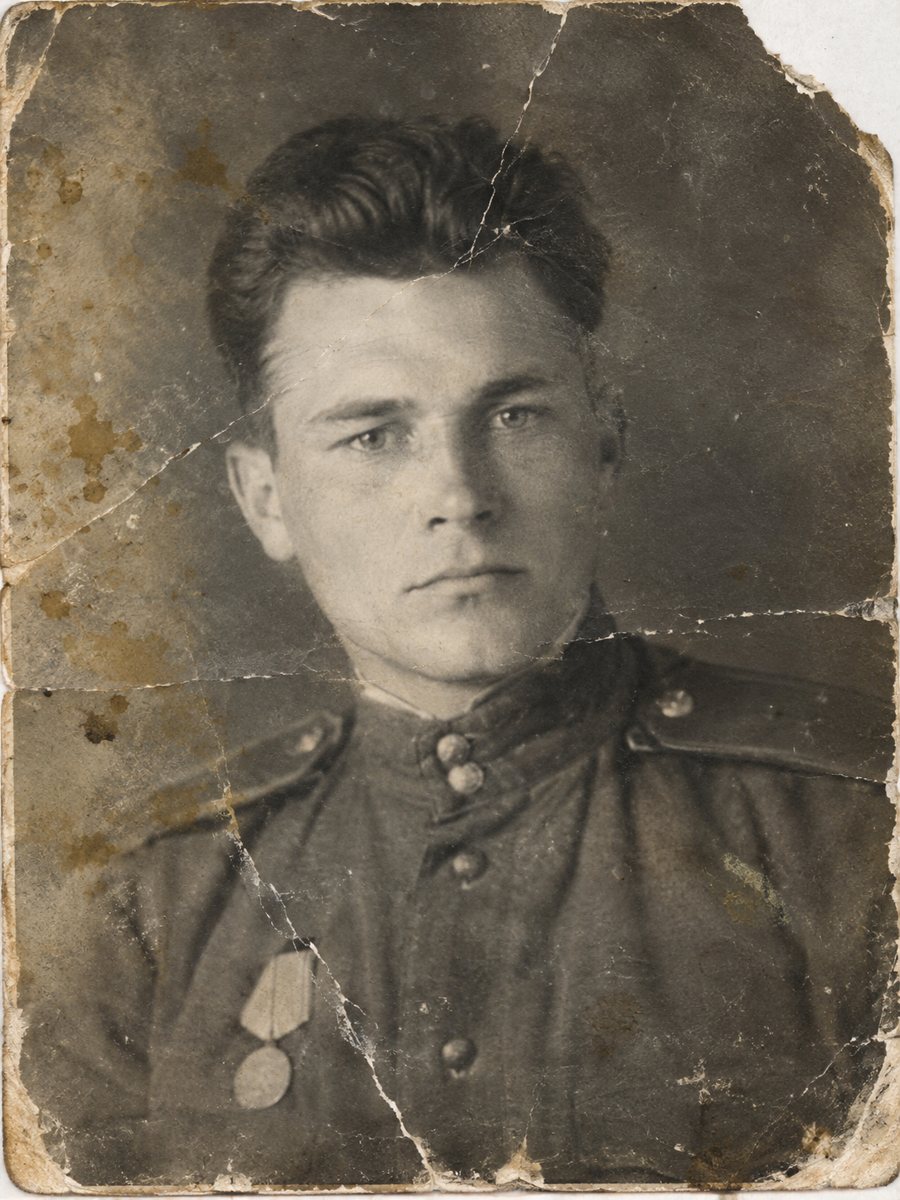
 BeforeAfter
In short: Give a repaired and colorized family photo for the holidays. Start in November, check the faces and order frames and prints before the rush.
- Where: the VisuMate bot in Telegram, no app or sign-up.
- Cost: 2 credits per image, 7 images free, then packs from 49 Telegram Stars.
- Time: 1 to 2 minutes per image, rerun with a new instruction at the same price.
When you need this
- You want to give each sibling a copy of the same old picture.
- The print is damaged and cannot be scanned cleanly.
- The holiday season makes printing slow.
How to do it
- 1
Tap the button on this page. Telegram opens the bot, press Start and the right mode is already selected.
- 2
Send the scan or phone picture as a file (document) so Telegram does not compress it. In the caption write: family photo for Christmas gift, repair damage, natural colors, keep faces unchanged.
- 3
Wait 1-2 minutes. The bot cleans the damage first and adds color after that, so you get one finished image to check and save.
Try it on your own photo: 7 images are free, no sign-up.
Make it in TelegramMake copies for everyone
One restored picture can become several gifts: a framed print, a card or a calendar page. Download the file once and save it in several formats at a print service. Keep it simple, and let the picture speak. Paid credits start from 199 Stars if you want to continue after the free start. A run takes 1-2 minutes and uses 2 credits, so trying a second version with a clearer caption is an easy step.
Start early
Print shops get busy before the holidays. Finish the restoration in November so you have time to choose paper and size. If you need to rerun the picture, credits do not expire, so you can try a different caption. Keep the original and the restored version in the same folder. If the first result is close but not right, change the caption a little and send the picture again.
Tips
- Start at least three weeks before the holiday.
- Order the same image in several sizes for different relatives.
- Add a short story on the back of each frame.
- Check the colors with an older relative first.
Questions and answers
Can I print several sizes?
Yes, from the same file, within its resolution.
Can I use it for a calendar?
Yes.
How long does the restoration take?
1-2 minutes.
What about shipping gifts abroad?
Check the print service.
More in "Photo restoration"
- Restore and colorize a memorial portraitFor a framed memorial portrait, repair the damage first and consider color only if the family wants it....
- Restore and colorize an old school class photoClass photos are packed with small faces and often creased from years in a folder. Repair the damage and...
- Restore and colorize a photo for Mother's DayTurn a worn family picture into a Mother's Day present: repaired, colorized and ready for a frame. Plan...
- Restore an old photo for freeTry the bot with 15 free credits, enough for 7 images. See what the free start covers, what costs extra...